
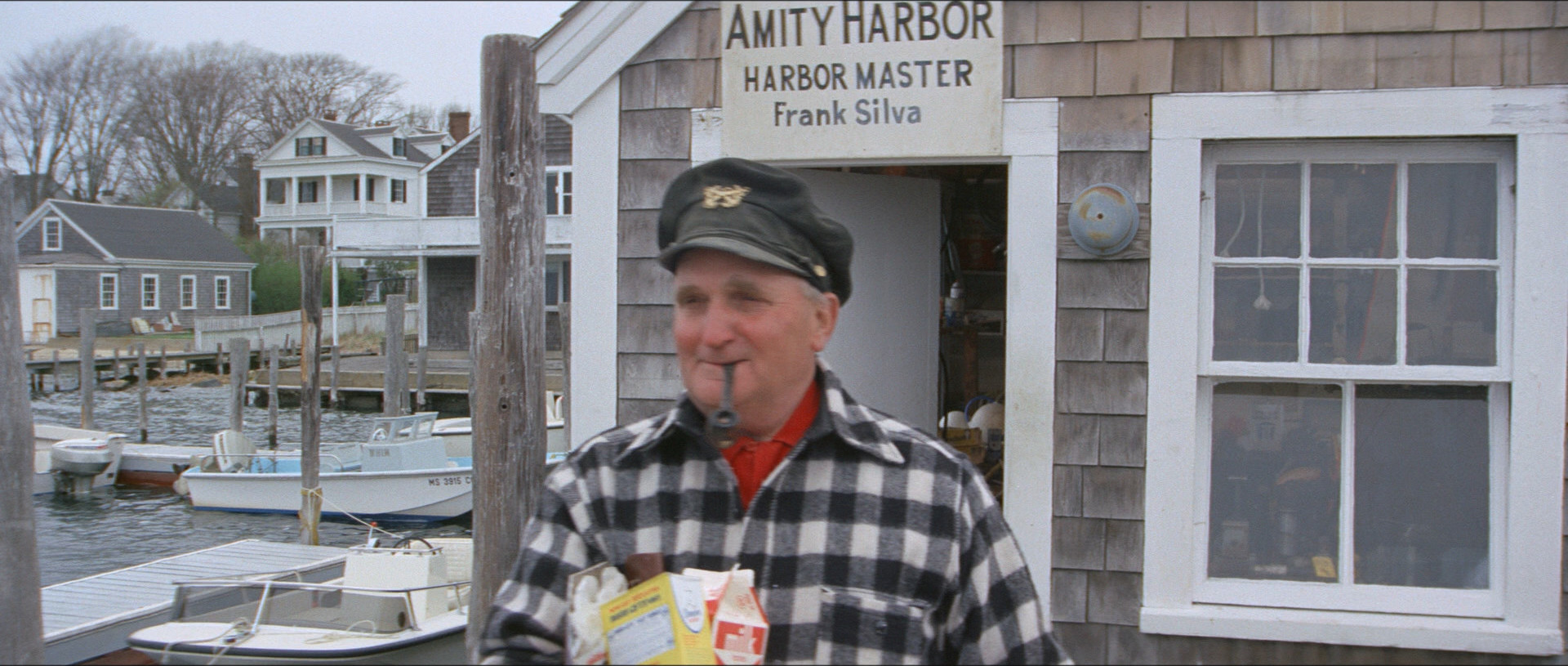
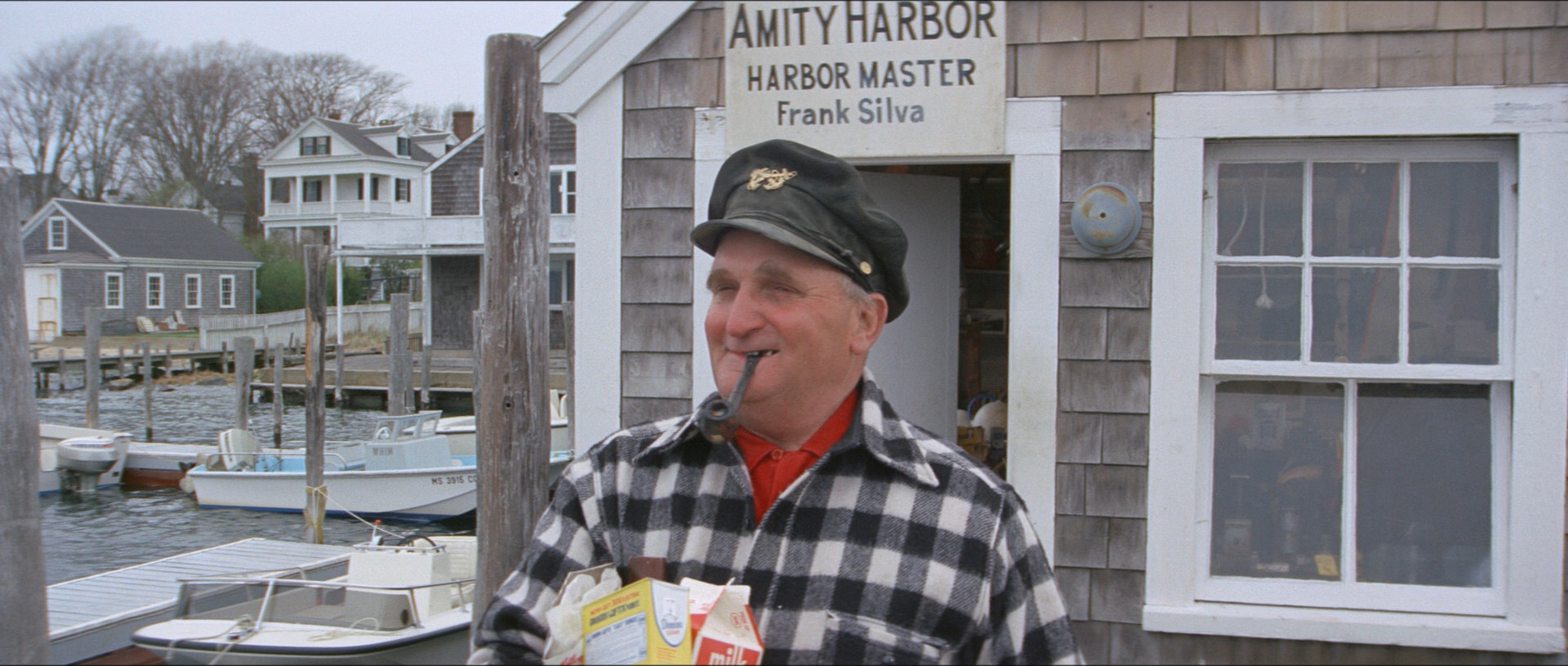
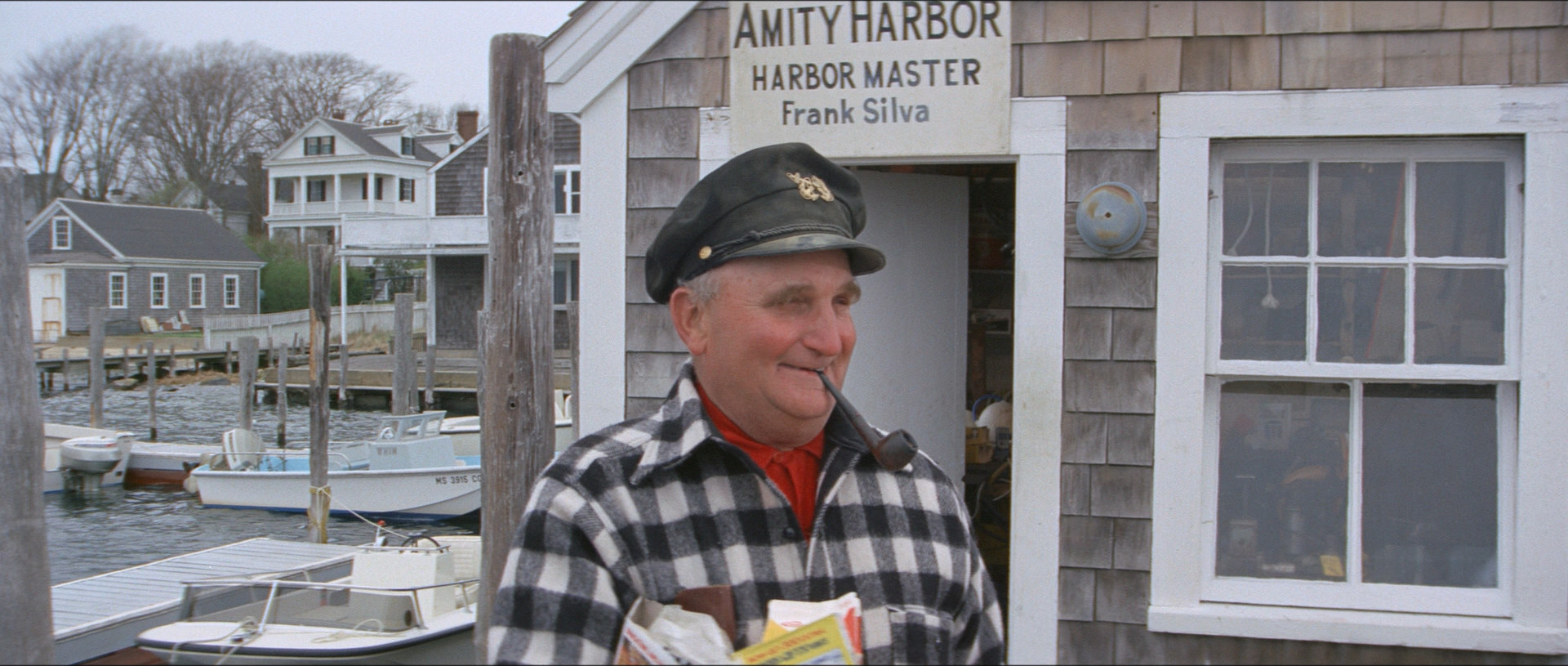
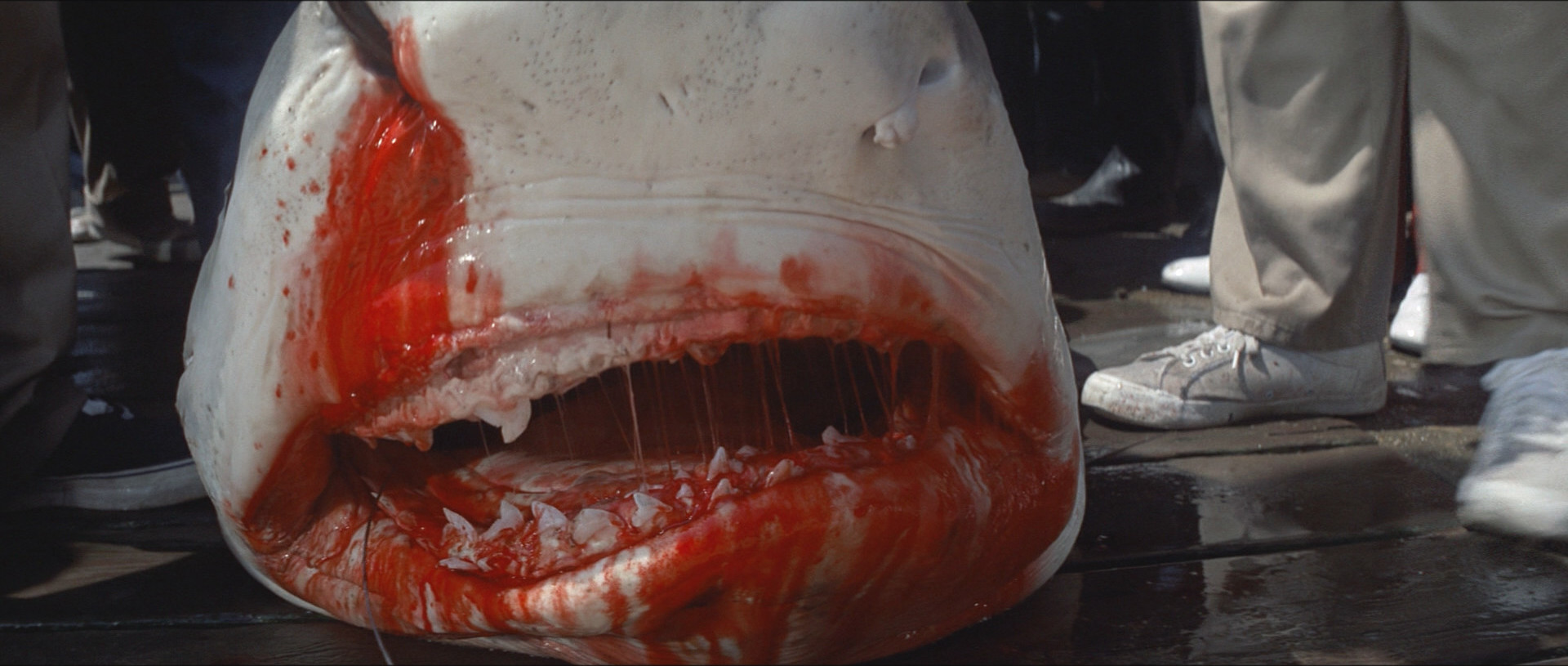
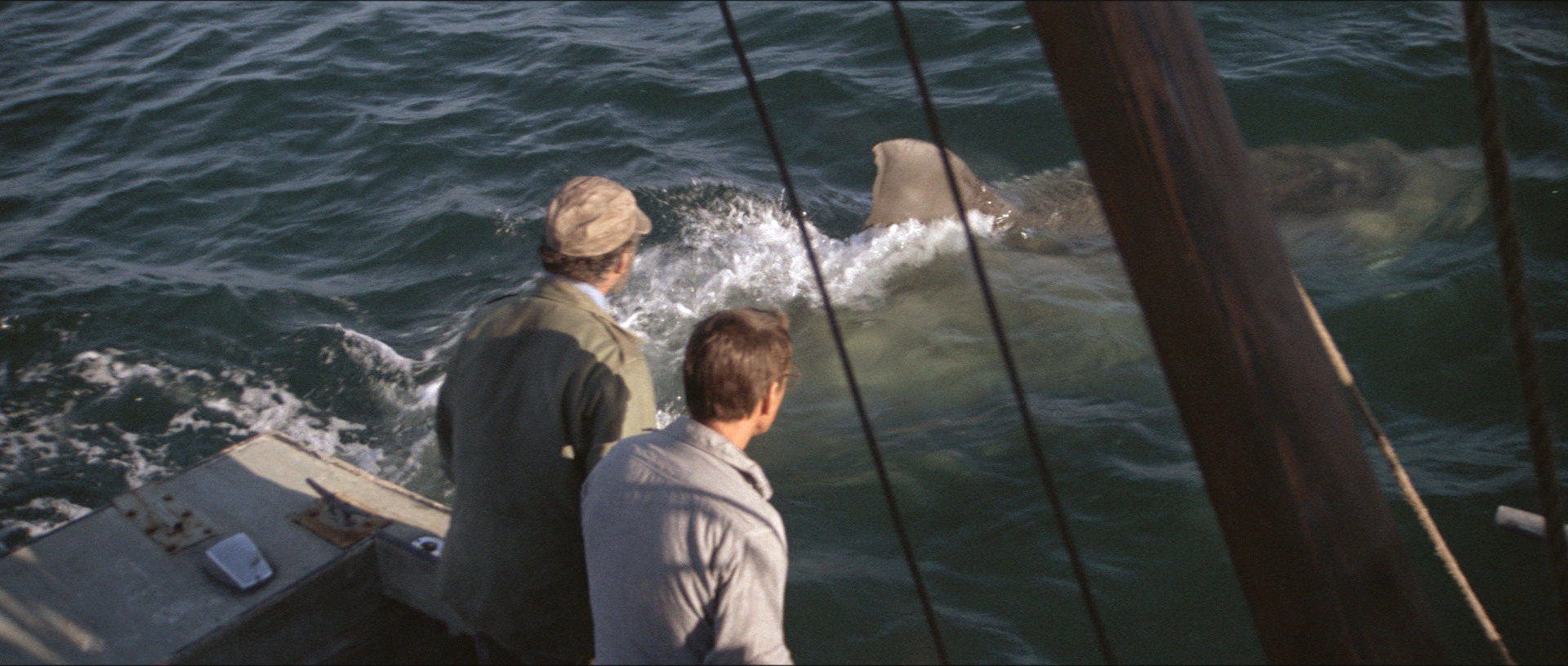
Jaws. Steven Spielberg. 1975. ⚂
This blog post is part of the Officially The Best series.
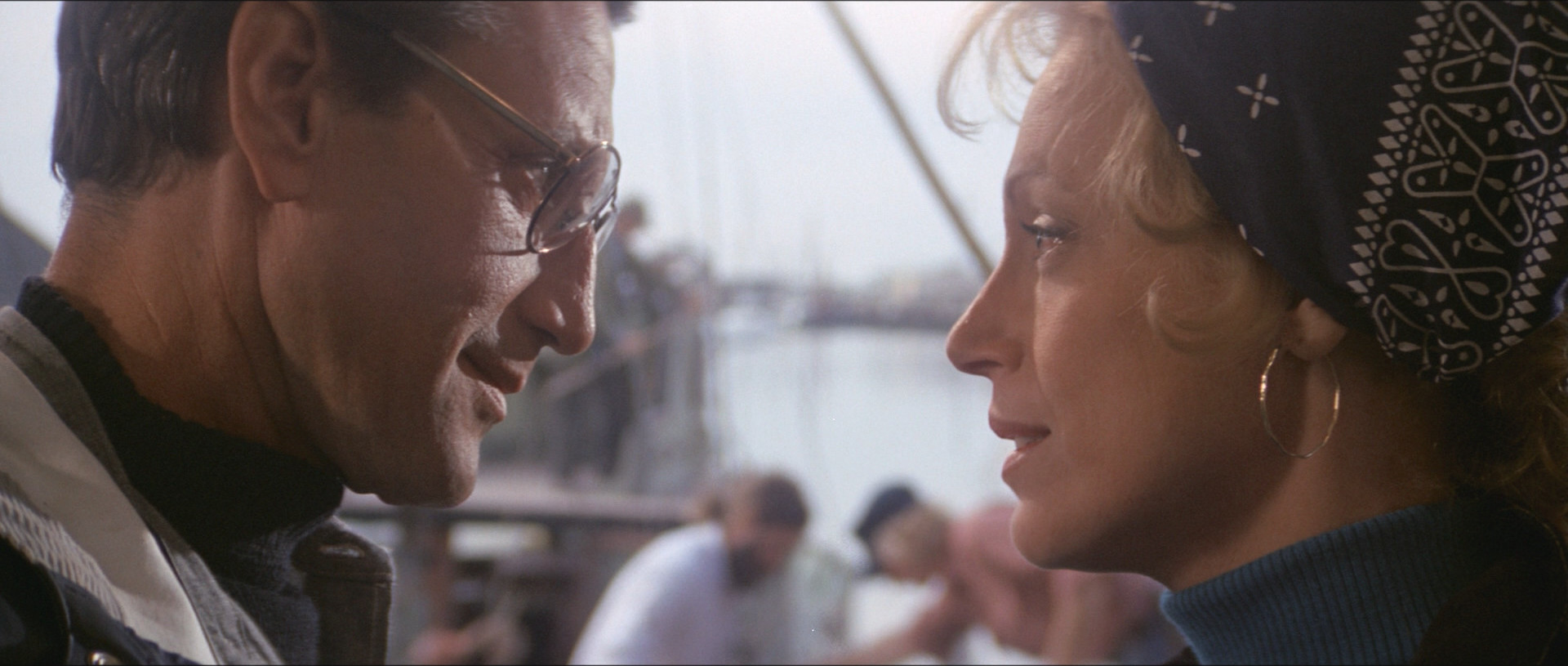
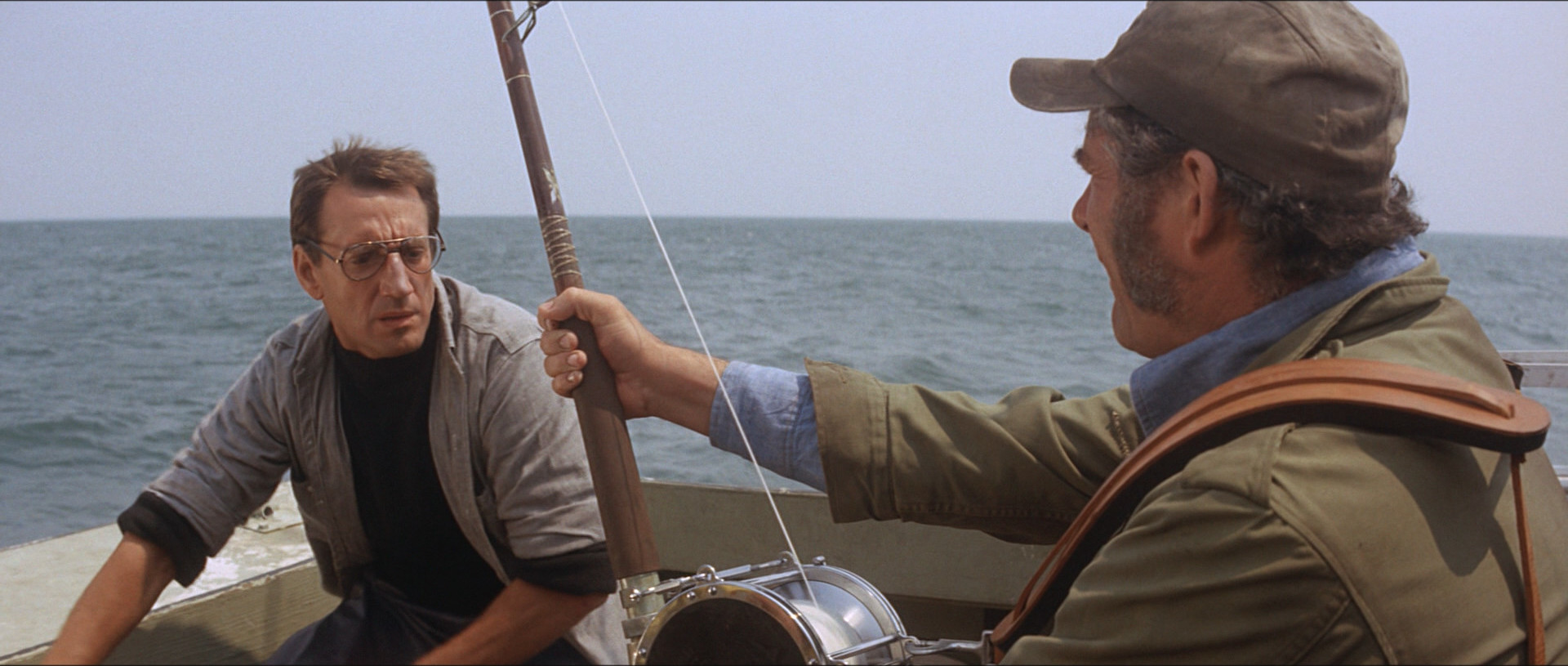
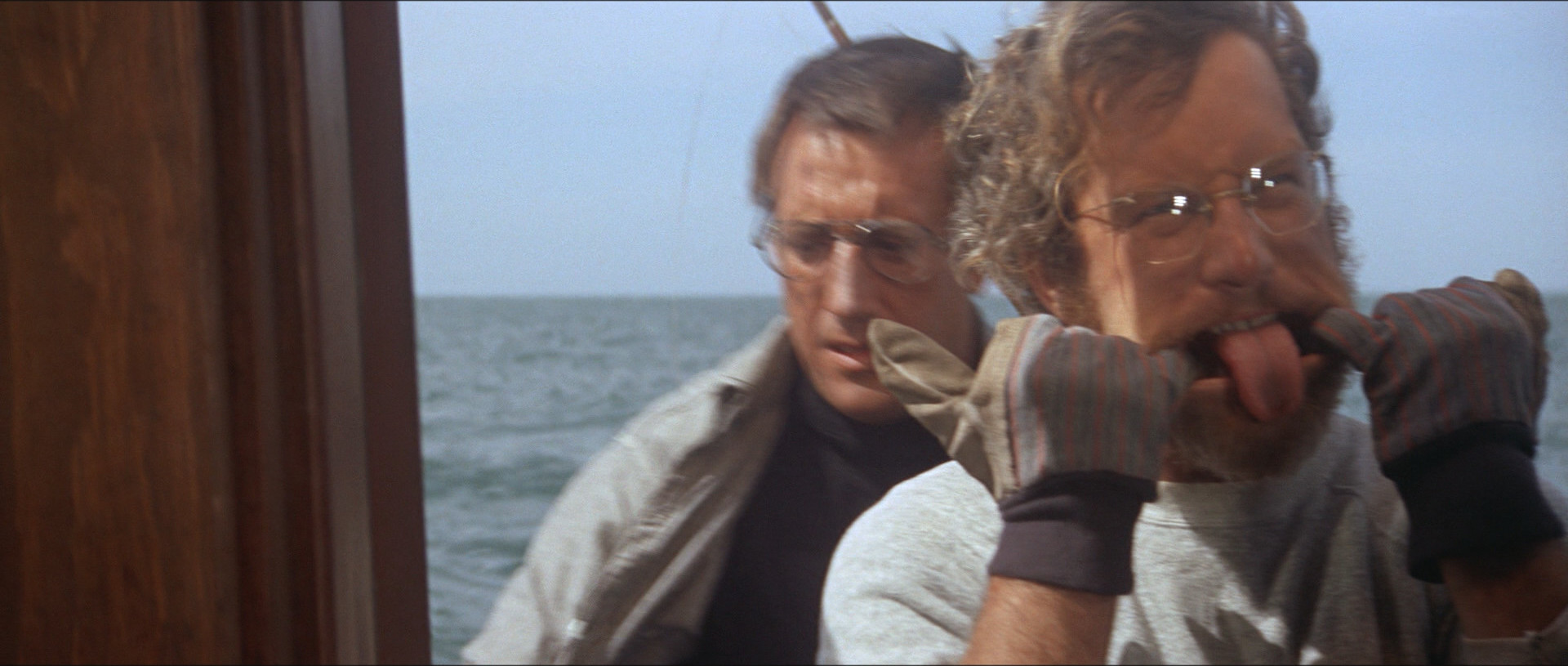
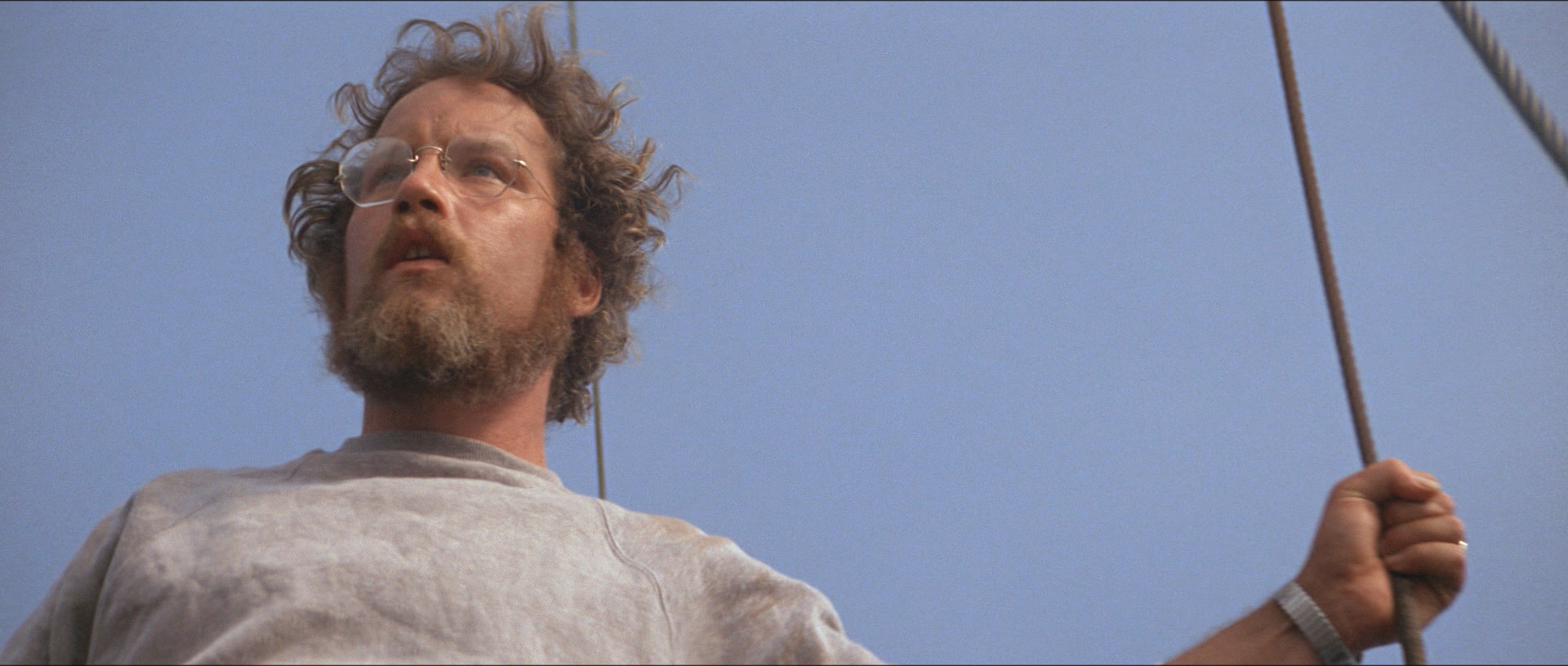
I assume this has been voted the 75th best movie of all time by directors is because of the technical qualities.
I mean, nobody can argue against how effective the “doon duun” scary music is. It’s beyond perfect. And everybody loves that effect where he pulls the camera away while zooming in.
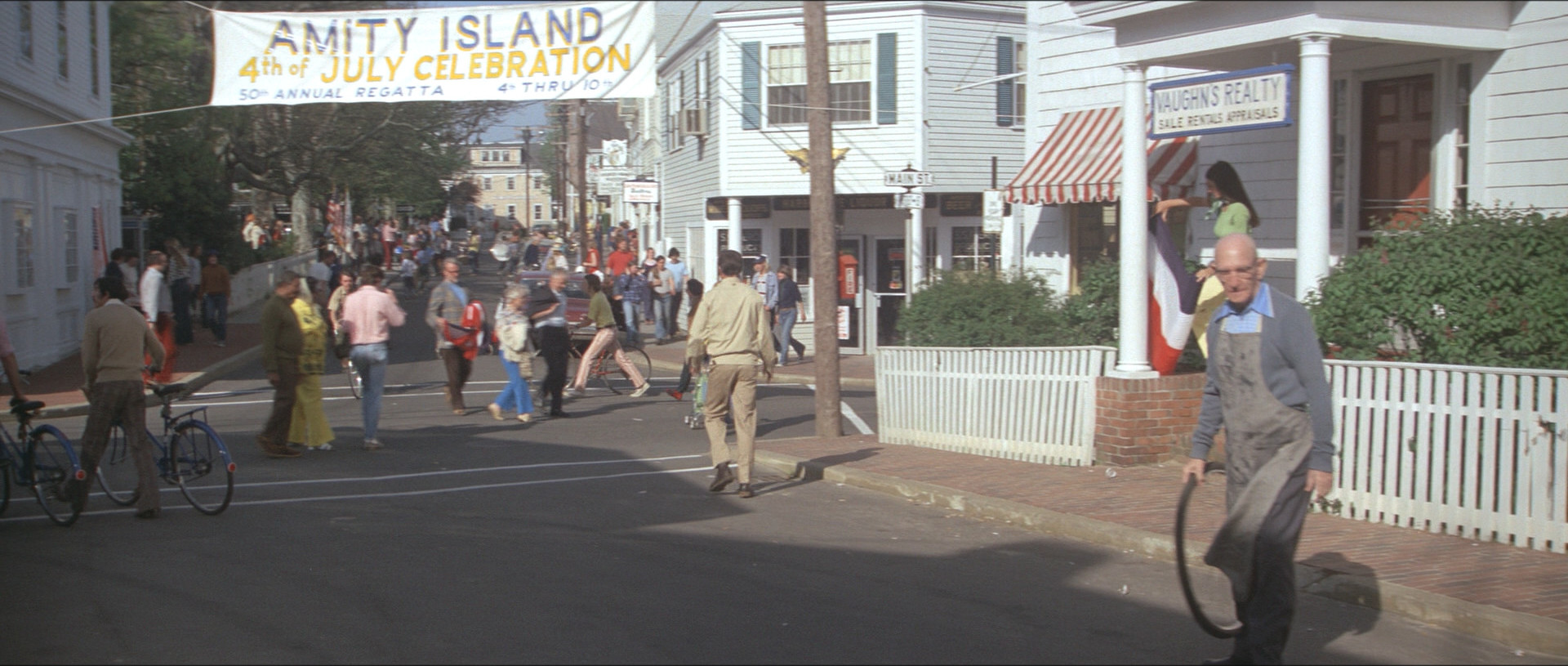
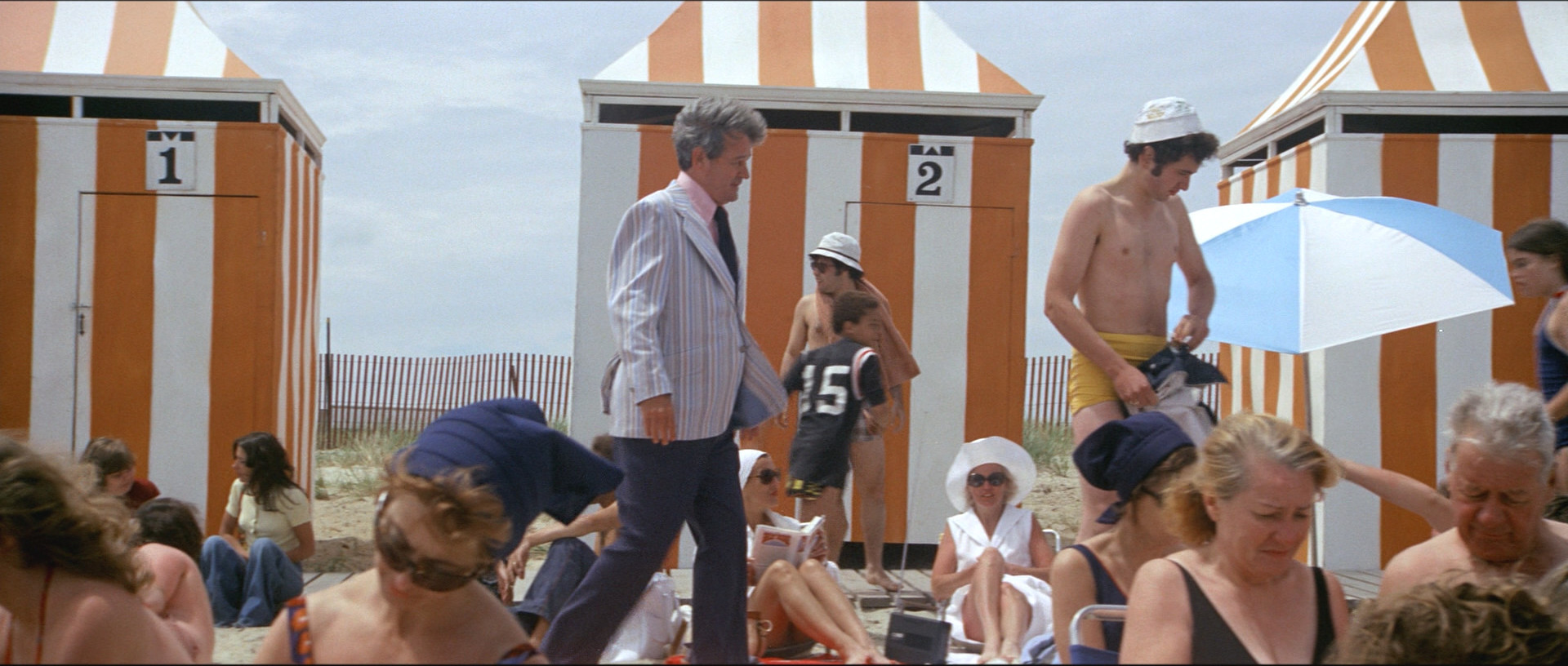
But… but… He did film on location? Right? Why do all the street scenes look like they’re on set?
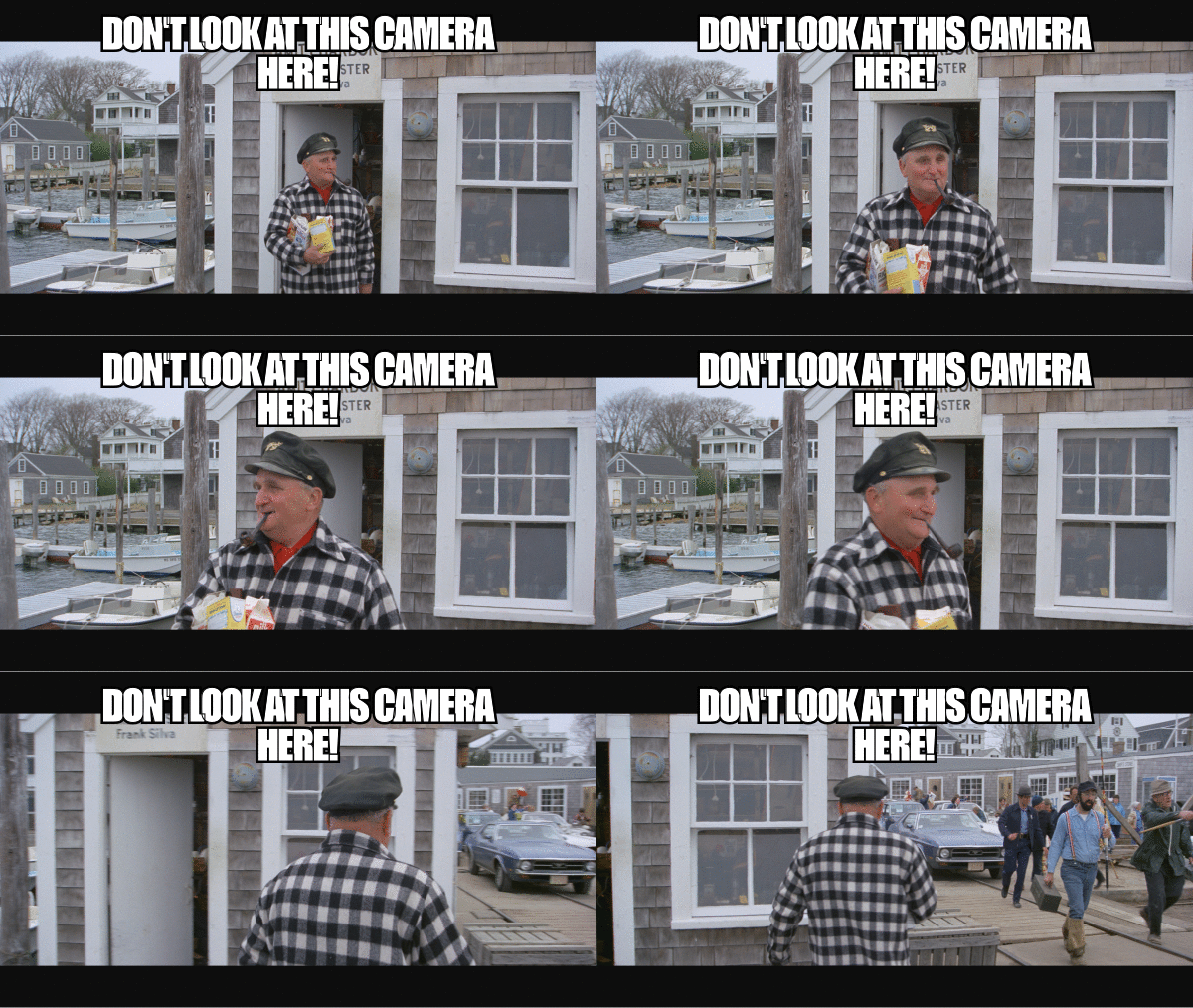
The plot is… stupid?
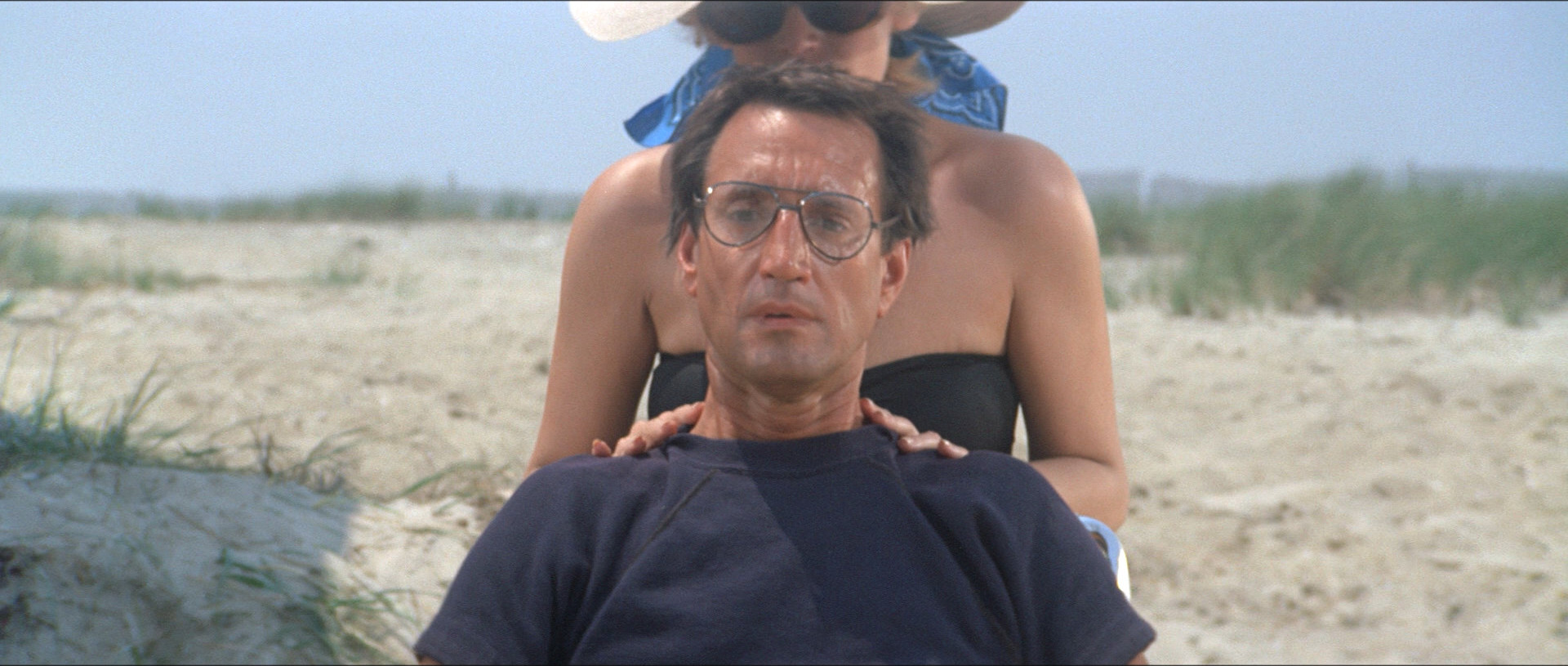
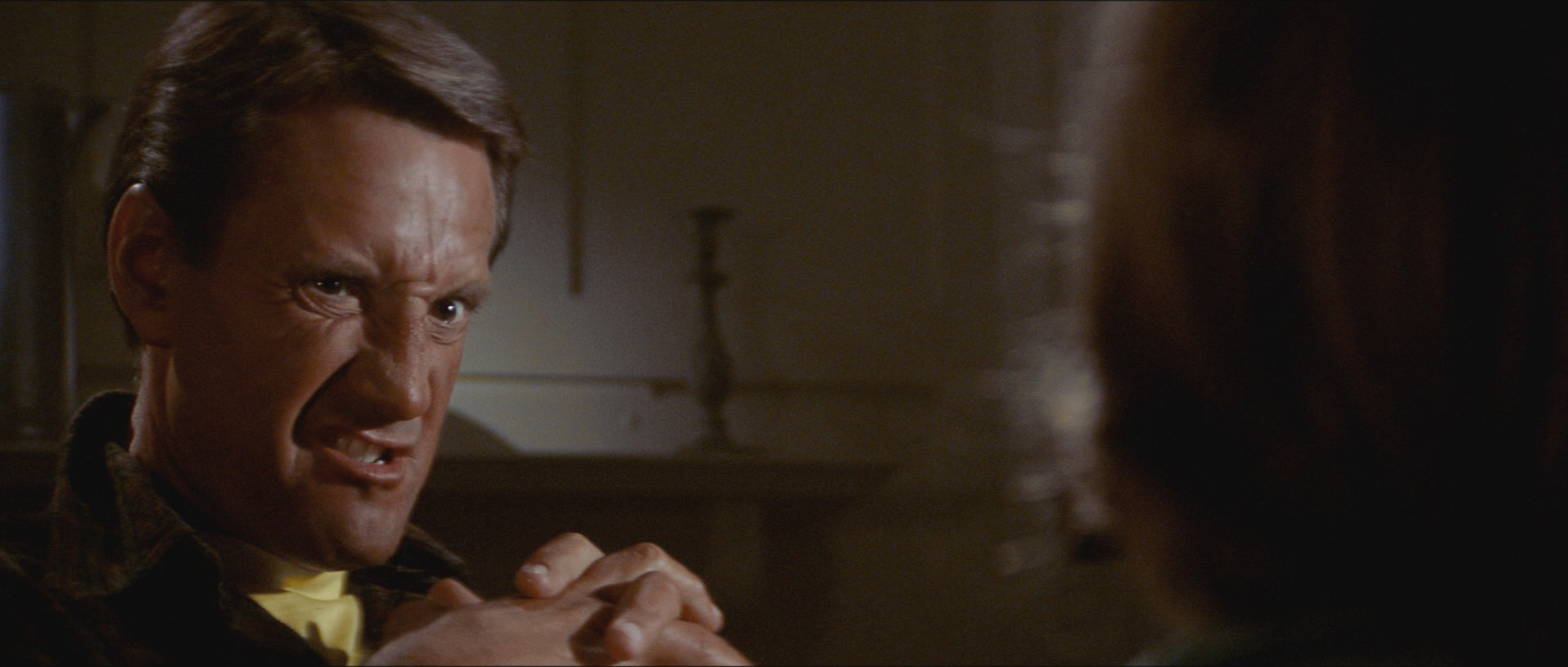
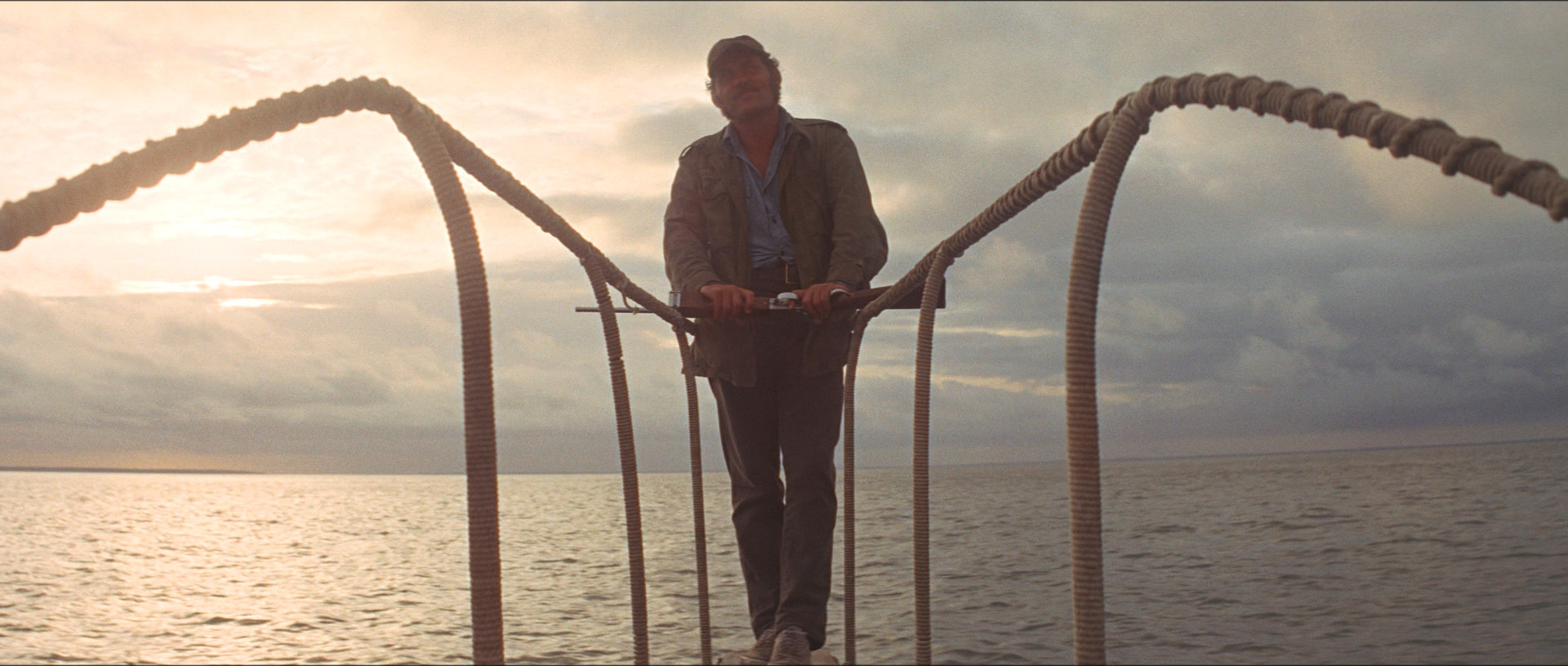
Roy Scheider acts like he’s in a made-for-TV movie? Right?
Is E.T. on this list, too? Gremlins 2?
I guess what I’m saying is that I don’t get it. It’s a really scary horror movie, but there are many really scary horror movies.
Heh. Quentin Tarantino voted for this movie, and… the other ones aren’t familiar to me. Oh, the director of Dumb and Dumber voted for this movie.
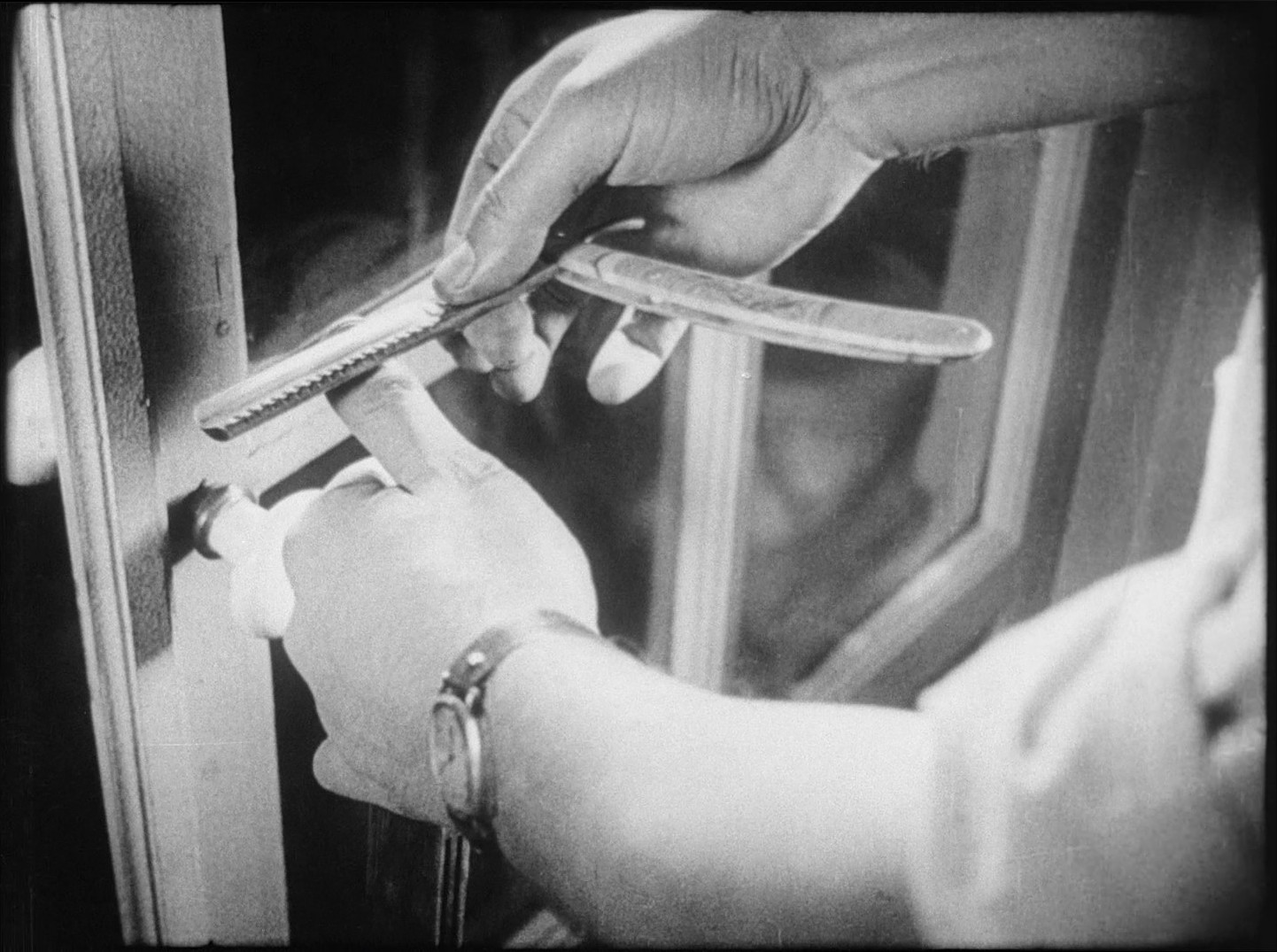
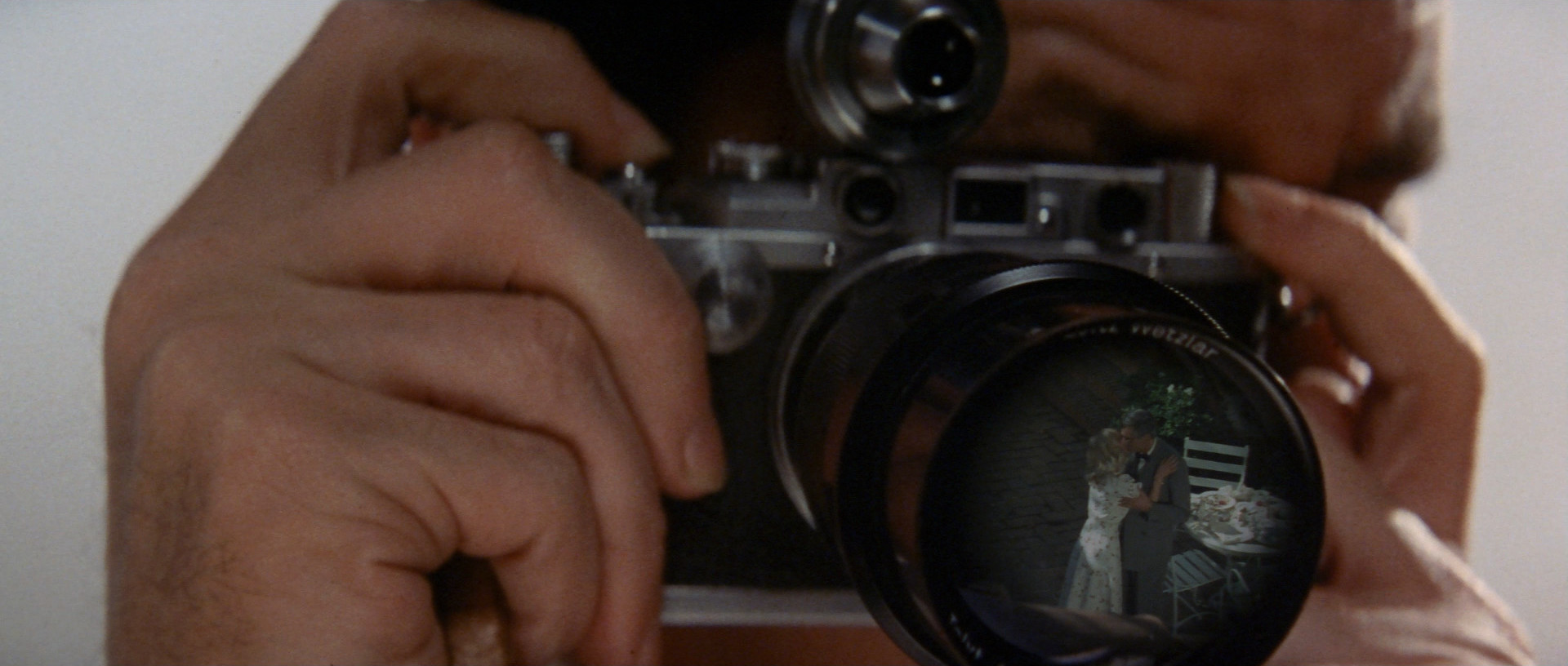
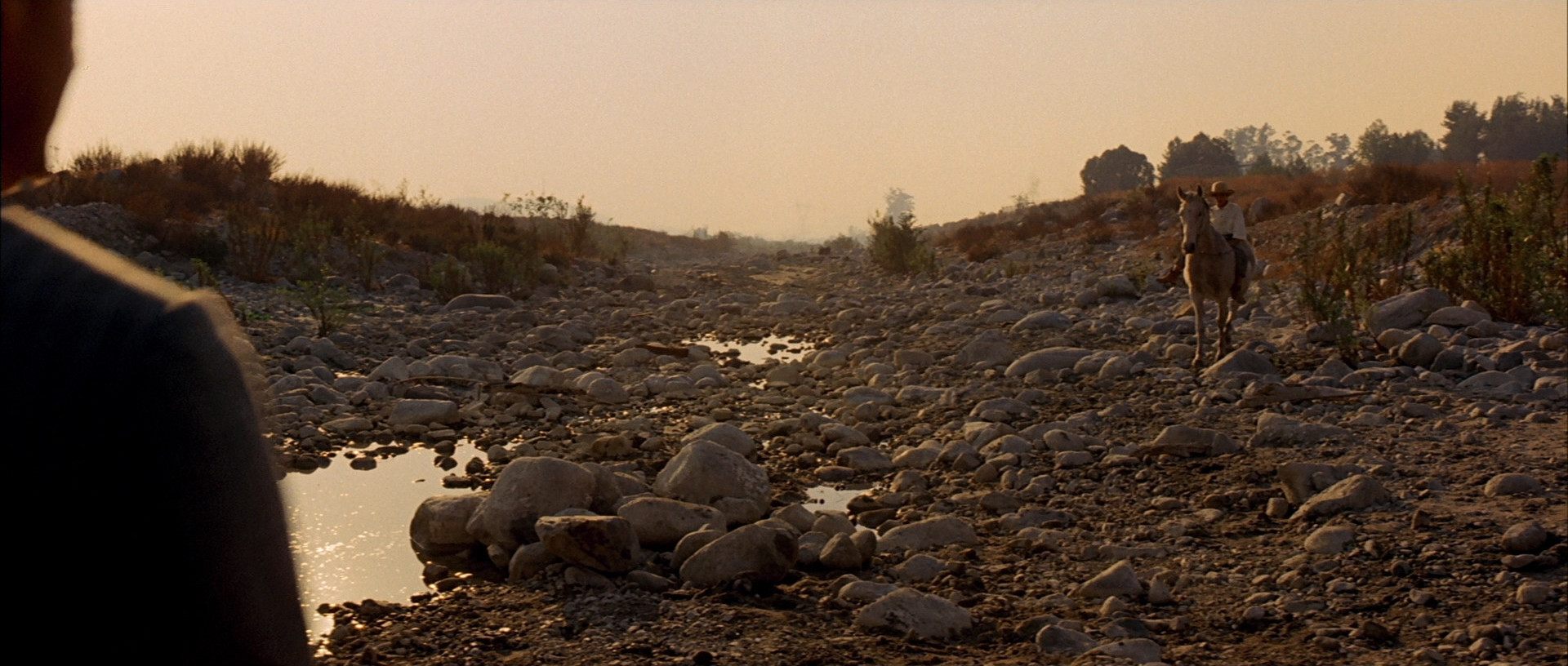
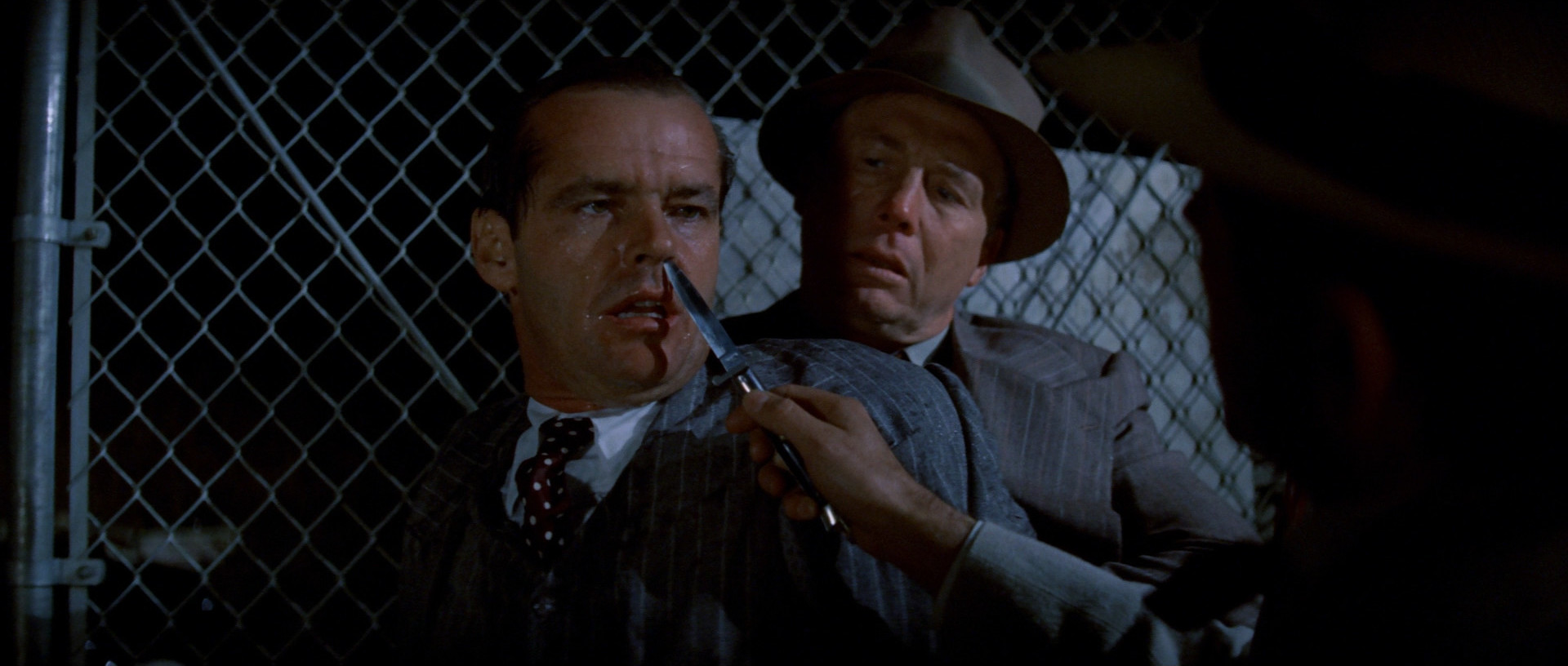
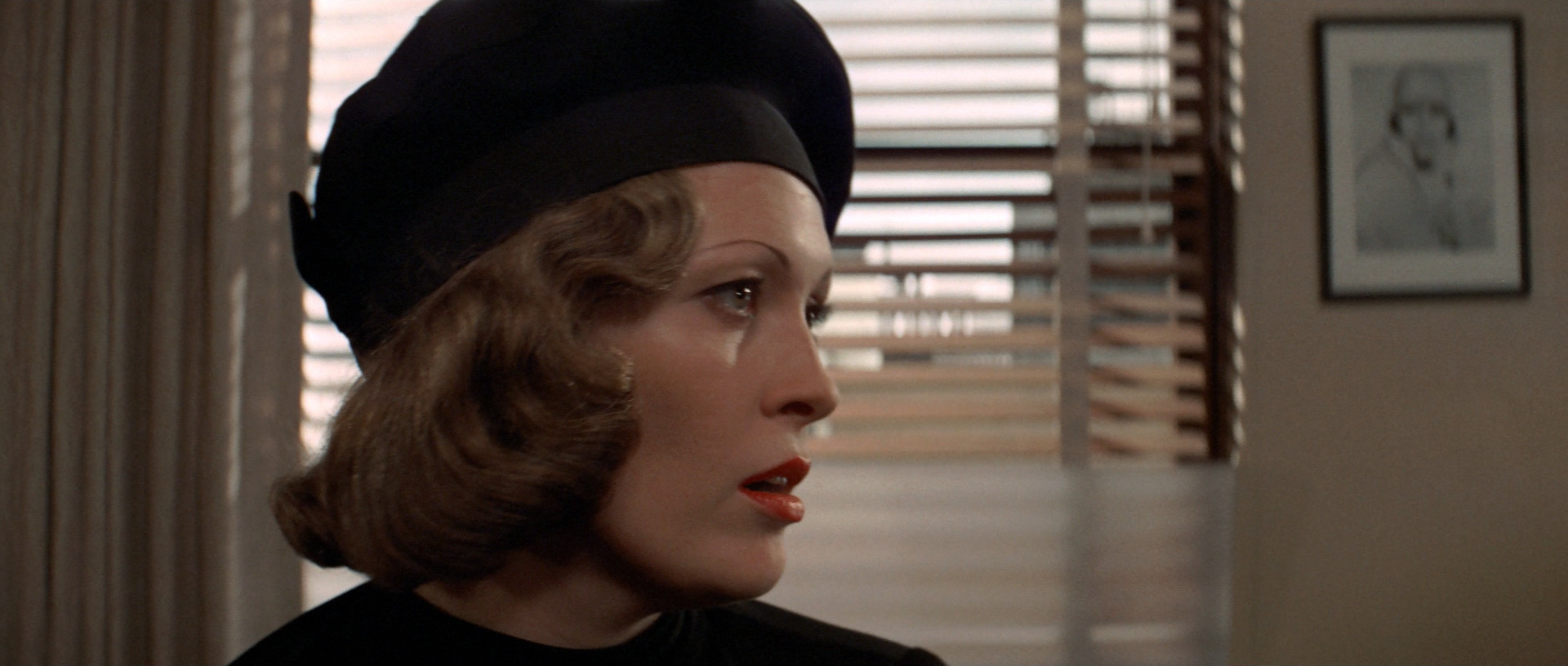
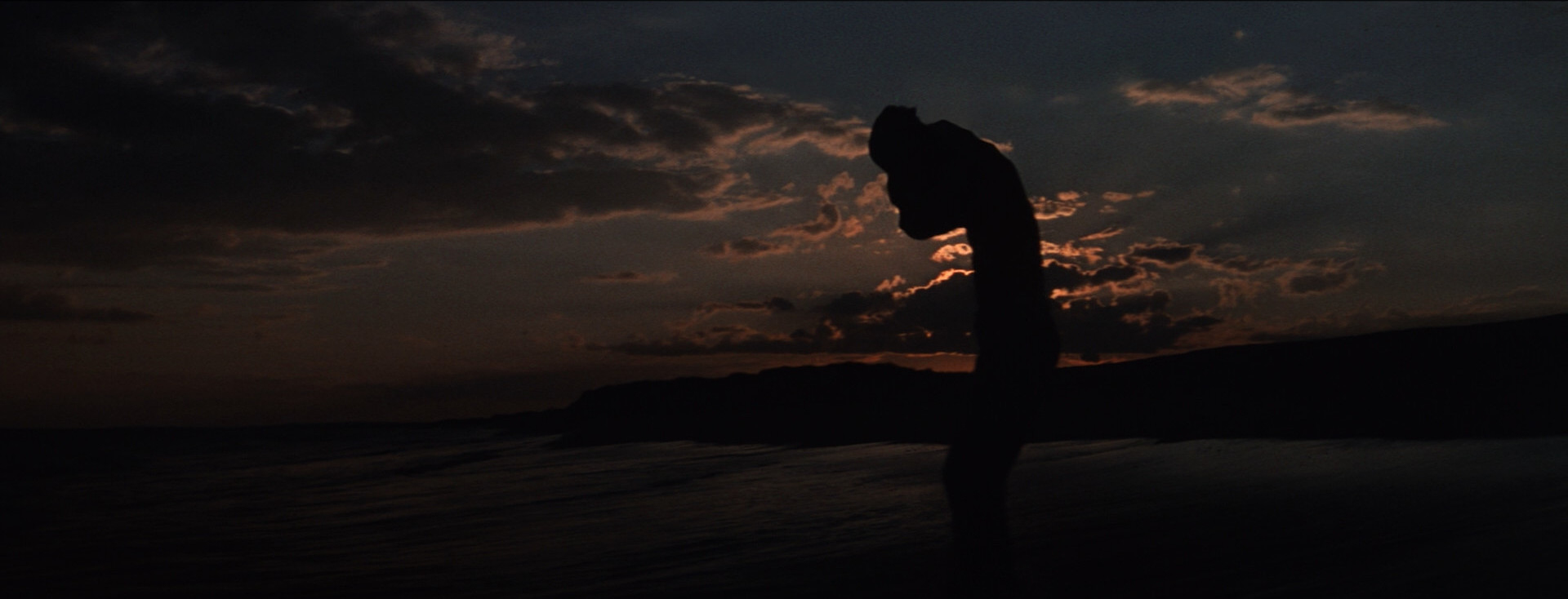
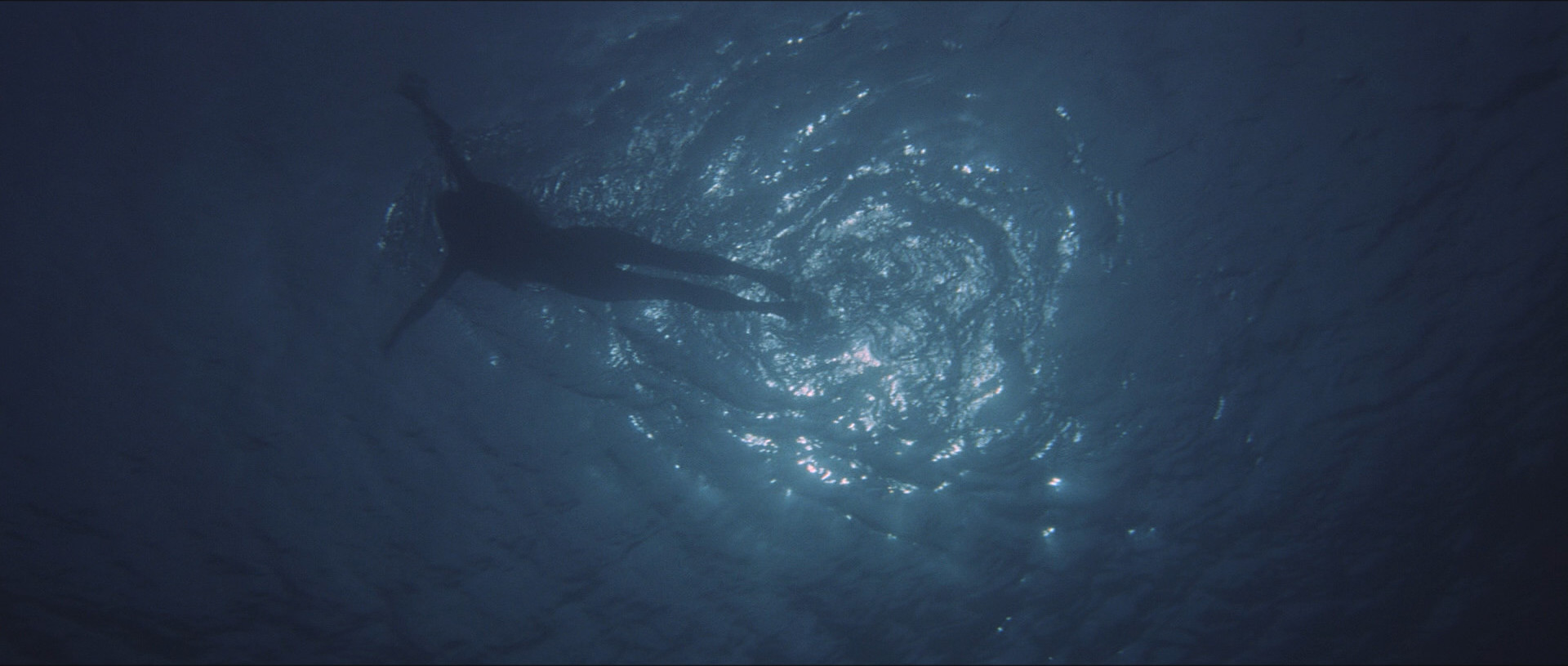
OK, I may be somewhat unfair here. Sure, the movie is really boring when nobody’s in the water, but the scenes in the water are really tense and scary. Sure, the acting is atrocious, but it’s genre appropriate. There’s some good shots in here: The cinematography is more than adequate. So I think if I saw this in a different context I’d be enjoying this a lot more, but it just seems weak coming just after Un chien Andalou and Pierrot le fou.
And there’s this:
While in theaters, the film was said to have caused a single case of cinematic neurosis in a 17-year-old, female viewer. Cinematic neurosis is a condition in which viewers exhibit mental health disturbances, or a worsening of existing mental health disturbances, after viewing a film. The symptoms first presented as sleep disturbances and anxiety, but one day later the patient was screaming “Sharks! Sharks!” and experiencing convulsions.
Us humans certainly amuse ourselves.
ANYWAY, you could easily cut an hour of character development from this movie. The drunken scene on the boat seems interminable.

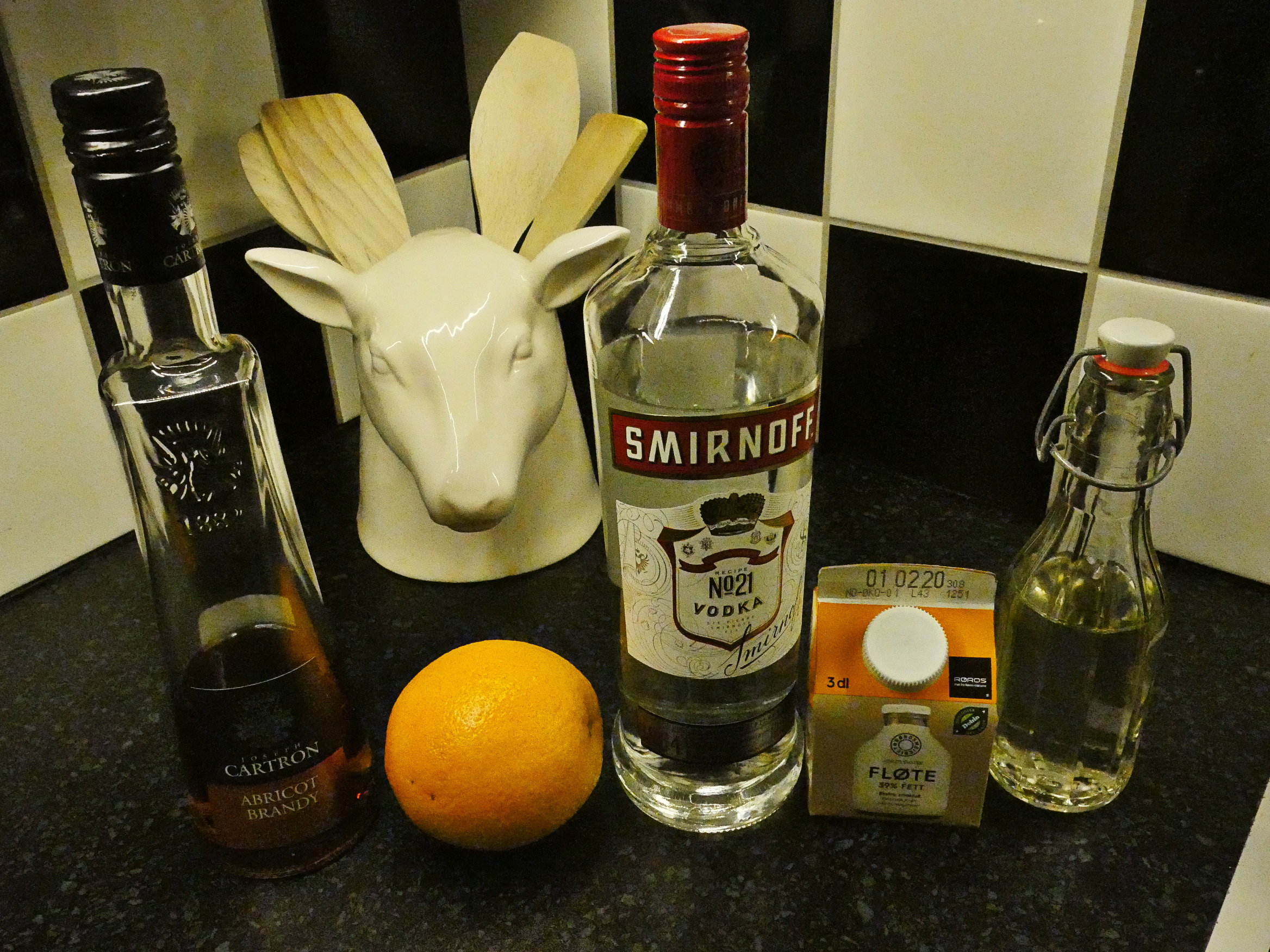
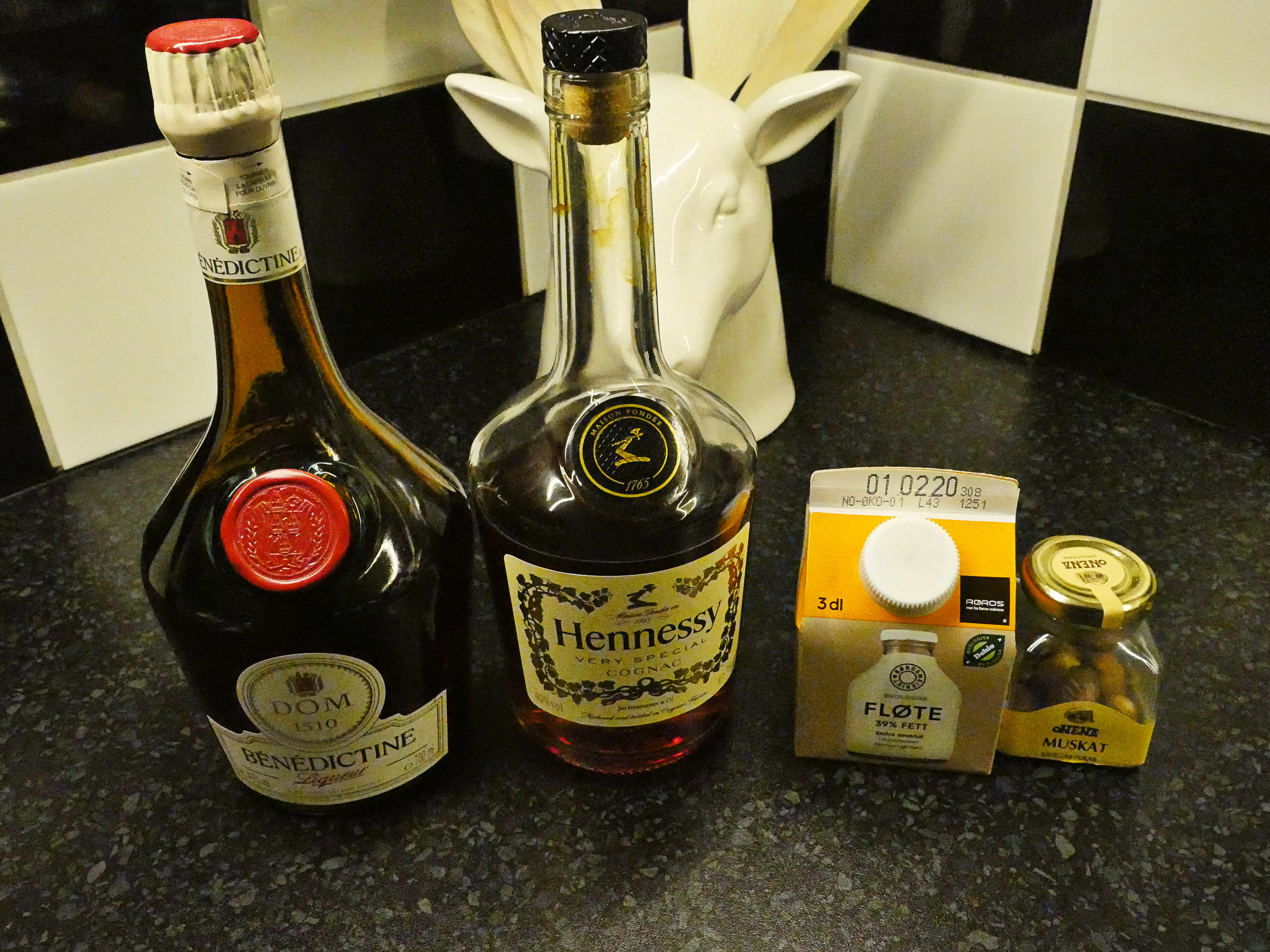
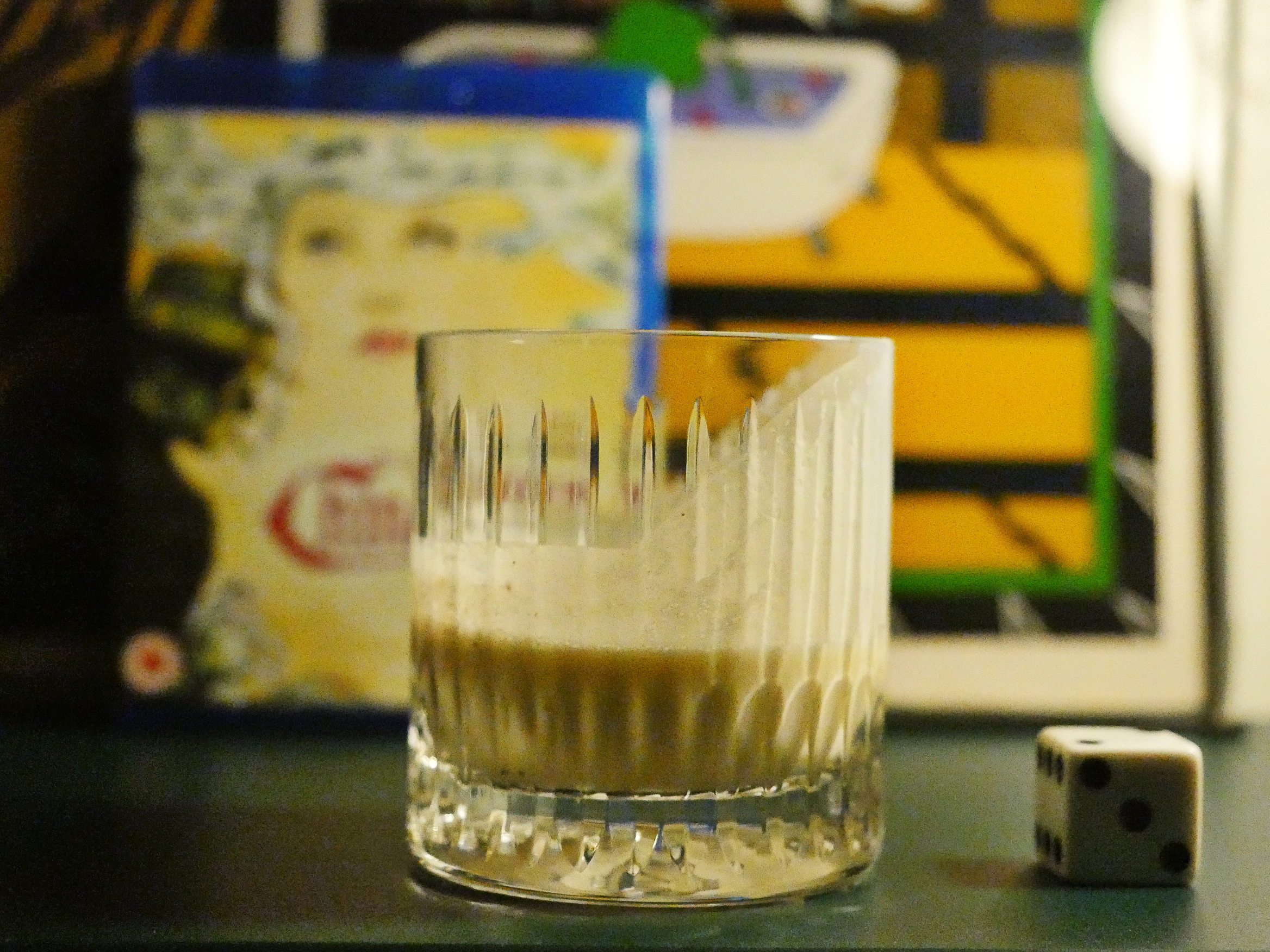
I’m still surprised at how many of these liqueurs haven’t gone off since I last used them, which was… two years ago? So far, I’ve only had to get rid of two of them, and one was an egg liqueur, so that’s not surprising. The Bikini Martini has blue curacao, which is also just 20%, but what’s not alcohol or water there is probably sugar, so perhaps it’s not surprising that no little critters (fungus, bacteria, amoebas) can live in there.
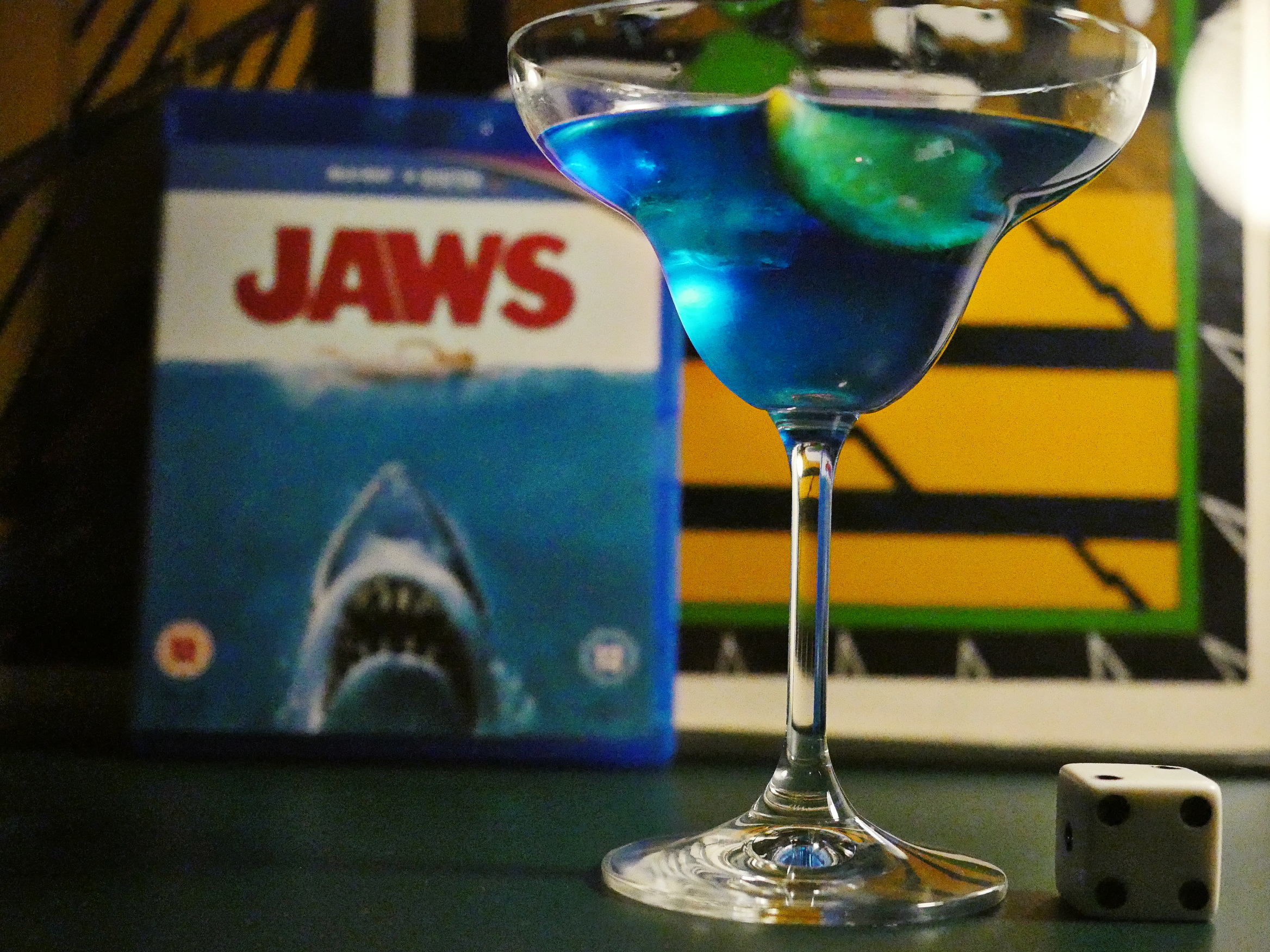
The cocktail’s OK.
This blog post is part of the Officially The Best series.