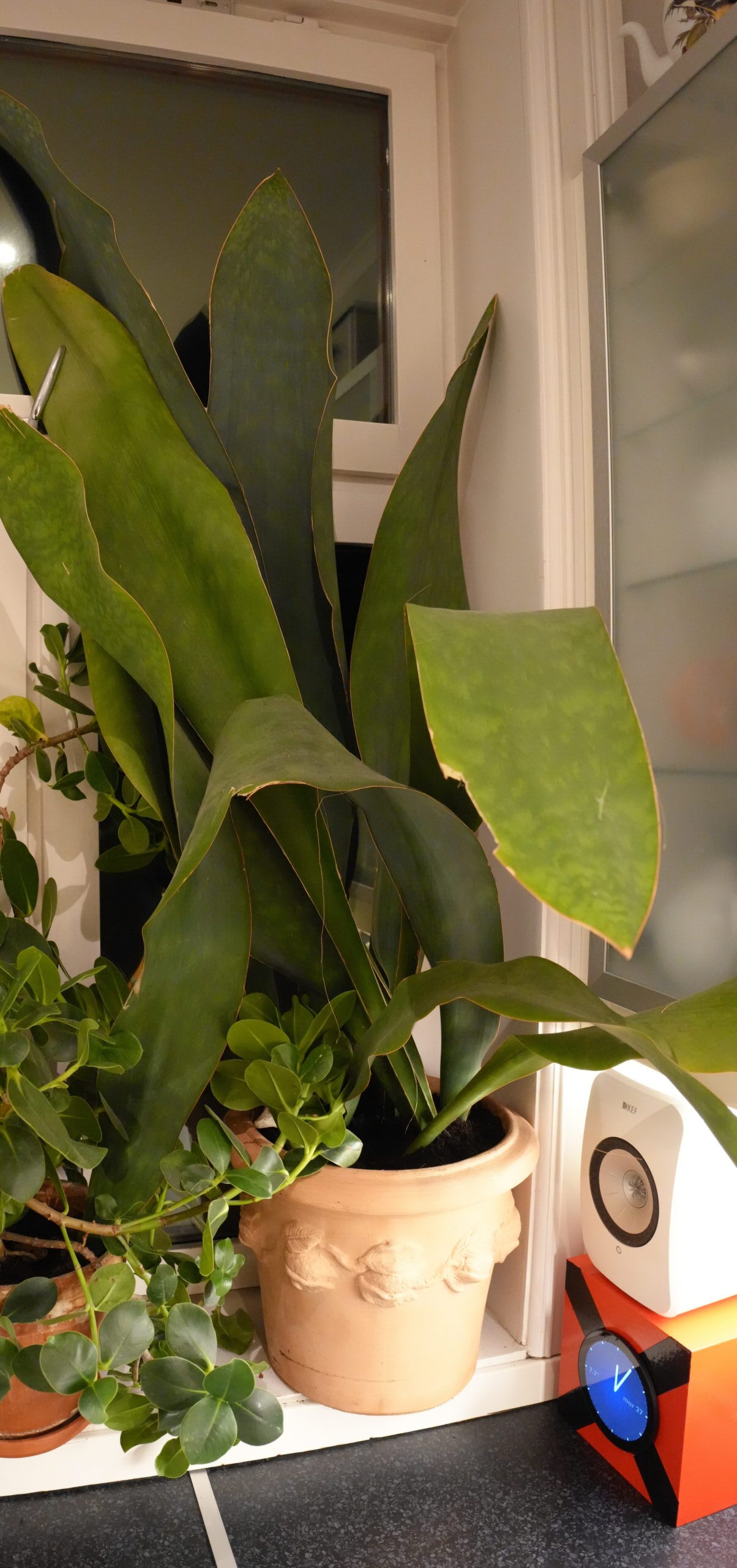
In the kitchen, I’ve got this humongous sansevieria plant… Well, actually, it’s a number of plants in the same pot: This sansevieria variety has only a single leaf per plant, and then it propagates by setting out a new rhizome that then has a single leaf.
Allegedly.
So when I bought it a decade ago, it was just one little leaf that poked up… Hey! I’ve got a snap of it from 2014:
Aww!
I’ve been repotting it in gradually bigger pots until it’s now reached the biggest size of this series of terracotta pots (which is the only series I use — having the same pot series for everything makes things less busy).
But now what?
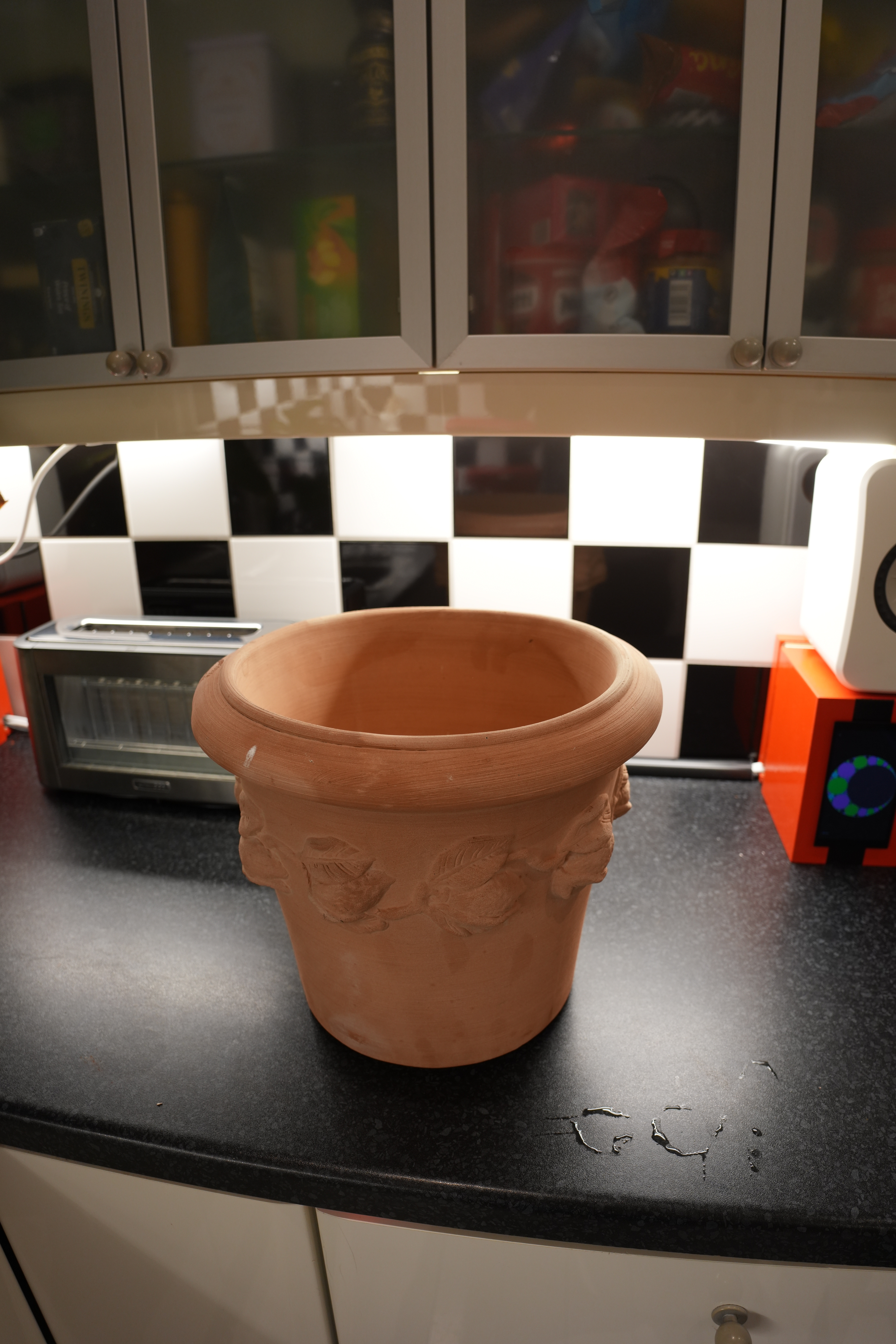
Yes, I went to the garden centre and bought this monstrosity — it’s the only pot I could find that even vaguely resembles my go-to series and that has a diameter “one up” from the previous one.
But my window sills are too narrow to have a saucer that fits this pot. What to do!
Well… perhaps I could just line it with plastic on the inside? I know, I know — drainage. But I’m so lazy with my watering that there’s really no chance of overwatering my plants, so I don’t think it matters much in this case.
OK… a very sturdy bag and some excellent scissoring…
There! Brilliant.
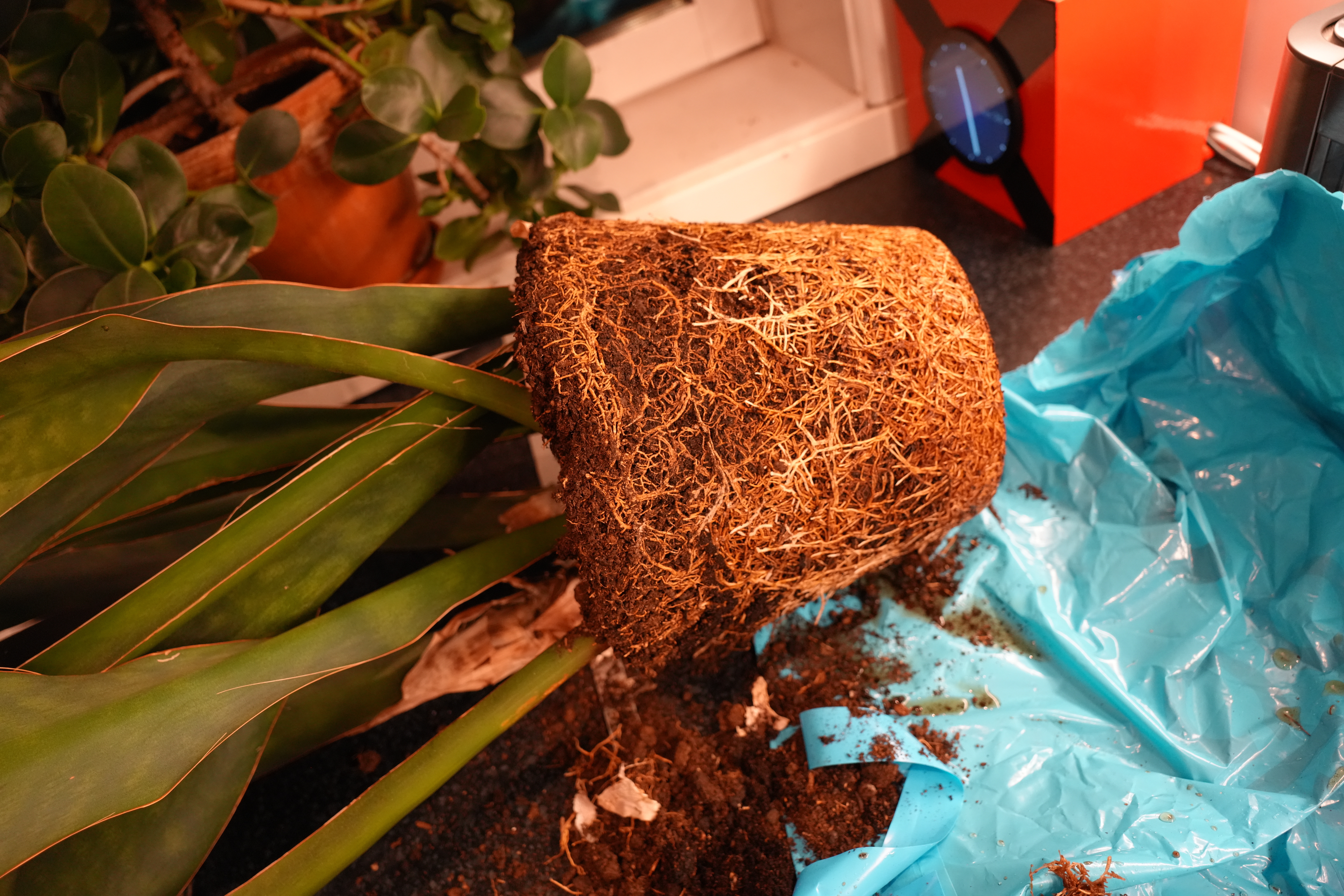
Oh, er, OK, yeah. It was about time that I repotted this thing — the pot contains 60% roots and 40% dirt.
This might be common knowledge, but I only learned of This One Neat Trick today, so:
I’ve got a bunch of gadgets with batteries that need to be charged. All of them are USB-C these days (thanks, Europe), so I’ve got a spiffy GaN PD (i.e., high wattage) charger with lots of ports that I use for that.
But some gadgets, like the Sennheiser Momentum 3 wireless headphones, refuse to be charged by this (or any other) PD charger.
But if I connect it to a real computer, it charges just fine. So what’s up with that!?
I had just lived with this situation (like an animal) — until today, when I finally did some research. It turns out that the problem is that these headphones (probably) do not have the required resistors that announce to the charger that it’s fine to give the device some power, while the computer’s USB ports always deliver 5V no matter what.
But we can fix this very easily:
First of all, use a USB-C to USB-A adapter.
Plug it into the PD charger.
Then take a USB-A to USB-C cable…
… and plug it into the adapter.
And then plug the USB-C plug into the headphones. Tada! A green light! It’s charging!
Problem solved.
Isn’t the future disappointing?
(Apparently you can achieve the same thing if the USB-C to USB-C cable you’re using includes the resistors itself — but it’s very difficult to identify these cables without actually testing them. But you might get lucky — cheap-looking ones are more likely to work than expensive ones, because they are made to work with cheap, out-of-spec gadgets…)
This is one of those long posts… because I didn’t quite know what to do here, so this took me months and months.
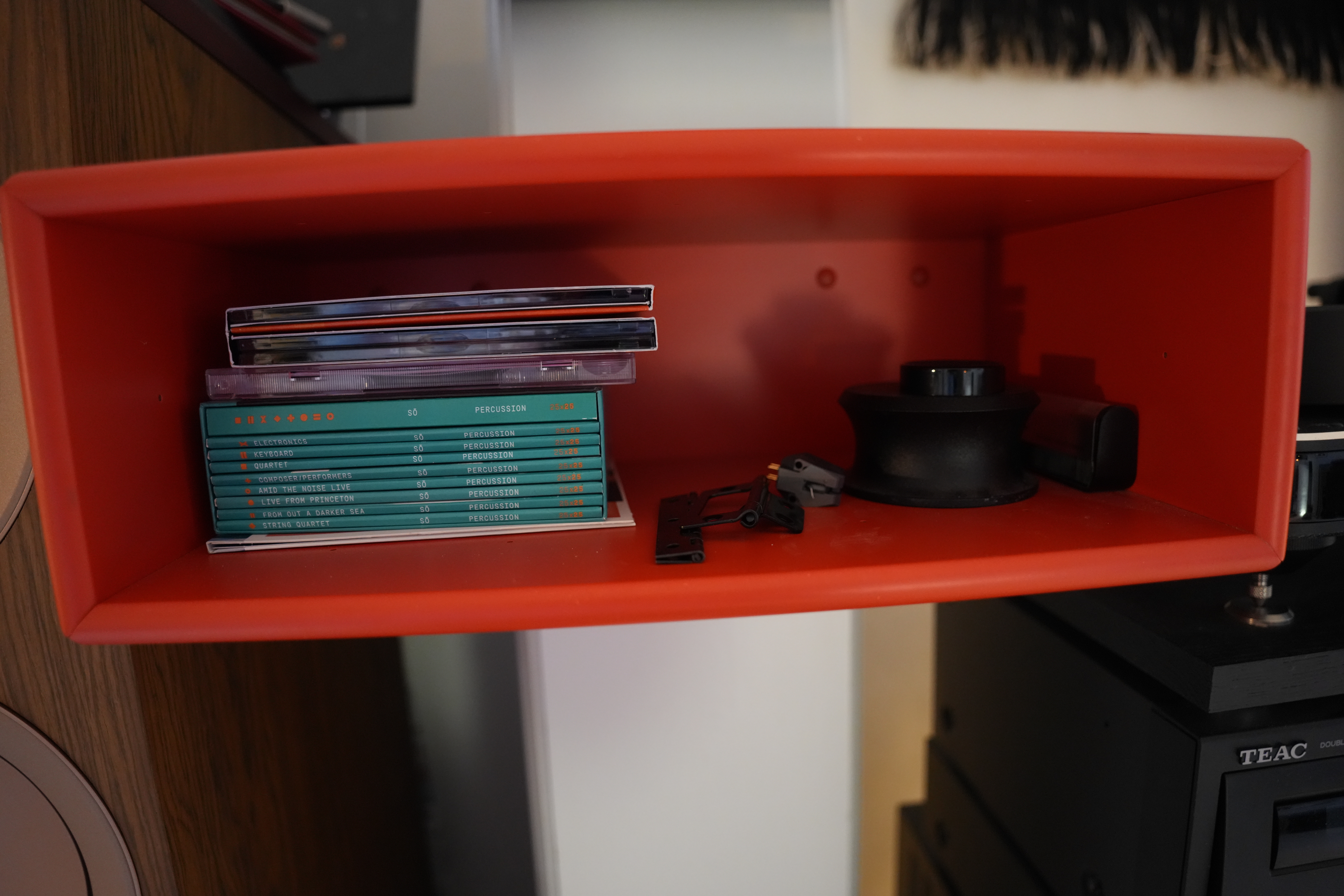
Join me on a journey… of… something totally trivial: Adding a front to that red box up there, which has the keyboard to my stereo system on top, and some vinyl thingies and CDs inside. (Or skip to the end to see the stunning result.)
In there I’ve got like — a 7″ “holey” adaptor, a clamp for unruly records and a brush. And then some CD box sets — when I buy new albums, I always rip them and listen via flac, and then read the liner notes when I listen to the album the first time. But with box sets, I usually “swap them in” over several months, so I need somewhere accessible to store them until I’ve listened to all the albums in the set.
Makes sense, eh?
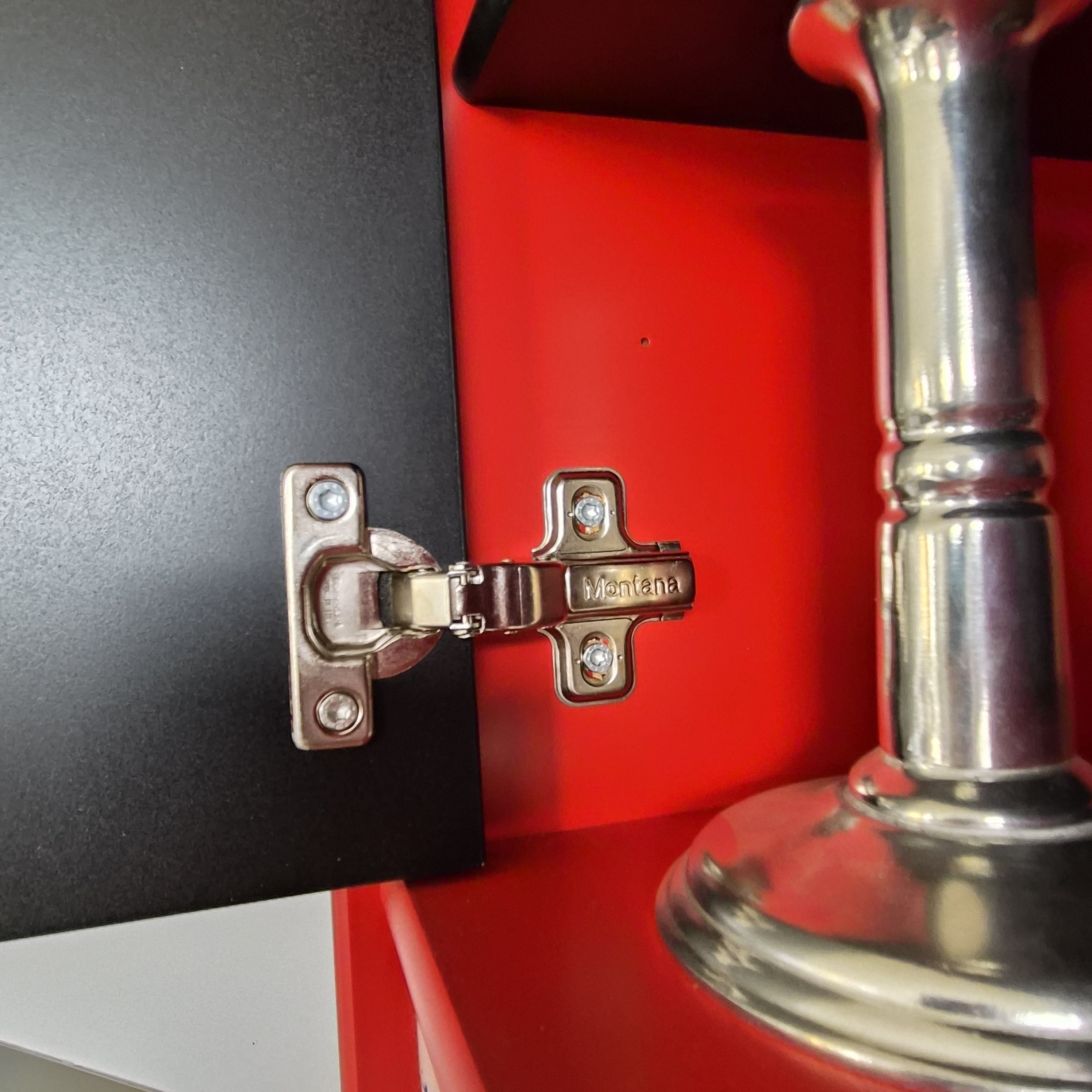
Oh, and there’s a couple of hinges… as one has.
Oh! And a totally functional pick-up. Oops! Well, I can throw that away, anyway…
But ever since I bought the box (about ten years ago), I’ve wanted to add either a door, or a drawer to the box — because it just looks so untidy the way it is.
A drawer would be natural… but a door would be simpler to do. I mean, a whole lot less wood to cut. And besides, the box is pretty small, and I don’t want to make it even smaller, which a drawer would make it.
So: A door.
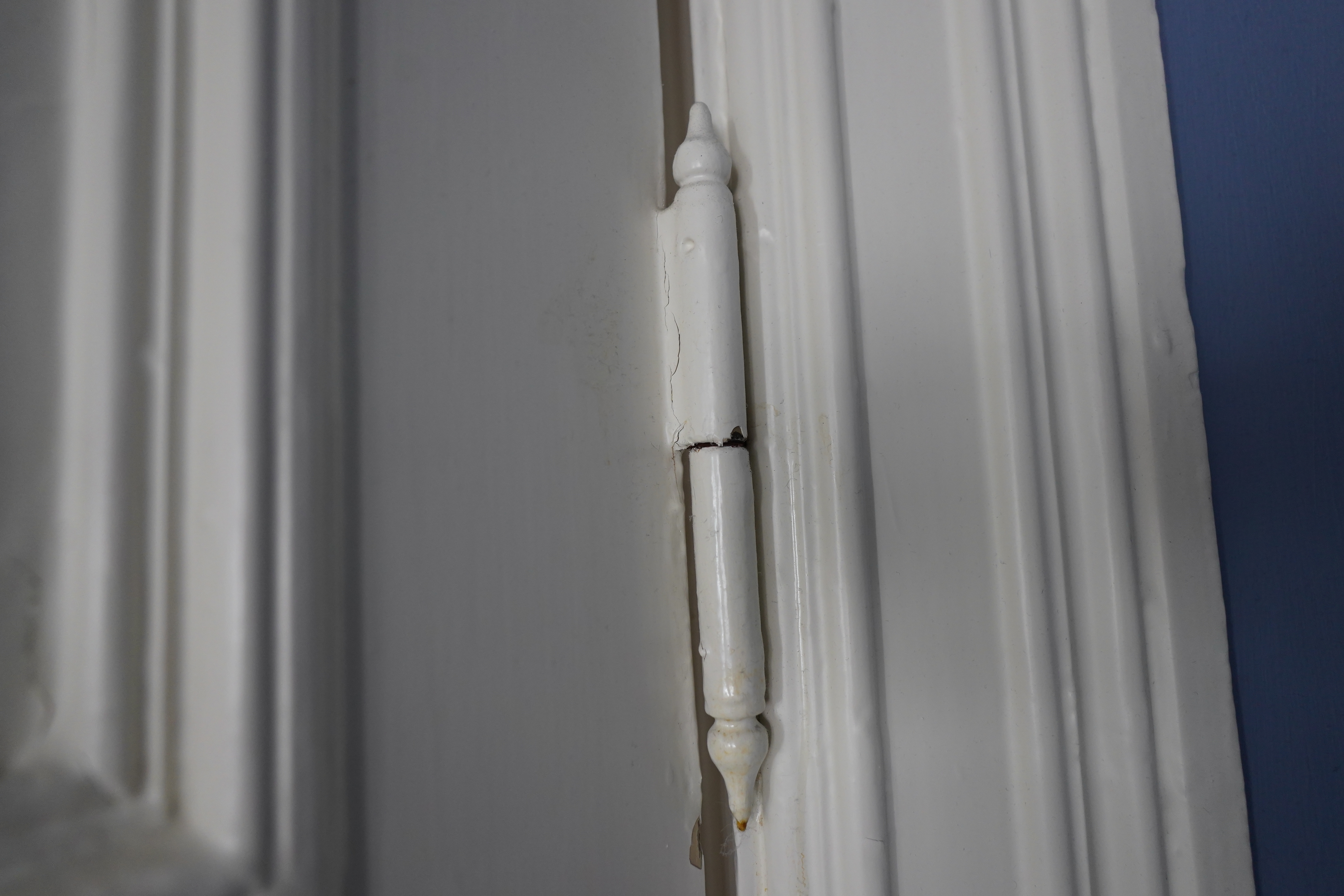
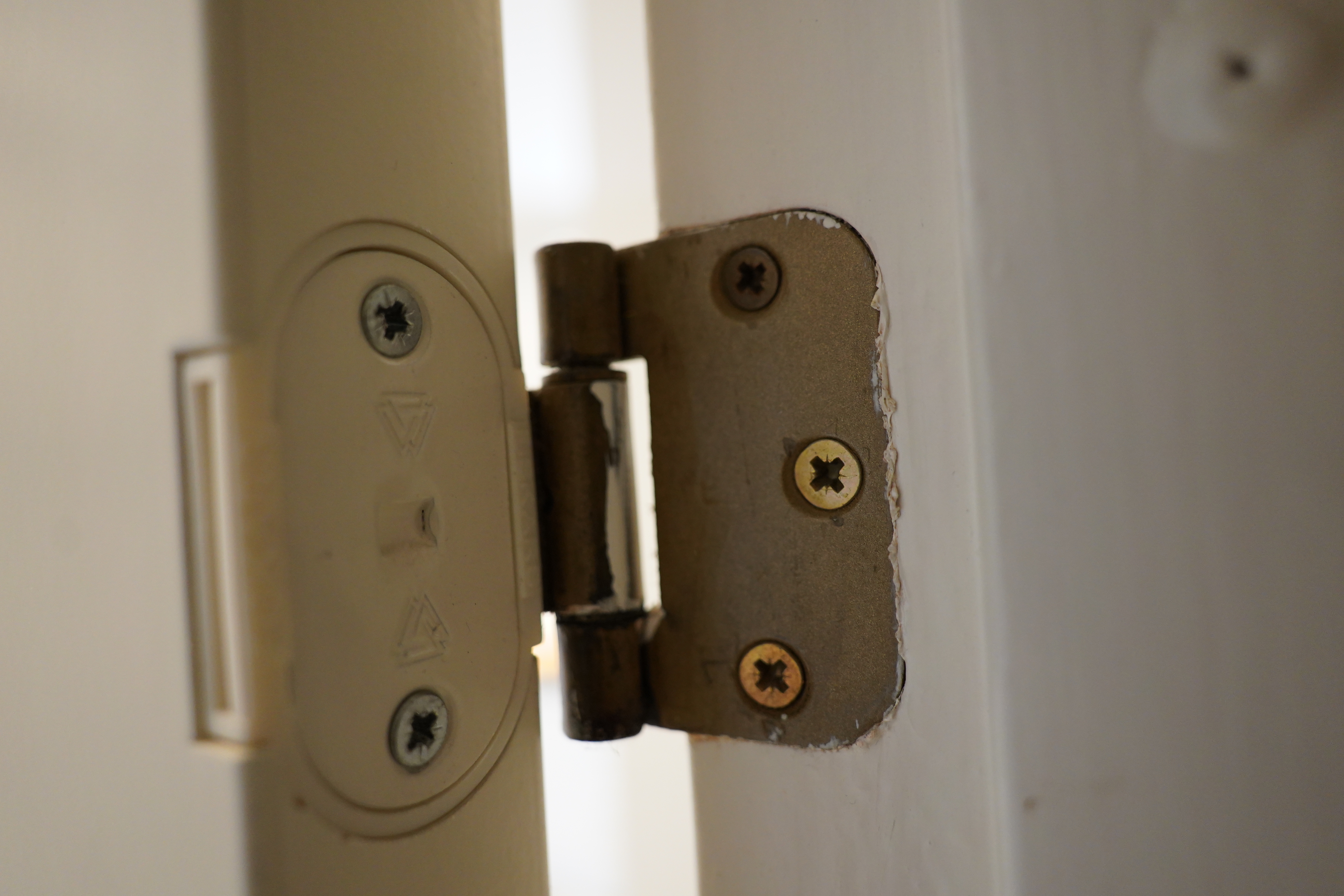
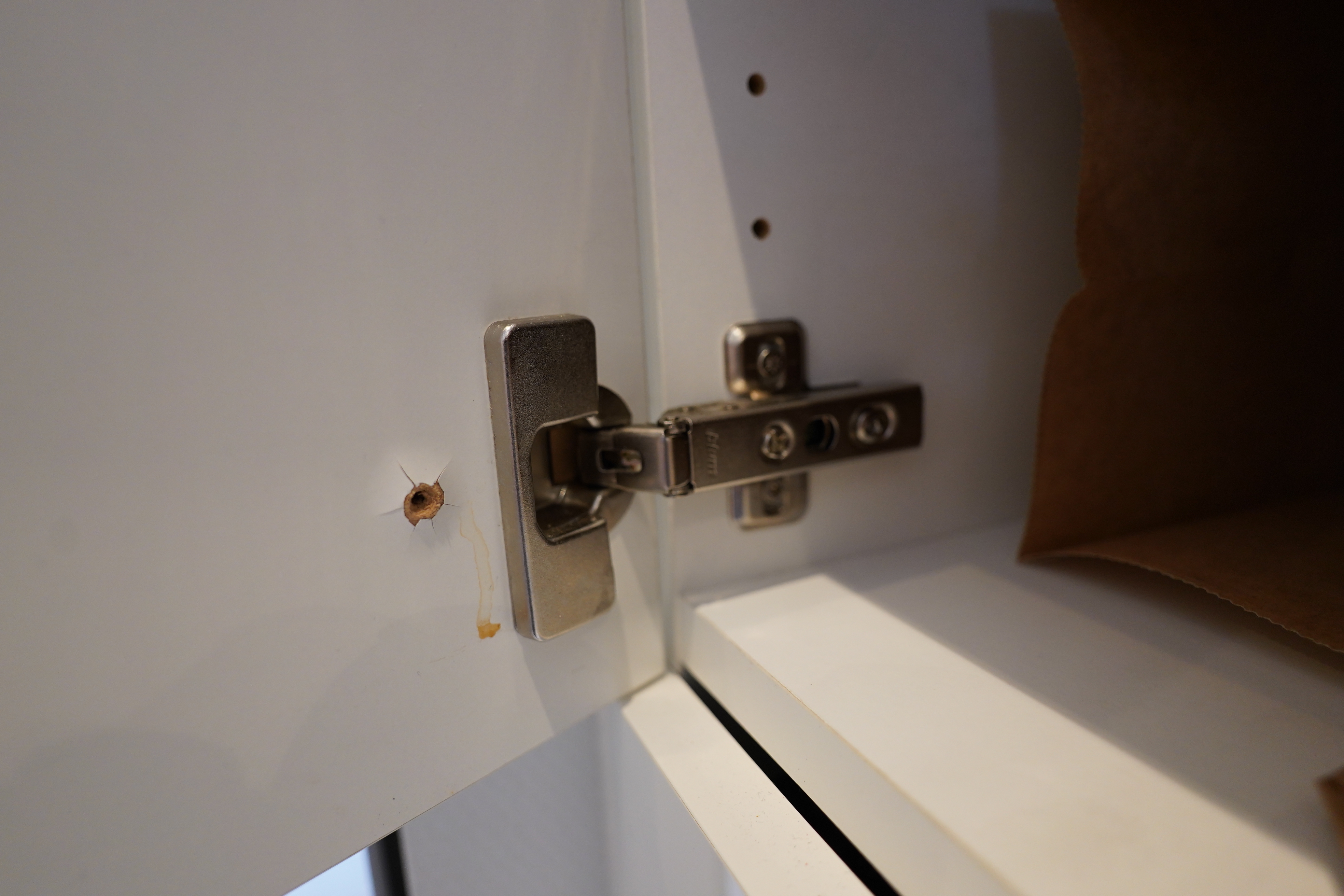
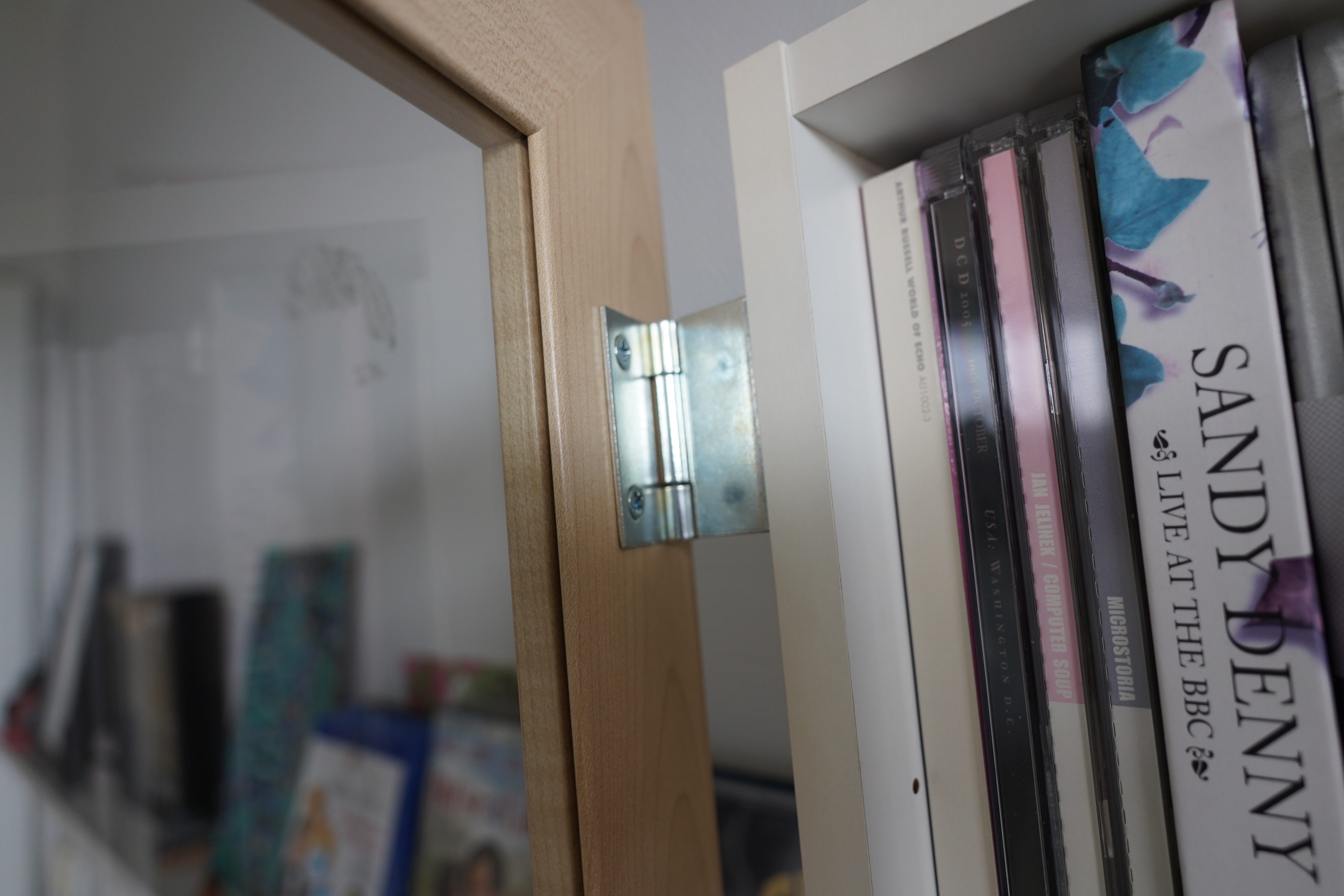
If I’m adding a door, what kind of hinge should I use? Let’s take a tour of different kinds of hinges…
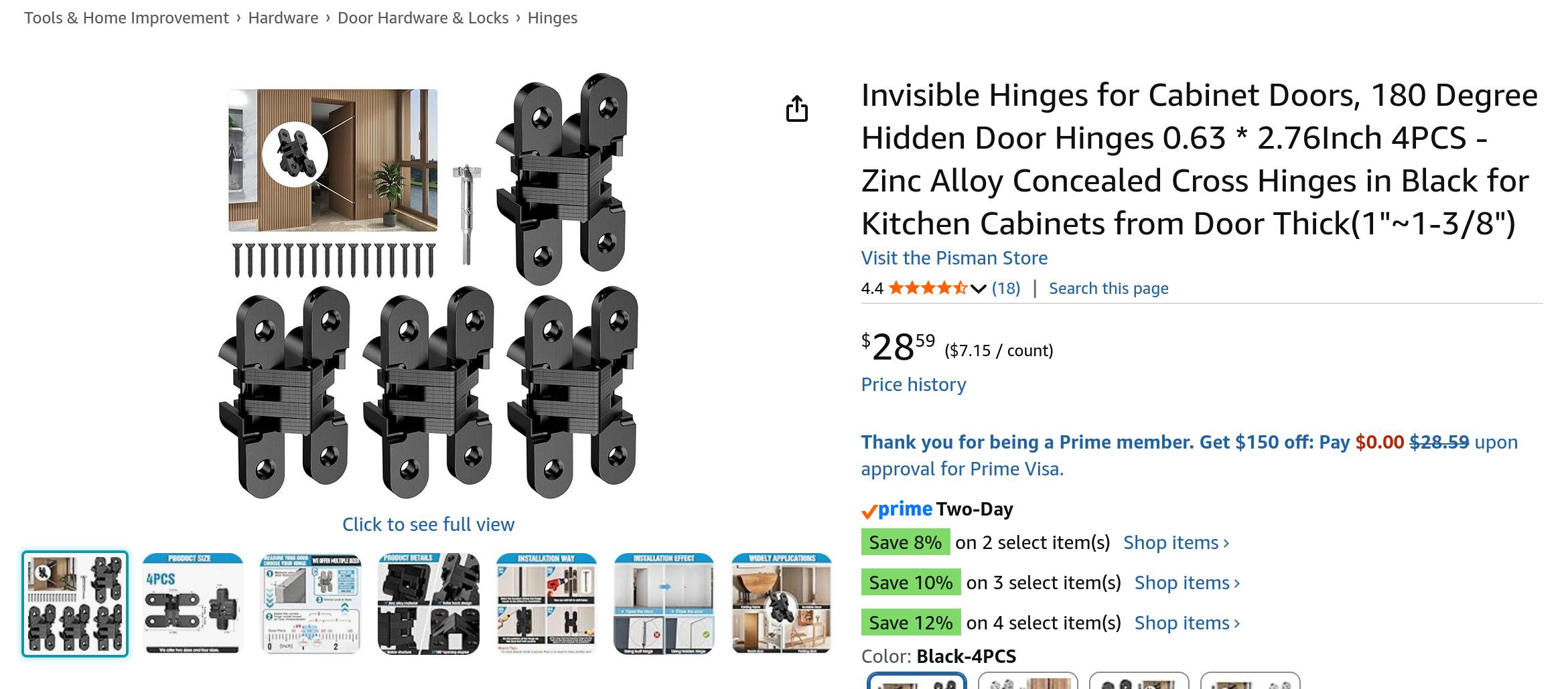
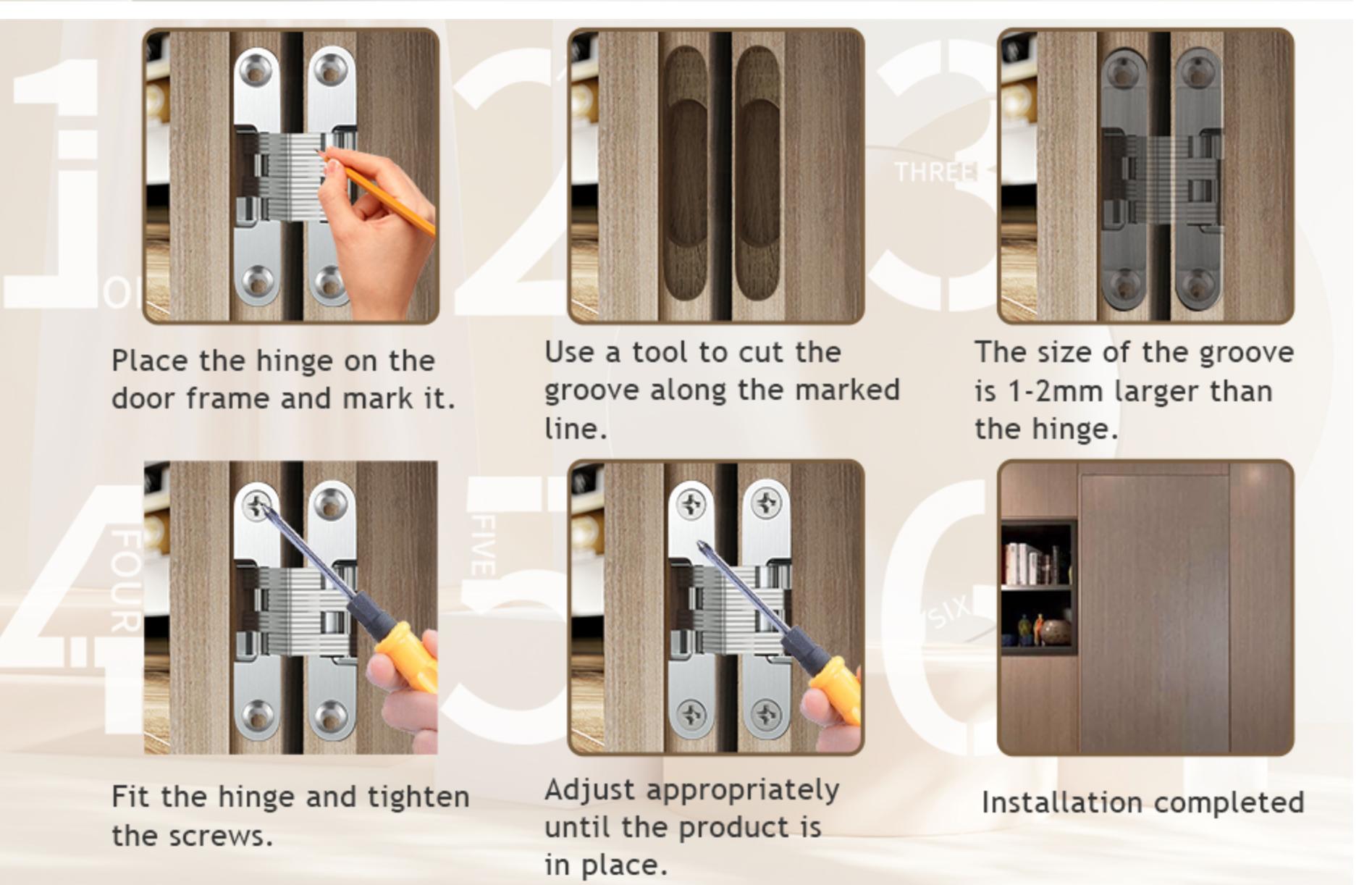
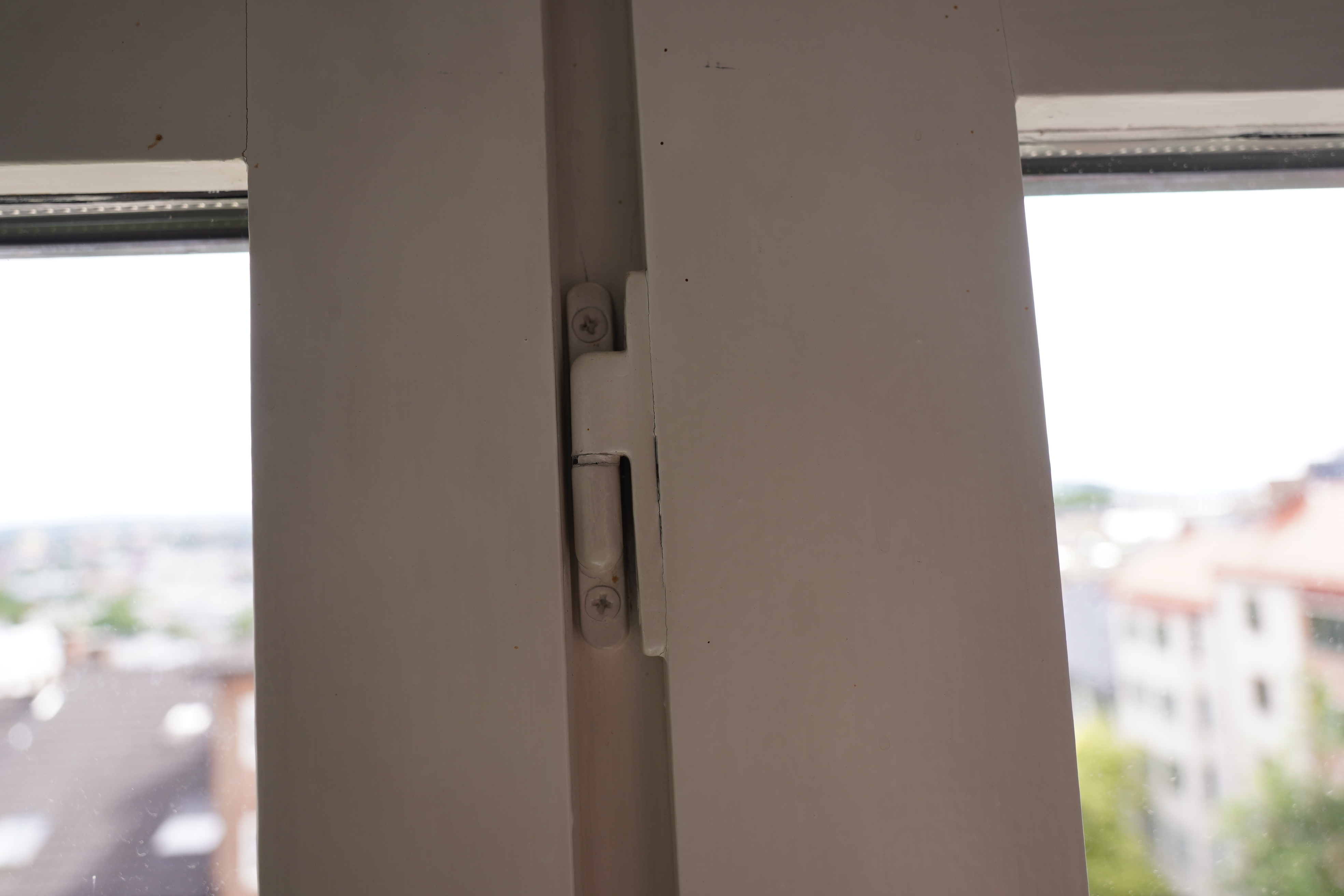
This is a hidden hinge — they require cutting a groove into the door and they take up quite a bit of space inside the box.
And then there’s these…
See? Also requires cutting a deep groove, and the walls in the box here just aren’t wide enough.
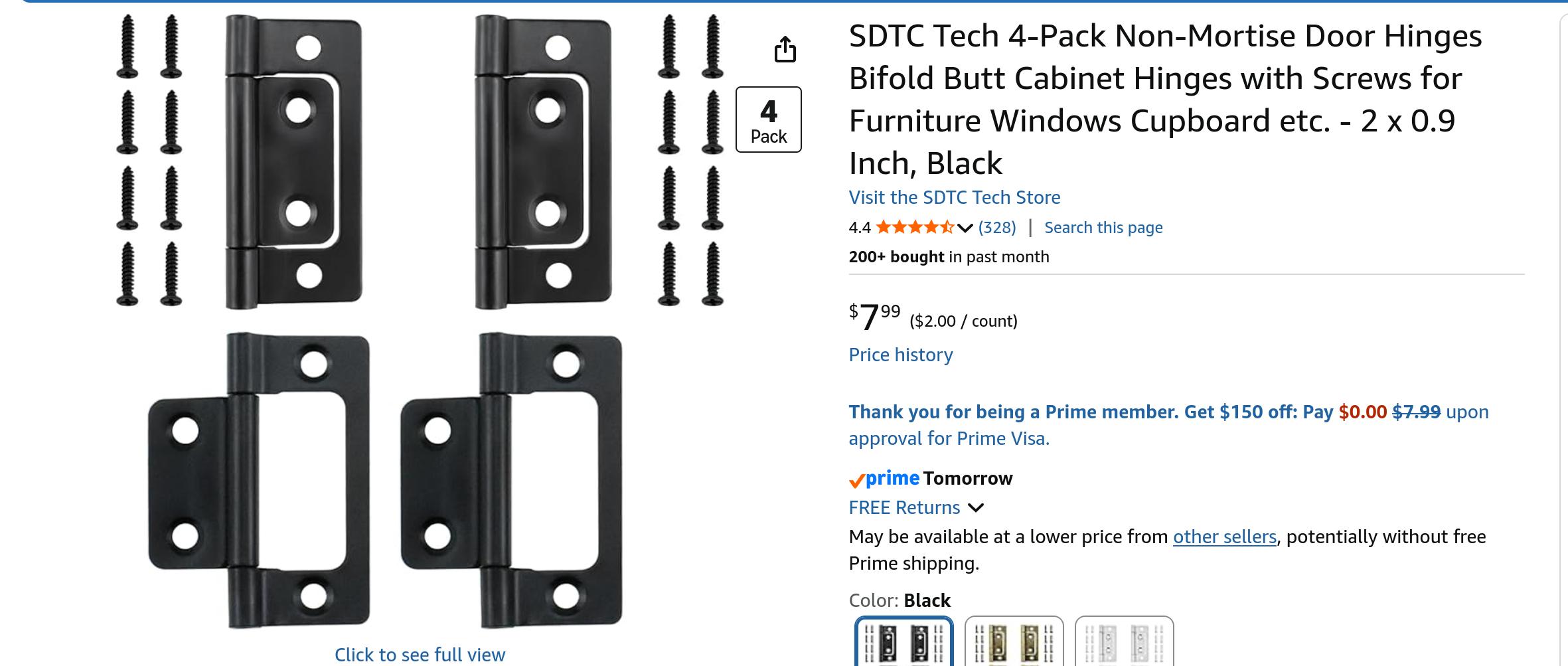
And then there’s these… but how do they work?
Have you ever looked at how many kinds of hinges exist?
Have you done your hingology classes in school?
That’s an Ikea hidden hinge, and also requires a lot of groove cutting.
Look at this hinge! What is that even!
And this one?
Well, or perhaps… I dunno. But there seems to be two kinds in general: Hidden hinges (that require cutting a groove in the door) or normal hinges that have the round hingey part visibly sticking out. I think I have to use the latter.
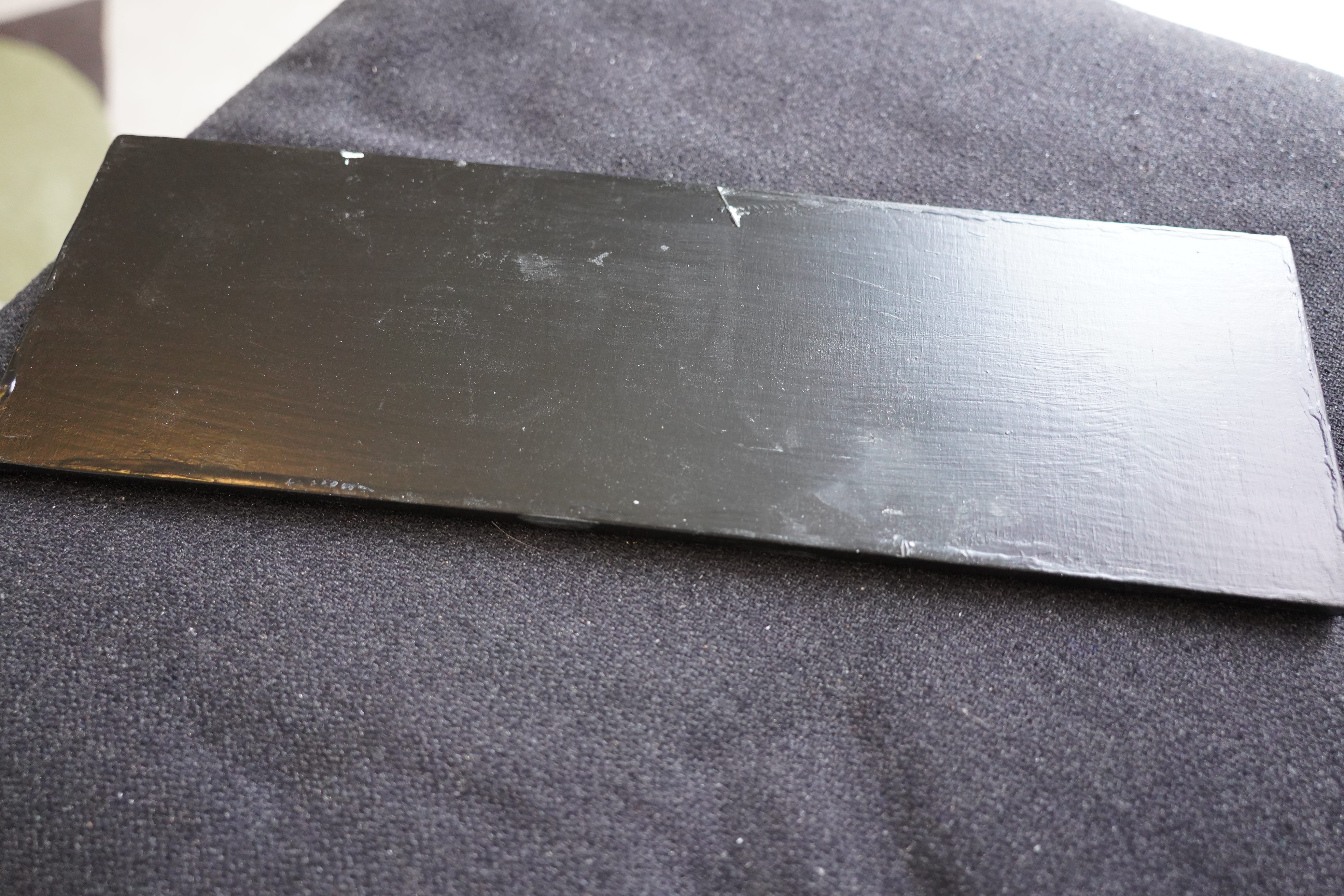
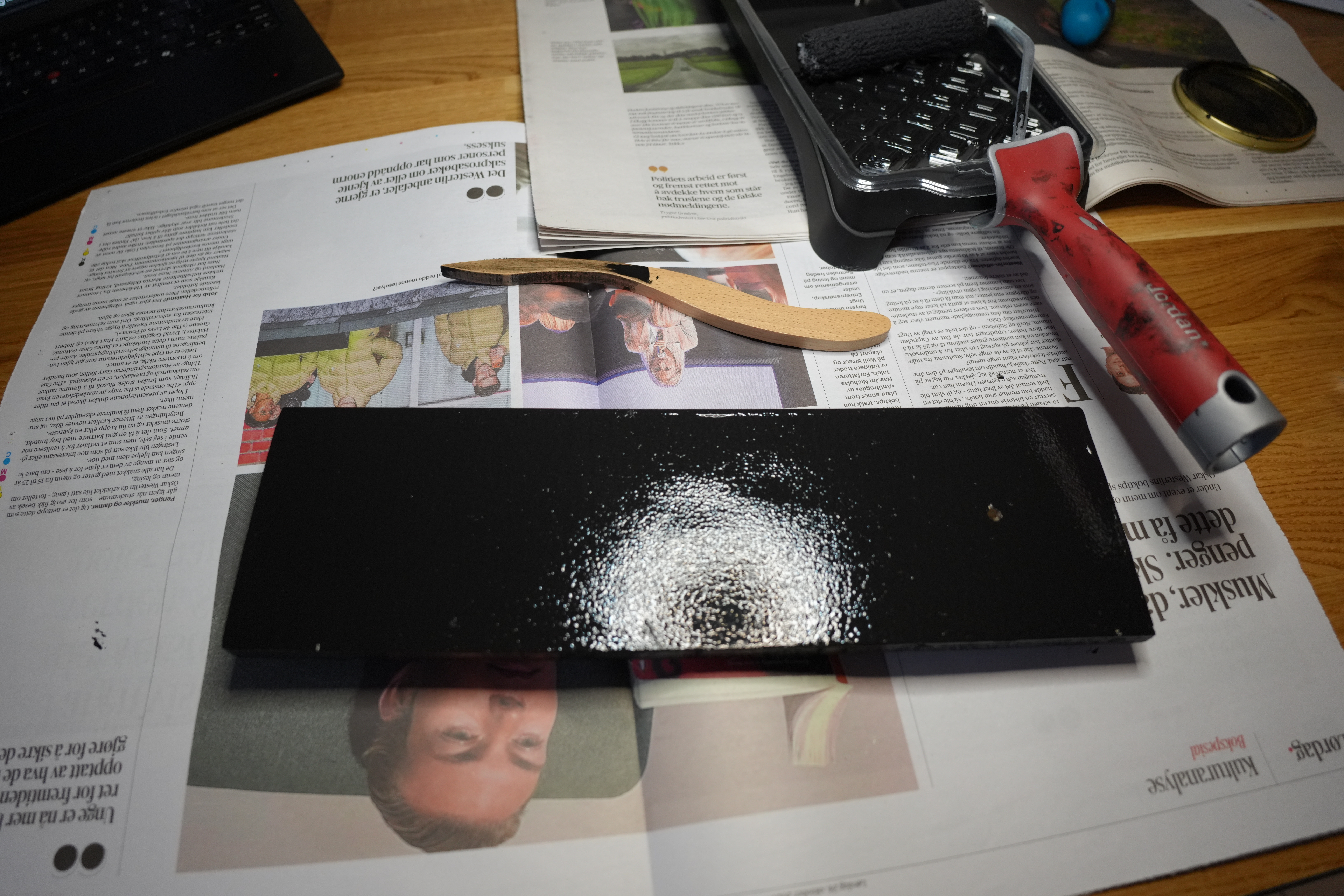
Anyway, while cutting material for the alarm clock I built, I also cut this piece of wood and painted it black.
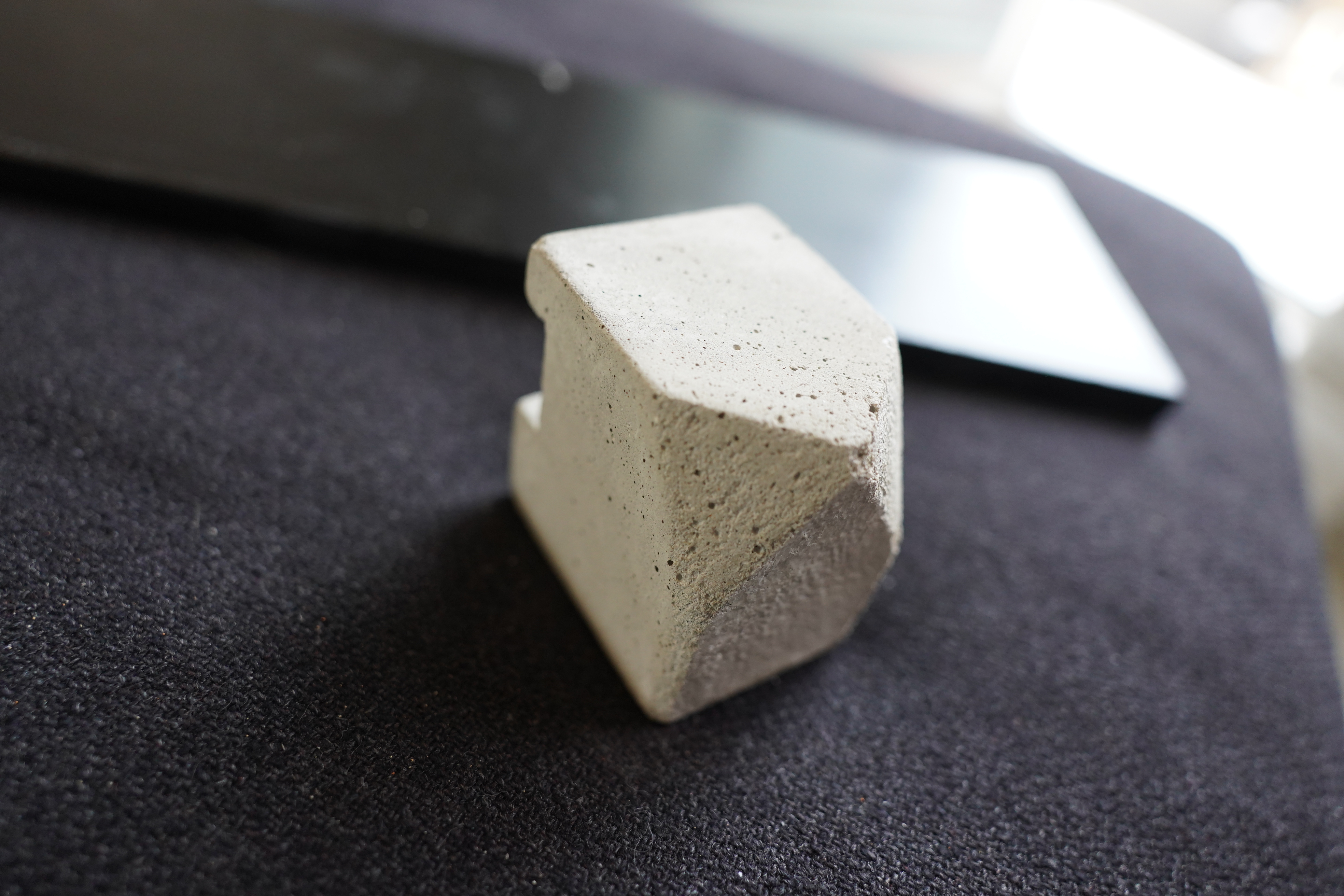
And I found this in a box in the attic.
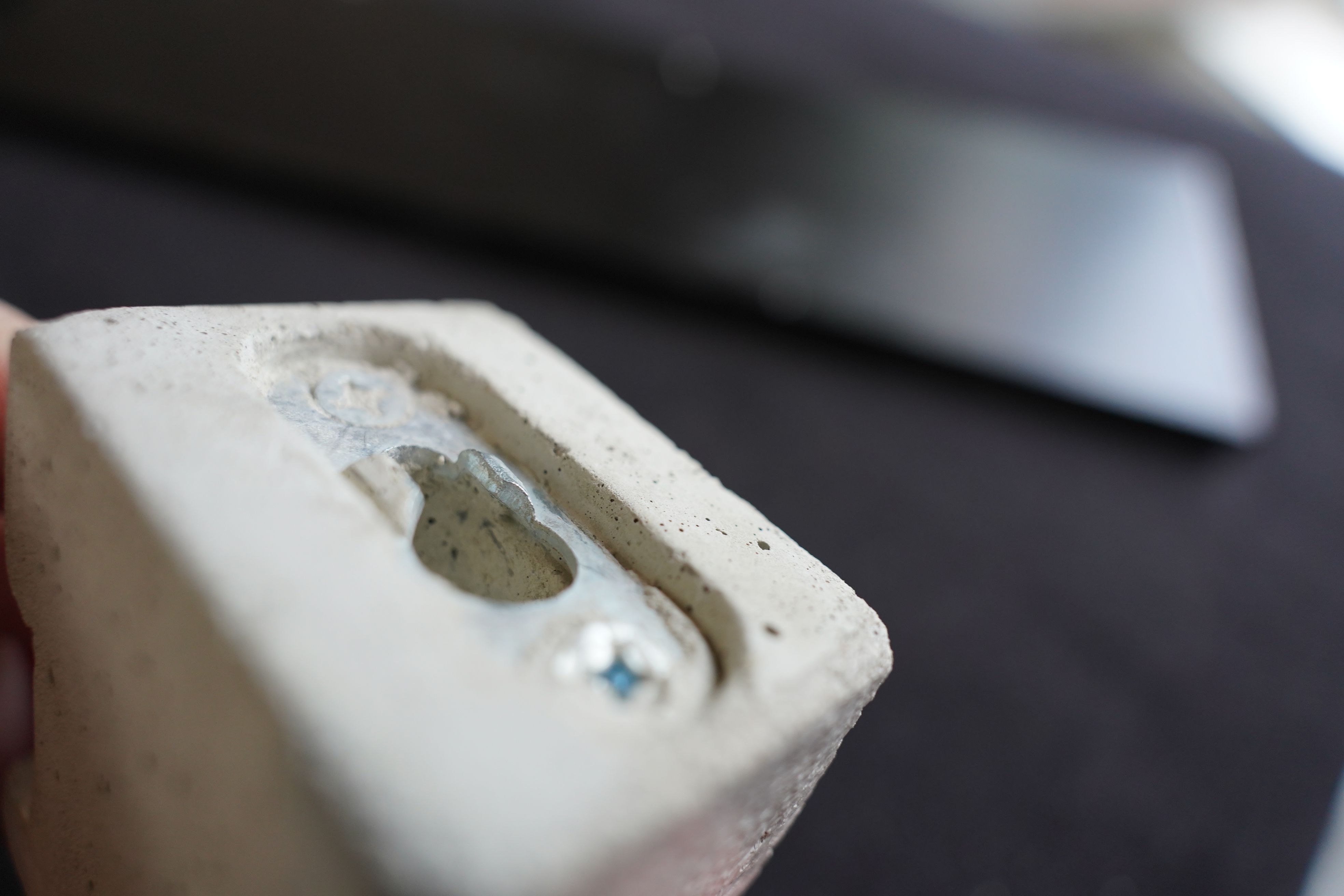
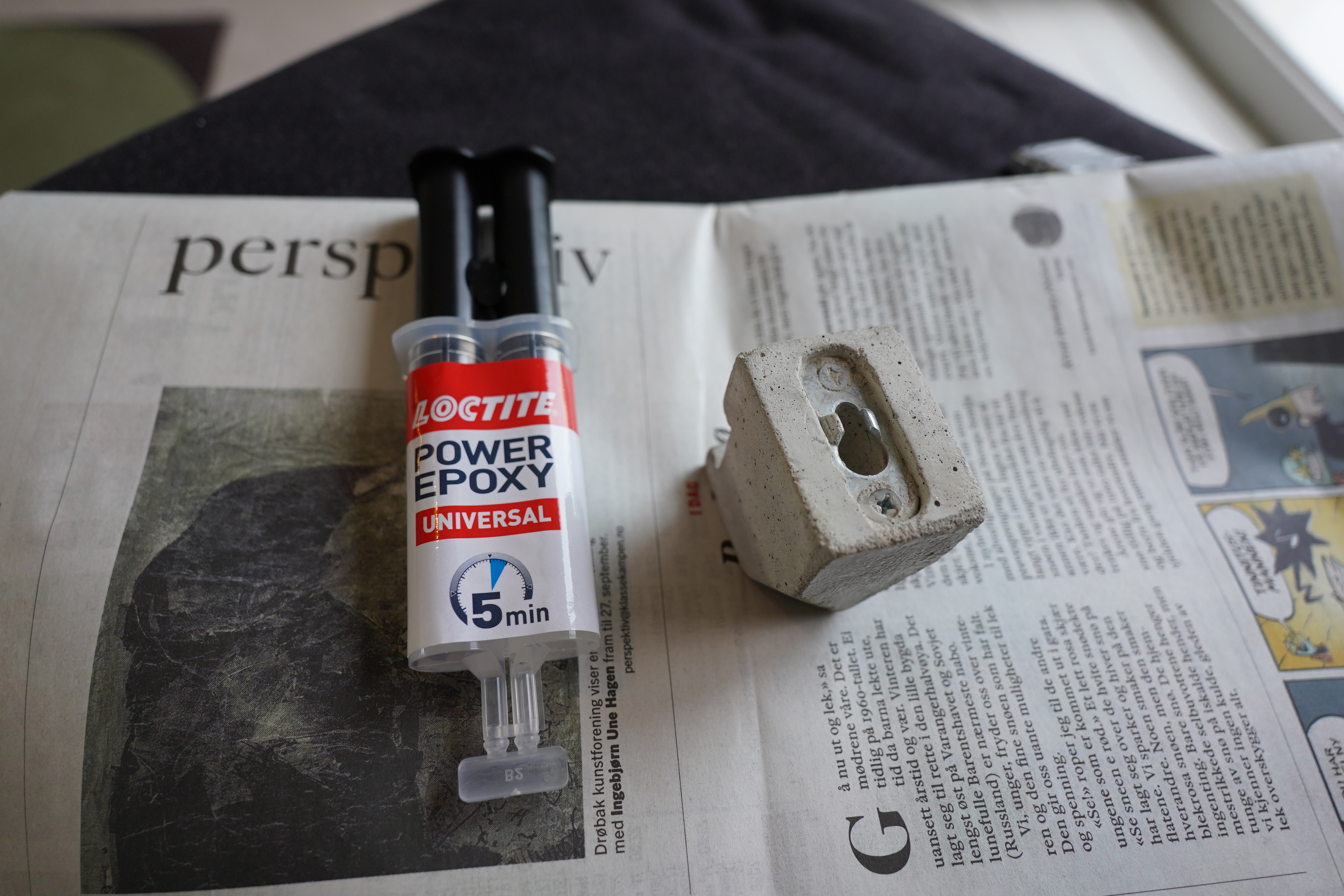
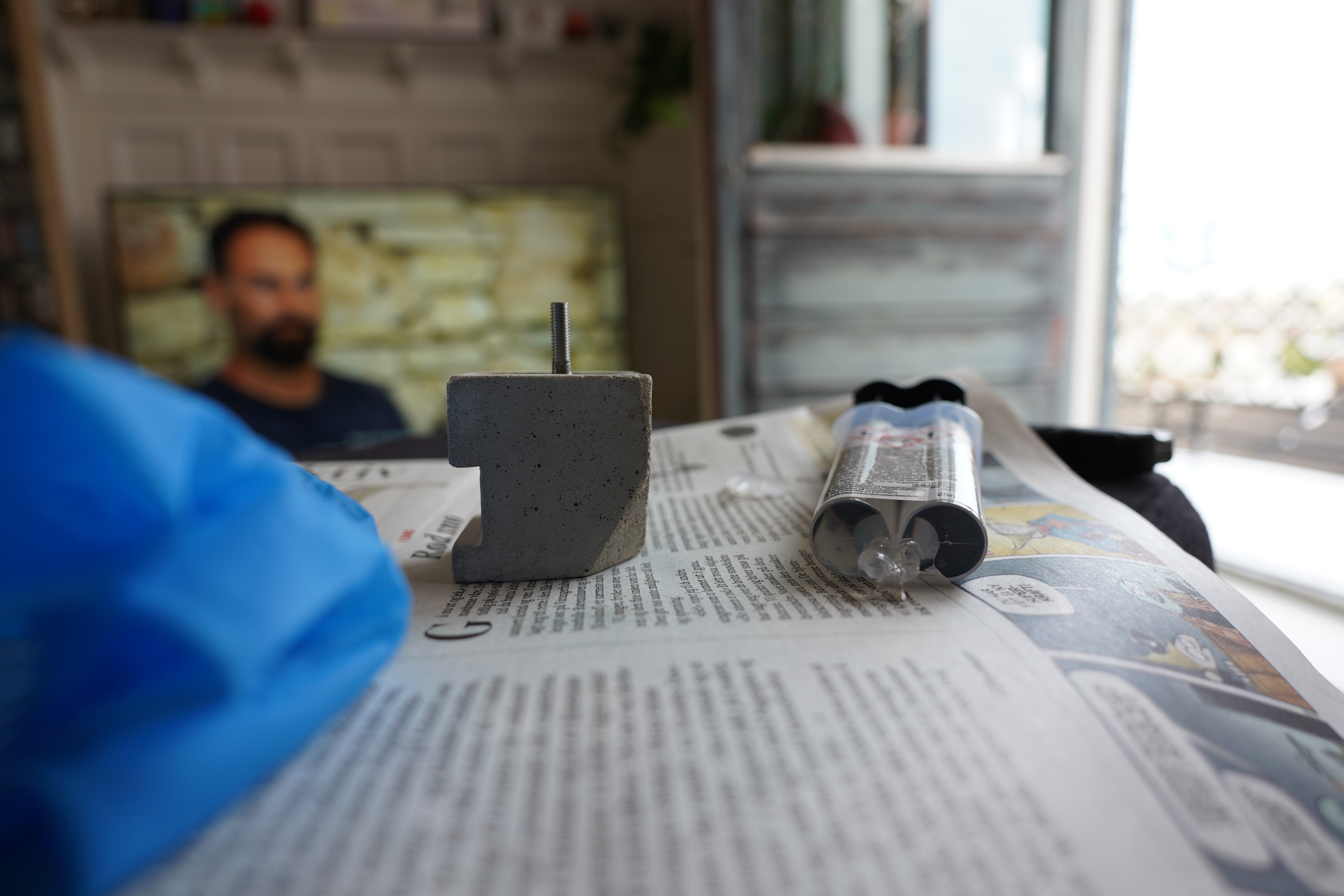
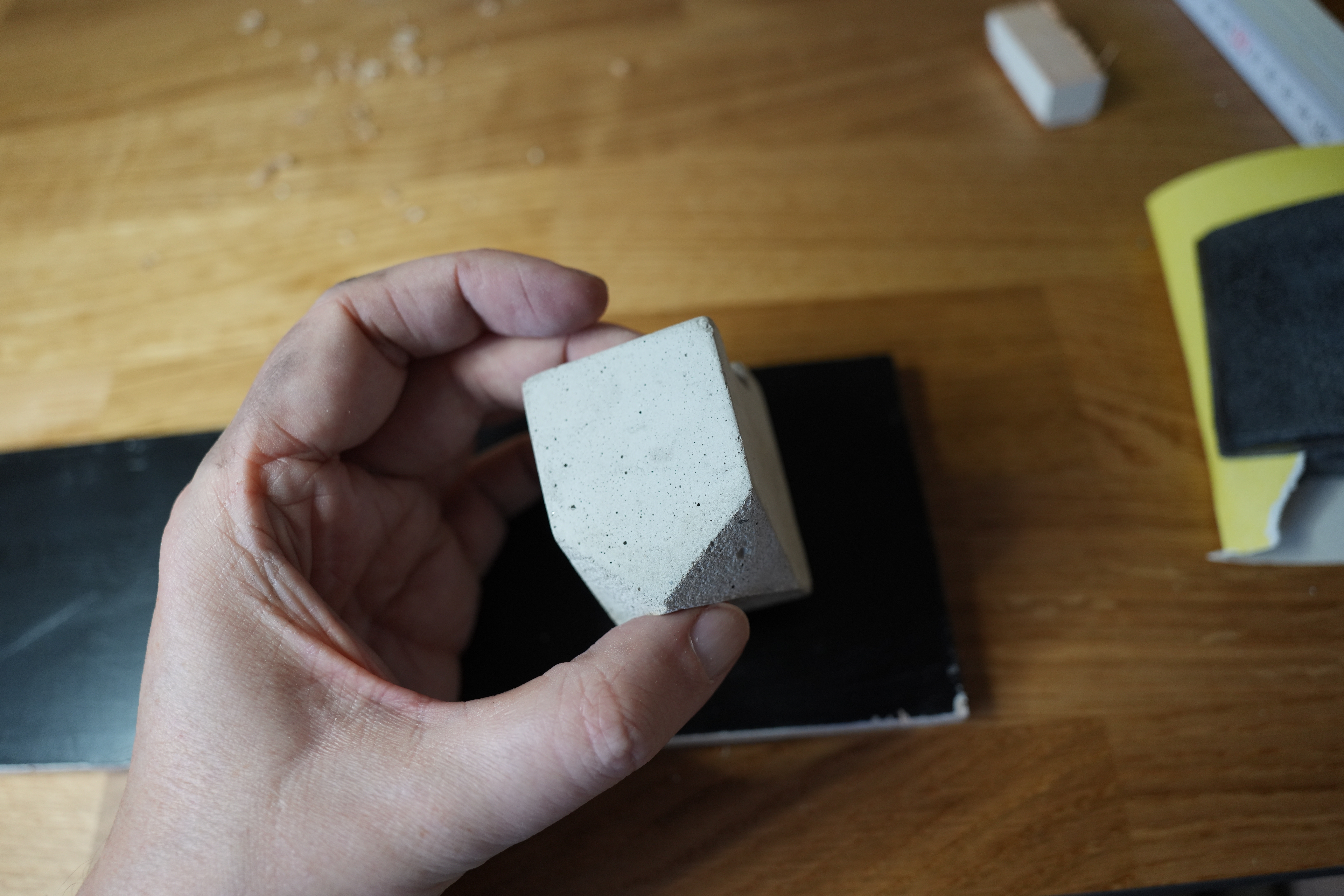
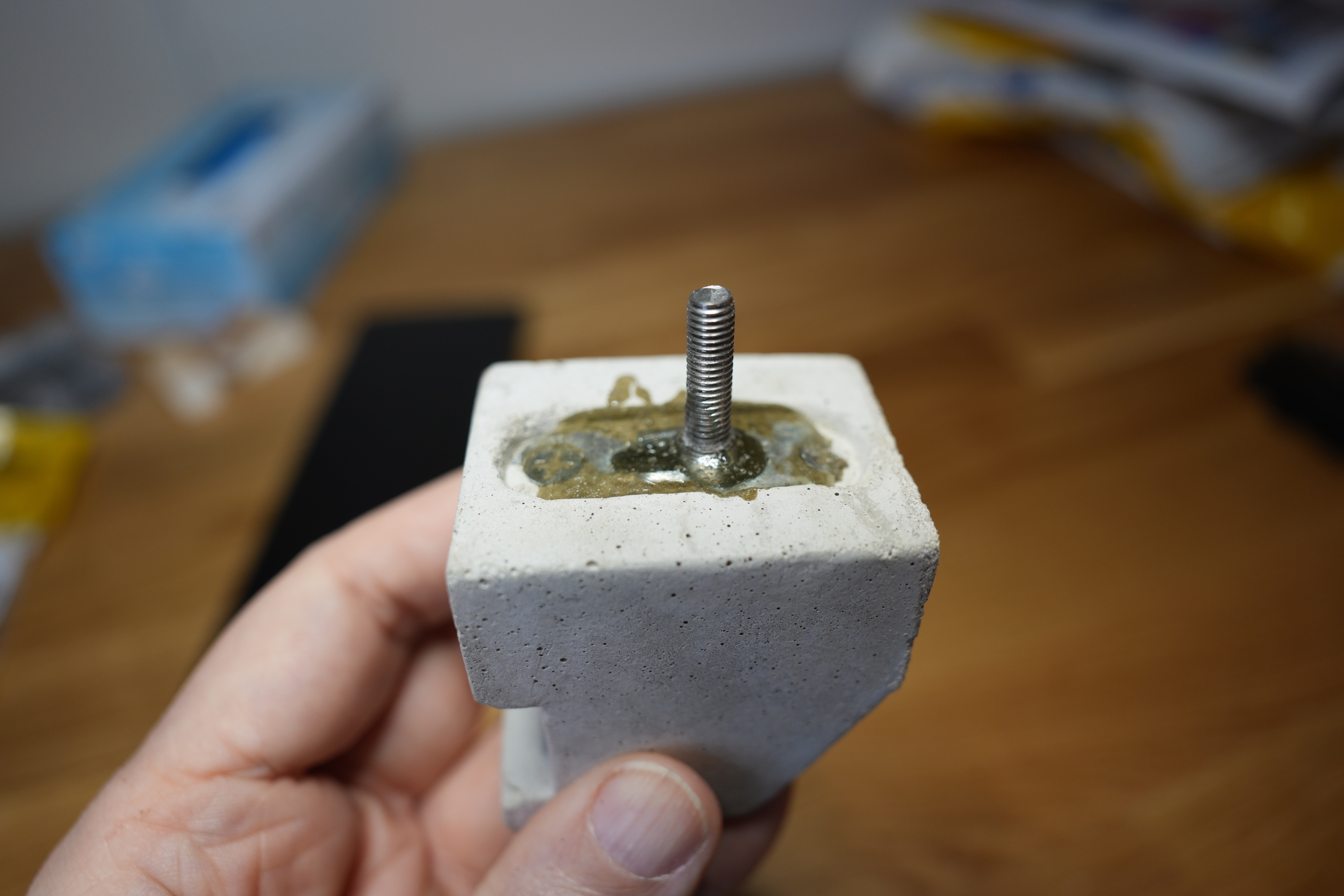
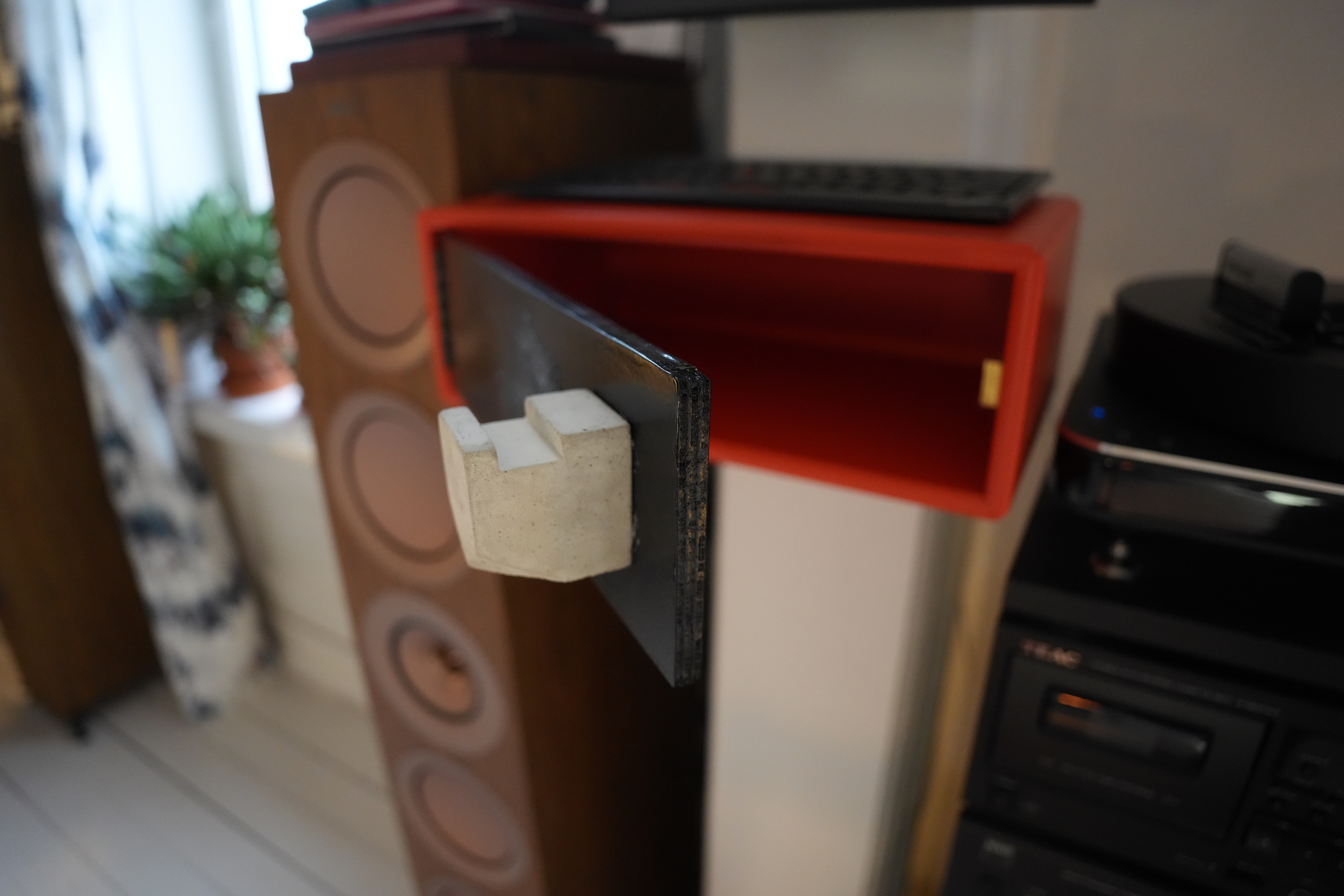
I bought it on Etsy more than a decade ago, and it’s supposed to be a hook to hang on the wall. But the person who made it didn’t know what they were doing, because it’s filled with so much concrete that the hanging bit doesn’t allow a screw to fit into the groove up there. So it’s useless. But I’m thinking I can use it as a door pull! Reuse before throwing away!
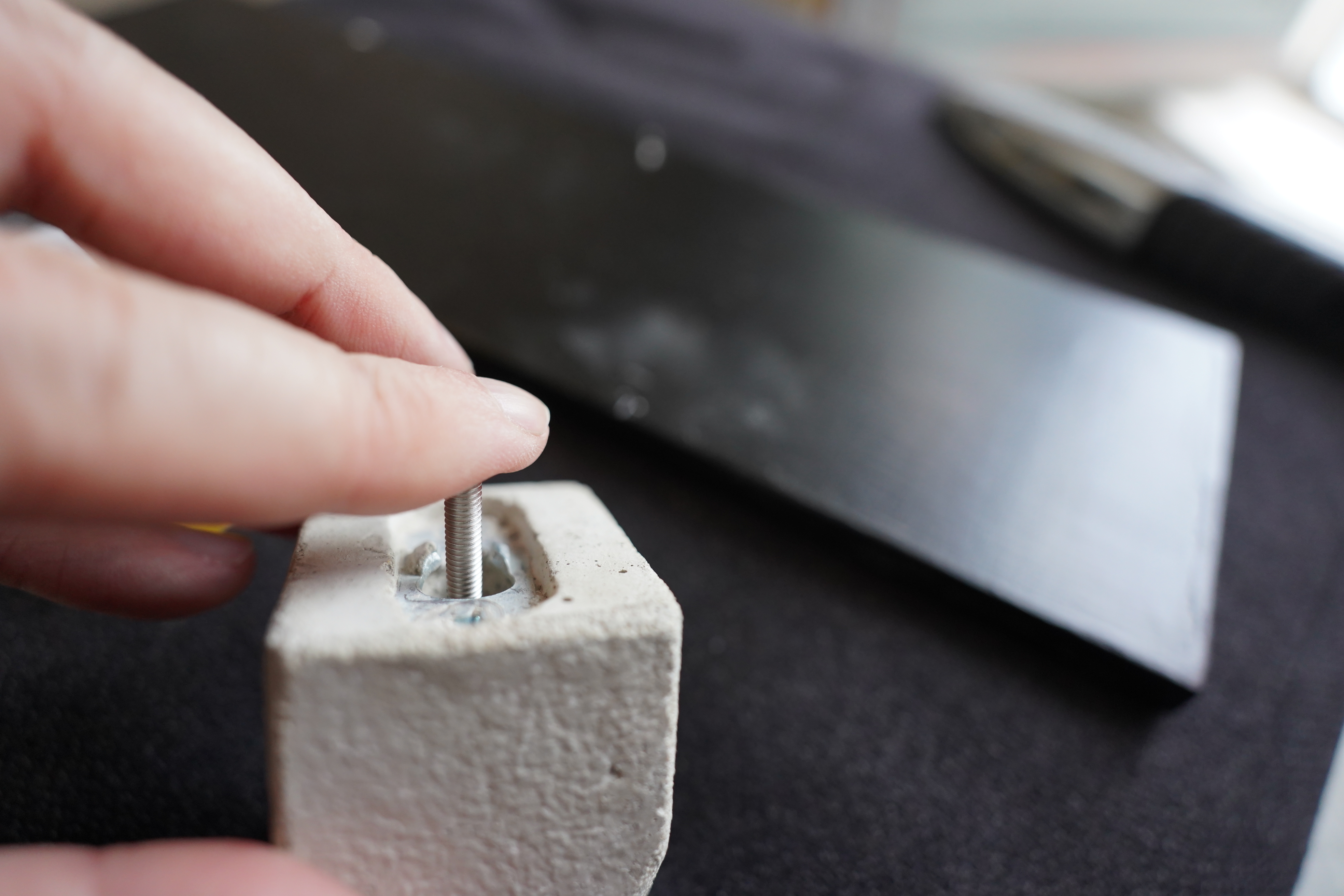
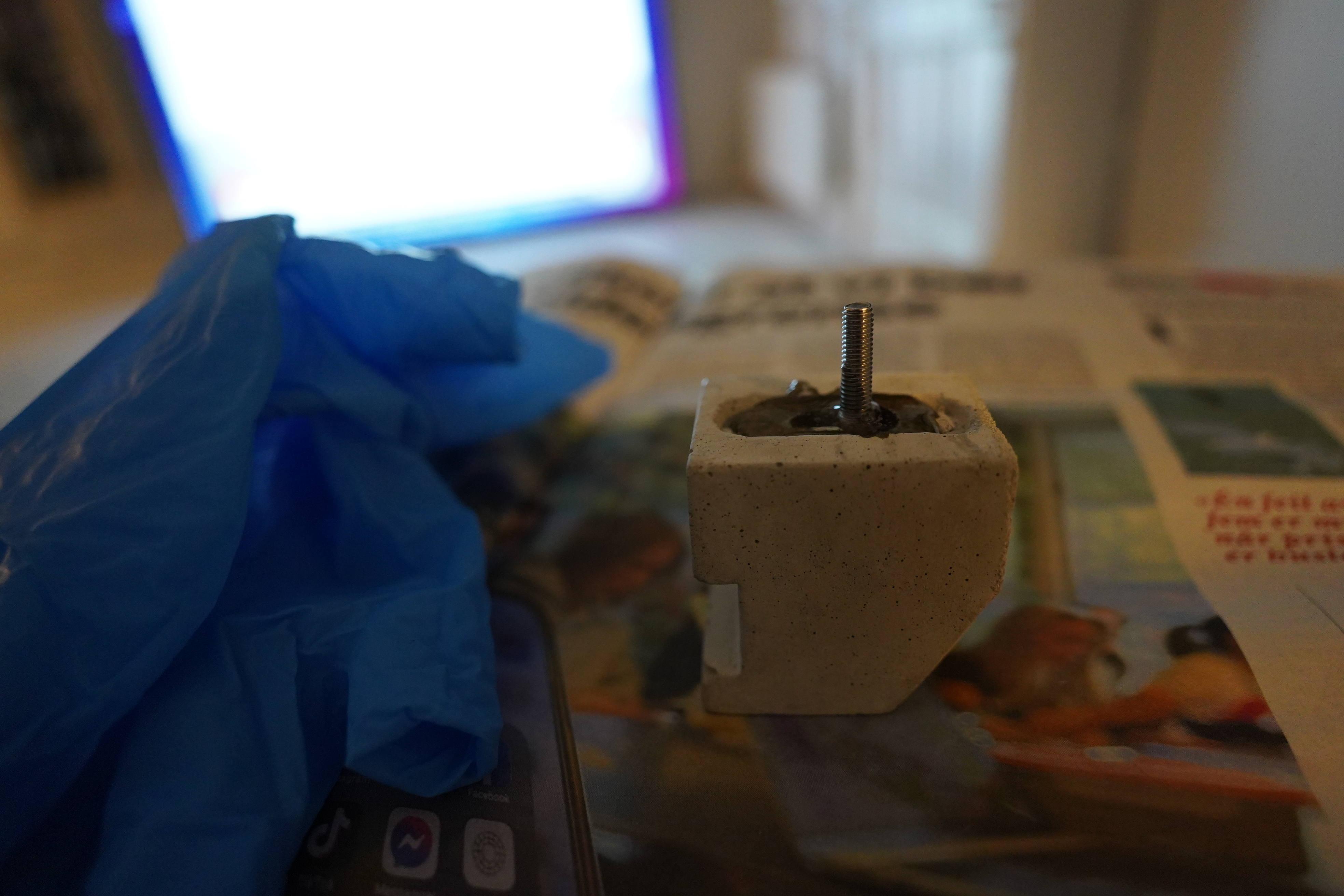
So my idea is that I can put a screw into the cavity, and then fill it with epoxy, and then drill a hole through the door.
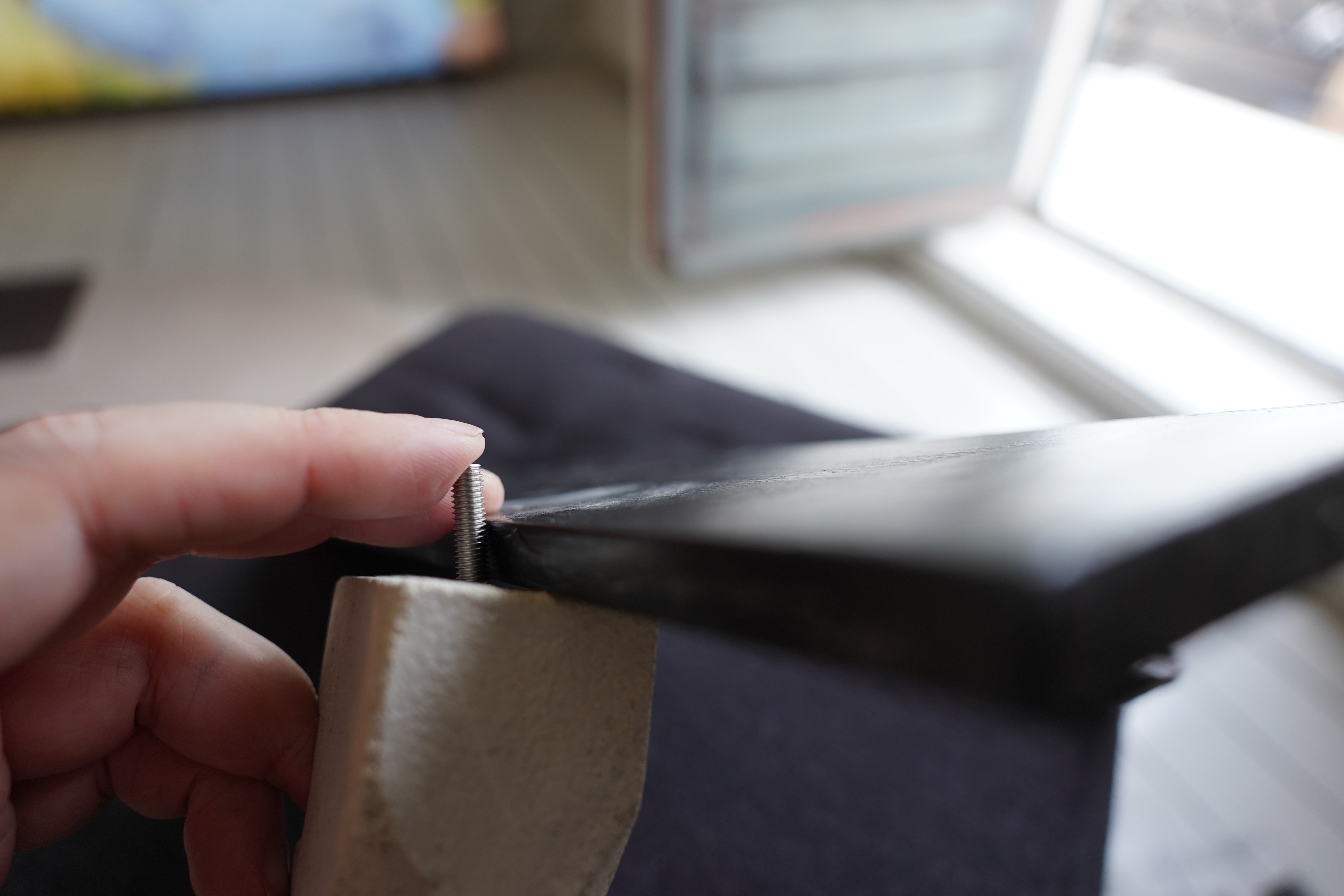
See? The screw should be long enough.
Epoxy!
Is it straight? I think it is!
Oops! I didn’t mix the epoxy sufficiently, so it never actually set. It’s been a while since I did any epoxying.
OK, redo… and this time around, I mix the epoxy thoroughly. And it feels rock solid.
But how does the bit of wood I cut months ago fit? Pretty well — but it’s about a couple of millimetres too long and a bit too tall at one end.
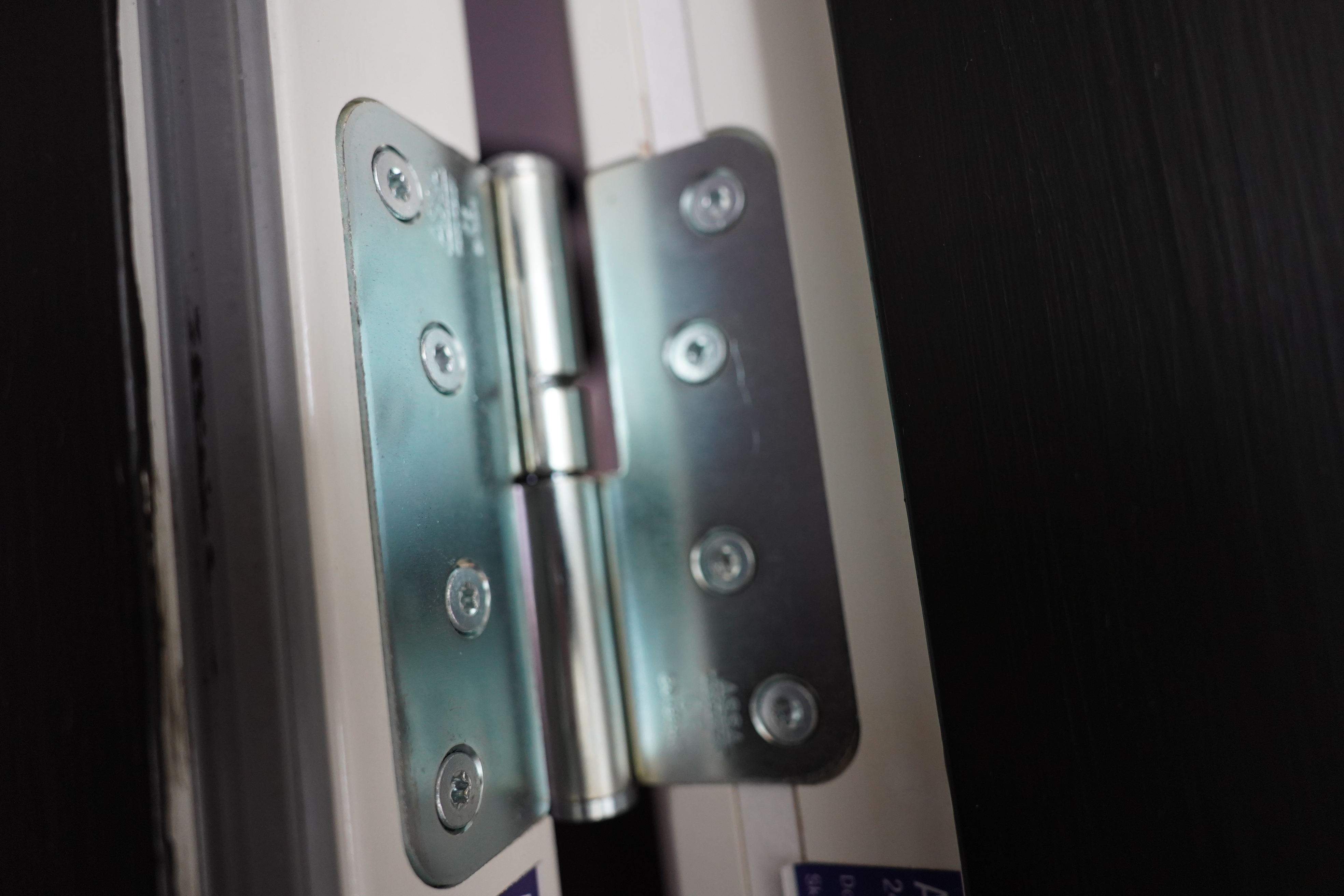
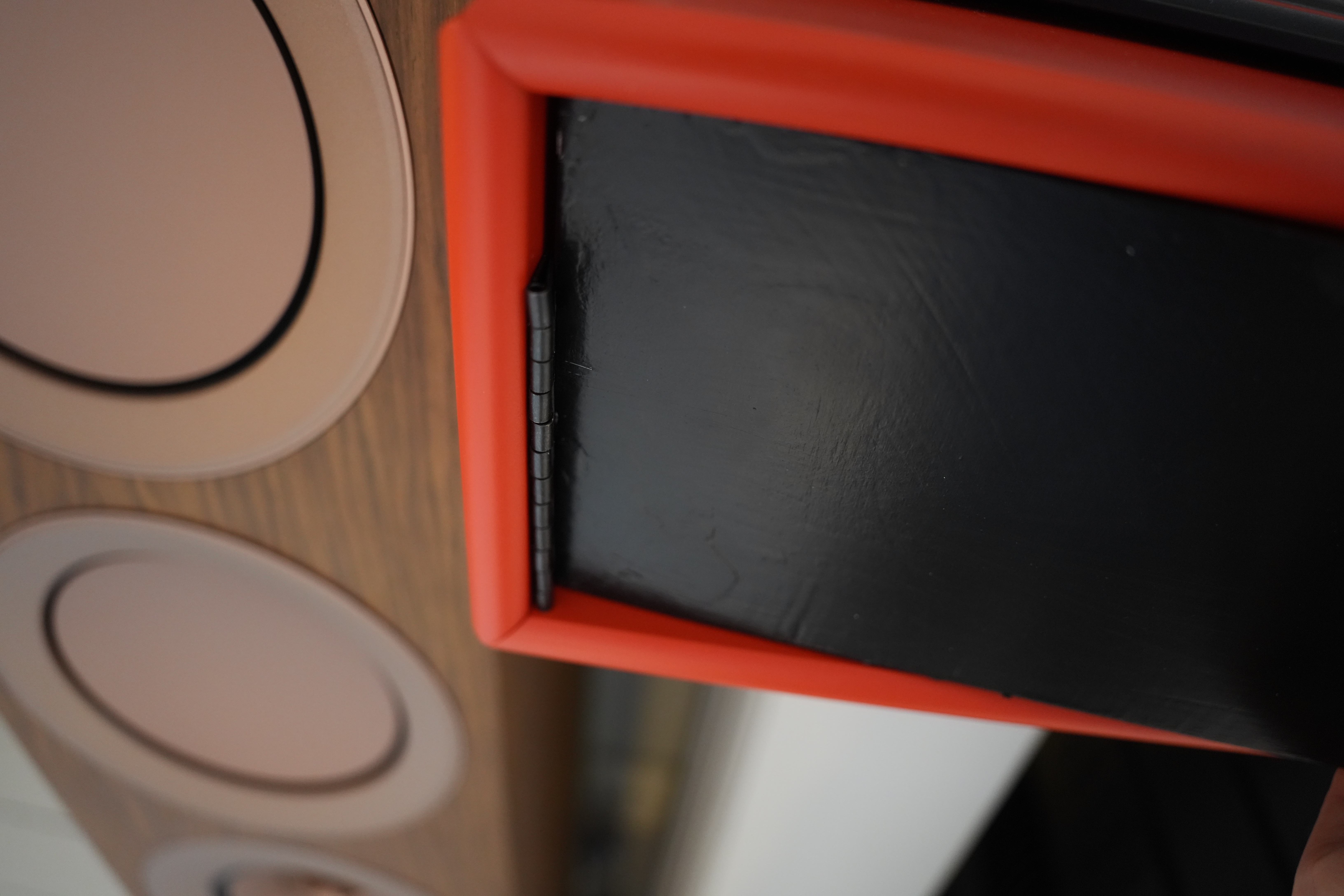
And remember all those hinges up there? I decided to go with one of these kinds of hinges — the hinge sticks out in the front, and that should give me a 270-degree swing or something.
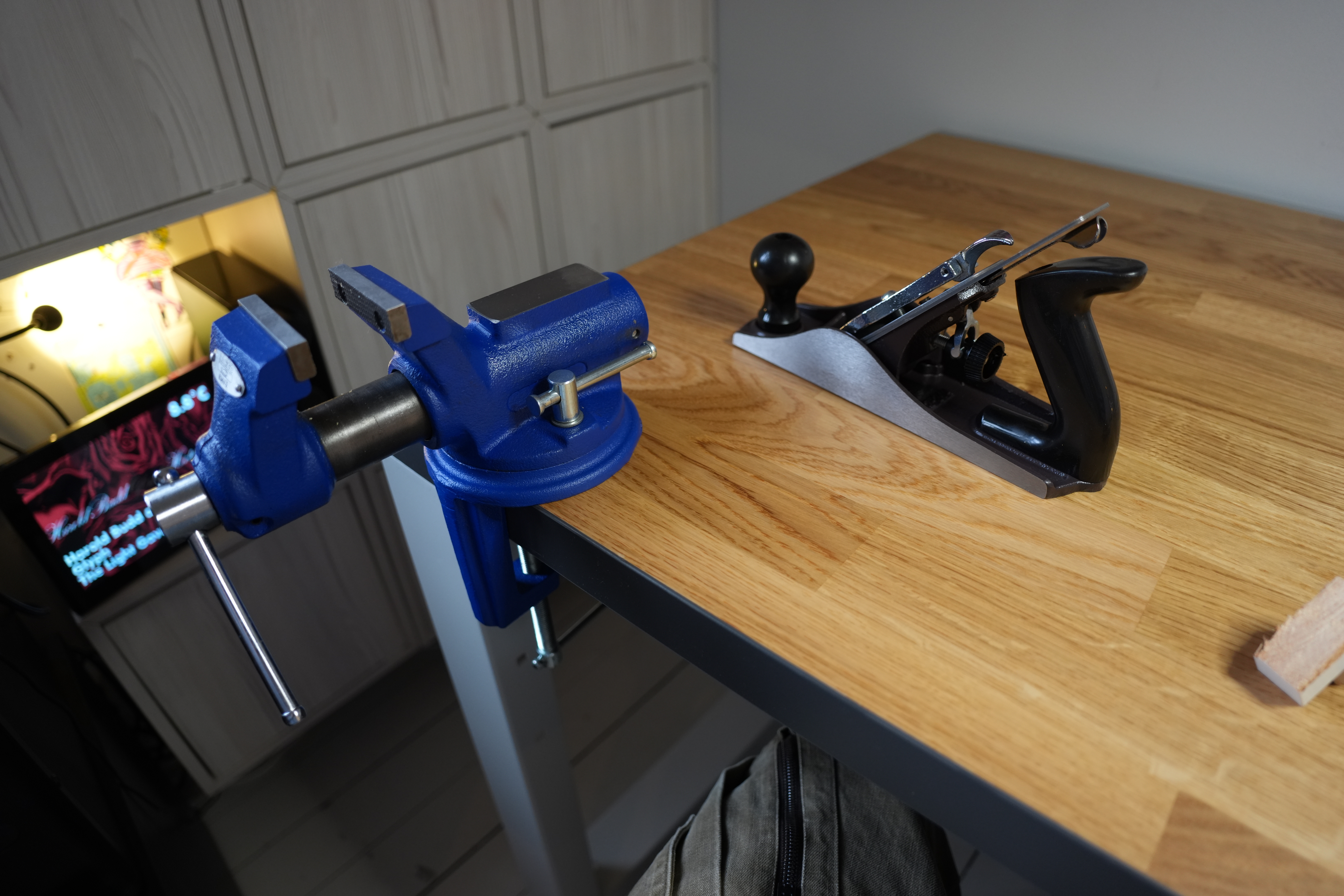
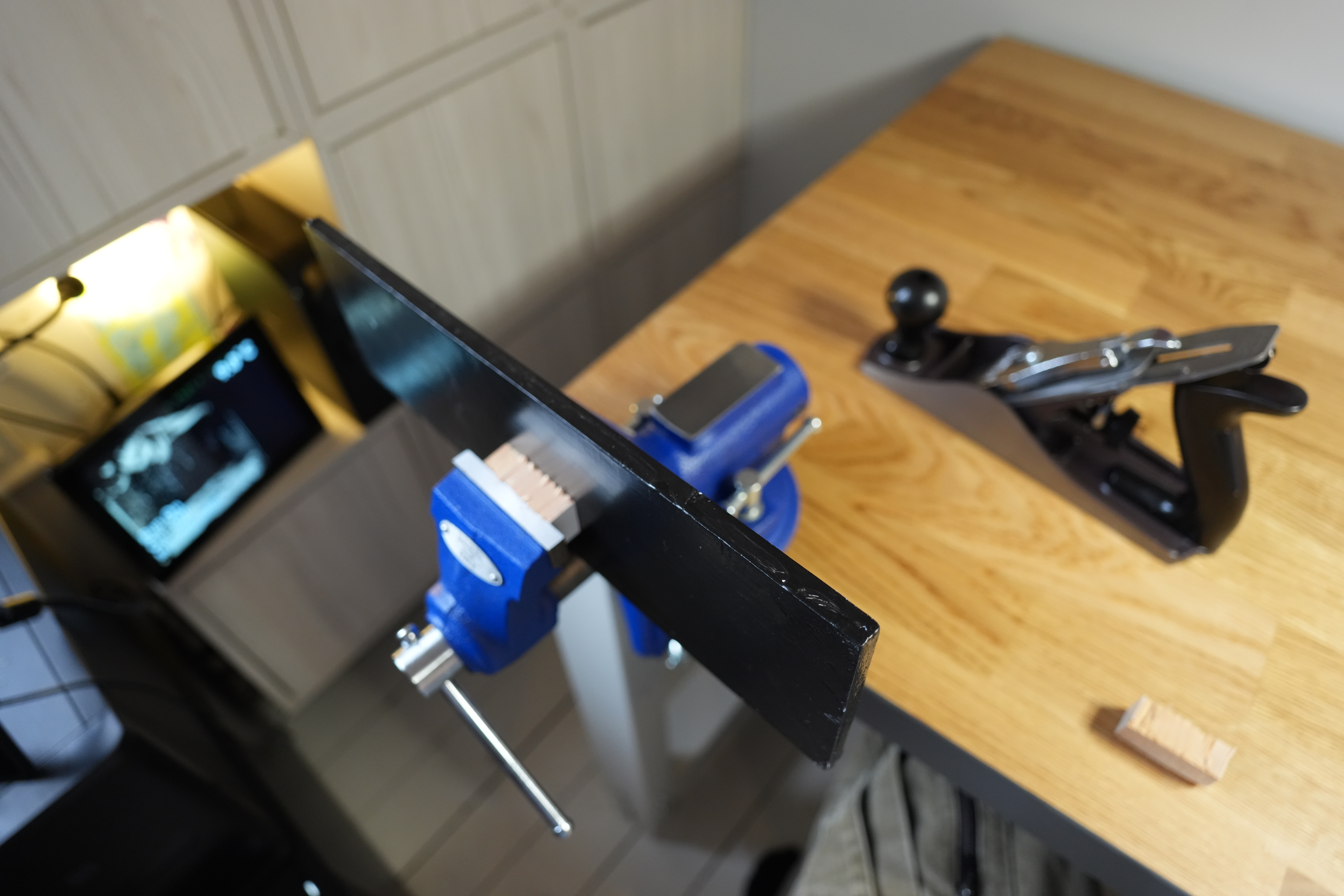
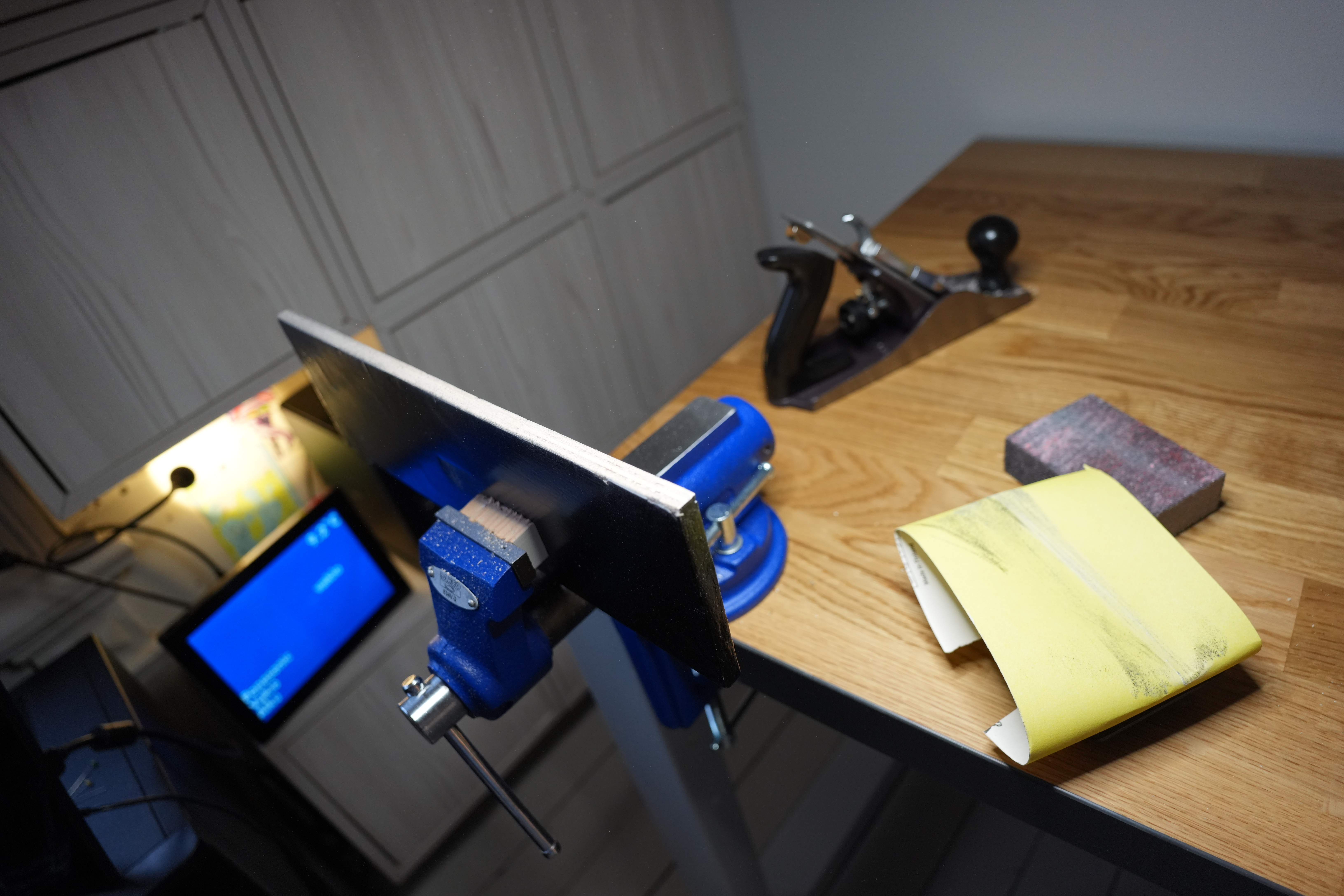
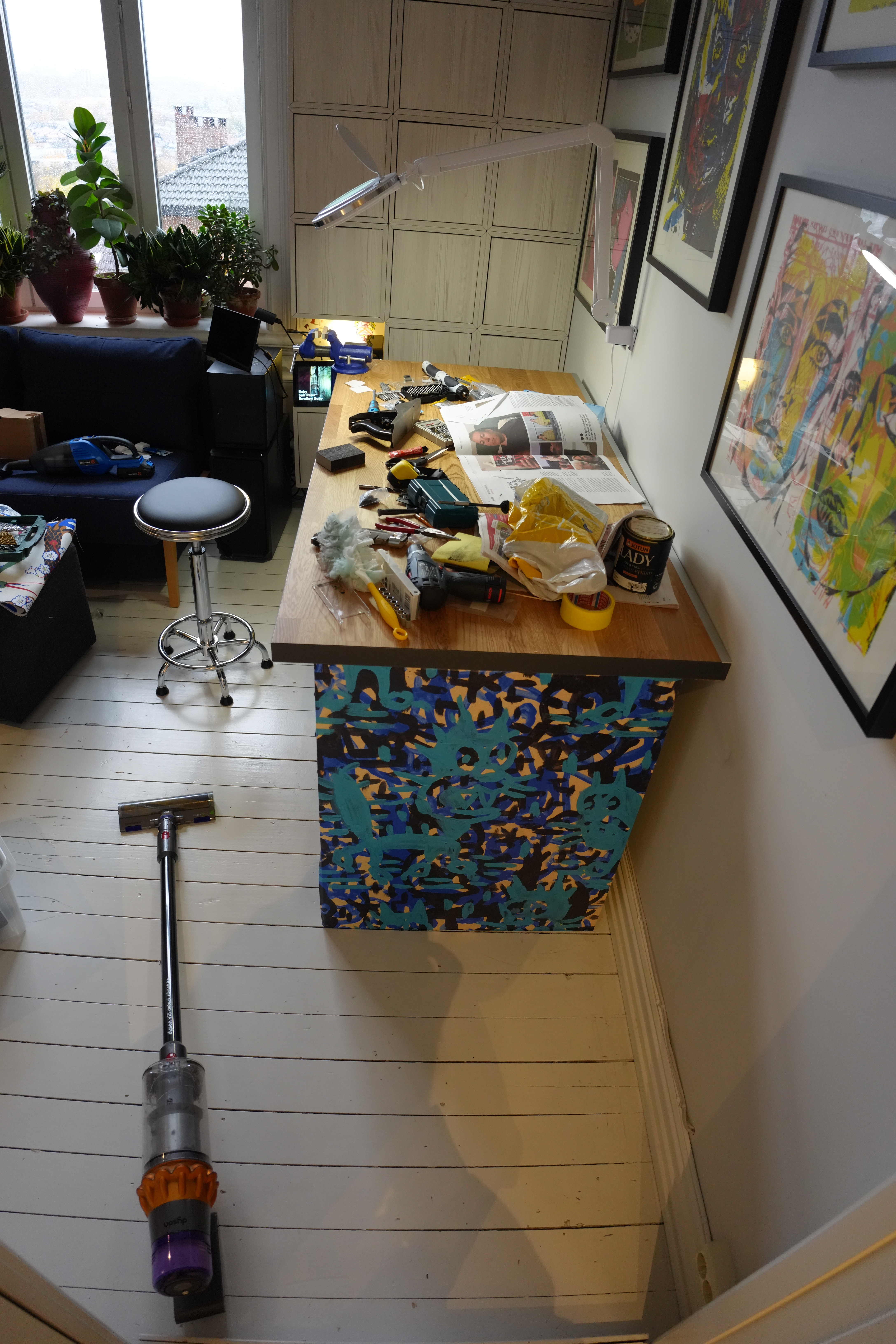
And a couple of weeks ago I bought this vice — I’ve never had one before, but I’ve always wanted one. And a plane! A proper one! It’s a dream come true.
So mount the door in the vice…
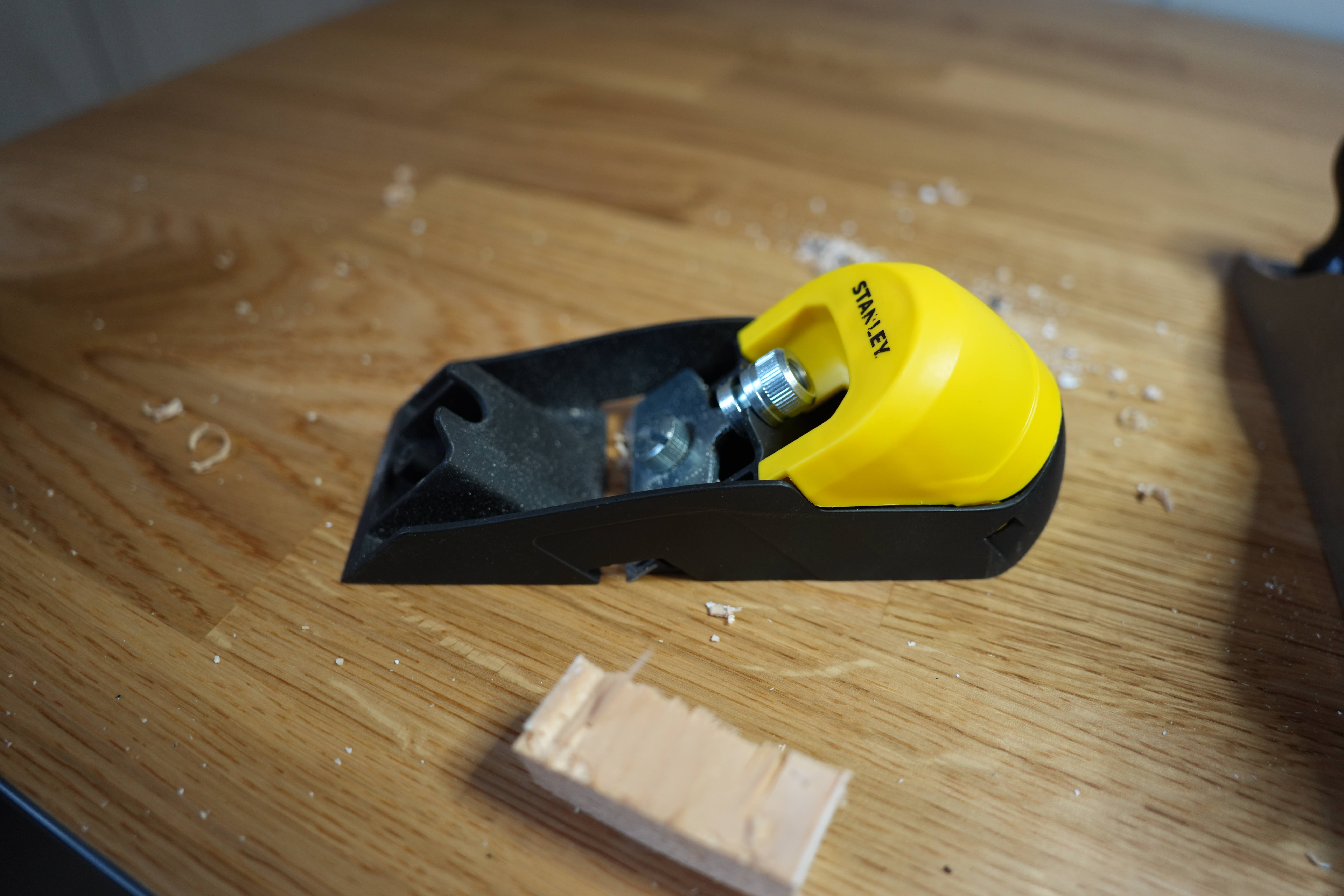
And this li’l plane is nice, too.
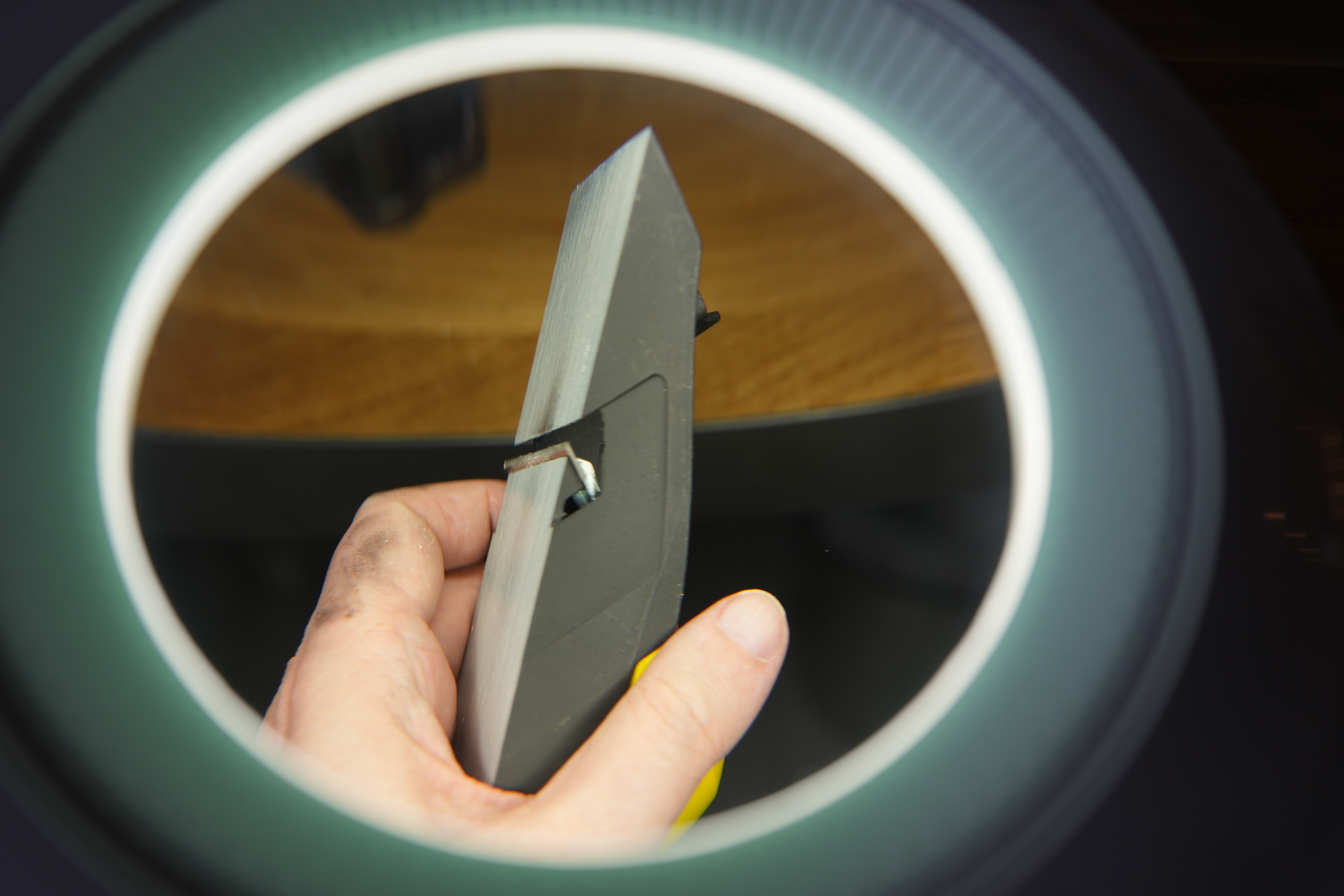
I’ve got a lamp! With a looking glass! So that I can actually see what I’m doing when I’m adjusting the plane!
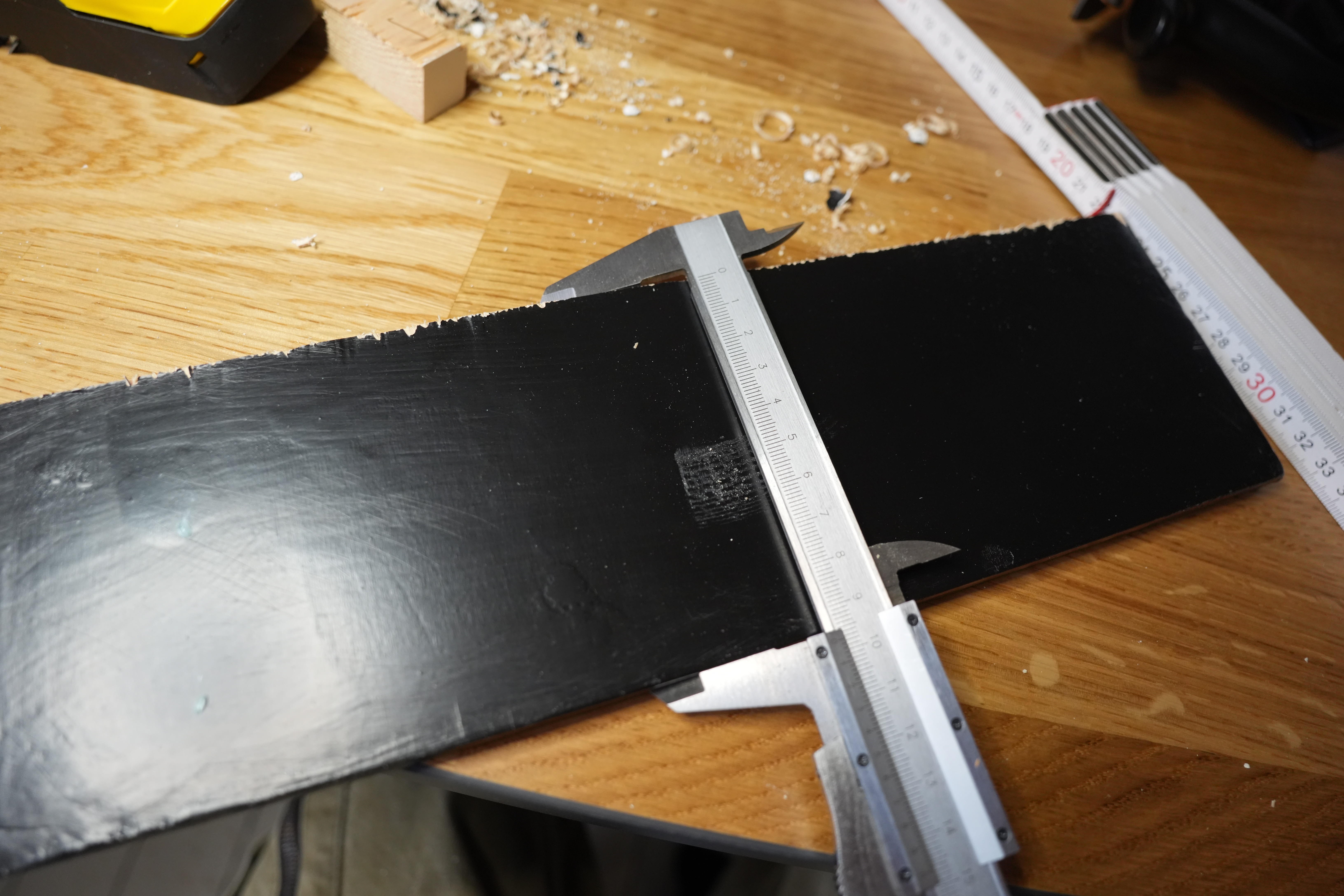
Measure once, cut twice…
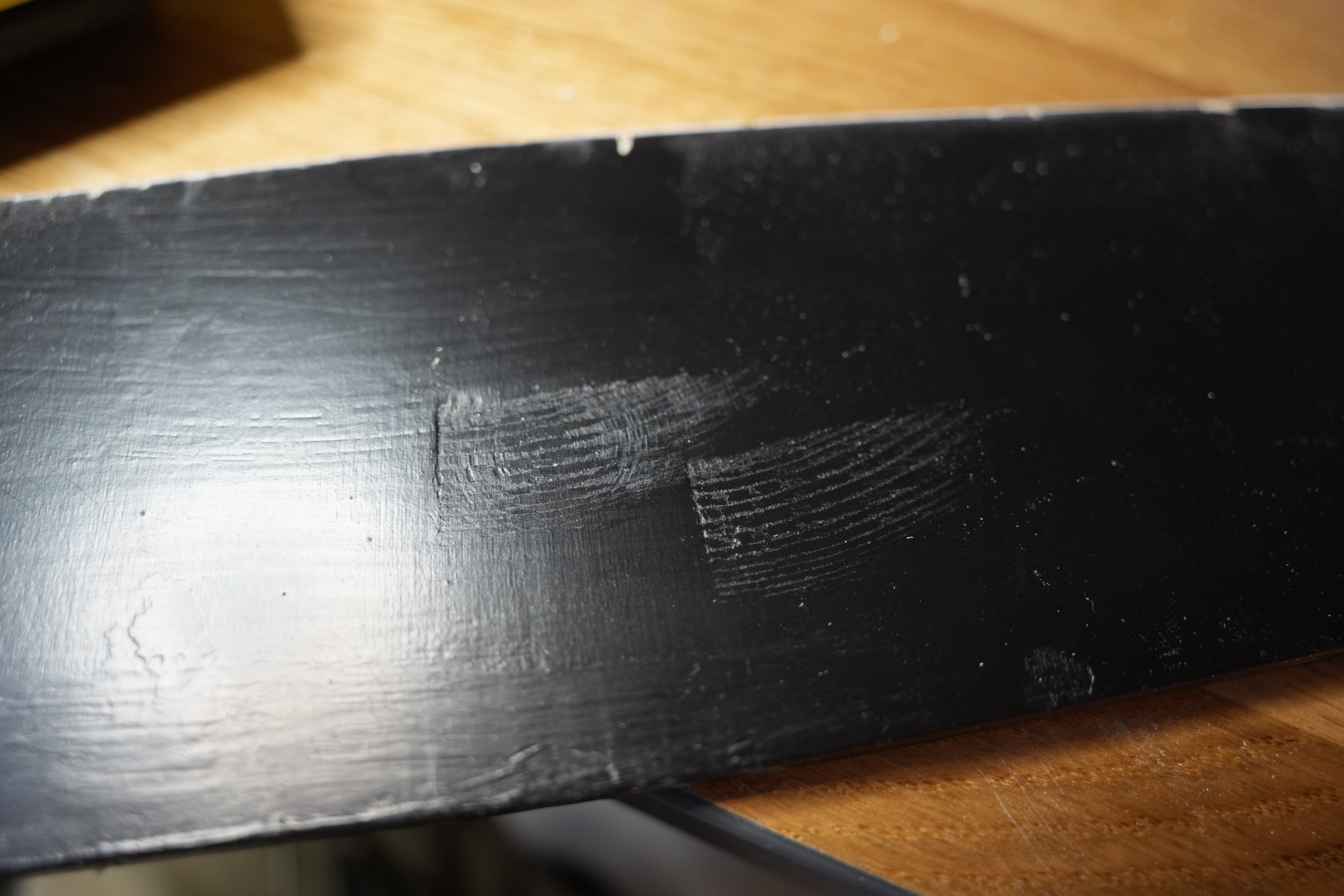
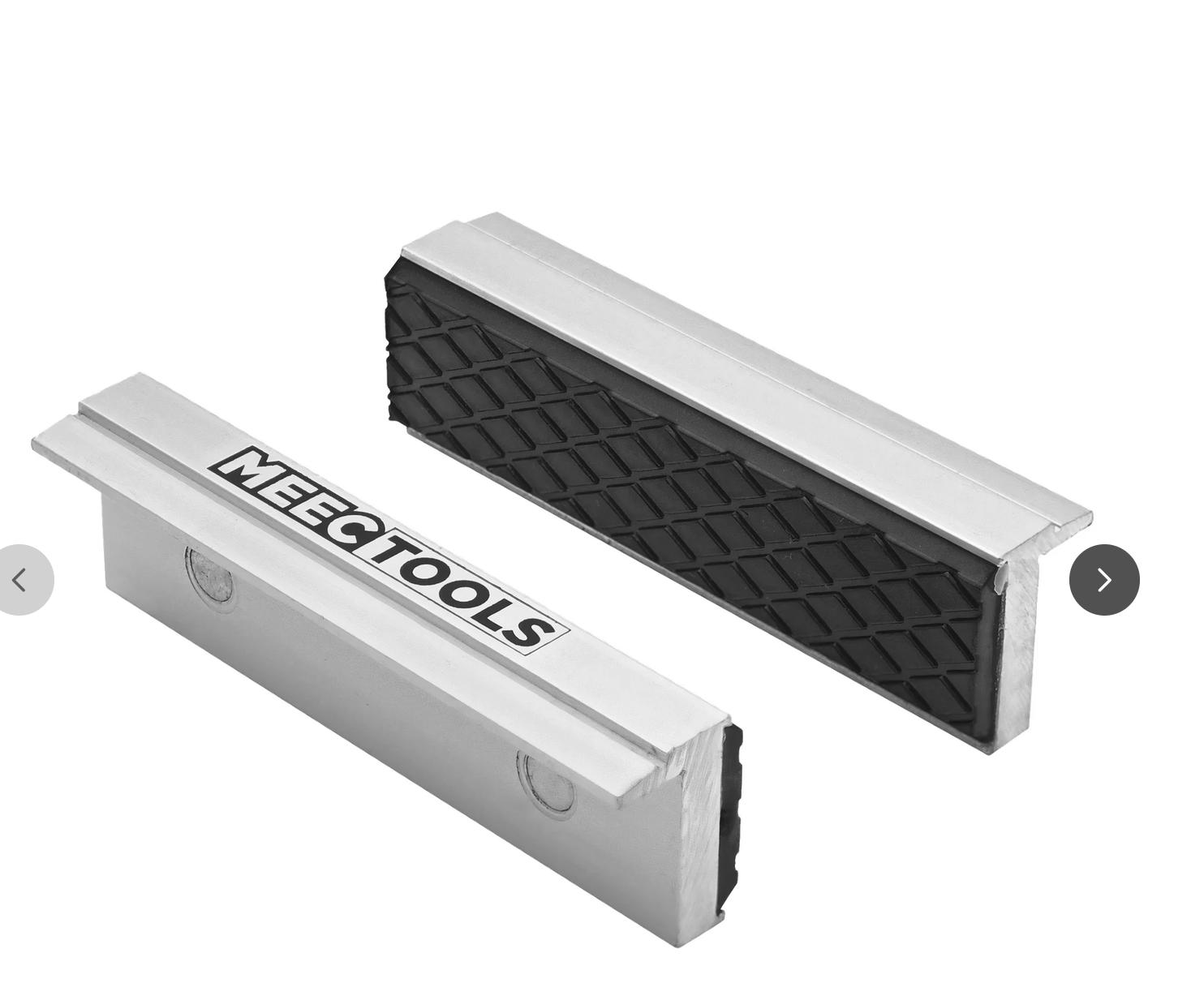
So I used two pieces of wood to protect the door from the vice…
And then check whether the concrete pull is gonna work…
It does!
OK, after sanding the door down again a bit…
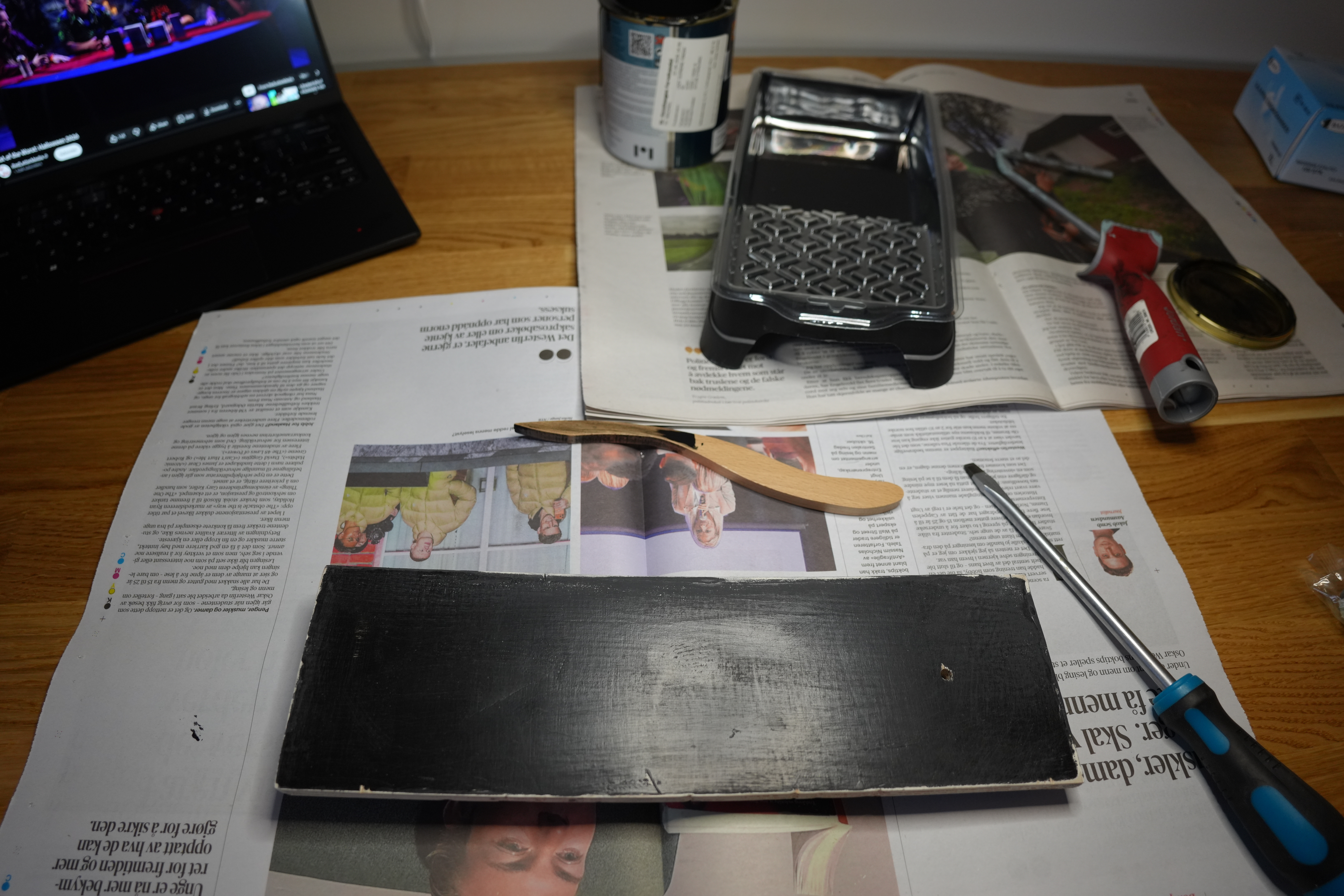
… it’s time to give it a final coat of paint.
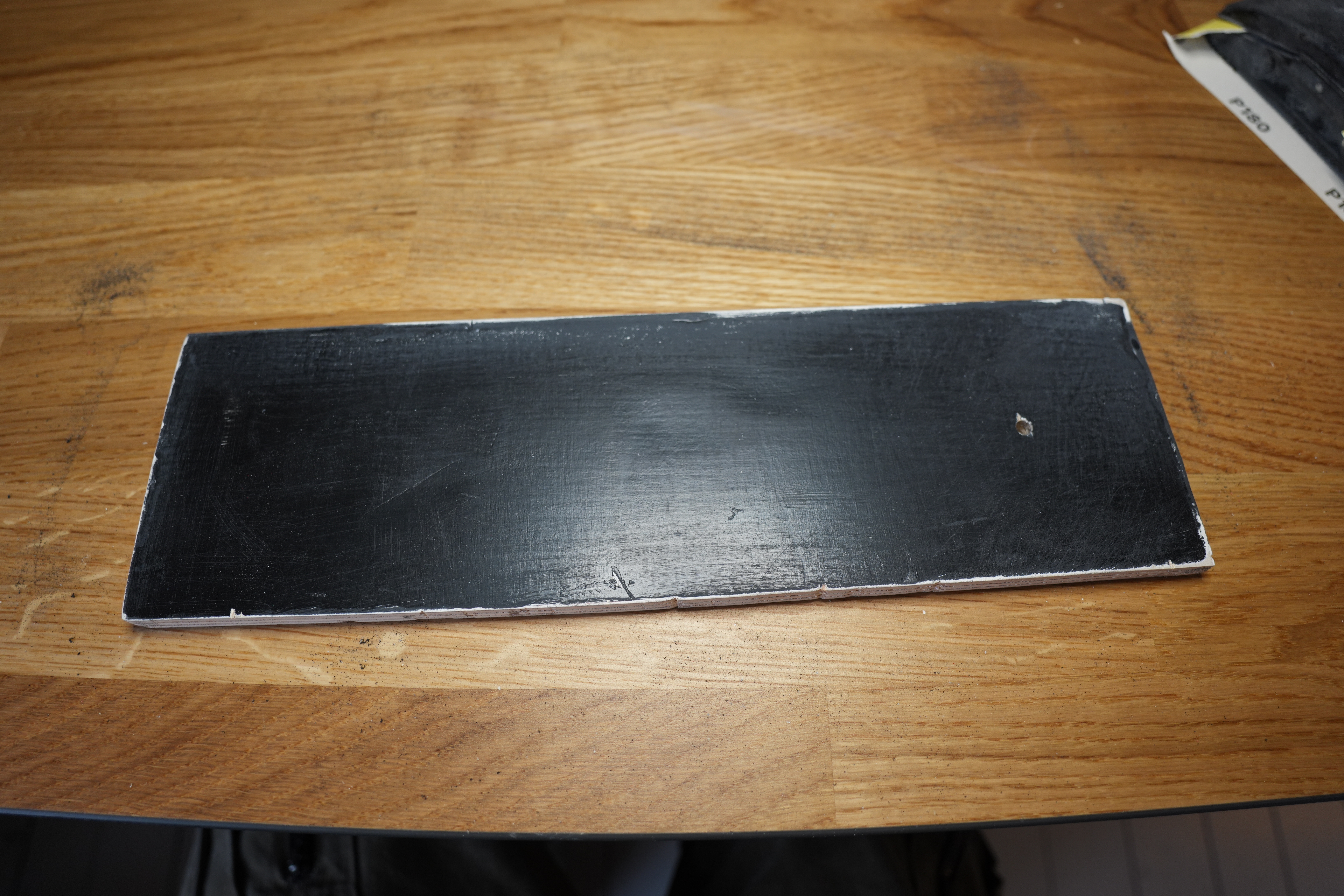
There! Such blackness.
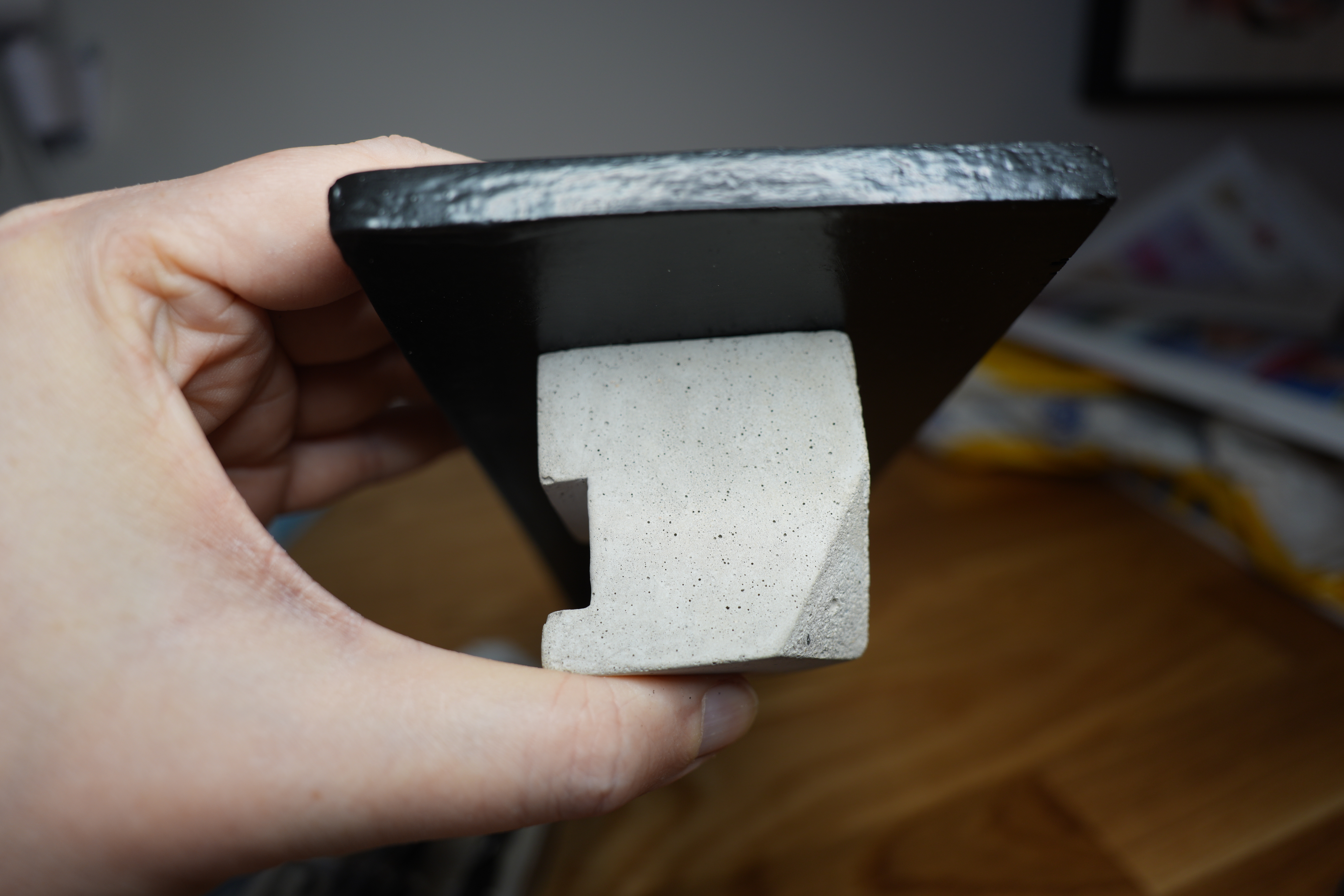
Back to the “door pull”… I see that it’s not completely flush? Whut?
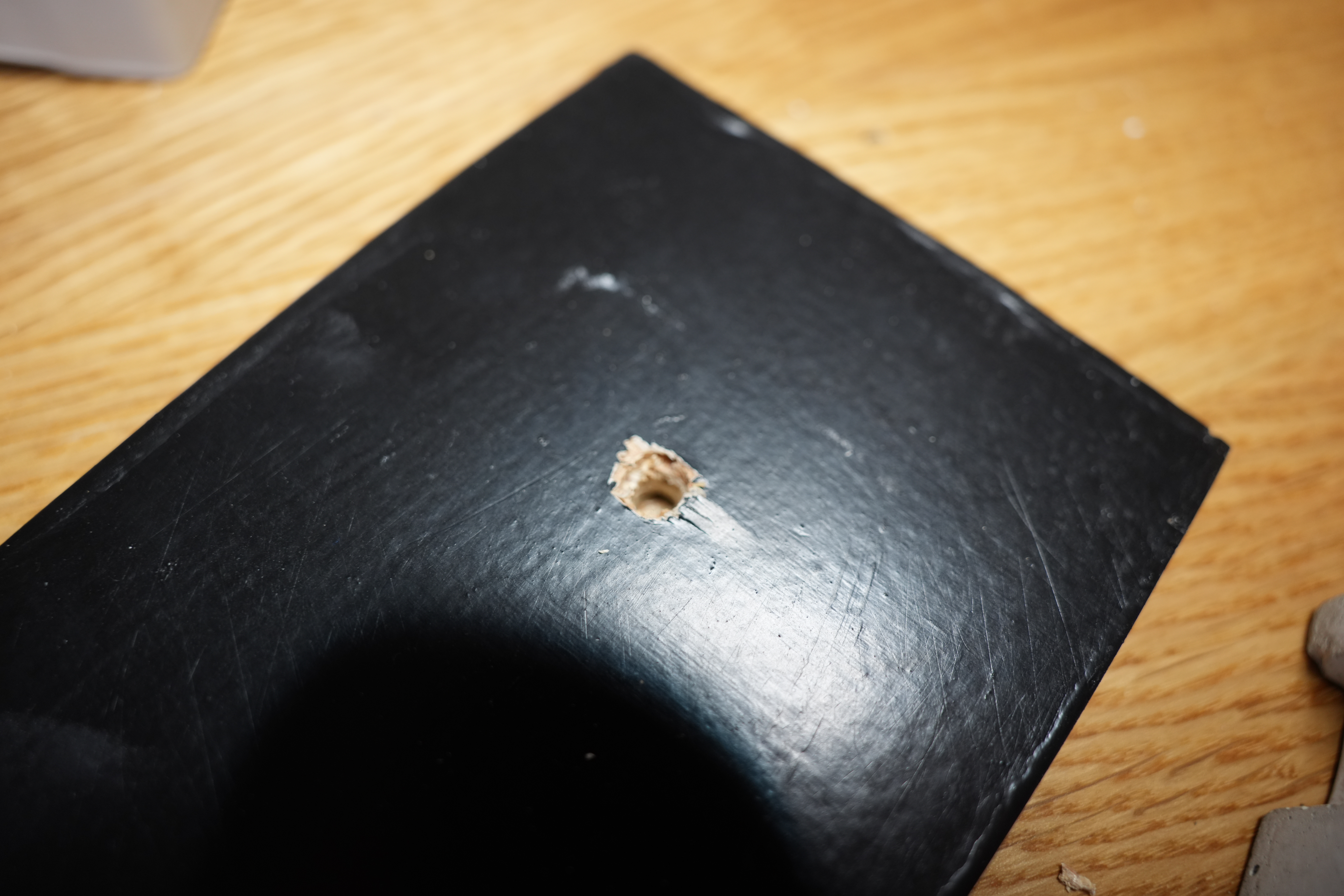
Oh, the epoxy has crept up the shaft of the screw at the bottom there. Gngng.
OK, I can use a larger drill and then just drill out a millimetre down…
There! Flush as a toilet. (I’m sure that’s a saying.)
While pondering all of this, I was wondering whether it would be easier to hinge the door at the top/bottom or left/right. Top/bottom has the advantage that there’s less torque applied on the hinge when the door is open, but screwing the screws into the top/bottom would be impossible with a normal screwdriver.
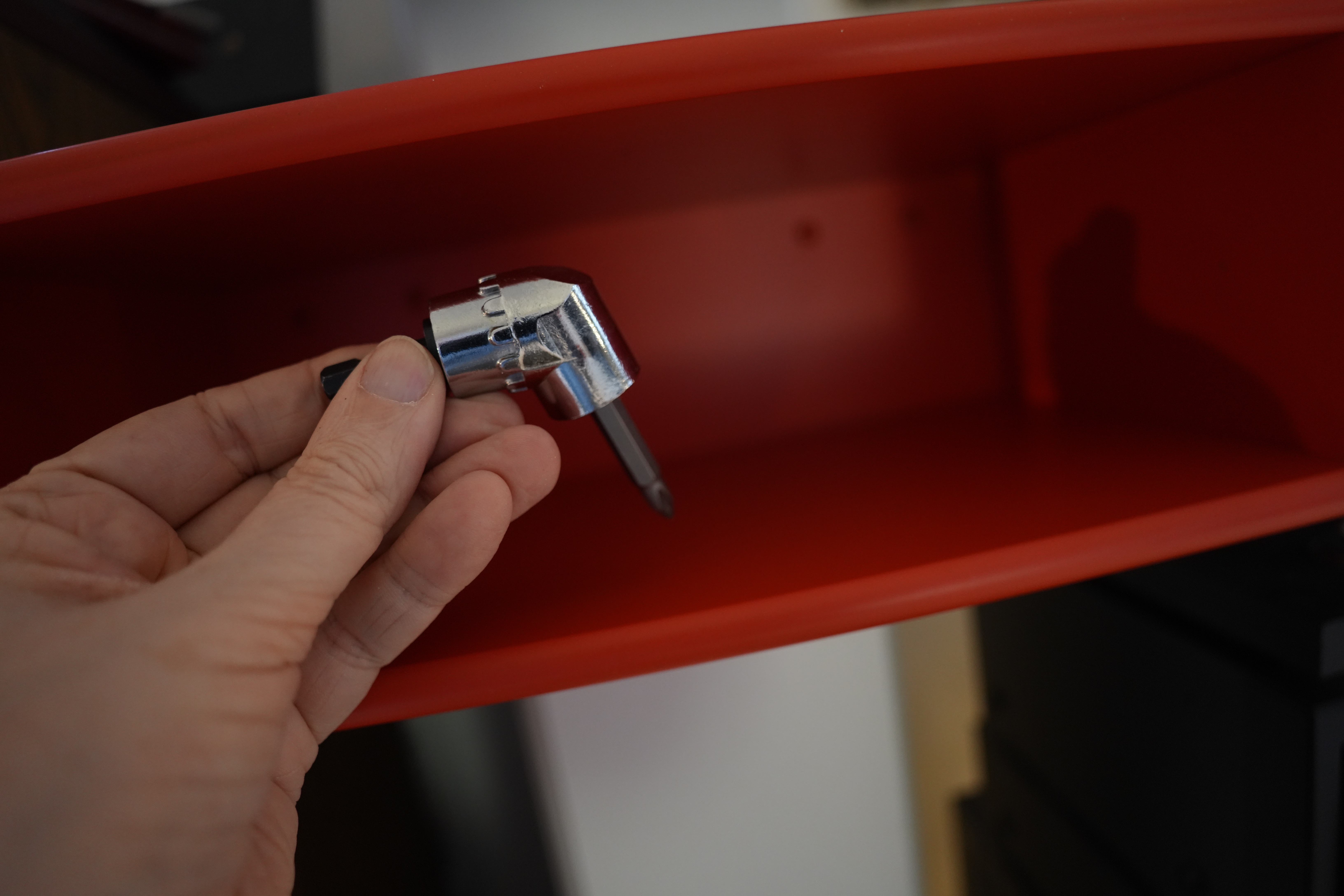
So I bought the above gadget that allows screwing in 80-degree angles. Fun gadget. But since I decided to hinge the door at the left, I don’t need it. Oh well.
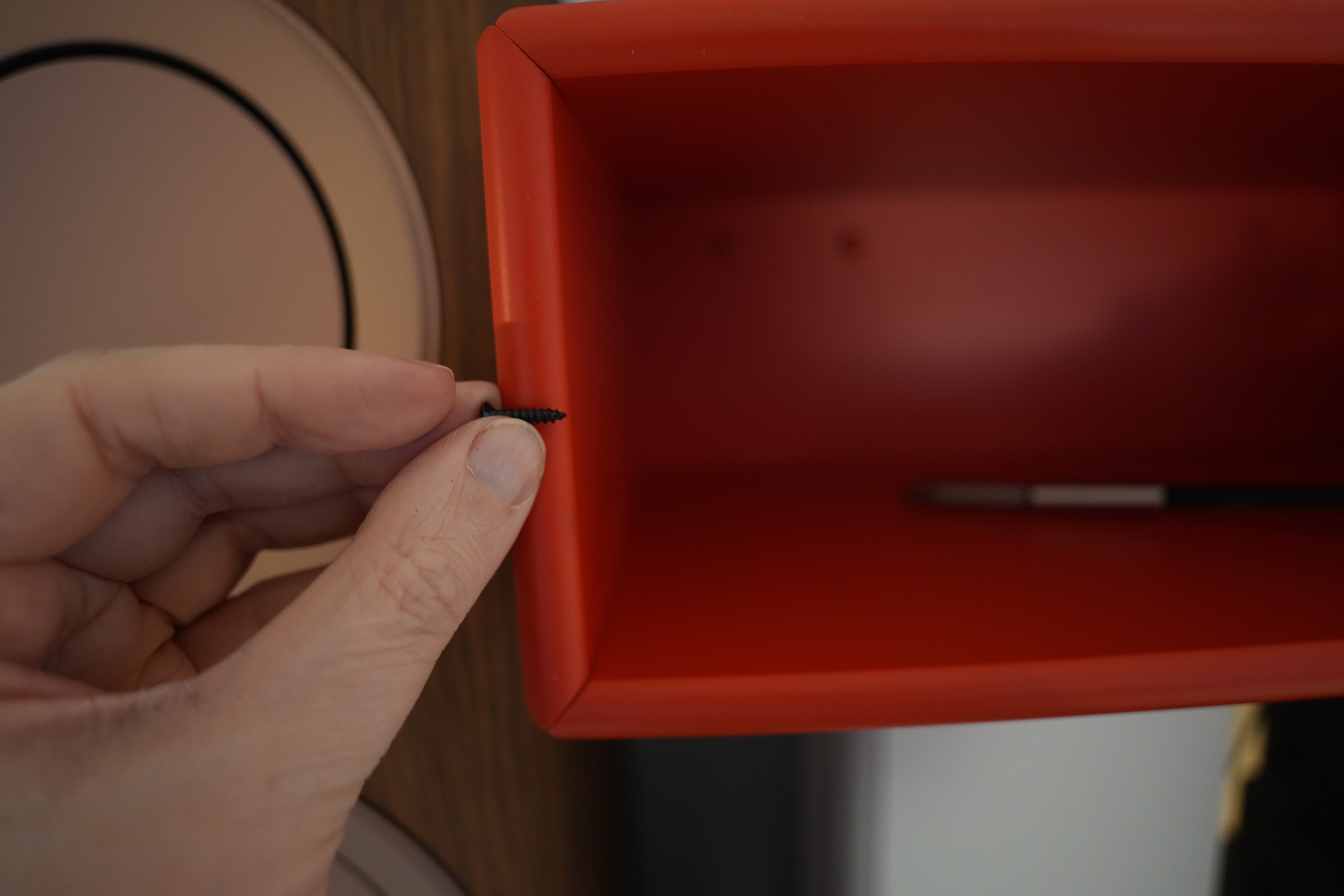
Yeah, looks like the screws I have are the correct length — won’t poke out on the other side of the wall.
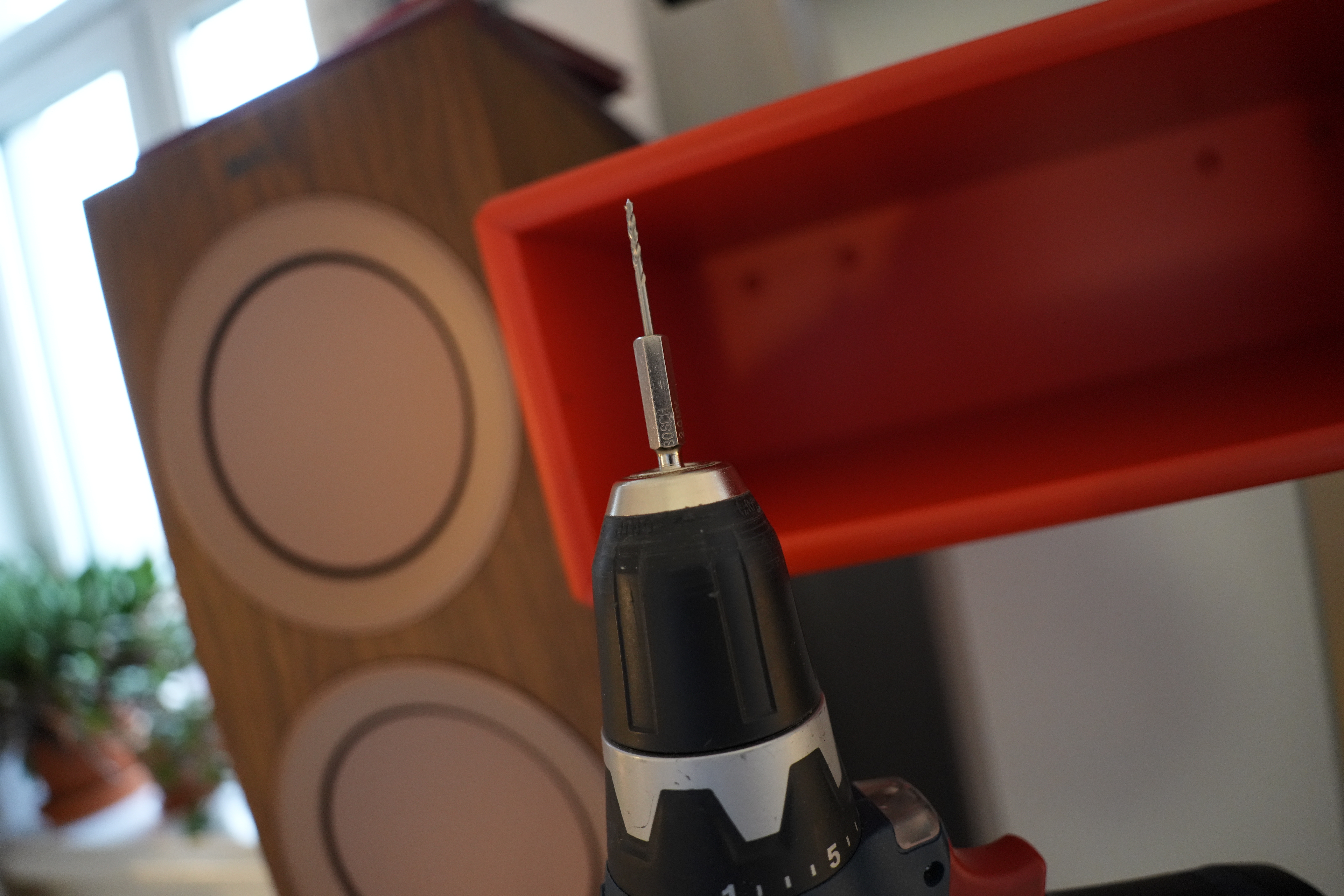
The MDF used in this box has a very hard lacquer, so I think I’ll use a drill to get started.
Oops! I put the hinge too far up. And the hinge is wider than I thought — I have to plane off a couple more millimetres!
Fortunately I only used one screw to test first…
Yay! It fits!
So now I have to fasten the pull… and I just bought all these lug nut bits because I’ve never had any of those before. The one from Makita seems pretty useless.
But the ones from Bosch are perfect. I ❤️ Bosch.
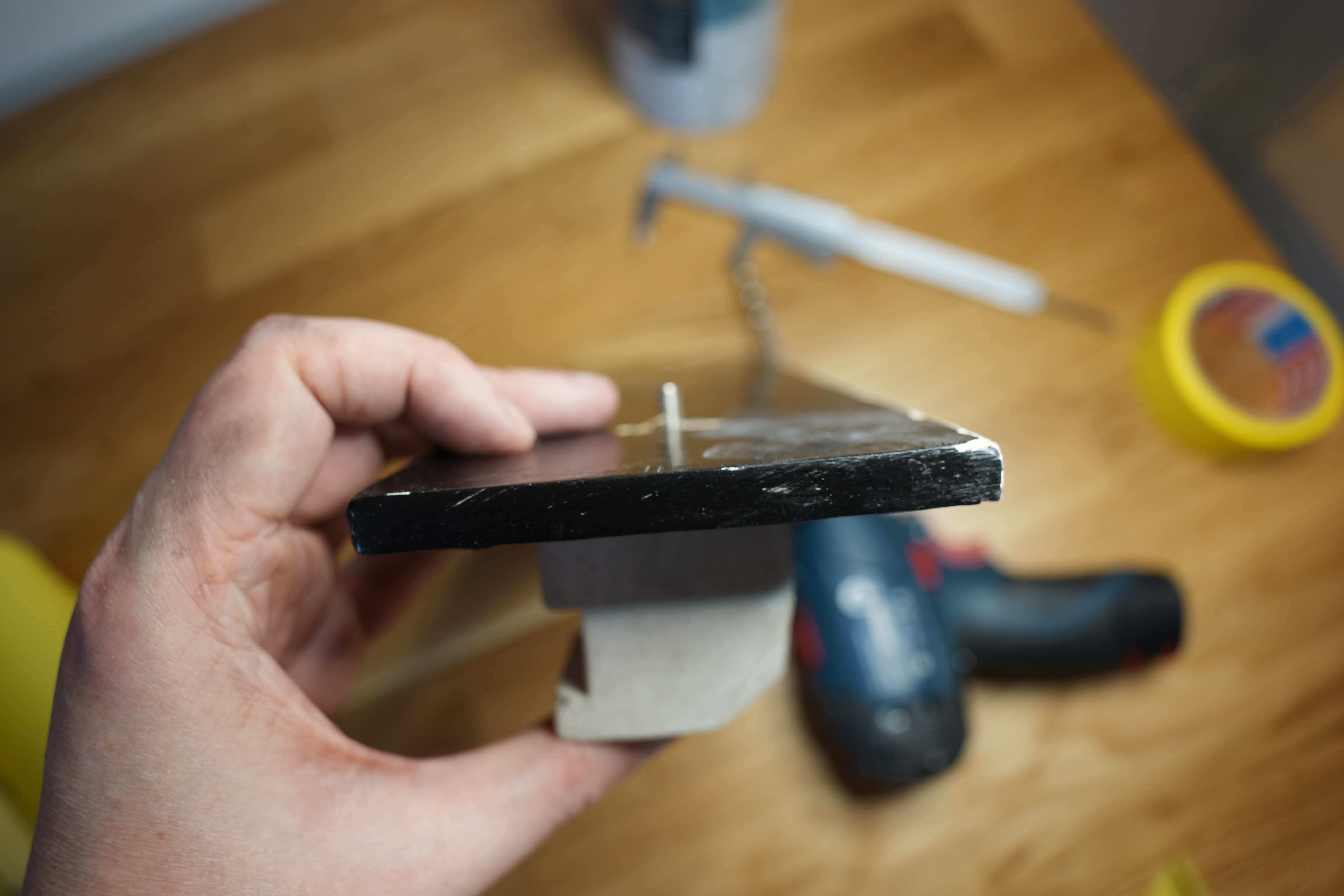
There! Heh heh. It’s original at least — I can guarantee that this is the only thing in the world that looks like this.
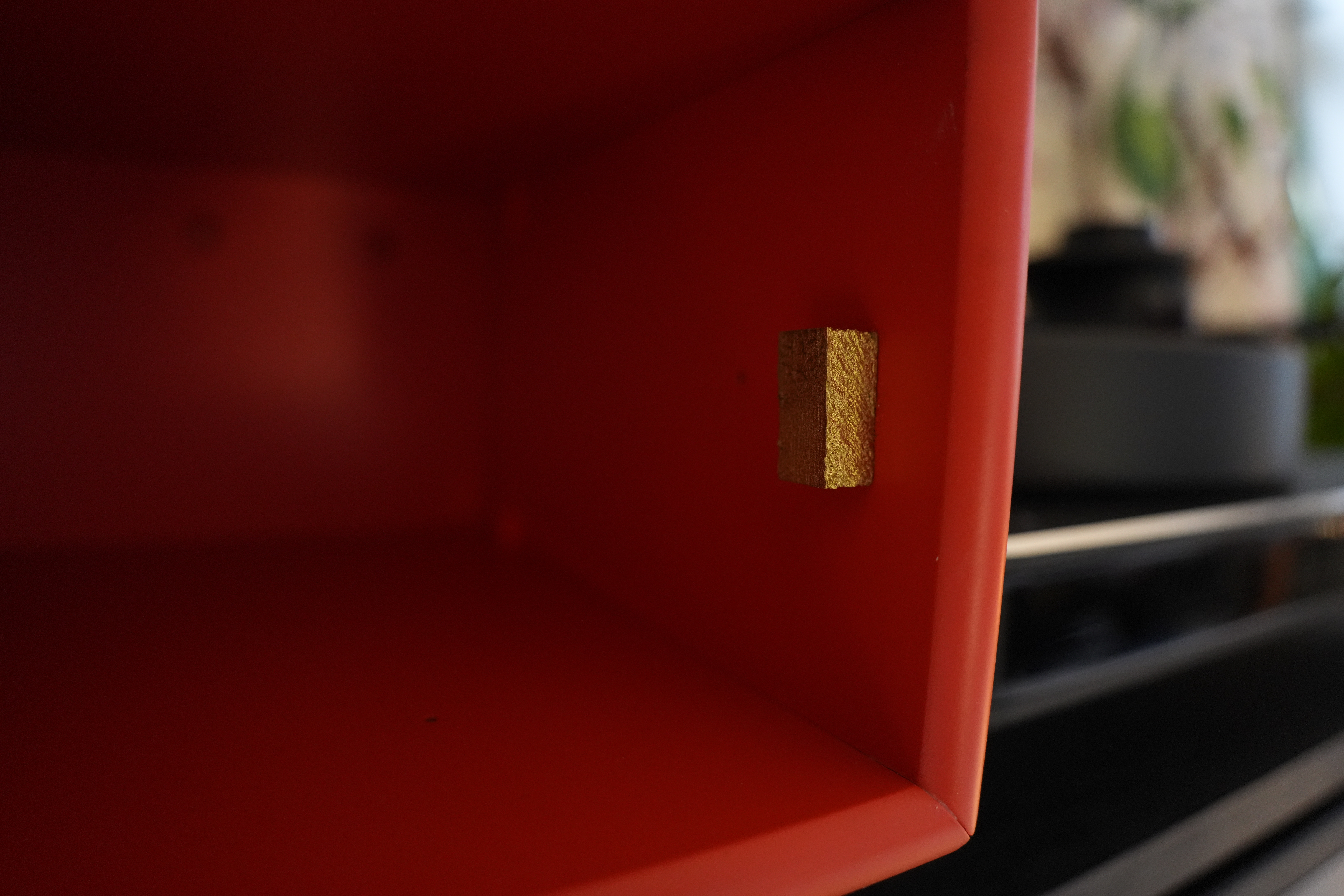
But I need something to avoid jamming the door too far into the box by accident — and I had this gold-painted wood cube from a previous project, so perhaps just wood-glue it in there? Huh, seems to work… and that gold/red is a nice combo.
And then a quick roll-over with some black paint on the side I did the final emergency planing, and then it just needs to dry again and I’m done? WHAT! This project started in May, and it’s now October, so that took *counts on fingers* FOREVER!
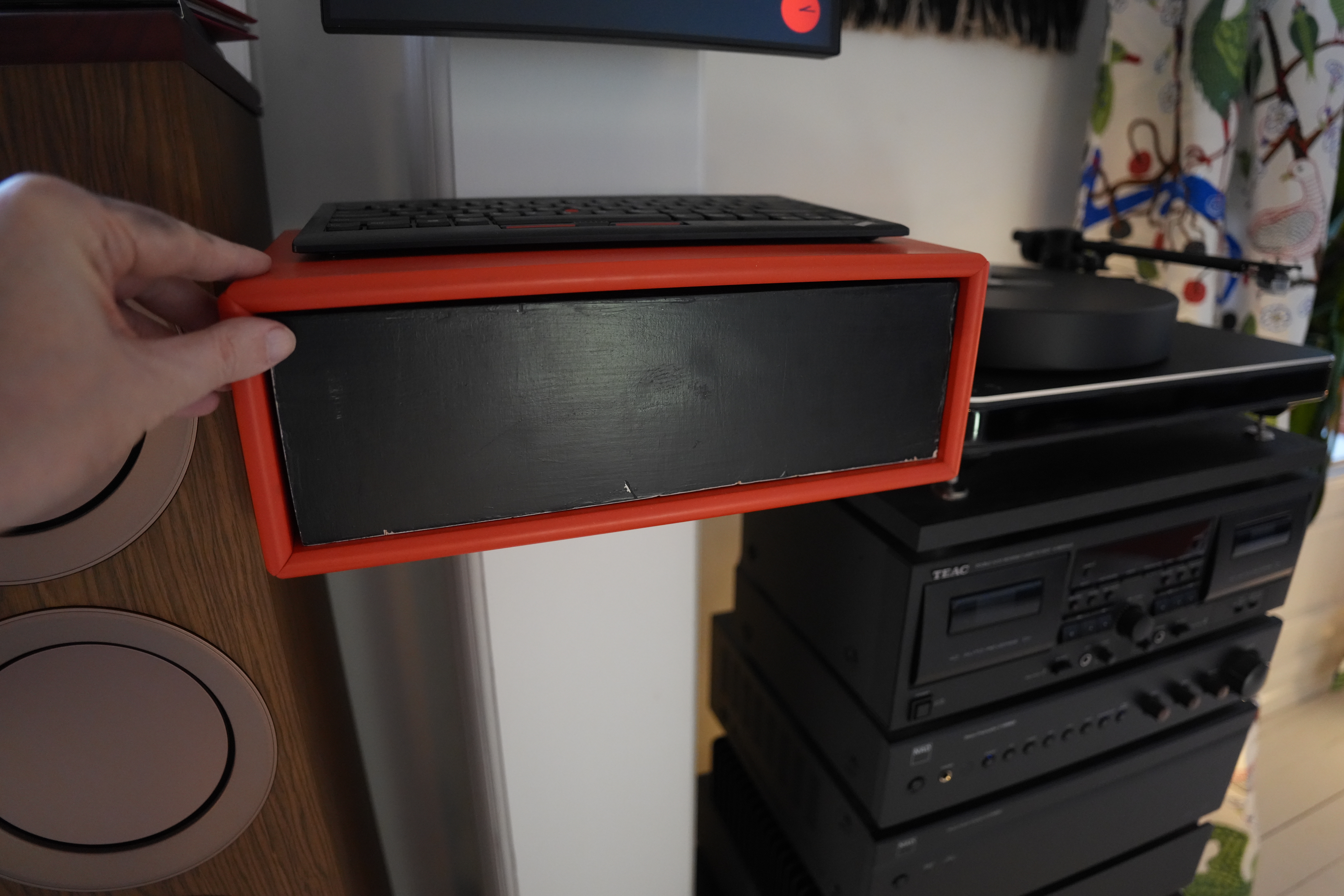
See? Much tidier now.
Heh heh, that whopping huge concrete thing used as a door pull makes me laugh. So stupid!
Allowing comments on a WordPress blog is only viable if you have a spam checker. Fortunately Automattic (the people behind WordPress) also provide (free) access to Akismet antispam. Because if you run a WordPress blog, you will be getting hundreds of spam comments per day:
Nobody can wade through all of that, but Akismet correctly identifies all of this junk, so you never actually see it. Thanks, Automattic!
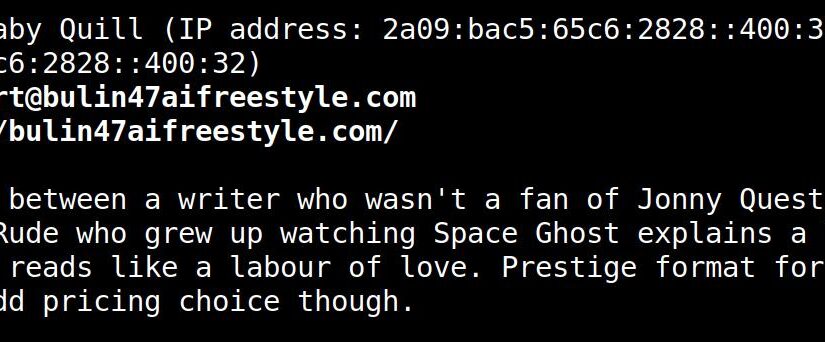
But ever since LLMs became a thing, I’ve assumed that comment spammers would be using them to post reasonable-sounding comments that would bypass Akismet… and there have been instances of this, but the deluge took longer to arrive than expected. But it seems to have started for real now:
This first wave of AI spam is easy enough to identify — they all vaguely agree with something you said in the blog post, and then link to some shady, scammy AI video thing. (Normal, non-AI spam comments usually go “Very interesting blog! You’re so smart!” etc, but these spam comments are readily identifiable because they don’t respond to anything in particular you’ve said. This AI wave does, though — it reformulates something you’ve said in the blog post, and then agrees with it.)
And Akismet doesn’t identify these for some reason or other. I mean, even though you can’t determine that it’s spam based on the comment itself, the URLs should be a good enough indicator, right?
C’mon, Akismet — you can do it! I have faith in you!
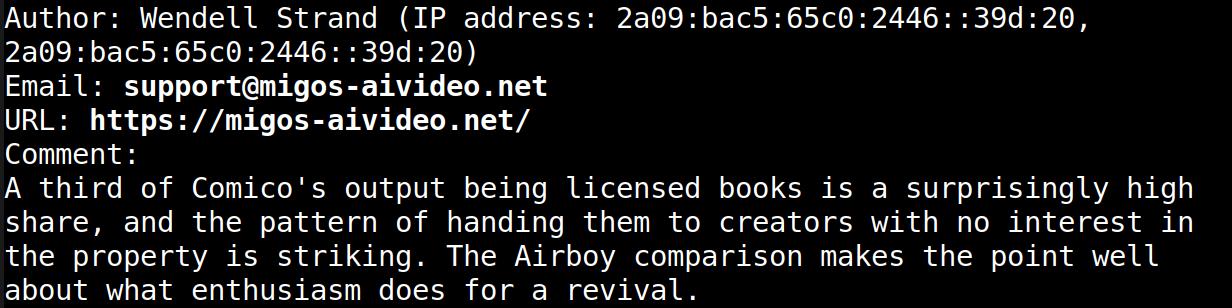
Heh, while writing this blog post, I got the following comment (correctly identified as spam by Akismet). Amusing, but not LLM spam.
I’m dreading the next wave of LLM spam, though — this initial wave is pretty stupid, but the next wave will have better text and no links (to make you approve the comment), and then the next comment will be automatically approved (as per standard WordPress settings), and that is the one that will have the links to the spam site.
So I guess you should flip your comments setting to “Comment must be manually approved”:
This future is so annoying, man. No flying cars except fake flying cars, and all of this junk we have to deal with.
I didn’t use to have curtains in my living room — the apt. is er south-east facing, so it has sun in the mornings and afternoons when I’m at work. But after I started working more from home, it got to be ridiculous — I had to move around all day to avoid having the sun shining in my face. (Especially in winter when the sun is lower in the sky.)
So five years ago I wandered into a curtain store and said “I need some curtains”, and the expeditress said “like, what colour? style? look?”. Never having considered curtain design before in my life, the question was rather sudden and I said “er… something light? and abstract, perhaps” and then she pulled out a fabric sample of this:
And I said sure, and a few months later I got them… and… er…
I did not like the curtains. At all! What was I thinking! Wut! Gngng. But I just hung them up and lived with my mistake.
But we were chatting about curtains on irc one day (as one does) and somebody mentioned Svenskt tenn, a Swedish company that had lots of oldee tymey Swedish designs, like Green birds.
Tada! But I thought that this time I would be more cautious and only buy enough fabric for one window, and then I could live with it for a while, and then decide whether to do the other four windows.
And this means that I should probably do the first window myself — hiring somebody to do just one window seemed like more bother than it’s worth. How hard can it be to do something like this?! I mean!? Like!??! LITERALLY!
Reader, it’s harder than it looks.
First of all, how much fabric to buy? The curtains should be 285cm high, and then with 10cm extra for top/bottom hemming. And then the pattern repeats every 92cm, and you want all the curtains to match up vertically, so that means that for two curtains I have to buy OH I GIVE UP
And — snip the vertical borders or fold them in?
I guess that’s the colours this has been printed with… Six different colours, I guess?
Yeah, snipping time. But how do you get a line straight on a fabric like this? I tried following a thread, but…
And… Hey, that kinda lines up in two ways? I definitely bought enough fabric if I line them up on the half match like this…
But I’ve got 10cm too little if I want to do the “real” match up. Oops! I guess I mathed it wrong… OK, looks good the other way around so I’ll just do that.
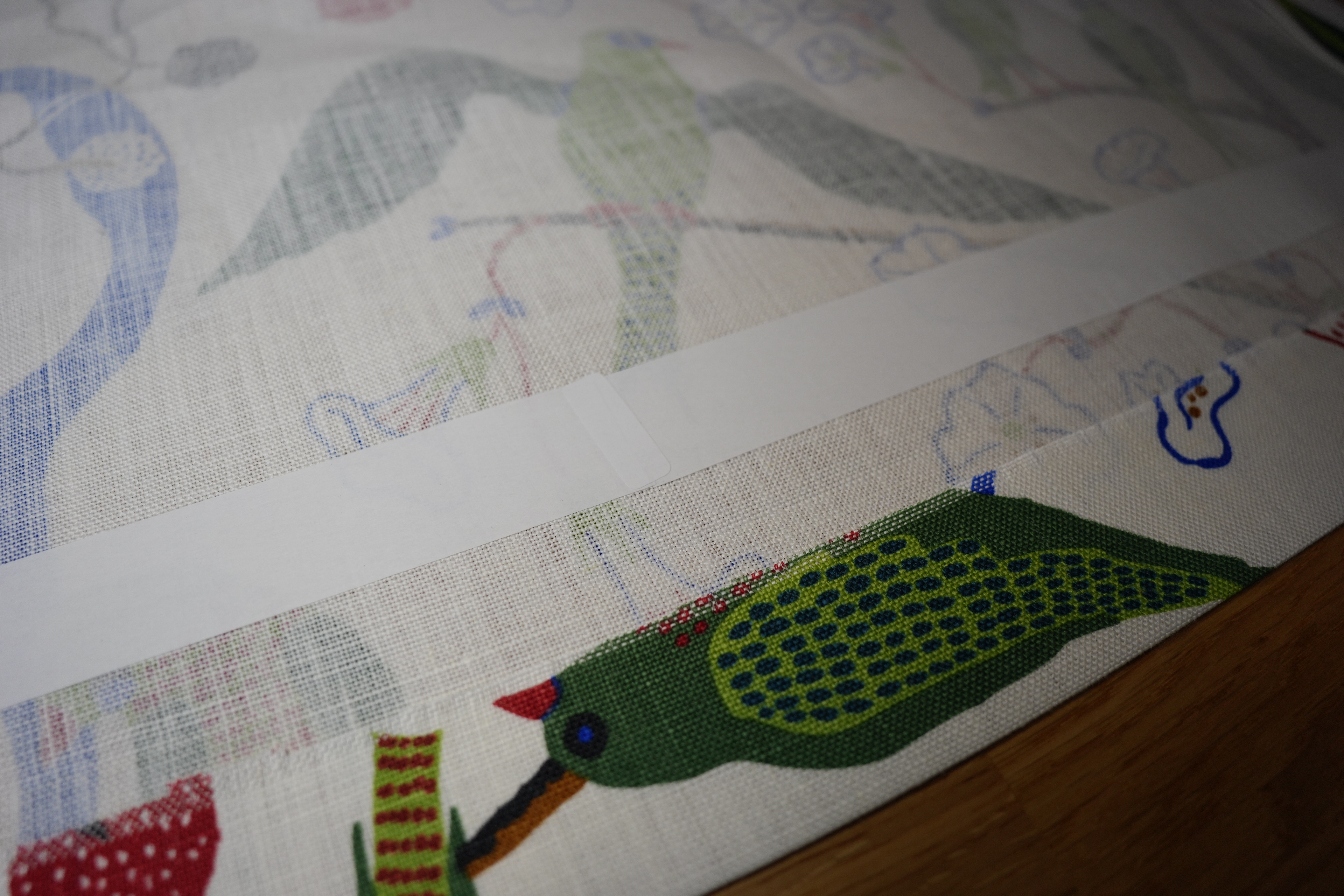

OK, I’ve got a sewing machine, but I’ve never used it and I don’t know how. But there’s something new-fangled called “hemming tape”, and it’s a tape with a plastic backing that you iron onto the fabric, remove the backing, and then iron on the fabric on the other side.
It’s this meshey plastic stuff that melts into the fabric.
See?
So while this is easier than sewing, it’s still so much wooork. The curtains are 305cm tall, and you fold in the fabric twice:
So you get a nice and even hem — but that means that each curtain has about 18 metres of hemming tape applied that has to be ironed on: Took me, like, three hours per curtain.
One done! Almost kinda straight! But it would be nice if it was totally straight… I mean, just because…
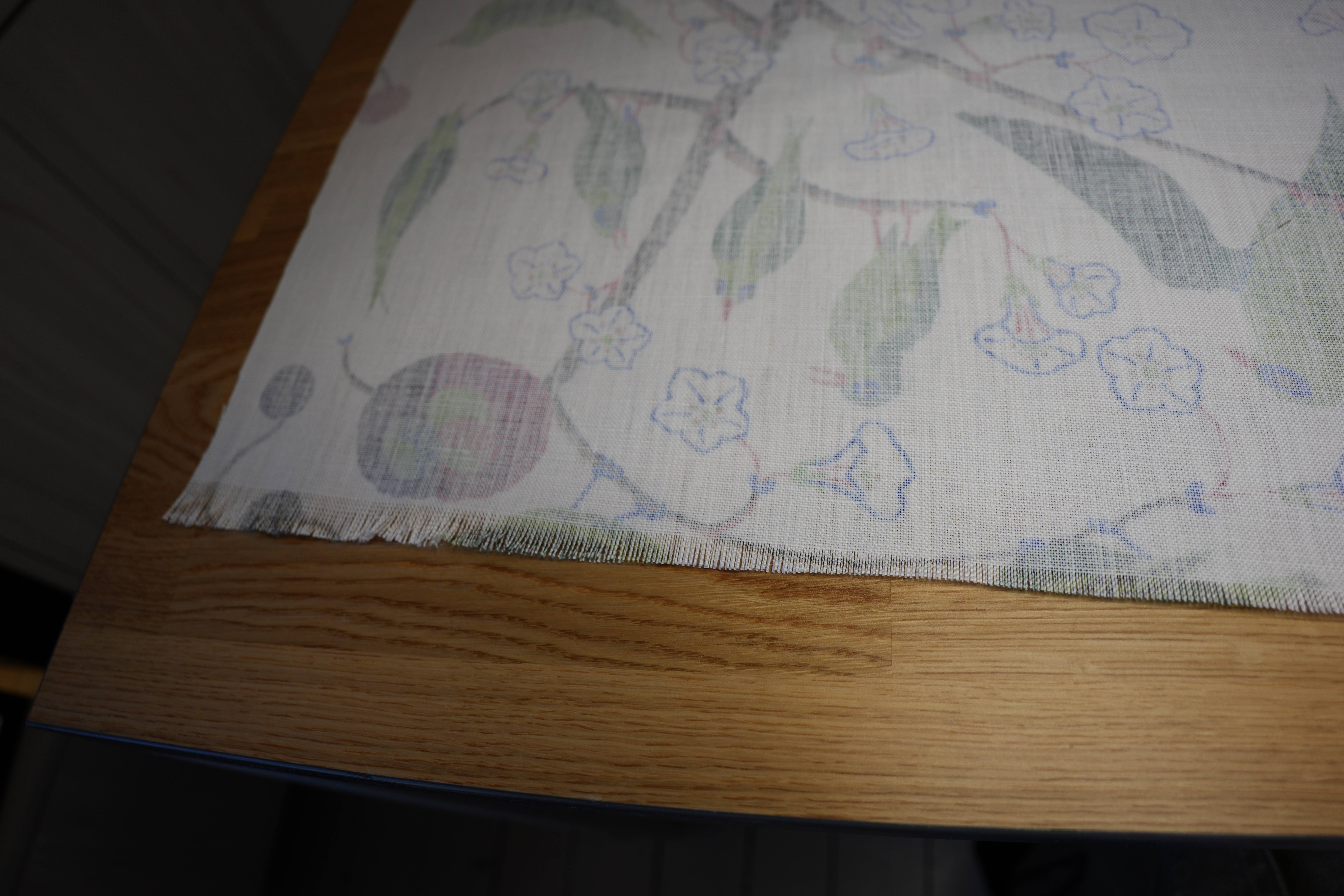
OK, I had a brilliant idea — what if I just peel off threads at the bottom until there are no loose threads? So I did that and you see the result above — I was 3cm off. Snip snip, and then it’s straight at the bottom.
I did the same on the side that had been cut at the factory, and that bit wasn’t straight either! *gasp* It was straighter than my cut, but they’re professionals! I have never!

And I ran out of the hemming tape in the middle because I miscalculated how much I needed (there’s that maths again), so I got some stuff from a different shop… AND IT SUCKS! The first one was from Kid and went on like a dream, and then I got the stuff from Jysk, and it’s a nightmare. When removing the backing paper, the paper frayed all the time, meaning that I had to sit there picking and picking at it. Took me hours extra. Boo, Jysk!
Anyway:
It is finished!
*phew*
Now that’s something I’m never ever doing again. I’ll live with these curtains for a week or so, and if I still don’t hate them, I’m ordering enough fabric for the other four windows, but then I’m going to outsource the cutting and hemming to professionals.