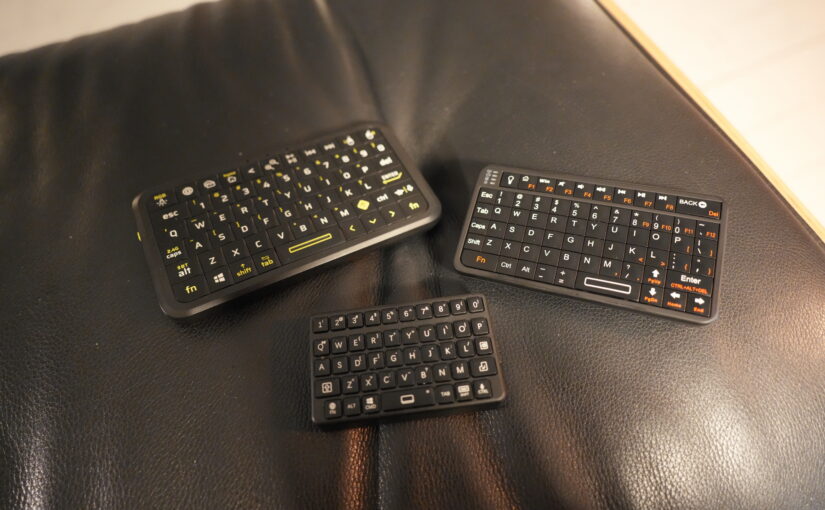
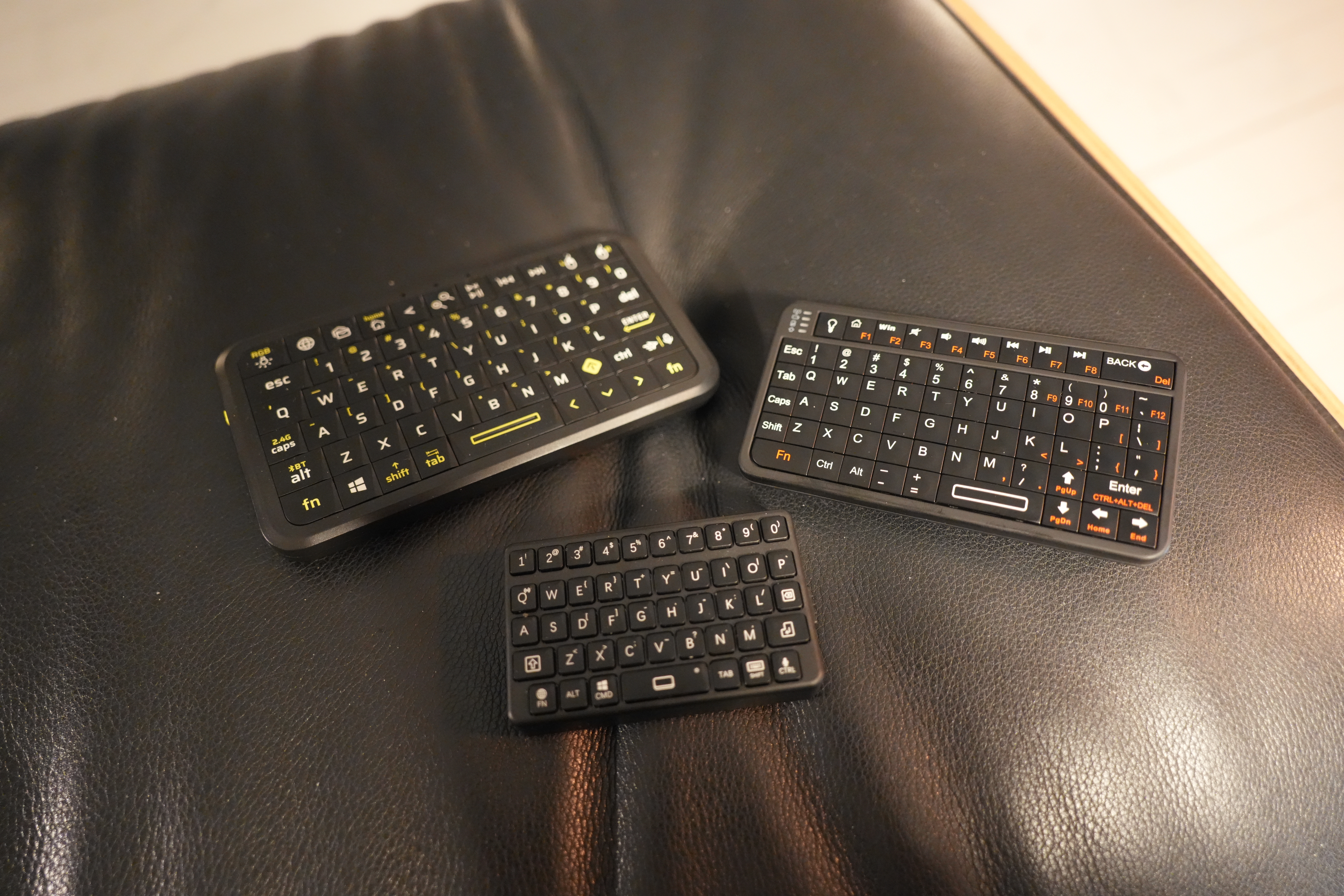
This is a quick followup to the blog post about having a dedicated li’l keyboard for doing translations.
The problem is that this product category — small keyboards — is cursed. It’s not surprising, because it’s not something that the major producers are involved with much (they concentrate on actual, real keyboards), so you get a lot of semi-no-name producers pumping out junk.
One of these was the smallest keyboard up there — the M4 — which is complete junk: It drops half the keystrokes.
The biggest one up there uses a USB dongle, and works fine. But it’s just a bit too large, really — I just want to be able to have it on my table by my reading chair permanently in case I need some emergency French translation.
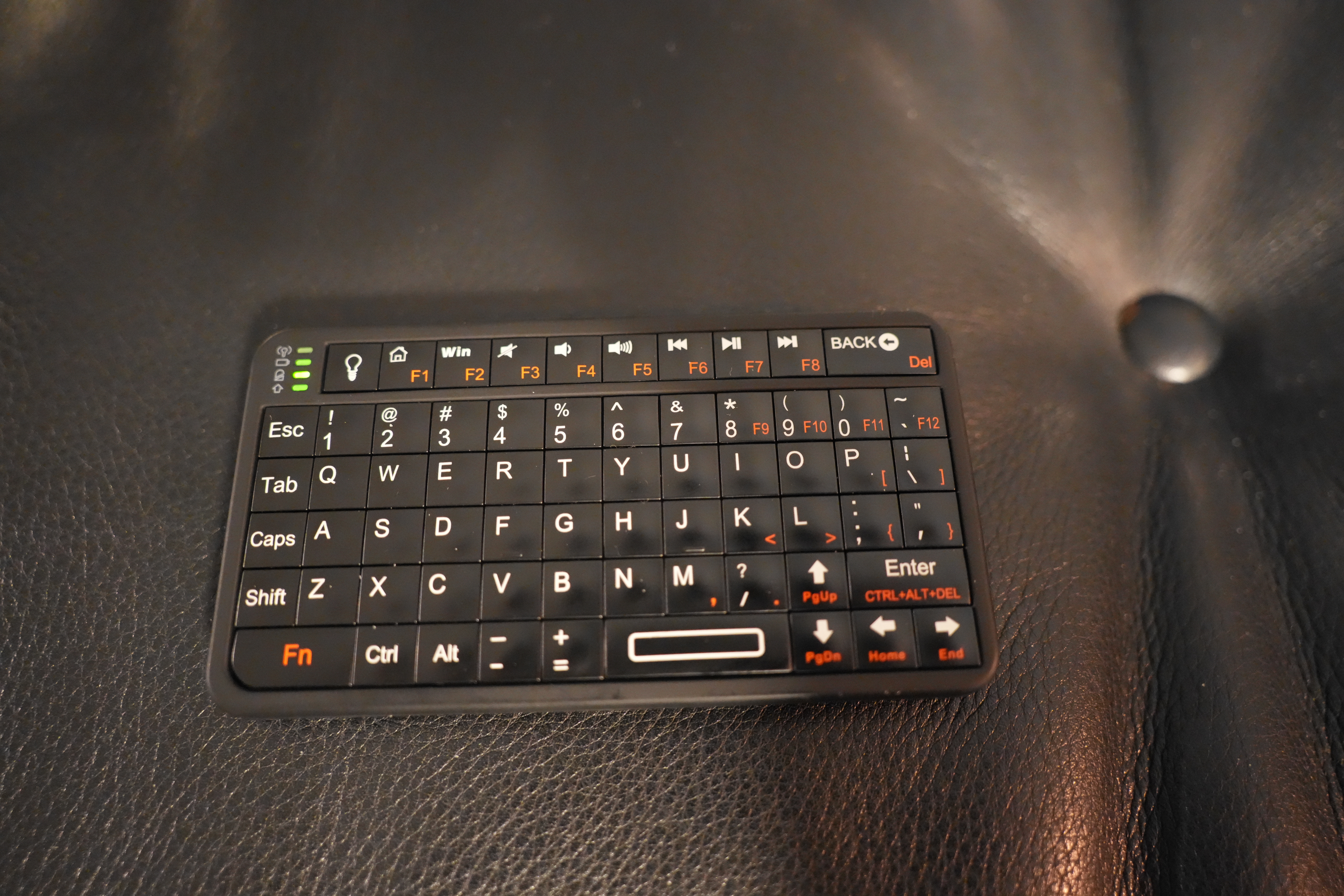
Today I got this keyboard in the mail. It’s a Rii 518BT Bluetooth keyboard, and it’s very straightforward — it’s got all the normal keys and stuff, and not too many weird ones. And the layout is pretty standard, which is something you can’t always count on with these small keyboards.
Rii has a wide range of keyboards, and looking over that list, I recognise several of those keyboards — they’re keyboards I’ve tried and discarded for a previous project (either because the range was awful or because the keyboards were awful to use otherwise)…
This one seems fine, though.
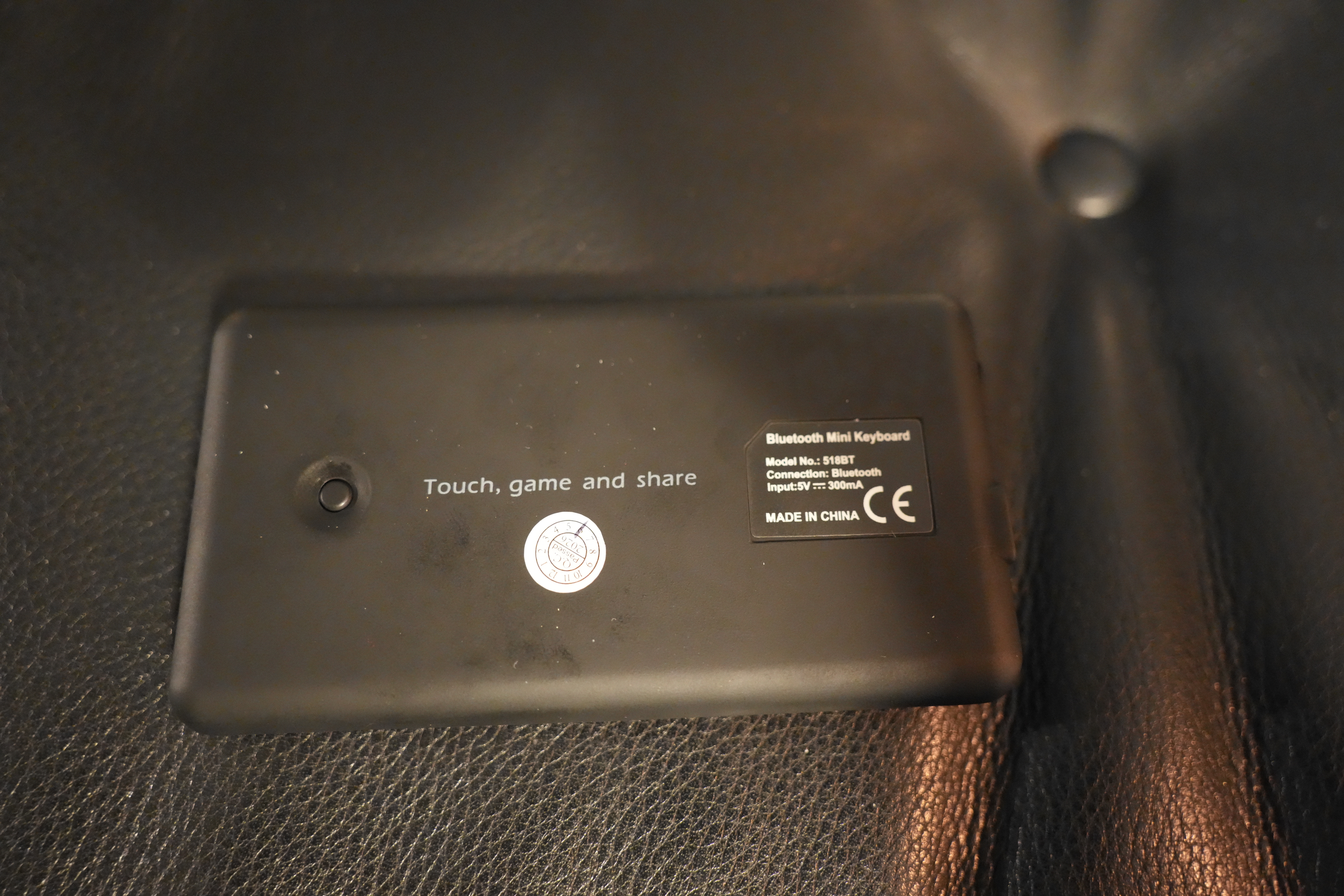
The only weird design choice they’ve made is that there’s a Bluetooth pairing button on the back? Like… why? Why not have the pairing be Fn+Q or something?
But it’s fine — doesn’t matter.
It works!
The range is good (at least seven metres, which is as far as I tested it), it doesn’t drop any keys, and the keys are pretty good — a bit squishy, but have some click to them.
It did take more setup than the keyboard with the USB dongle, but that’s Bluetooth for you — since the input device goes away on the Linux side, I have to listen to D-Bus events and start re-listening to the devices when it reappears so that I can route the keyboard events to the right place, and all that boring stuff…
But it seems to be stable.
When it wakes up, though, it takes the host/device several seconds to get things up and running, so you type away at the keyboard and apparently nothing happens… But! It buffers up all the keystrokes and then transmits them when everything is up, so you don’t lose any keystrokes.
So that’s OK, I think.
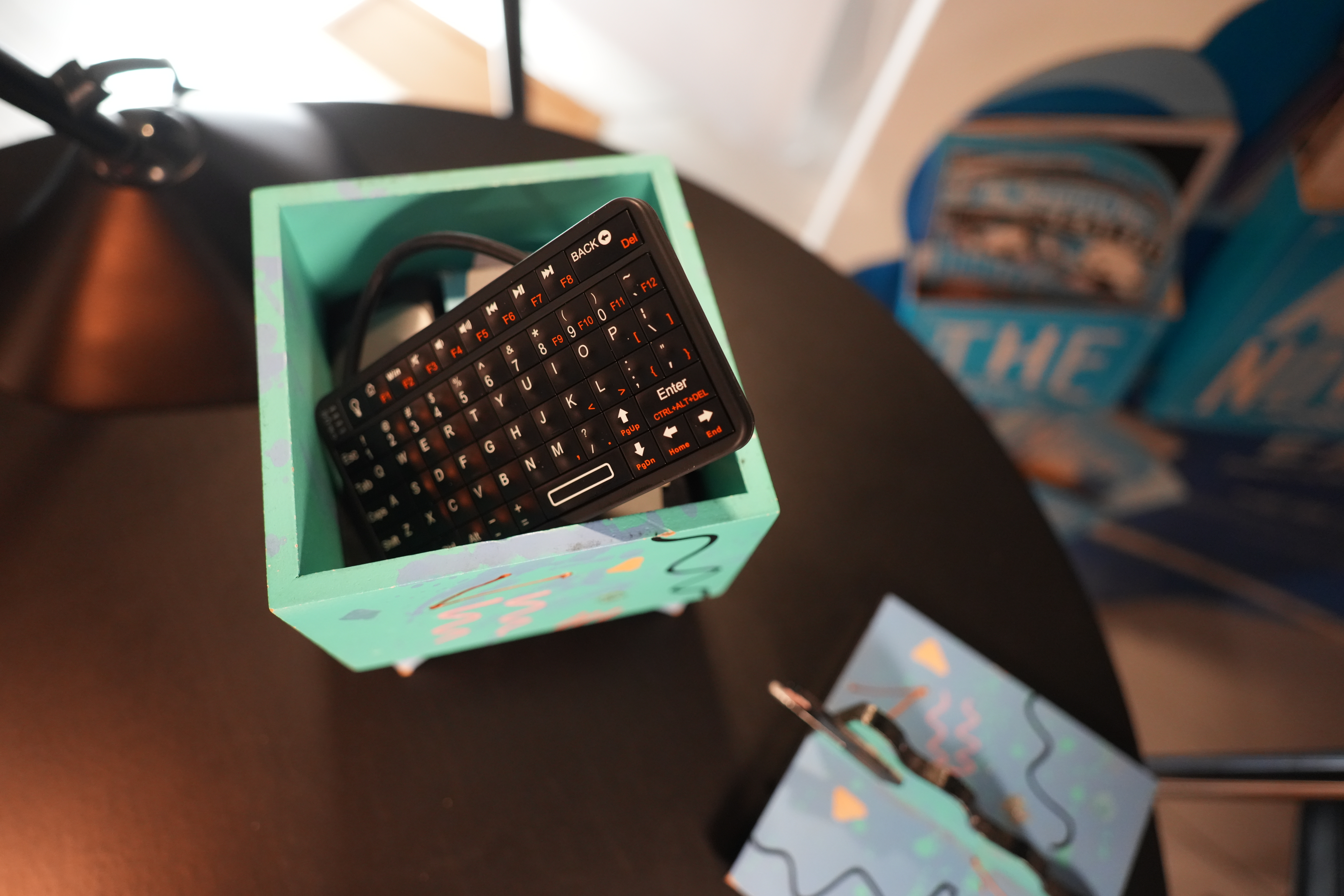
Darn! The keyboard is just a centimetre too long to fit into the box I have on the table… Oh well.
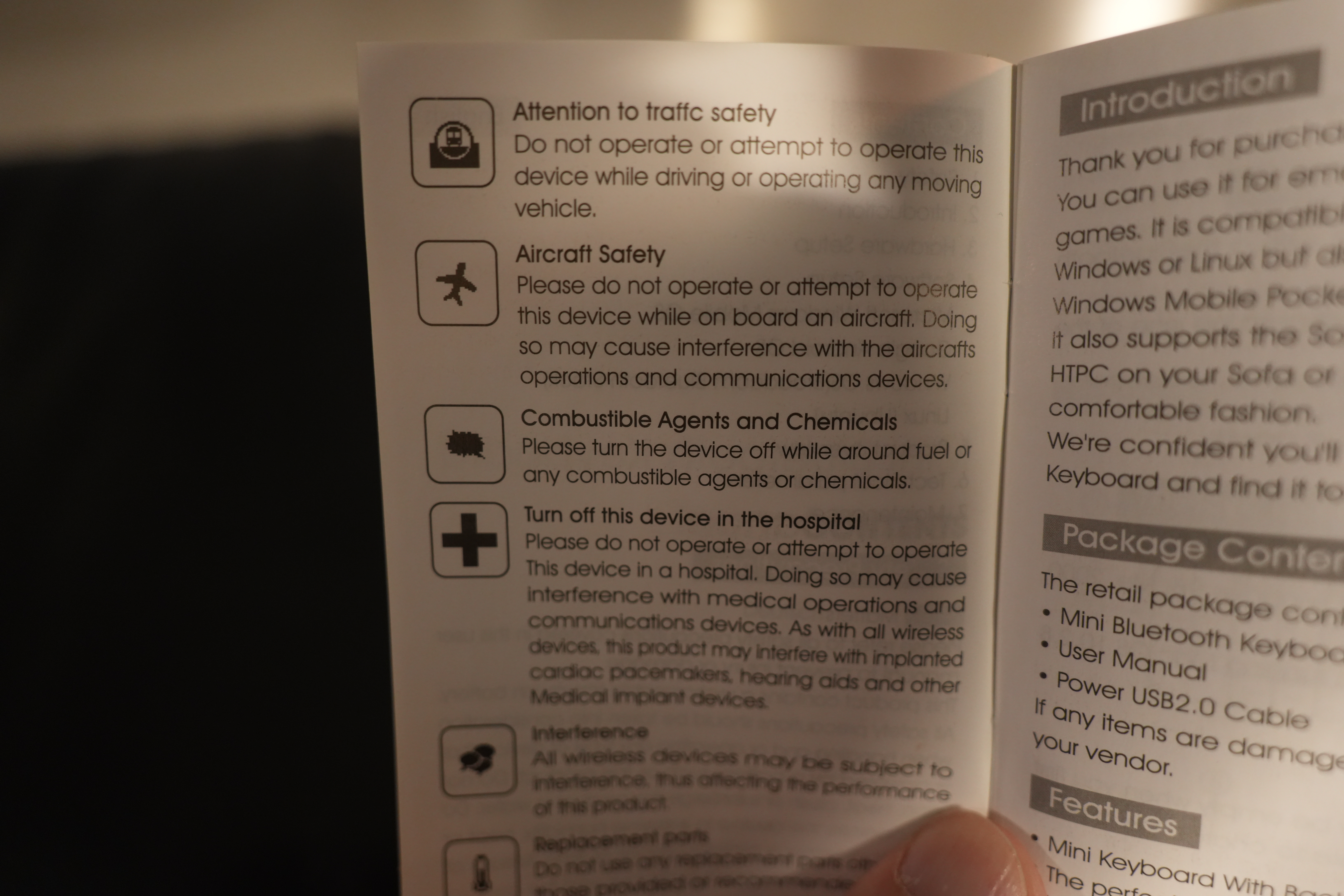
And! Please remember to consider aircraft security while operating this keyboard.