A month ago, I wondered idly whether translation gadgets (for quick word lookup) exist, and while everybody said “just use your phone, dumbo”, that’s just too sensible for me. And way too inefficient.
So while I pondered what to do about it, I bought some keyboards to see whether that could be the solution.
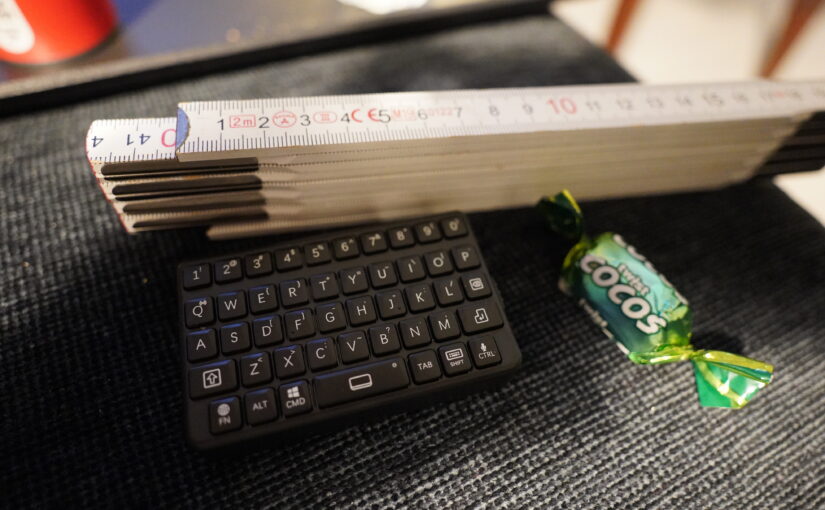
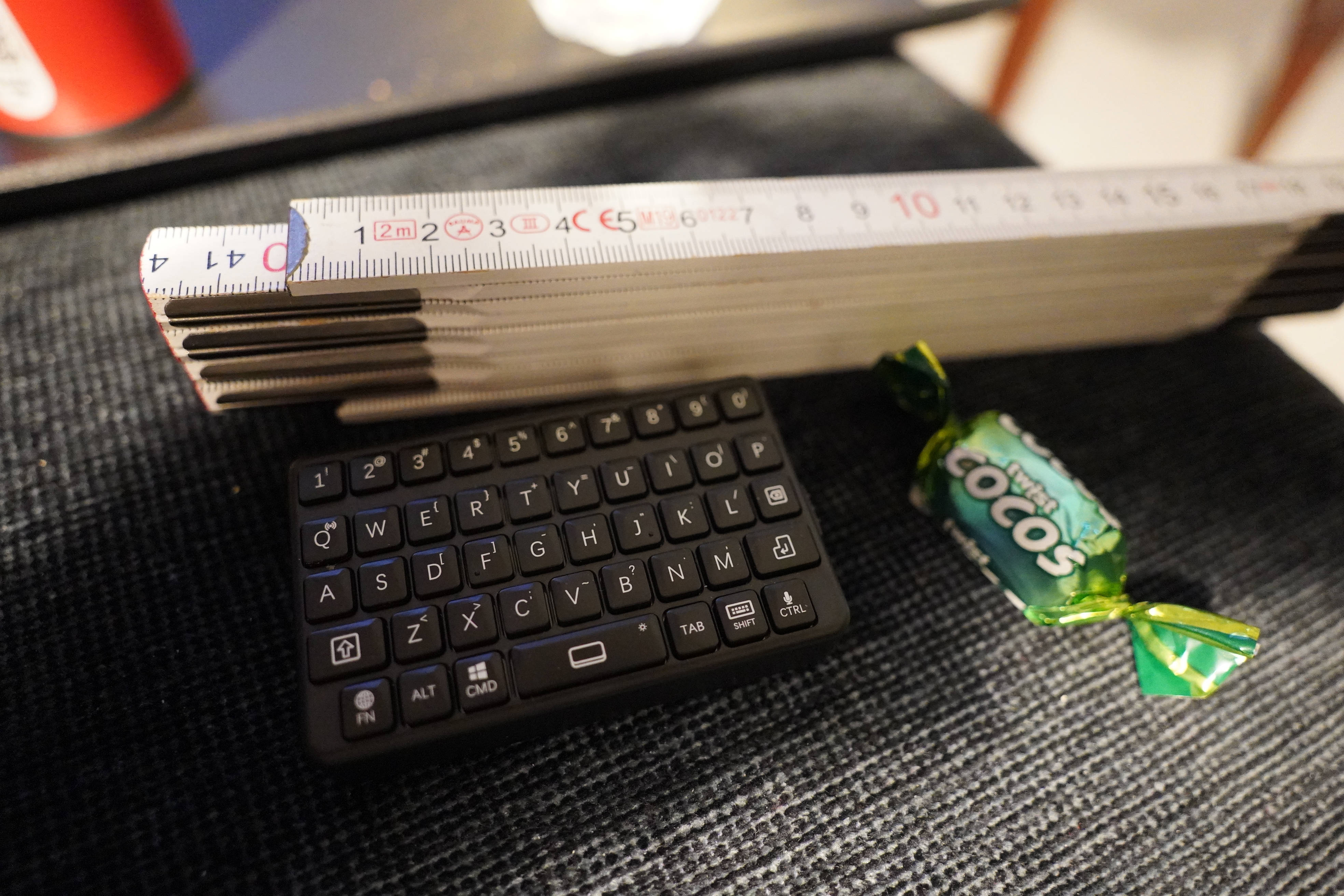
Small keyboards (and the one above is as small as they come) is such a cursed category. Either the keys are just too horrible or the range is awful, or a combination of the two. So I wasn’t expecting the above to work (a DarkWalker Wireless Bluetooth Keyboard, M4 Mini Keyboard), but… the keys don’t seem awful, really?
Let’s see how it works, though — I’ve paired it with my laptop, and I’m going to write the word “cheville”:
Yeah. It doubles up key presses like crazy. And this is paired with my laptop, so the distance between the keyboard and the Bluetooth receiver is just a few centimetres.
Trying several times, I have yet to make it through “cheville” correctly even once — in addition to doubling keystrokes, it also loses some here and there.
It also seems to go completely AWOL if you let it sleep after pairing? Which may be a Linux problem for all I know. The range isn’t awful — I get five metres easily.
But while it’s a nice form factor, it’s completely unusable. So onto the next:
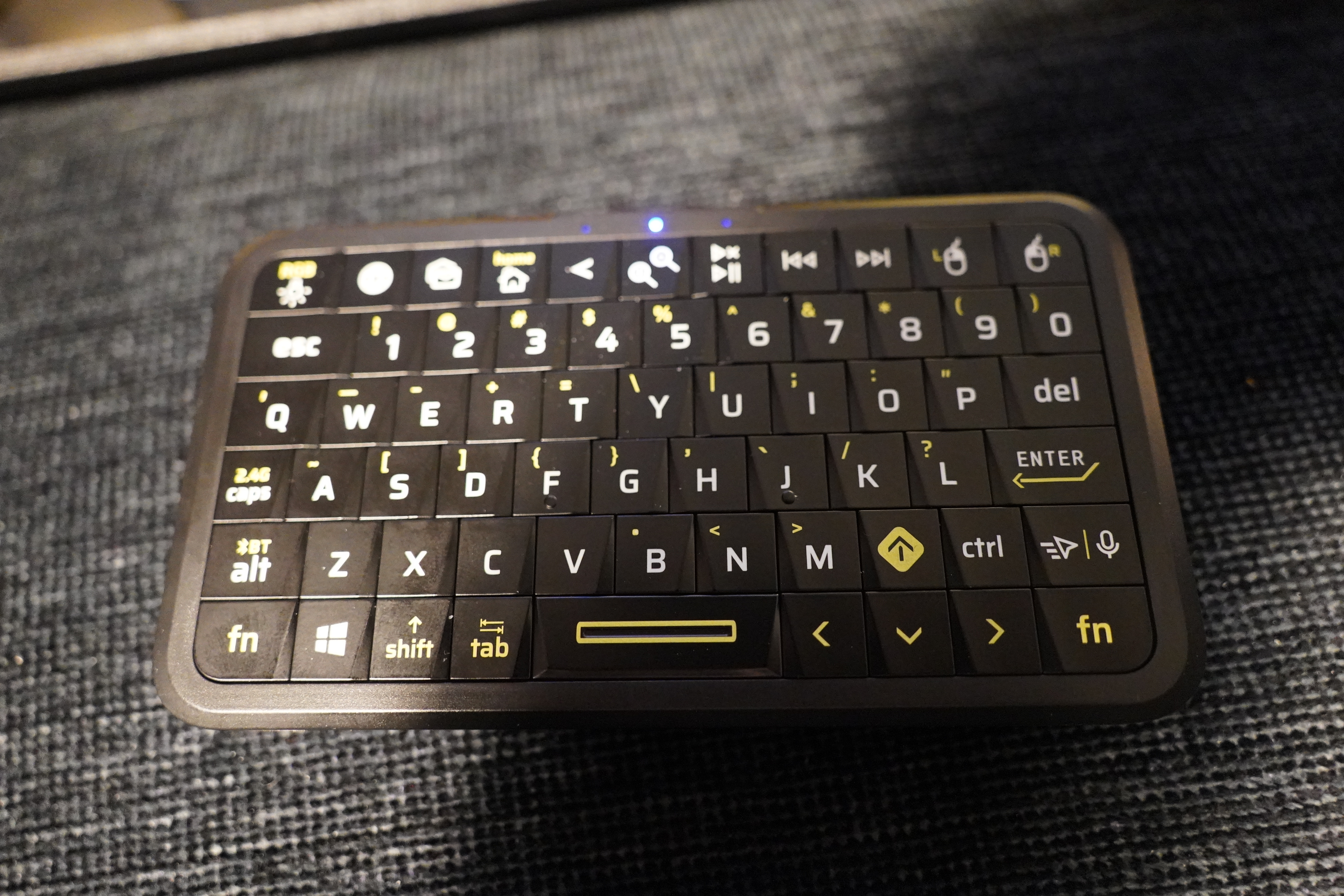
This is a Phistone Mini Keyboard with Triple Mode, so it’s got a 2.4GHz USB dongle in addition to the Bluetooth. Which, in my experience, usually works better on these types of things.
But man, that’s one ugly keyboard… and it works! I’m not getting any missed keystrokes or any doubled ones. So let’s start implementing something!
After typing away a bit (the results are on Microsoft Github), I’ve now got something that seems to work.
Let’s see… here’s my normal position in my reading chair, and I have the li’l ugly keyboard on the table next to me, and there’s a screen over there that normally displays the cover artwork of the album that’s playing on the stereo… So let’s see how efficient this is:
Hey! This actually kinda sorta has possibilities…
The Emacs over there is querying the Microsoft Azure Translation API behind the scenes — I tried a couple of other services first.
DeepL just returns one word, for instance, which is pretty useless when looking up words (because most have several meanings):
(deepl "cheville")
=> (:translations [(:text "dowel" :detected_source_language "FR")])
I was looking for the more normal meaning of “ankle” here…
Anyway, Azure API is free, and returns a list of resulting words and word classes, so that’s pretty ace:
(aztrans "cheville")
=> (:source "cheville" :translations ((:target "ankle" :type "NOUN")
				      (:target "peg" :type "OTHER")
				      (:target "pin" :type "NOUN")))
Thanks, Microsoft! Not everything you make is a crime against humanity!
(I mean… that I know of…)
The Emacs package works by grabbing the evdev device for the li’l keyboard, so that X doesn’t see any of the events. And then it just pops to a new window configuration and displays the input, and then finally queries the Azure API before popping back to where you were…
So this works, but that keyboard really is too big to be on my table here permanently. Does anybody know of a keyboard that’s more like that first keyboard, size wise, while working as well as this larger keyboard? Or perhaps not that small — something halfway between these two keyboards would be ideal. And not more keys than are needed — the small number of keys on that M4 keyboard is nice.
Mentions