It’s one of those distracted-feeling Sundays, so I thought I’d distractedly have a go at poking at this thing…
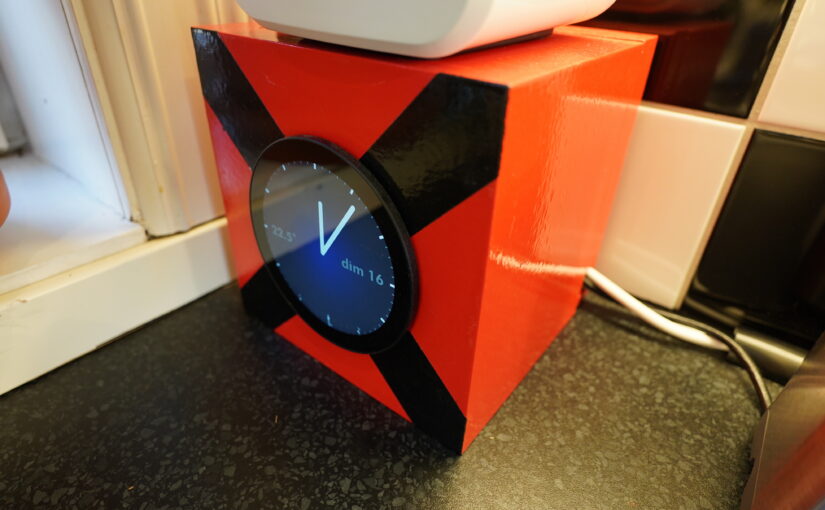
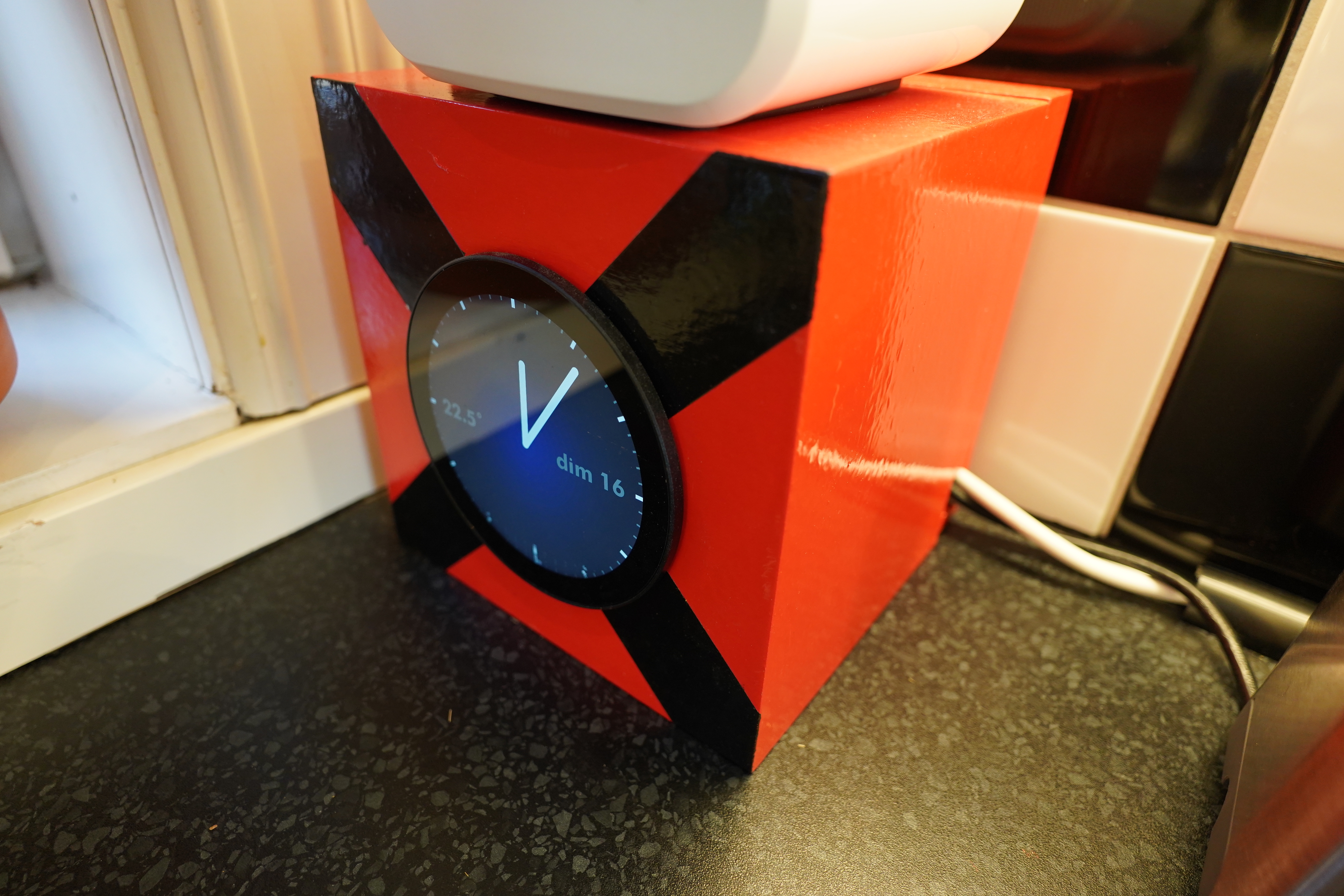
So: Last year I made a kitchen clock, but then it started doing this:
So of course I did all the voodoo things that people do with Raspberry Pis — changed the power supply four times and changed cables and held it upside down…
By the way, have you noticed that the way people deal with Pi failures is way beyond what you’d think nerds would put up with. Random example:
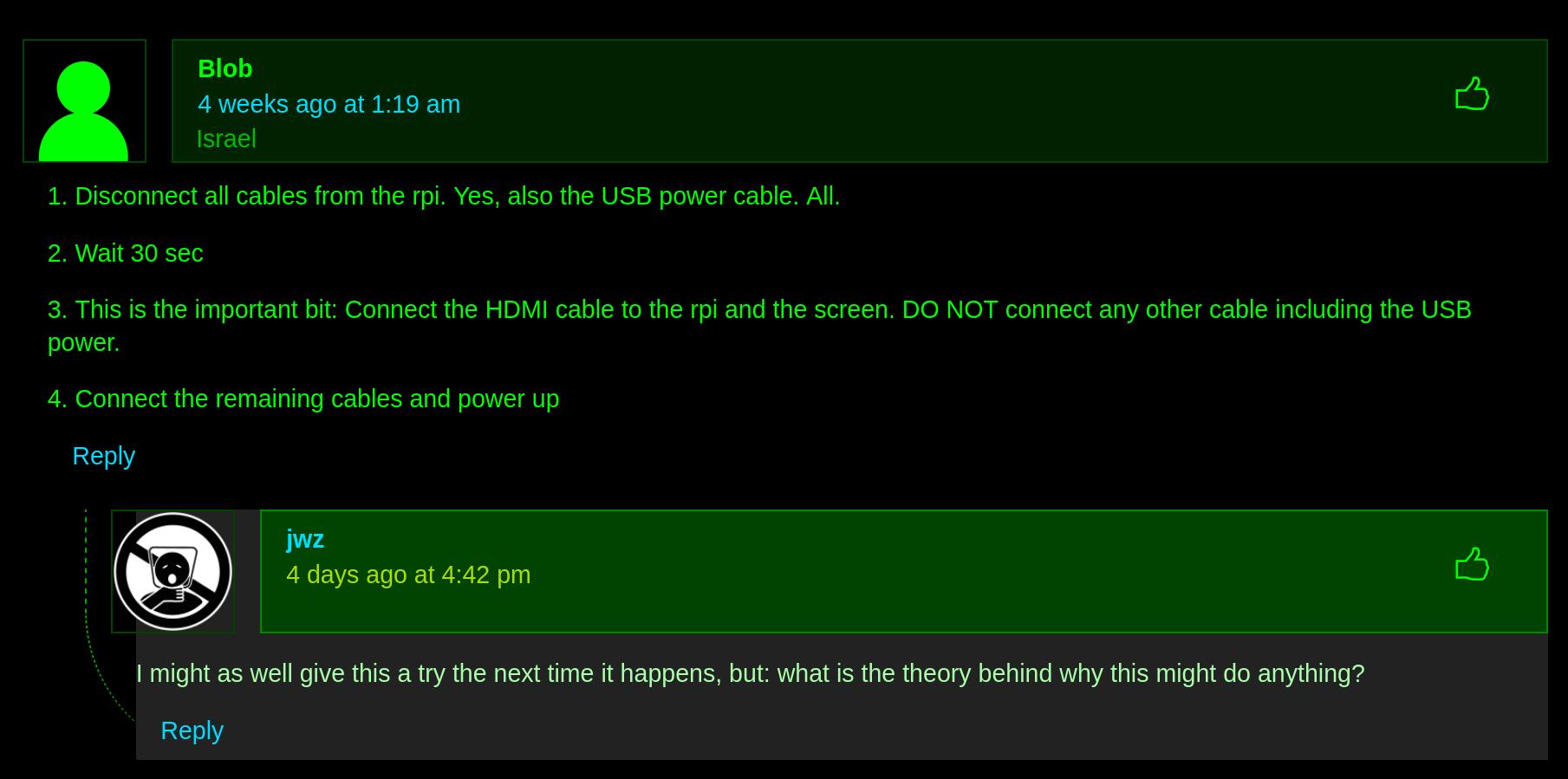
Or:

Sure, sure, Pis are cheap and you can expect cheap things to work… but… like, in my latest project I just a Raspberry Pi 5, and that’s not really a cheap computer. And still, with the default OS, it loses wifi connectivity (so I had to script stuff to poke at the wifi and basically say “wifi up, OK?” when it goes down). How is this a state of things we’ve come to accept?
ANYWAY.
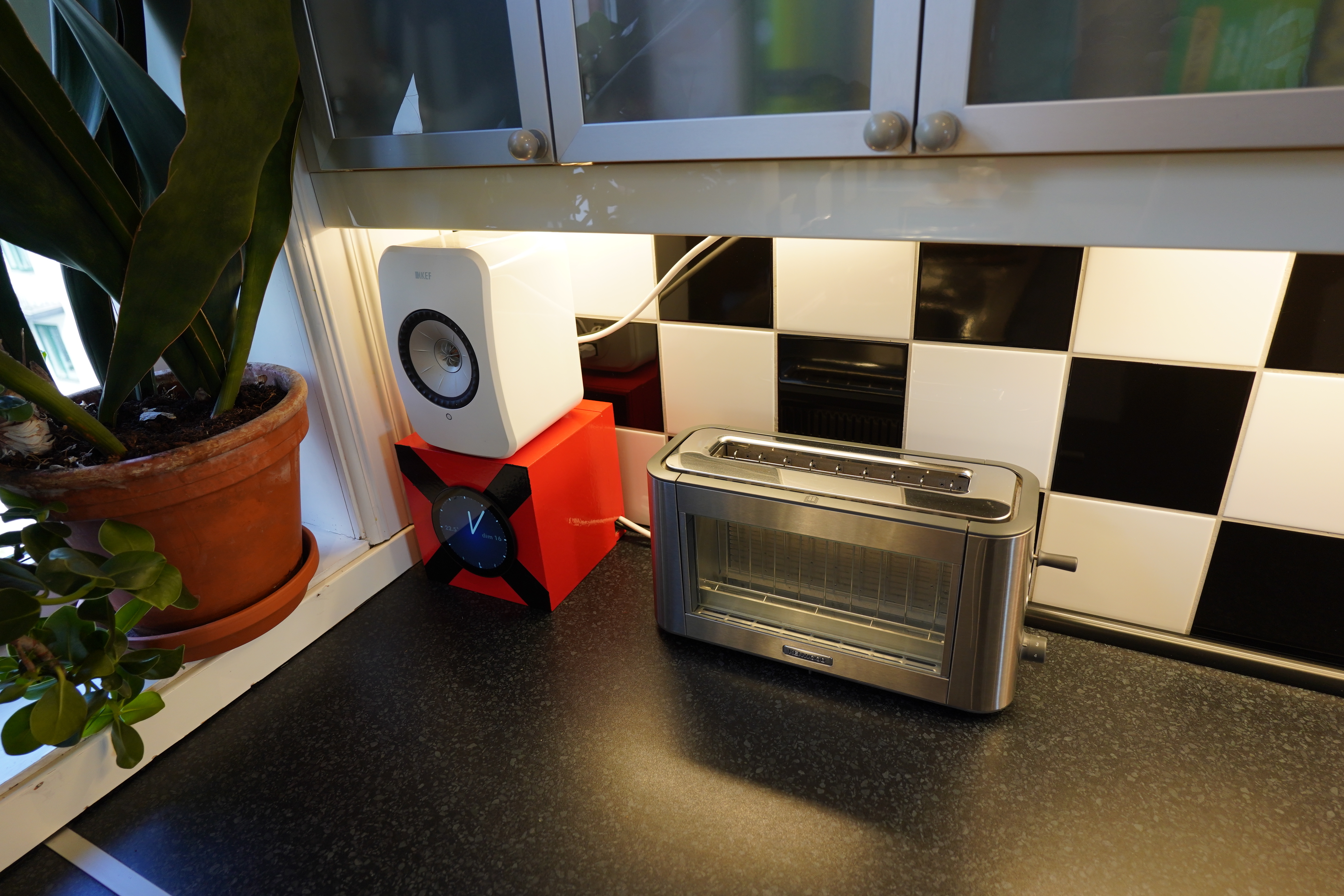
Oh, yeah, this is also a Pi machine with a screen, but in the kitchen.
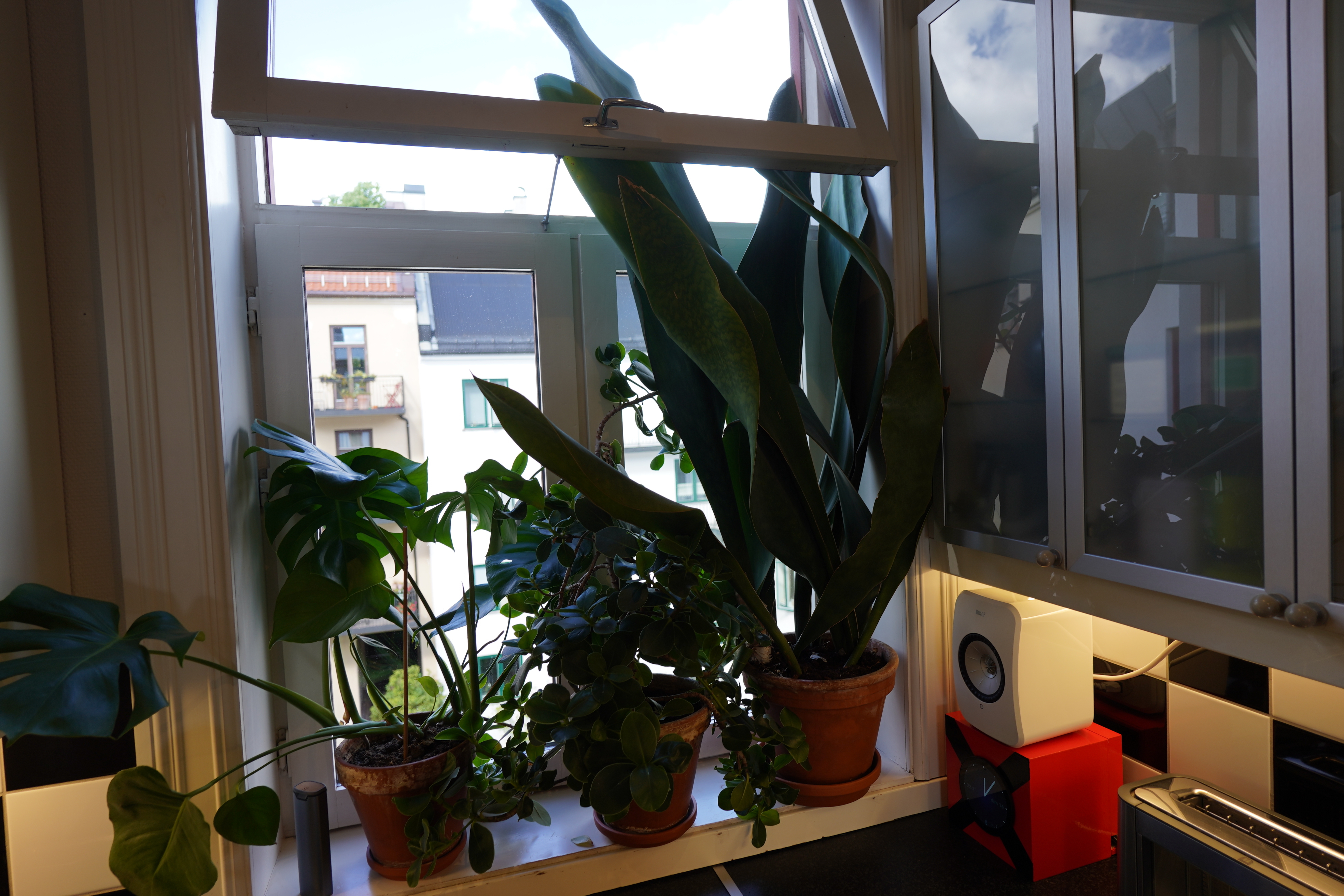
Hey! Did I ever show you this Sansevieria I’ve got in the kitchen? It was tiny when I bought it, but it’s now so big that that kitchen window is basically open all summer long and closed all winter long, because it takes so long to get the leaves sorted out…
(This Sansevieria is more fun than most of them, because each leaf is a separate plant — when it propagates it sends out a new, er, rhizome, and then that’s has one leaf and is a separate plant…)
ANYWAY.
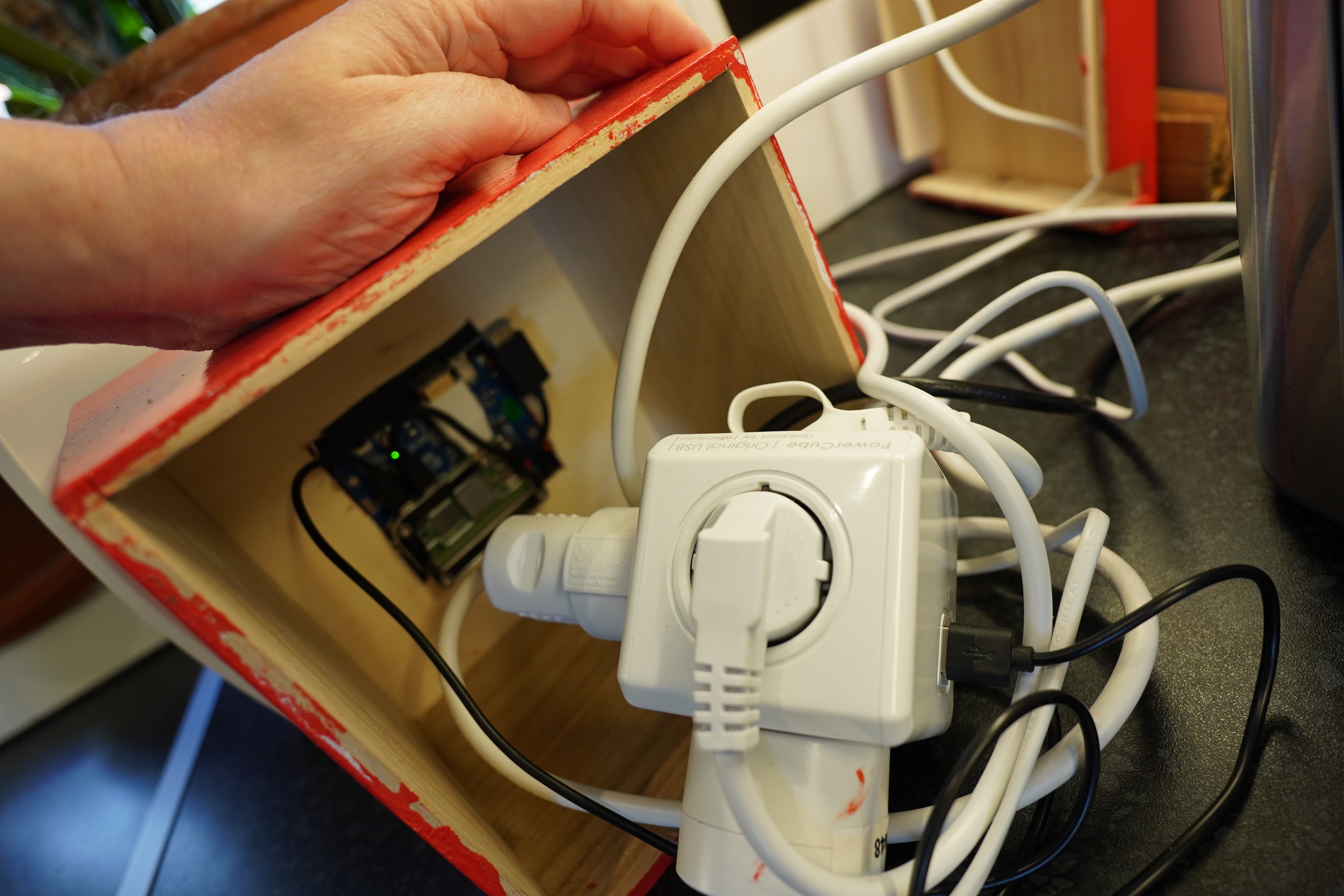
So this is what the clock box looks like on the inside. Gotta love the space efficient European plugs… *sigh*…
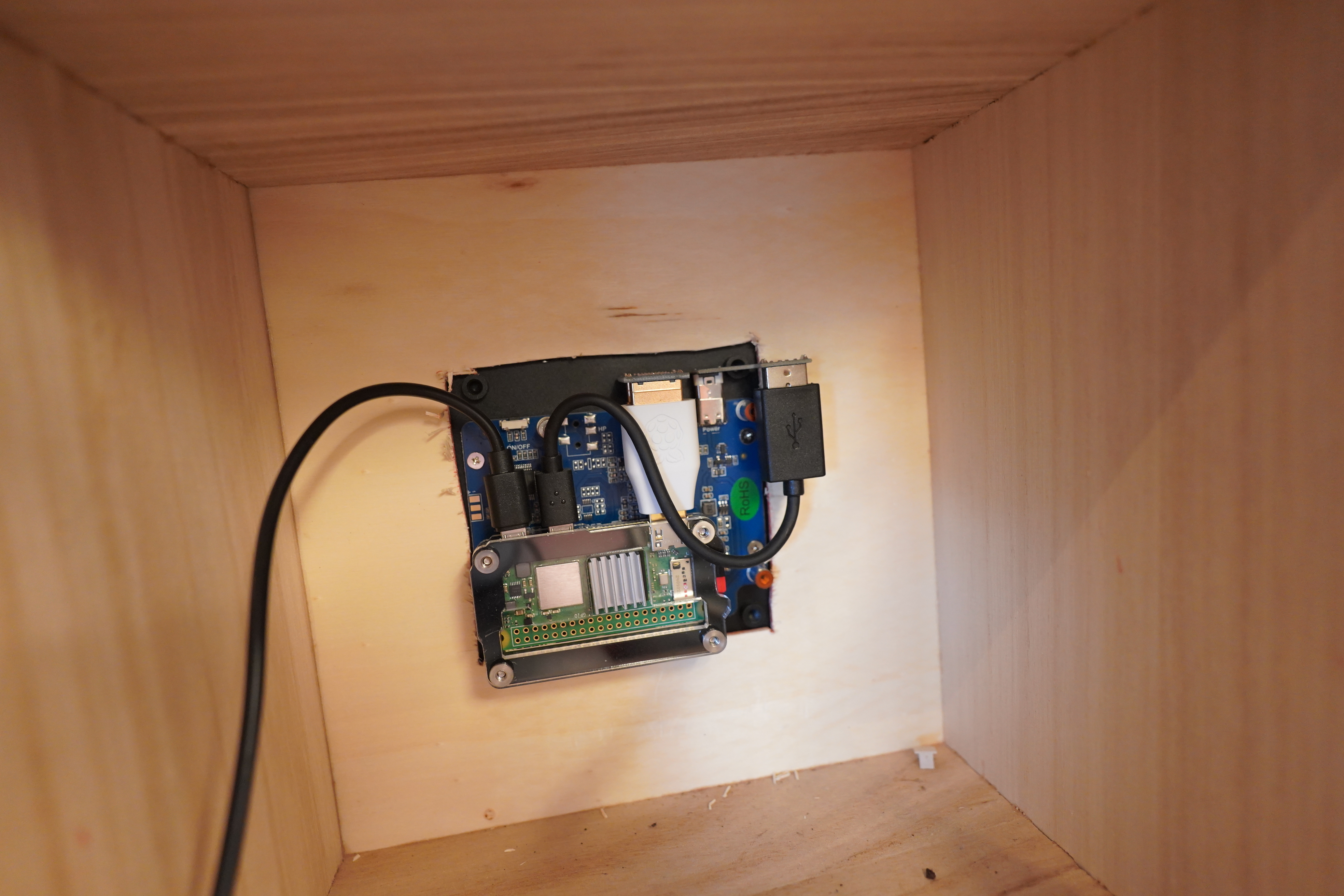
There it is. At least that part’s tidy.
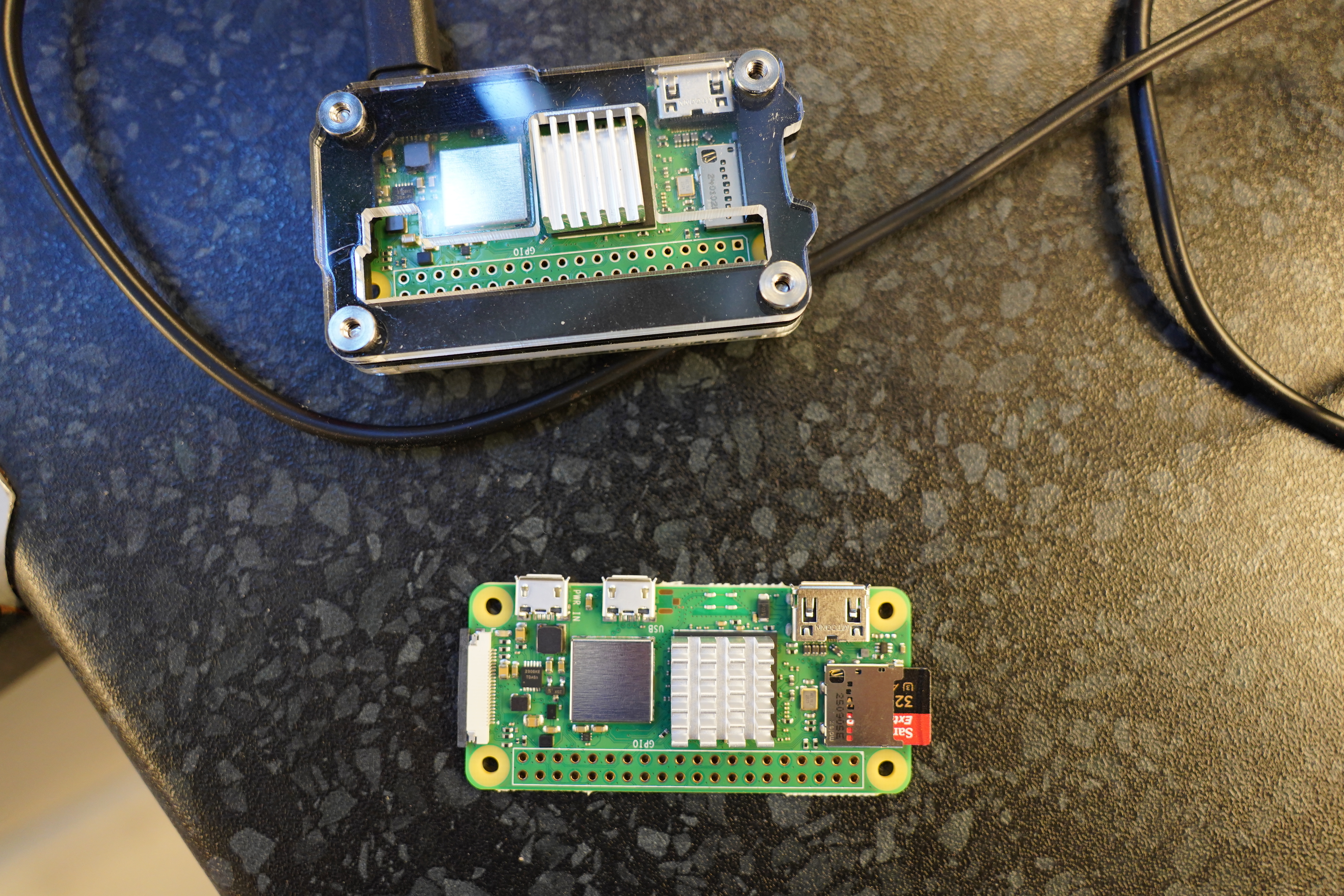
So I haven’t really been debugging beyond changing the power supplies a lot. The jitter thing comes and goes, but it’s been pretty constant over the past month, at least. So I thought the simplest thing to change out is the Pi itself, so I got a new Zero 2 W and just swapped the SD cards.
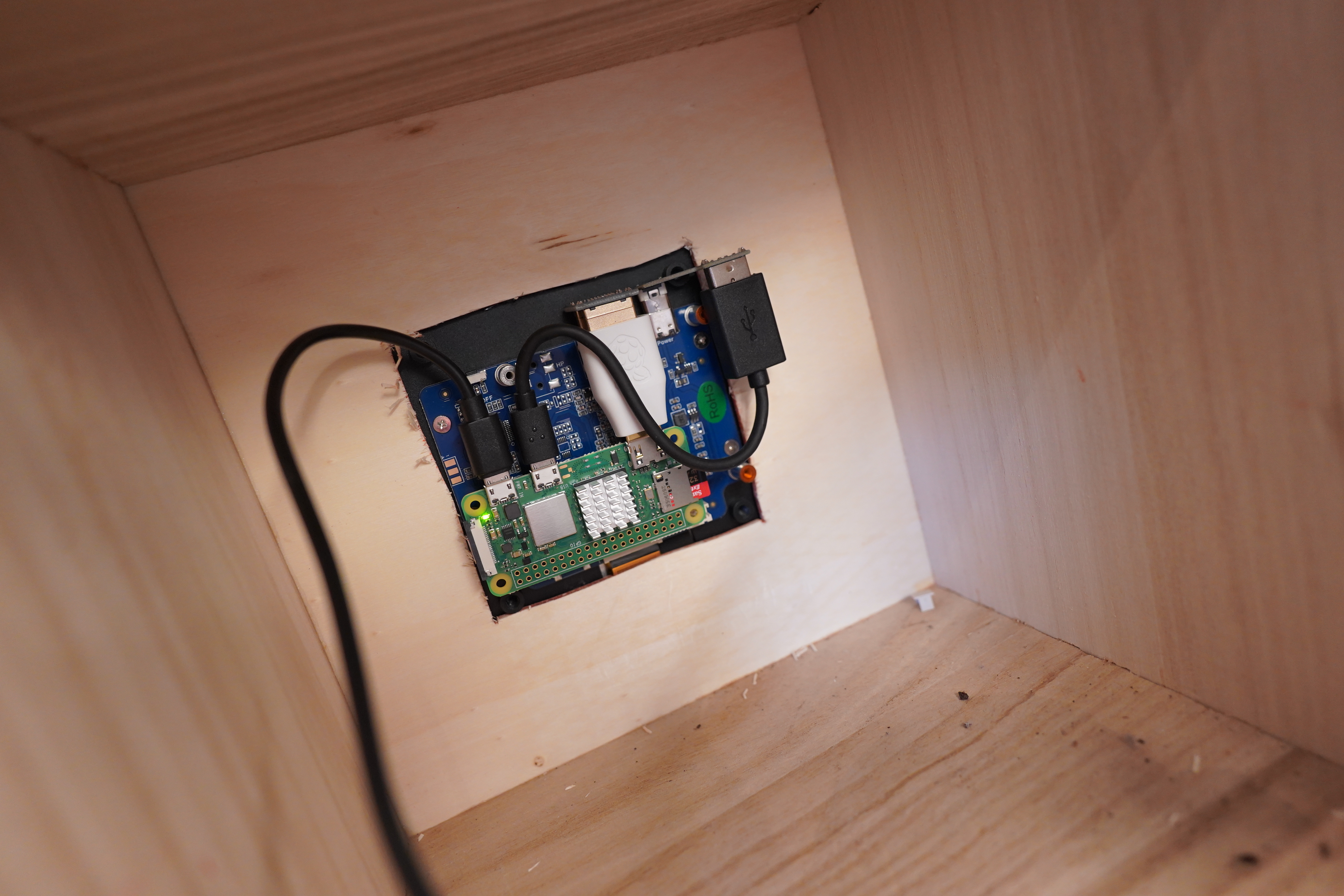
There. So let’s test:
*sigh*
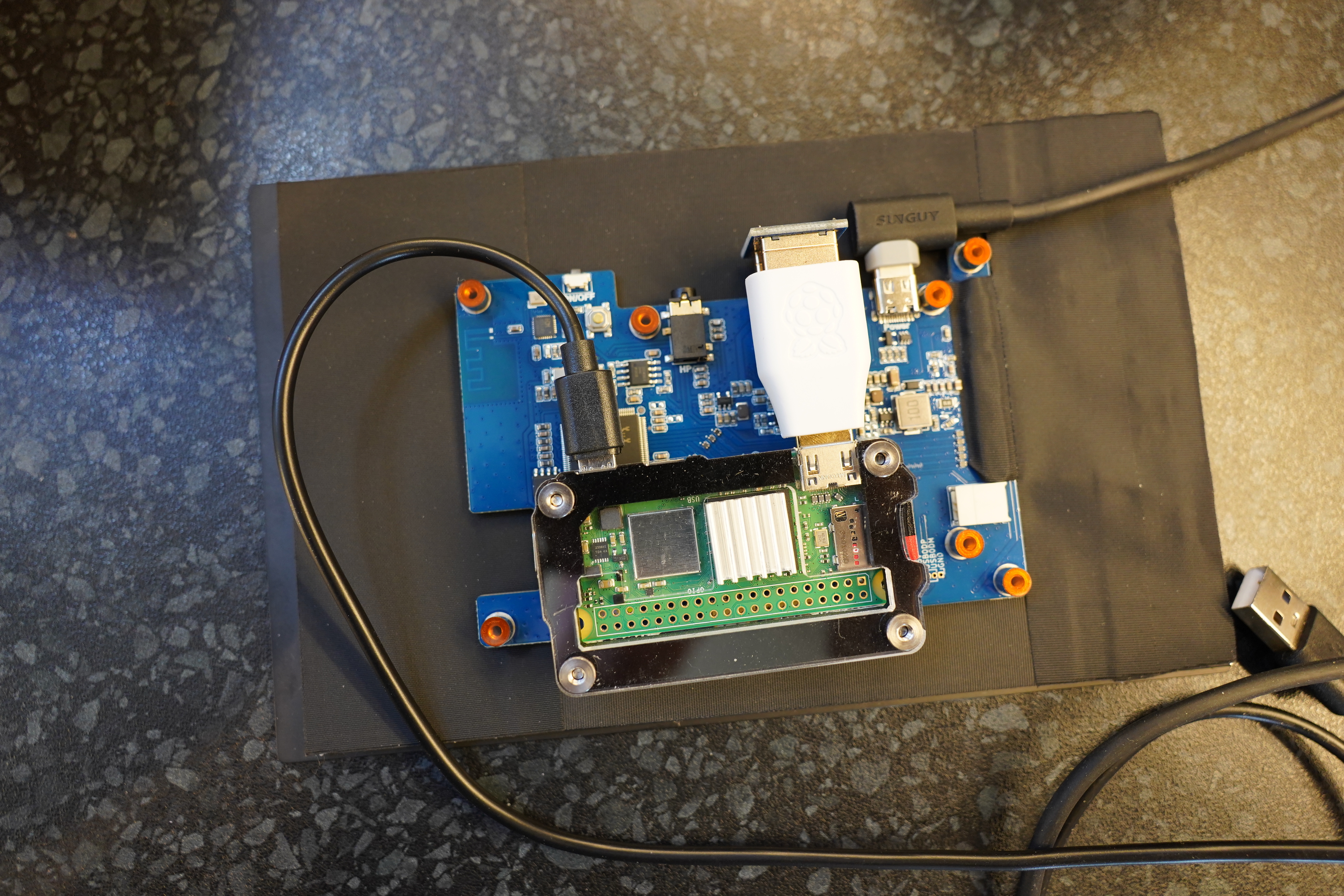
But I can swap out the screen with another small one I have here.
And… OK, the resolution is wrong, so everything is splatted, but there’s no jitter!
So it’s either the cables or the screen. Perhaps that old wise saying is correct this time (i.e., “it’s always the cables”).
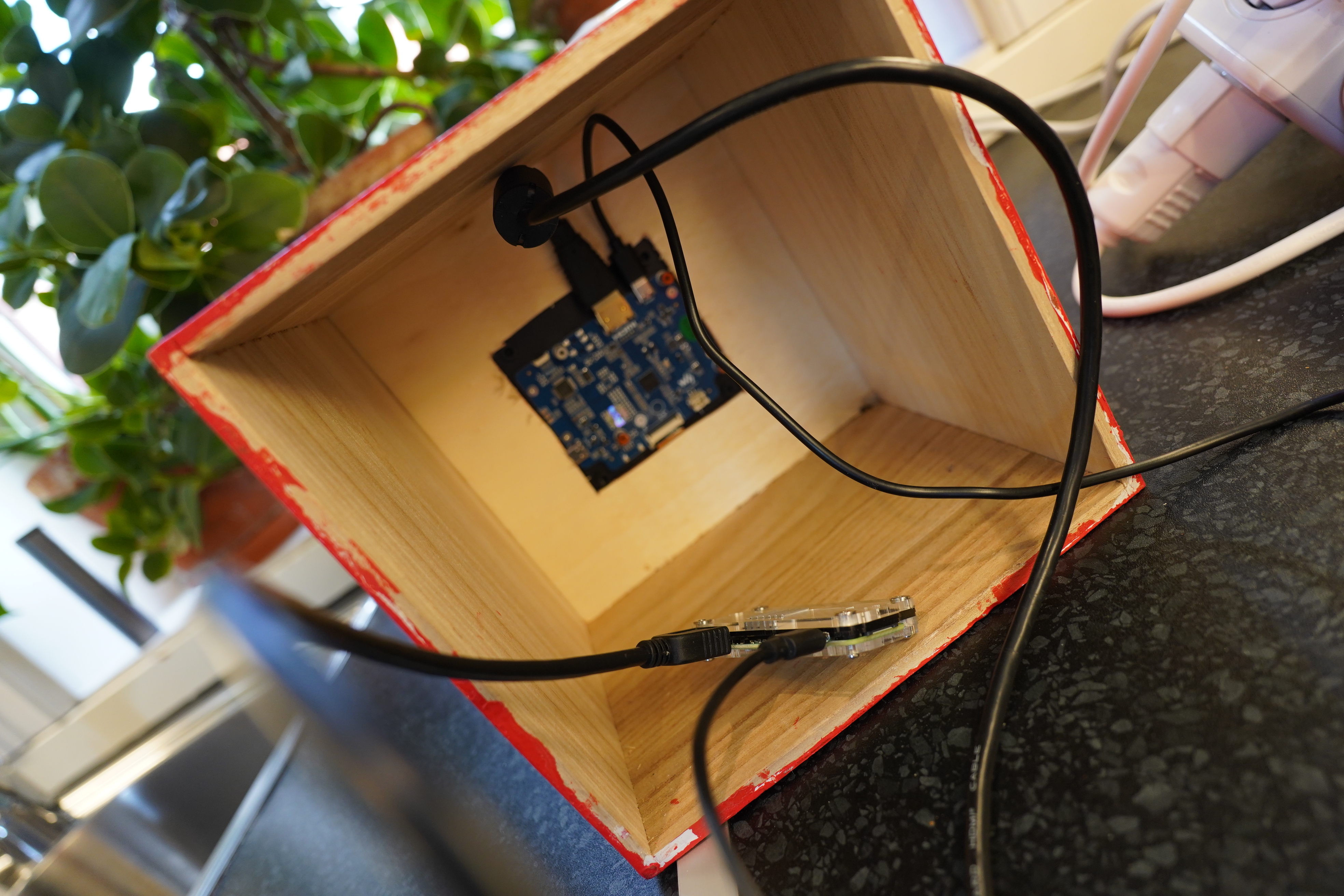
So swapped out all the cables, and…
*sigh*
OK, I guess it has to be the screen? I mean, it could be… something… in the OS, like — it doesn’t like the resolution…? But that sounds really unlikely — either it works or it doesn’t; it shouldn’t be unstable like that.

I guess this blog post is (… à suivre).
Same problem here with same screen. Waveshare know the problem and has changed my screen once.
Ah, thanks. Then I guess I just have to wait and see whether the new screen has the same problem or not. *crosses fingers*