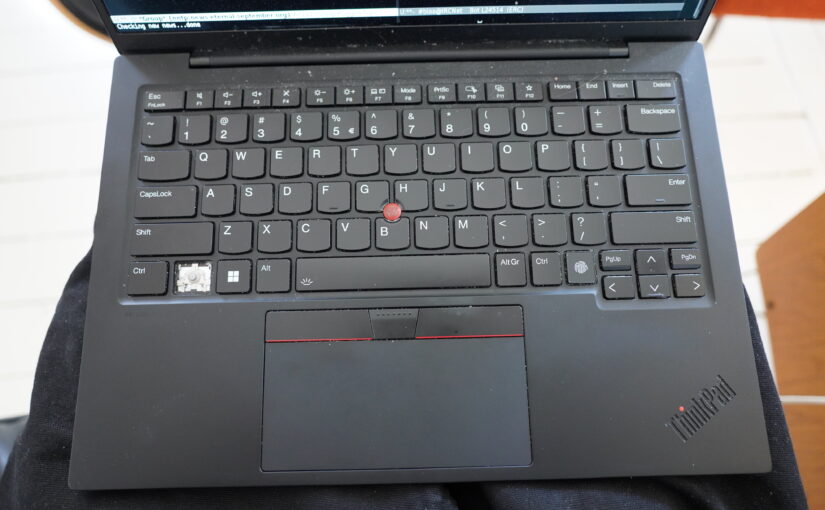
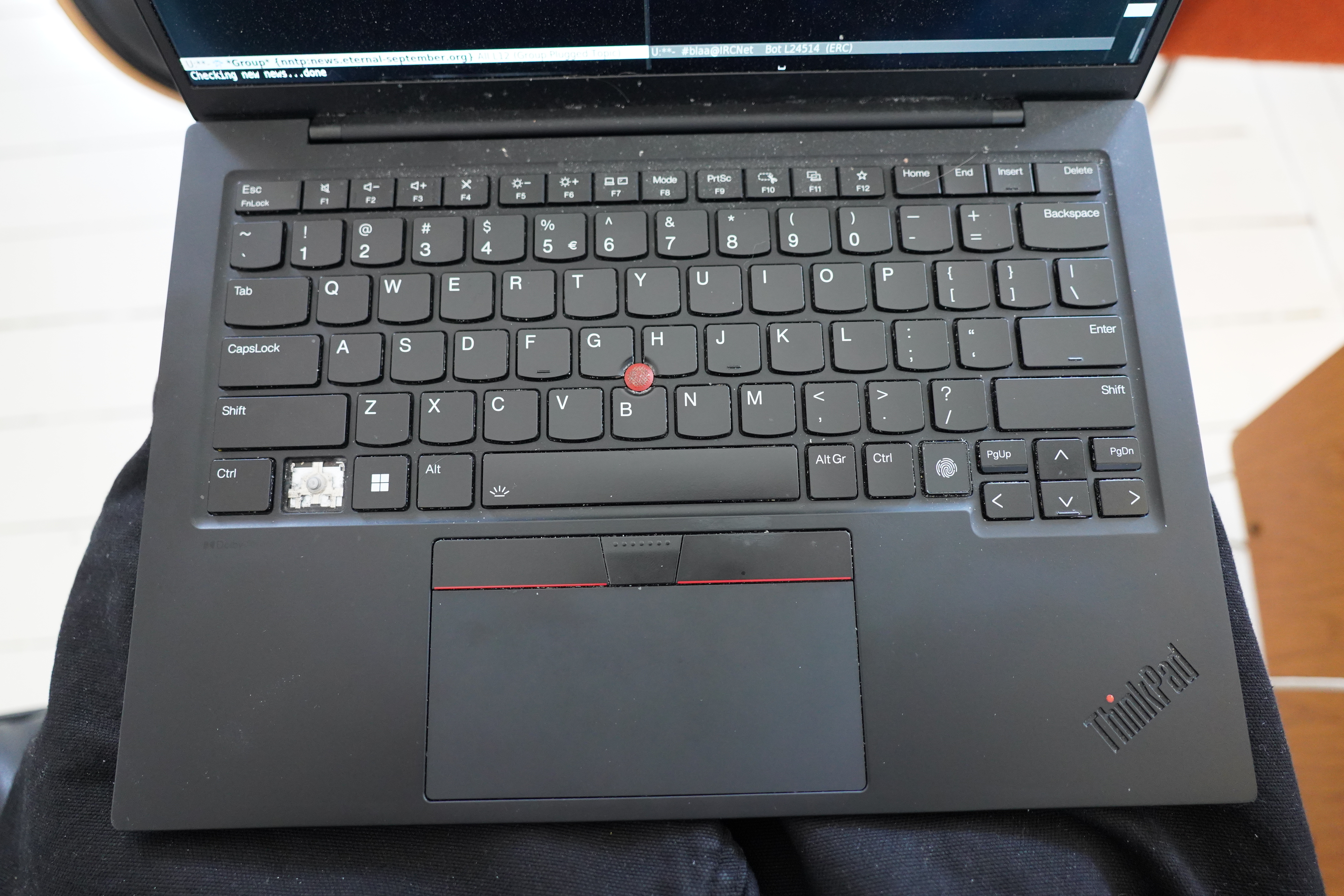
After being wonky for some weeks, my Control key finally popped off the other day. (Yes, I know, there’s a key marked “Ctrl” to the left of it, but I’ve remapped that to Fn, and this key (which is marked Fn) to Control.)
So I tried using the real Ctrl key as Control, but that just made my pinkie hurt, and then I remapped CapsLock to Control, but do you know how hard it is to unlearn, like, three decades where the Control key has been in the exactly same place? Literally beyond extremely.
And the thing is, I’ve already ordered a new laptop (the latest X1 model) when this happened, so sending this one out to be repaired just seems like such a waste of time. But ordering laptops from Lenovo is slow as usual, so the new laptop won’t arrive until May 9th!
WHAT TO DO

Well, there’s Youtube.
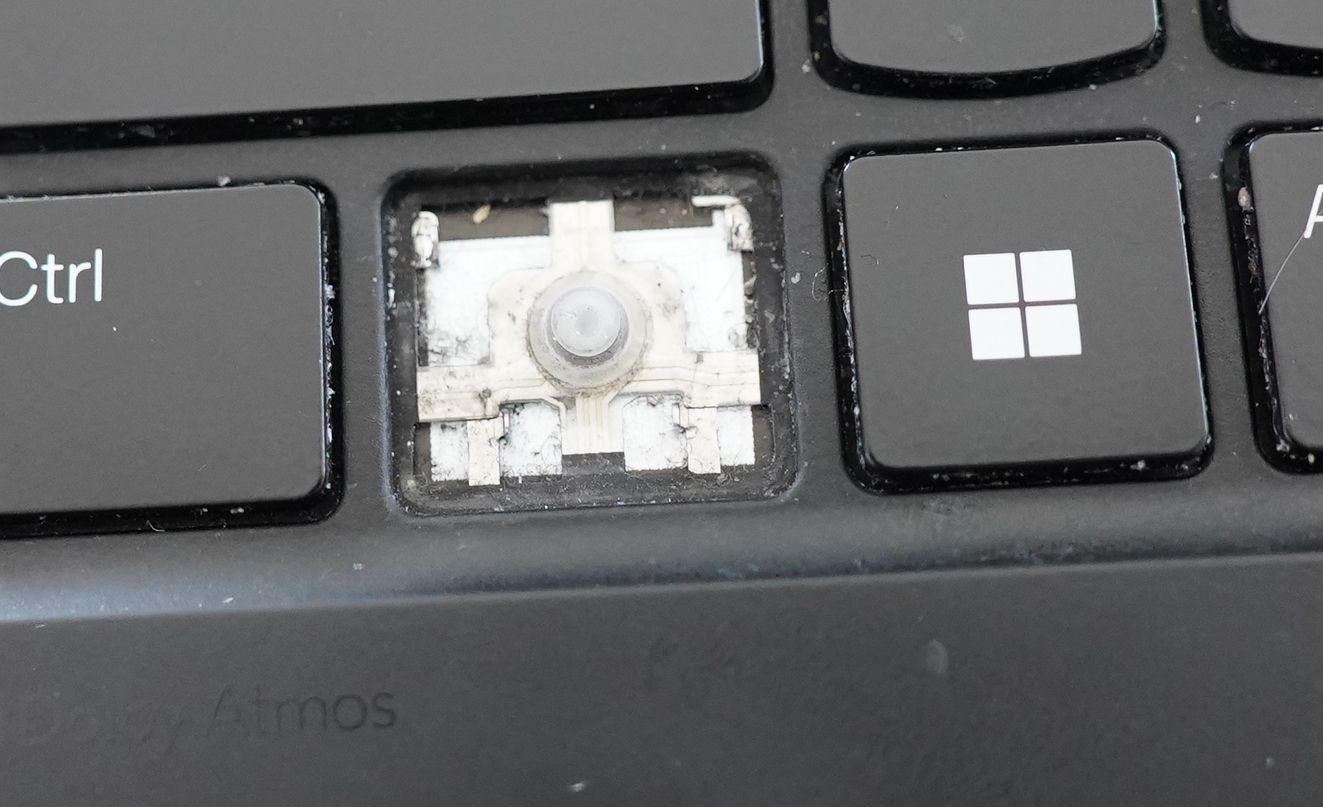
And… nothing seems to be actually broken?
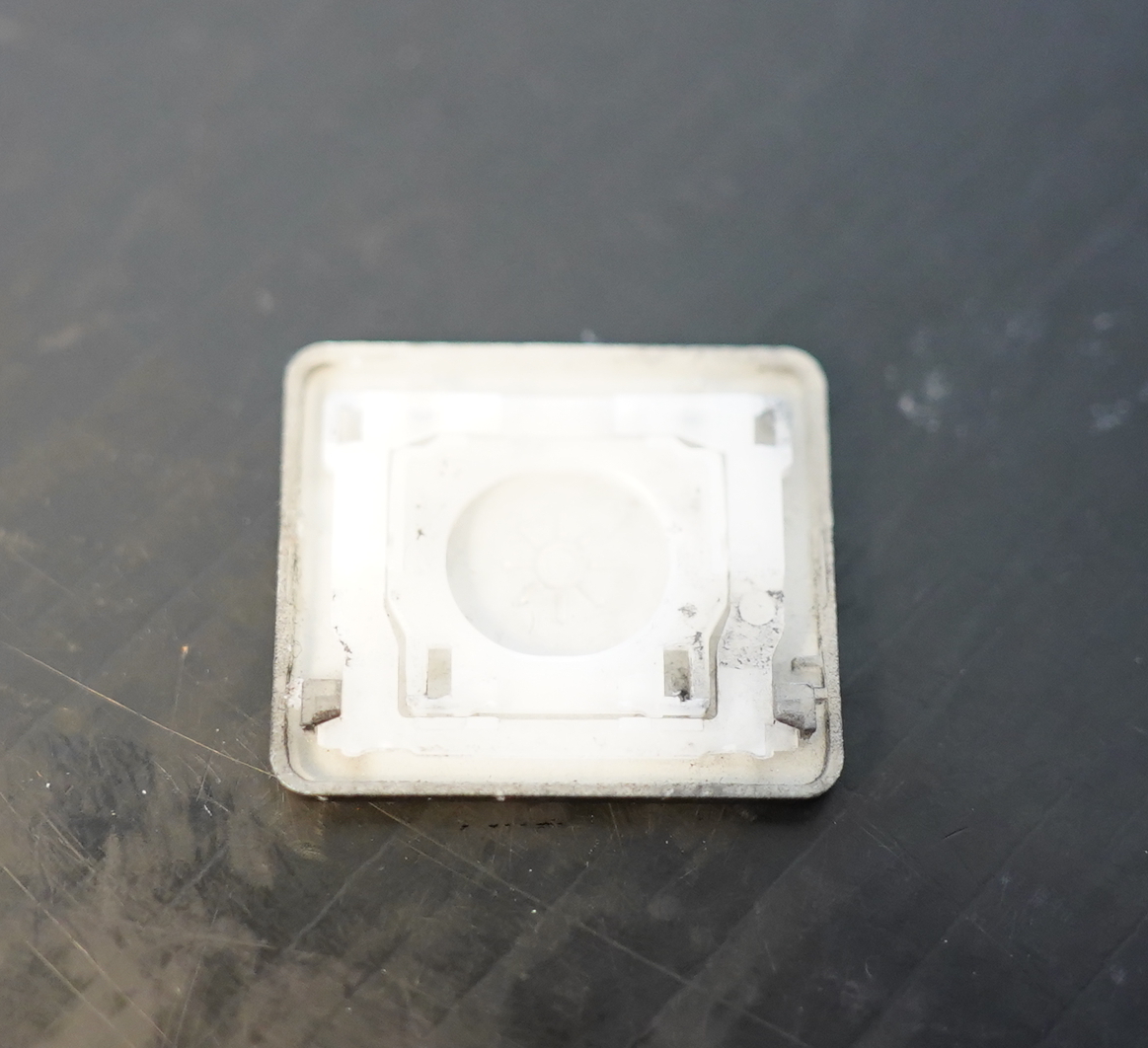
Looks OK…
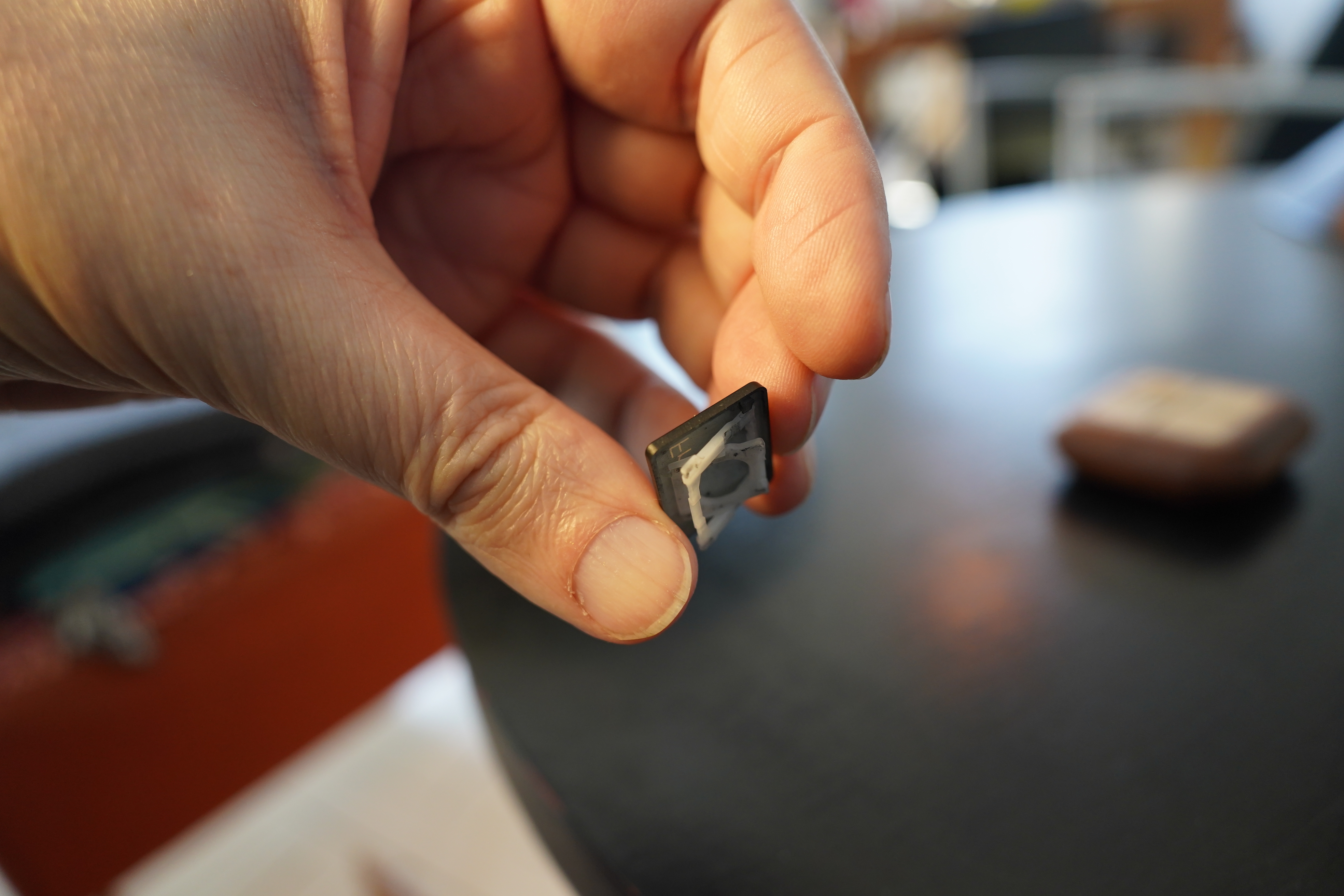
And the mechanism seems to be mechaning. (That’s a word.)
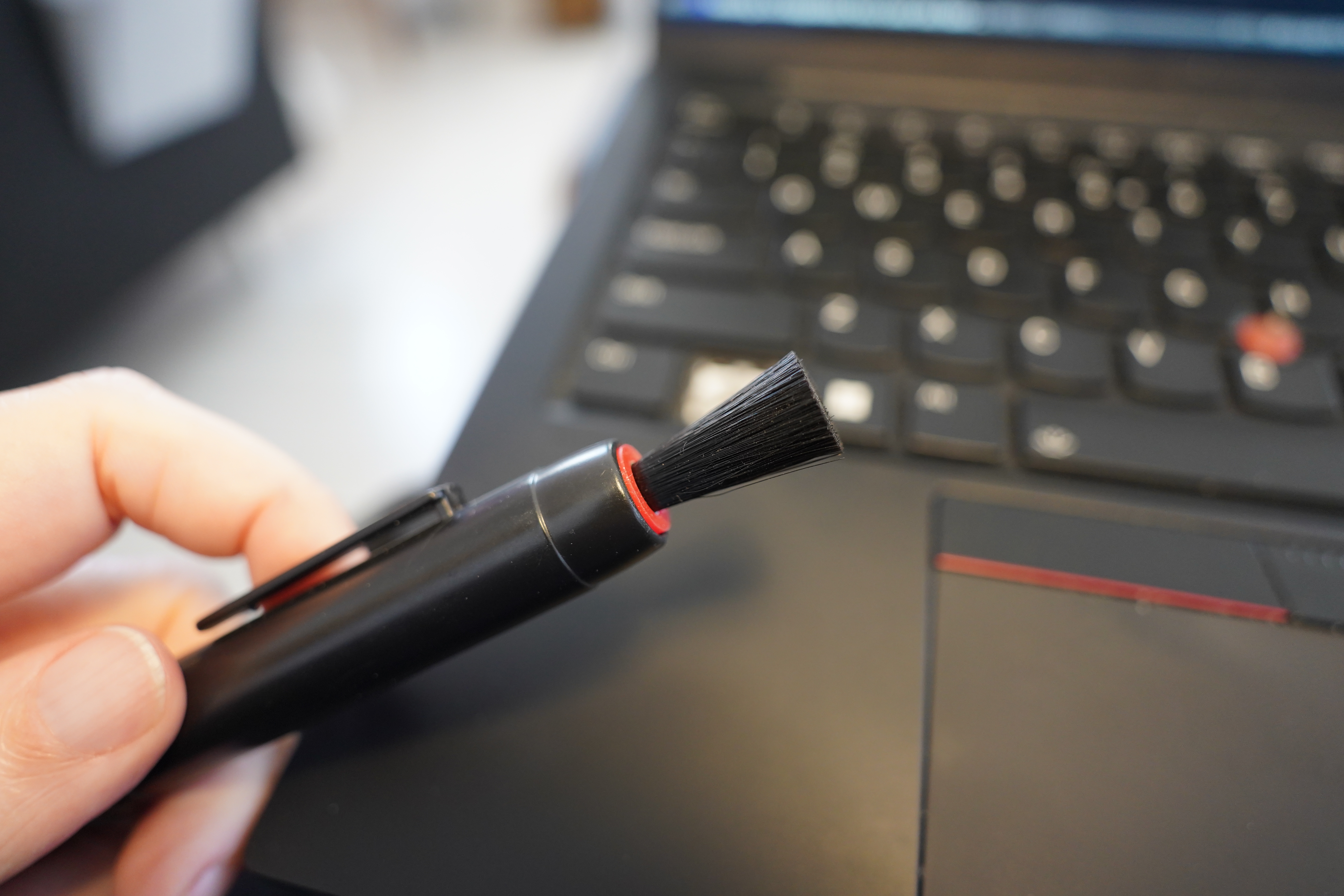
Perhaps I should clean a bit… I seem to be out of Air Duster, but I’ve got this lens cleaning brush…
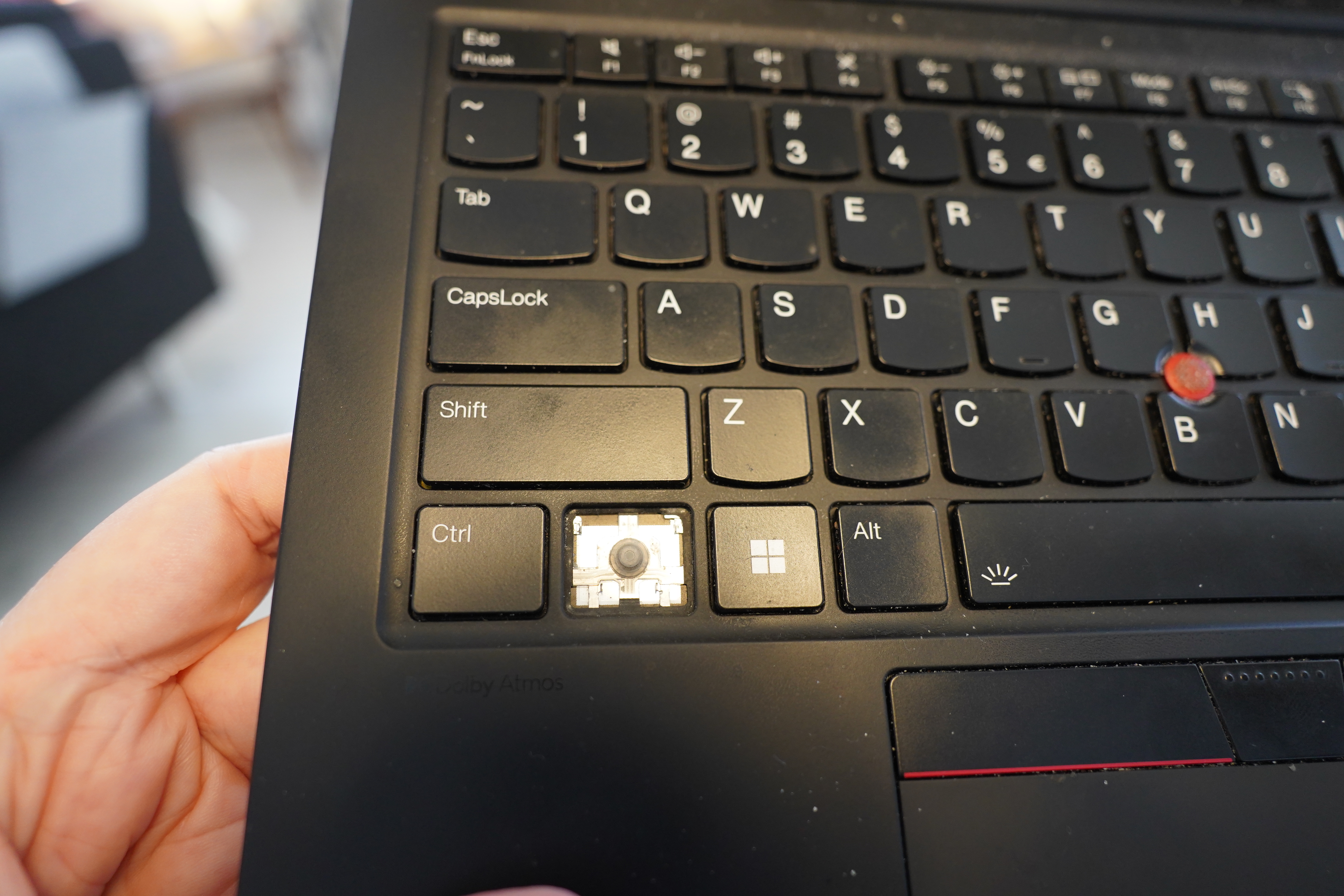
All clean!
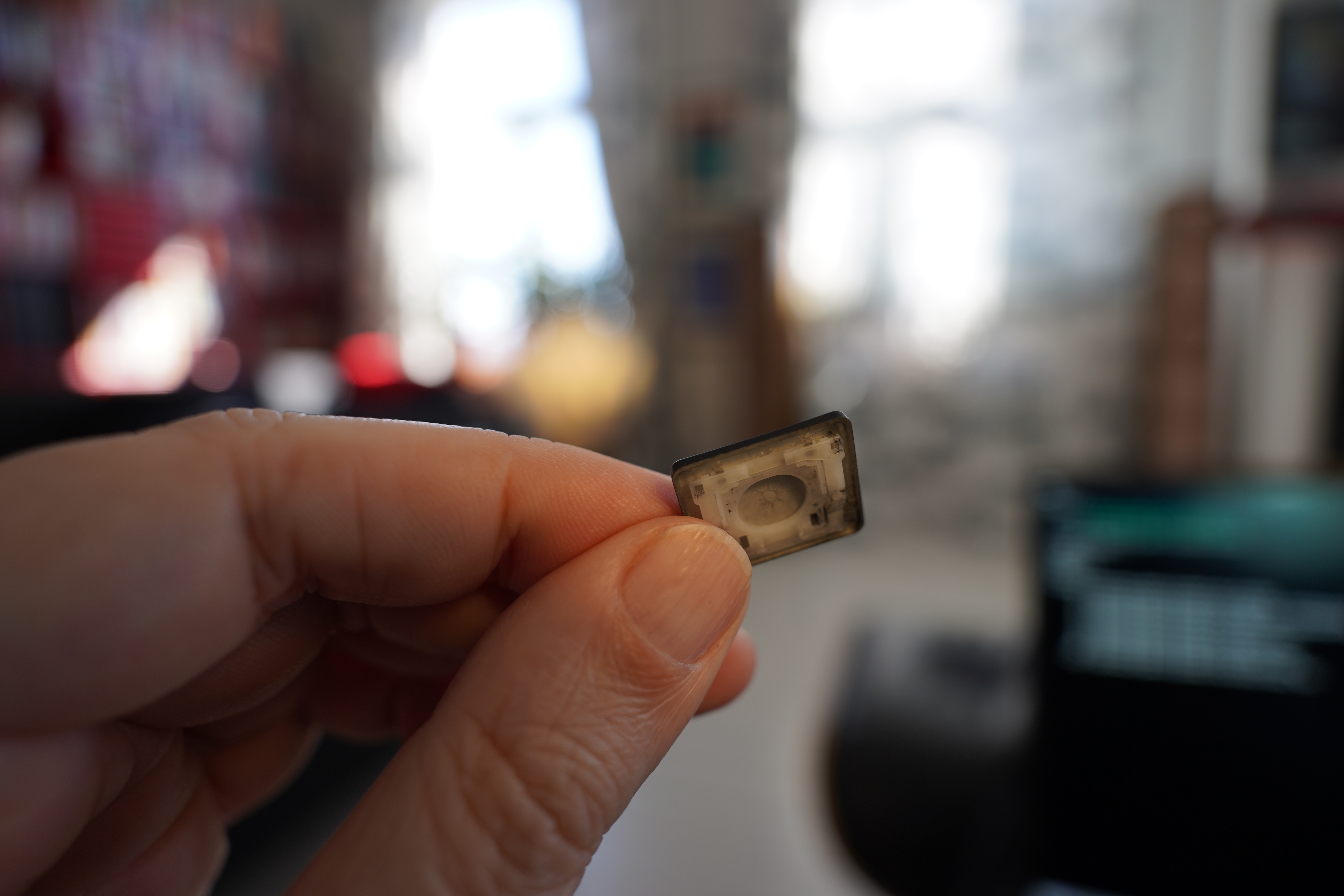
So I broke the key cap into constituent parts… I guess those white bits are called a “hinge”?
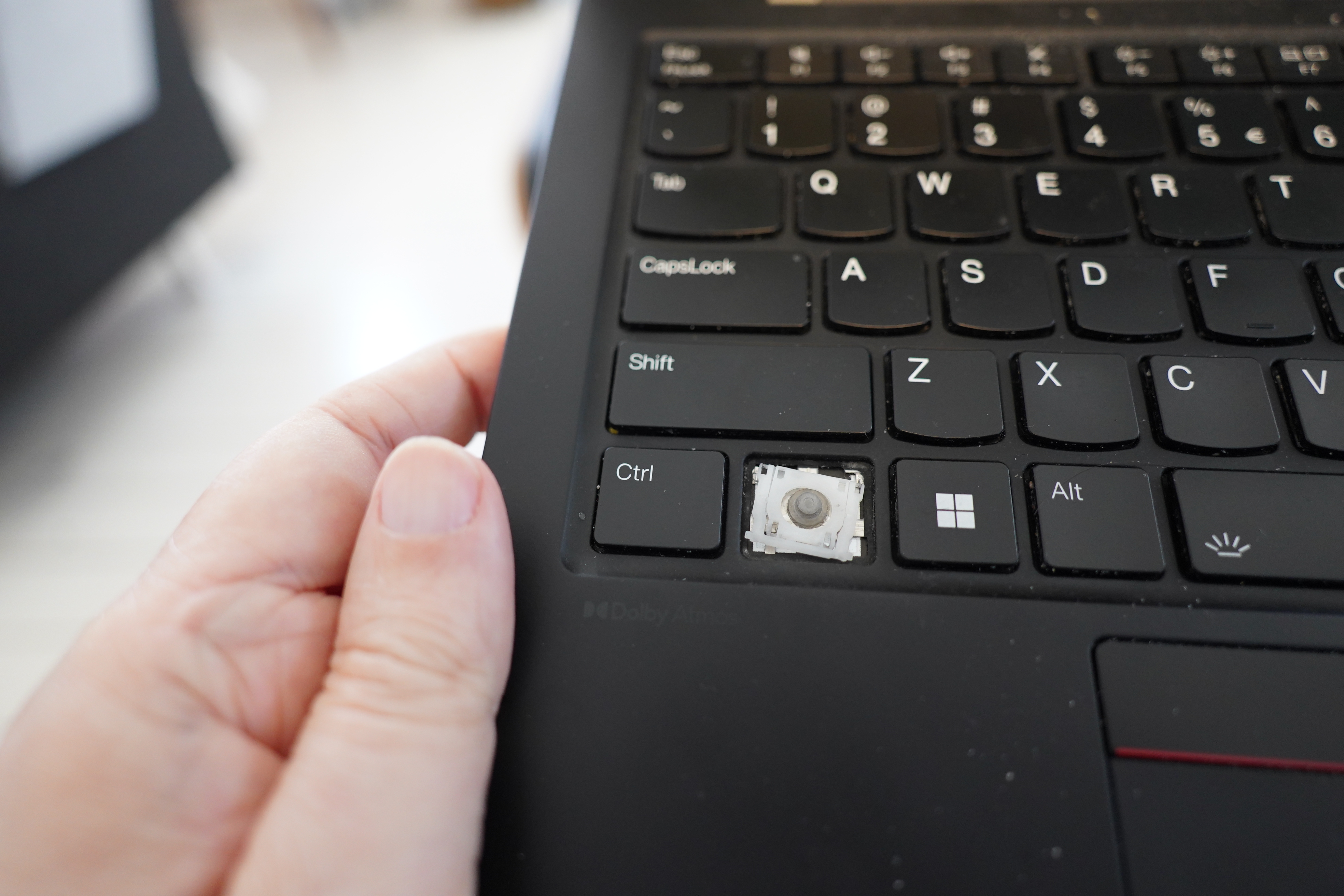
Plopped down…
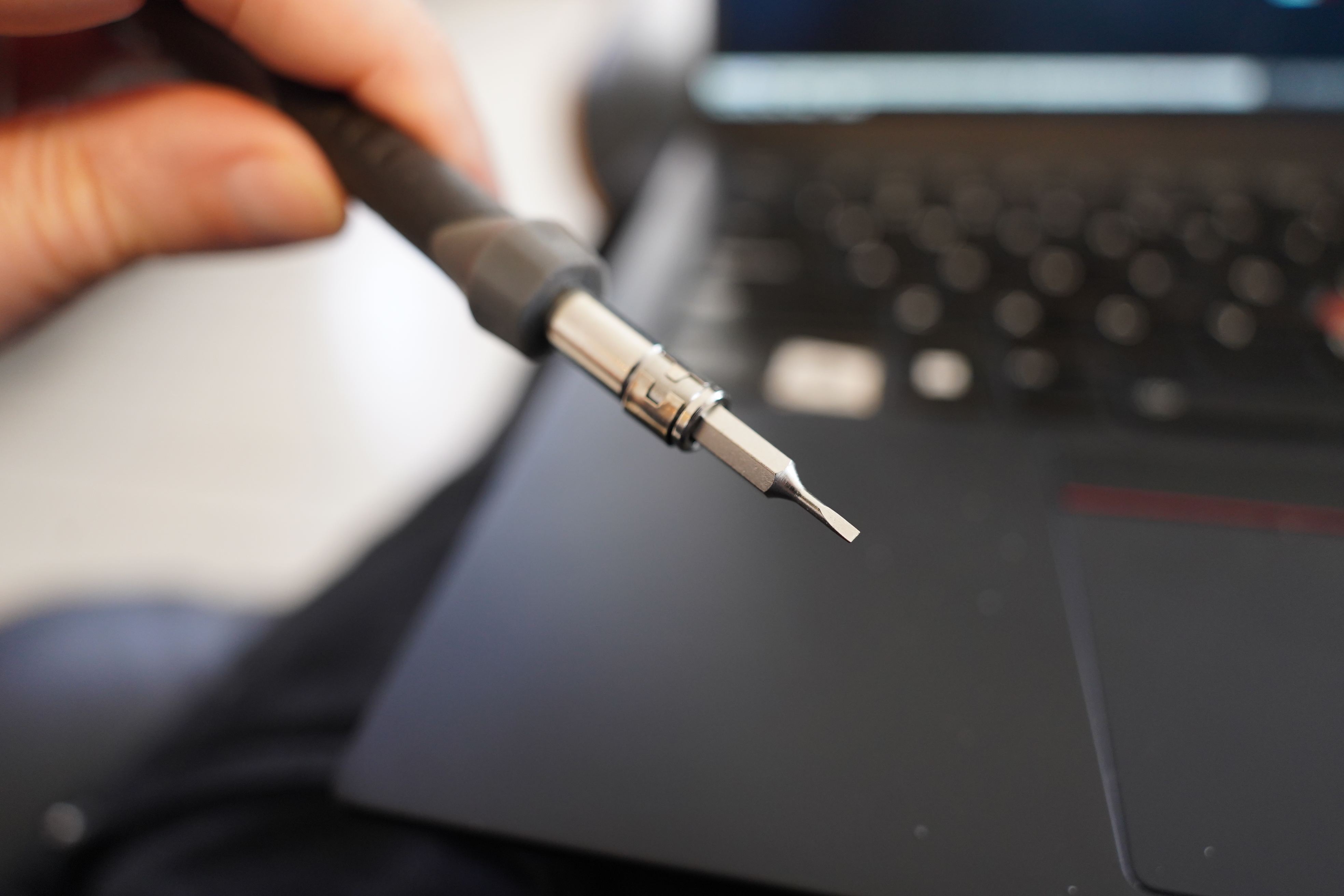
Tap gently with a li’l screwdriver…
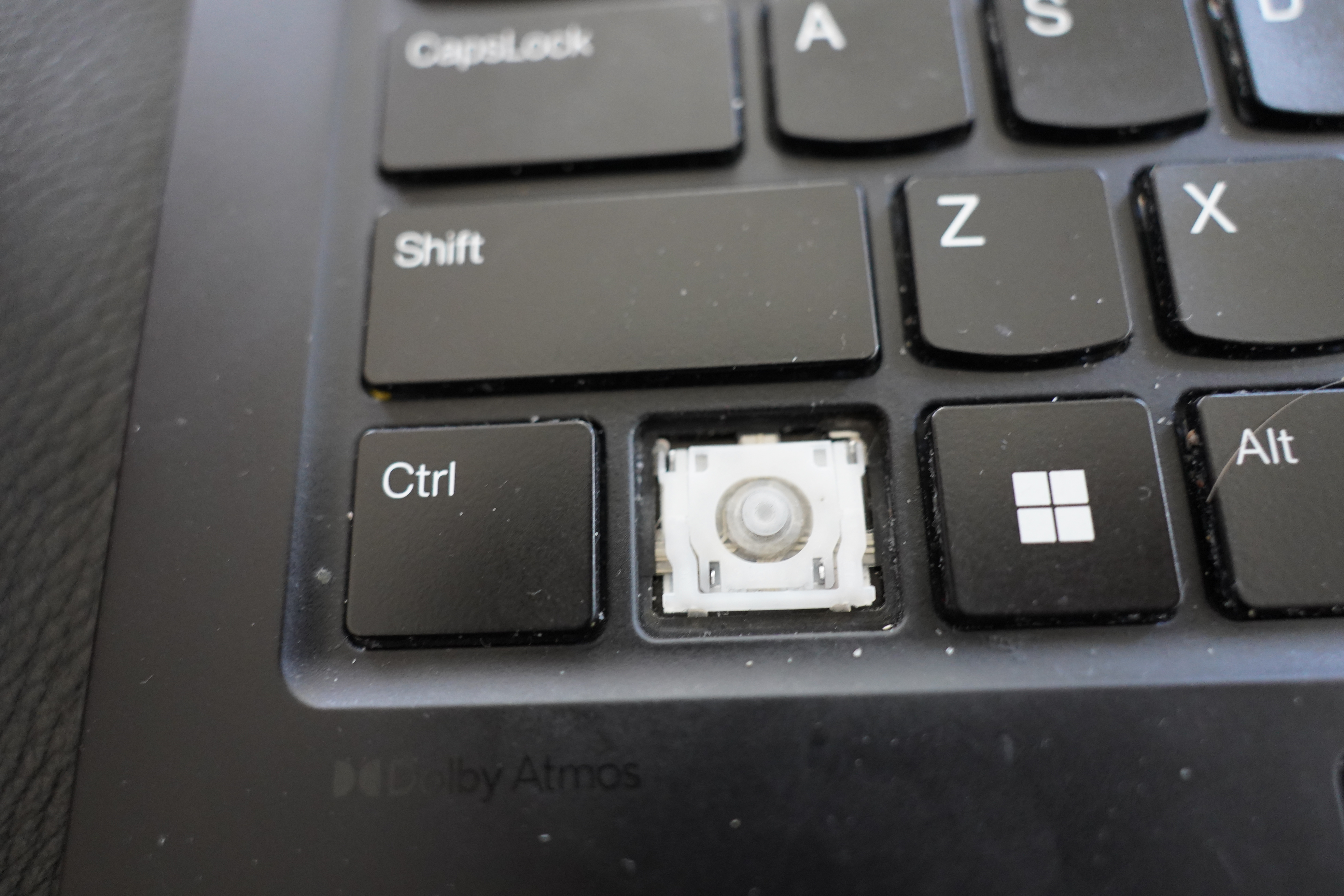
And… OK, it snaps back into place, but the “tabs” don’t seem to secure into the plastic very hard. So I guess that’s why it came loose in the first place — the plastic that the two bottom-most prongs fit into has gotten worn.
You can apparently buy replacements for these easily enough, but let’s see whether it still works…
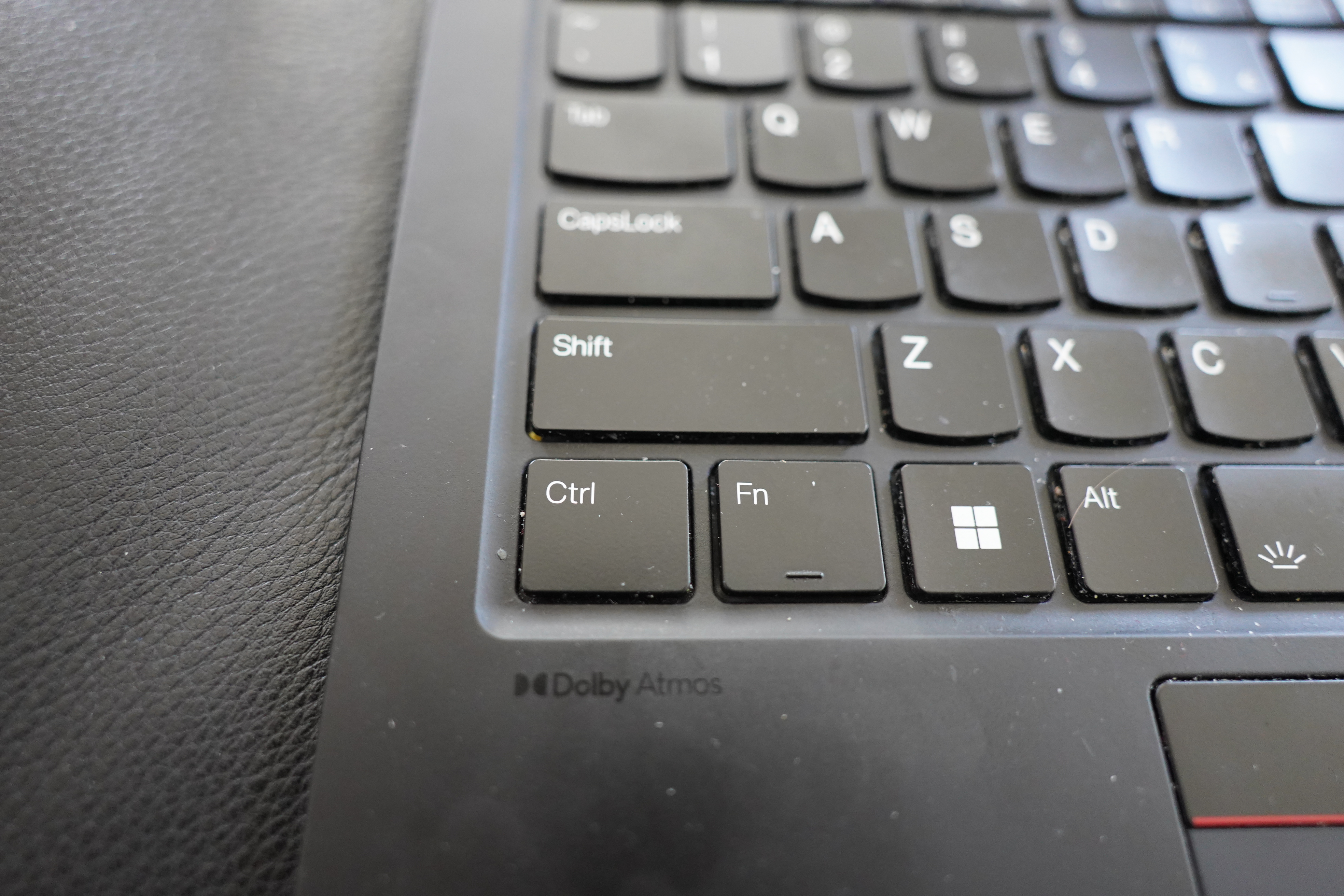
And the cap itself snaps onto easy and nice.
And… It works! OK, it’s still a bit loose, but it works. Perhaps it’ll be fine until my new laptop arrives. *crosses fingers*

But it doesn’t pop off at least!
Ain’t life exciting.
Hm…
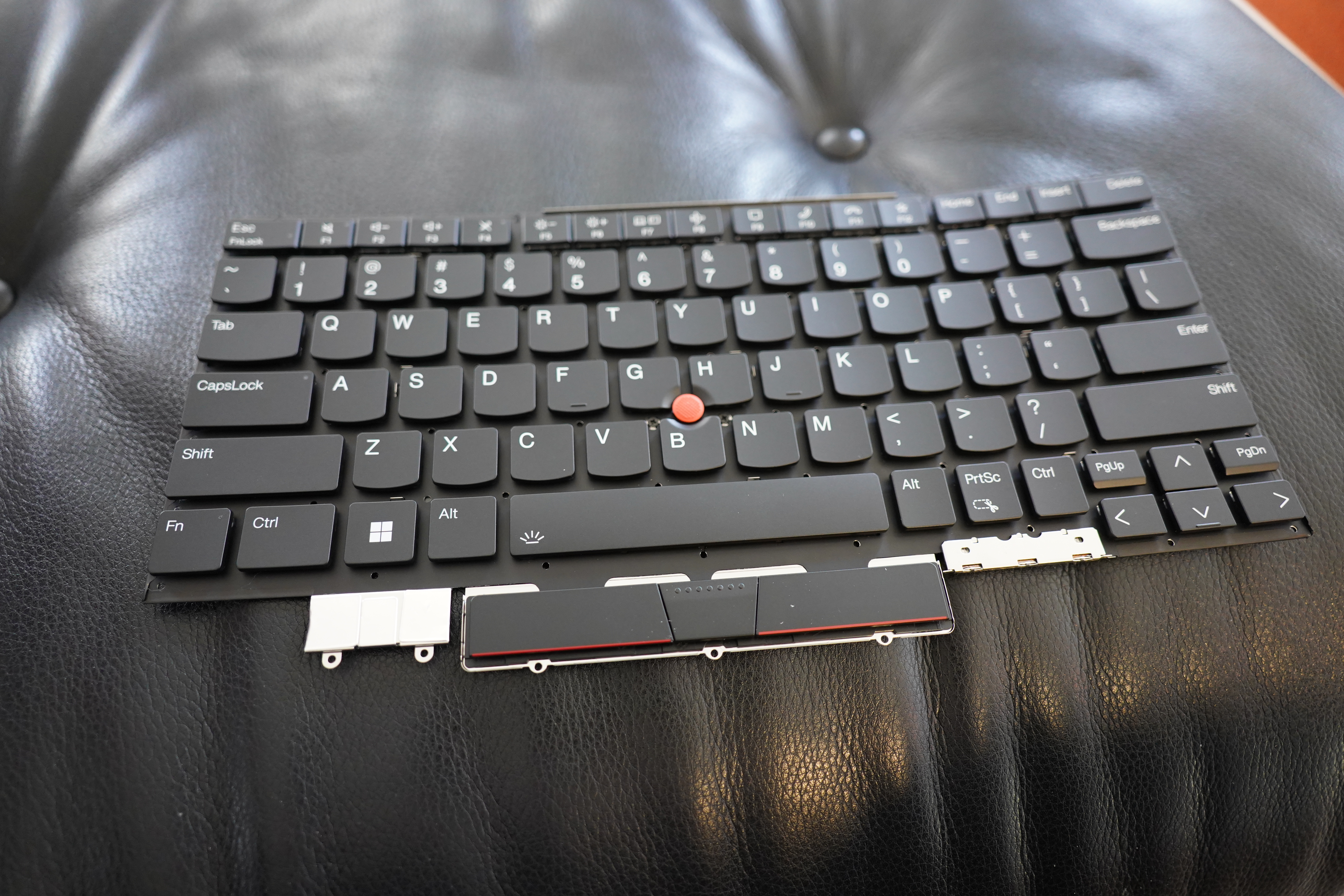
Oh, I just remembered that I have a replacement keyboard for a previous laptop generation lying around… perhaps I can just pop a cap here, and take the hinge?
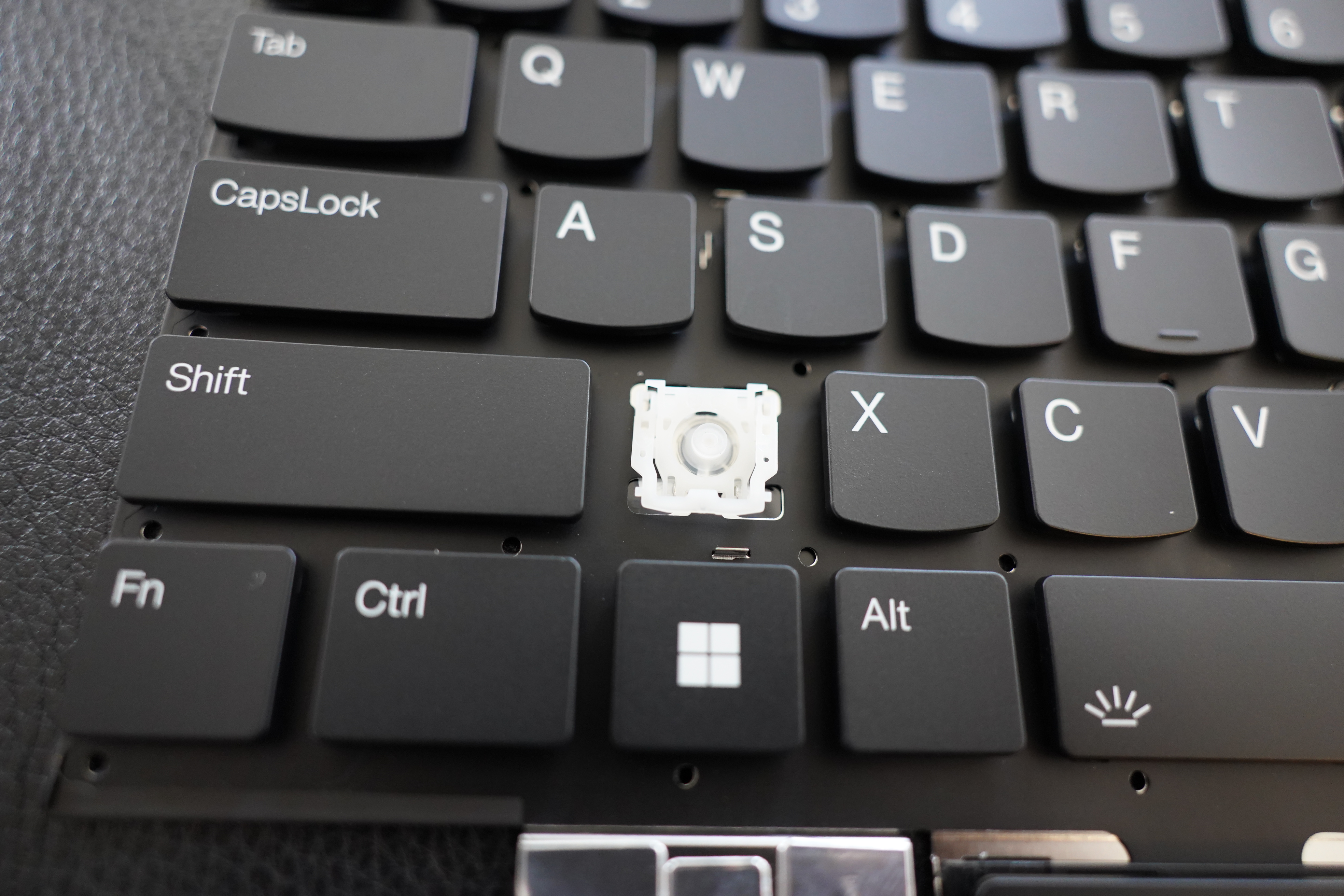
Er… is that a different shape?
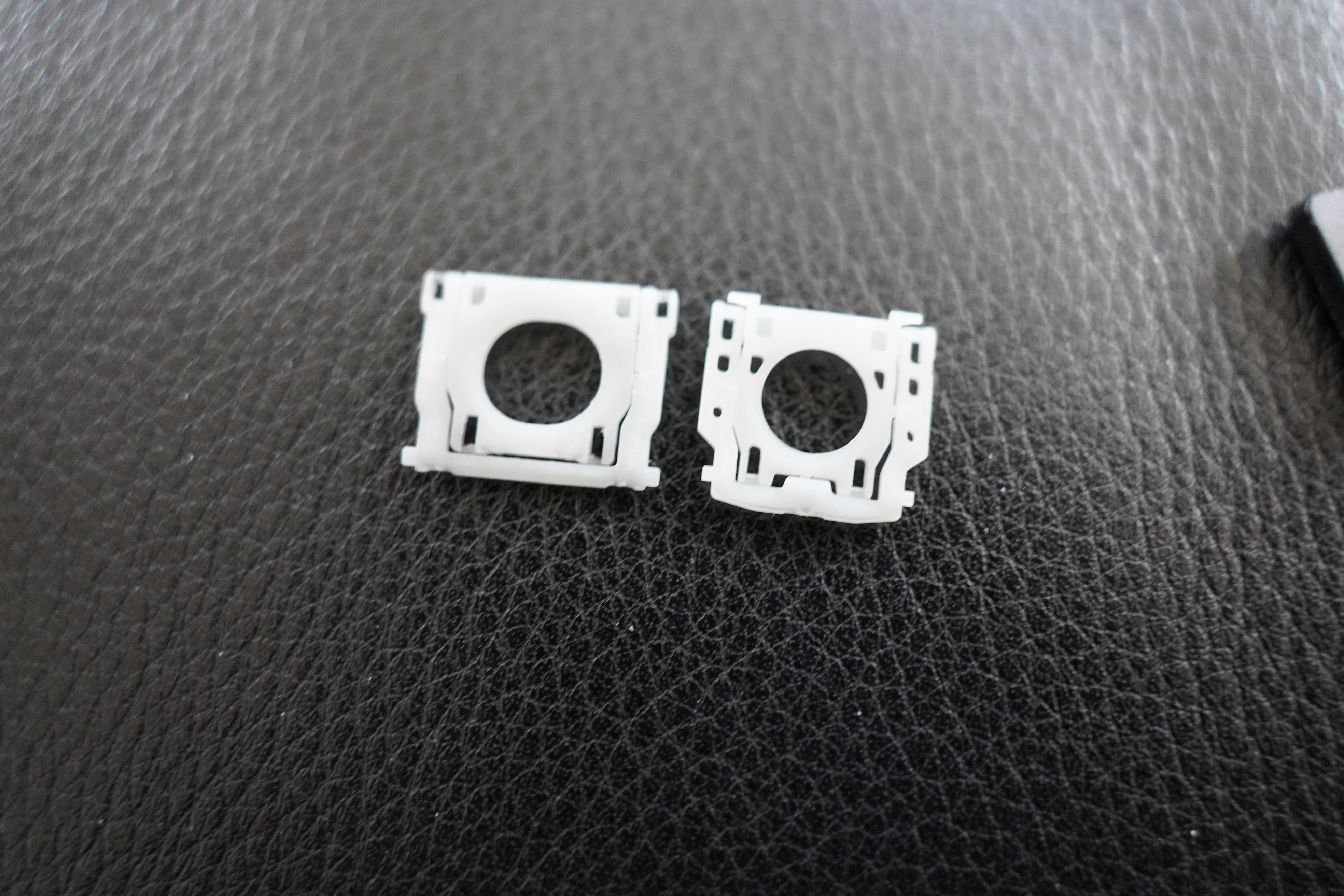
YES IT IS! Darnit, Lenovo, why must you continually innovate!
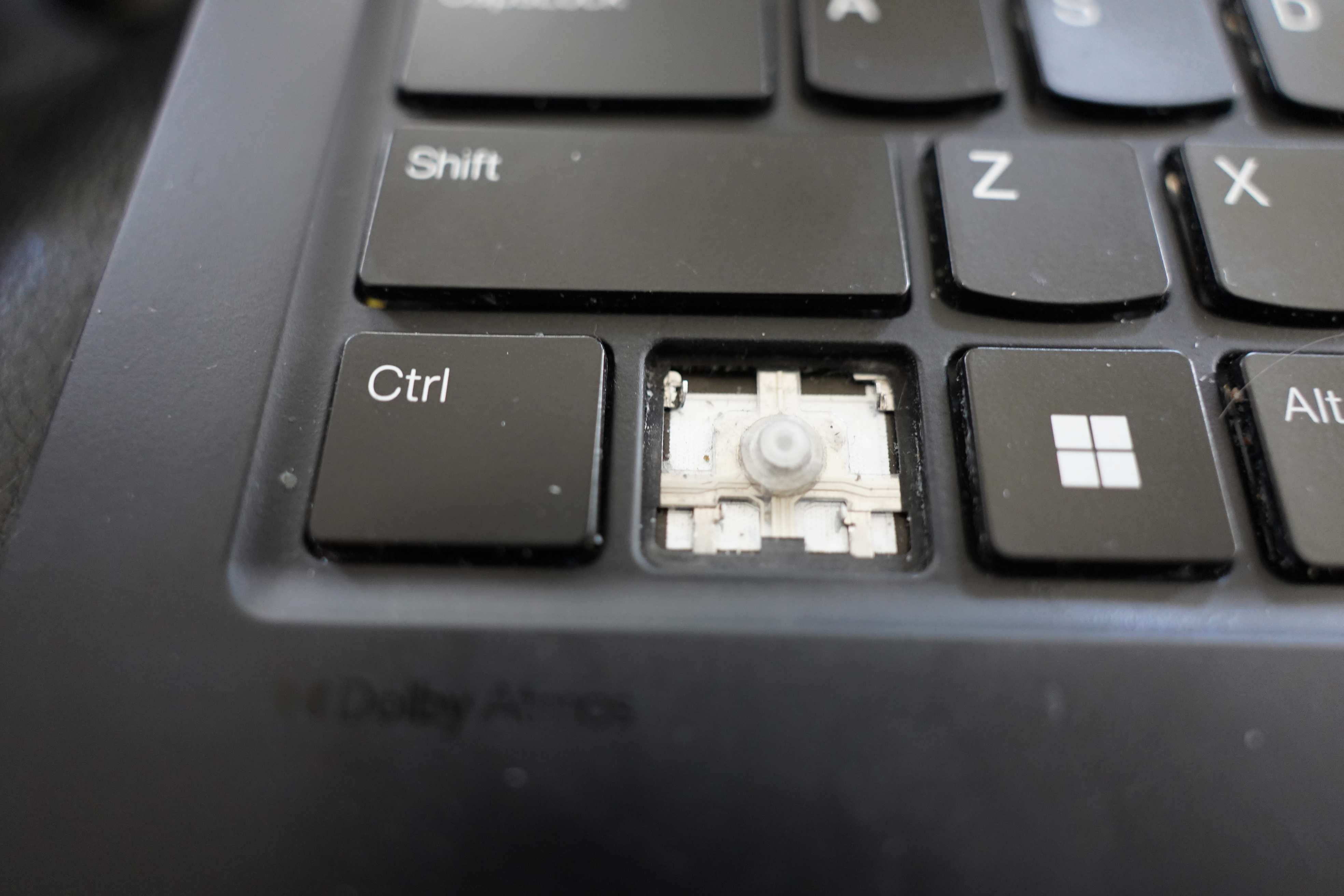
But… OK, I never use the Fn key. Perhaps I can just swap the hinges?

Before popping a cap, I consulted The Wise Book of the Youtube again.
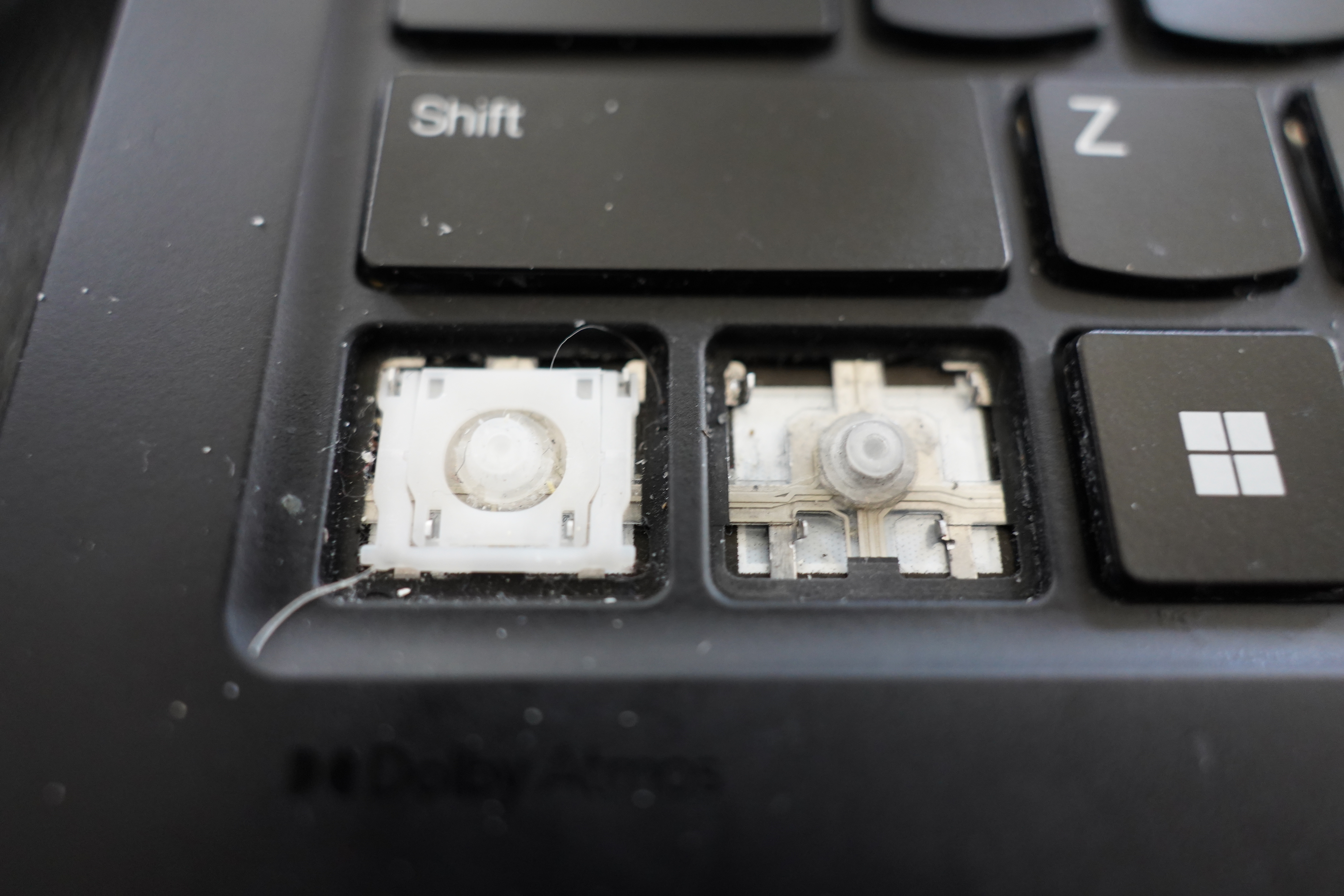
It’s easy!
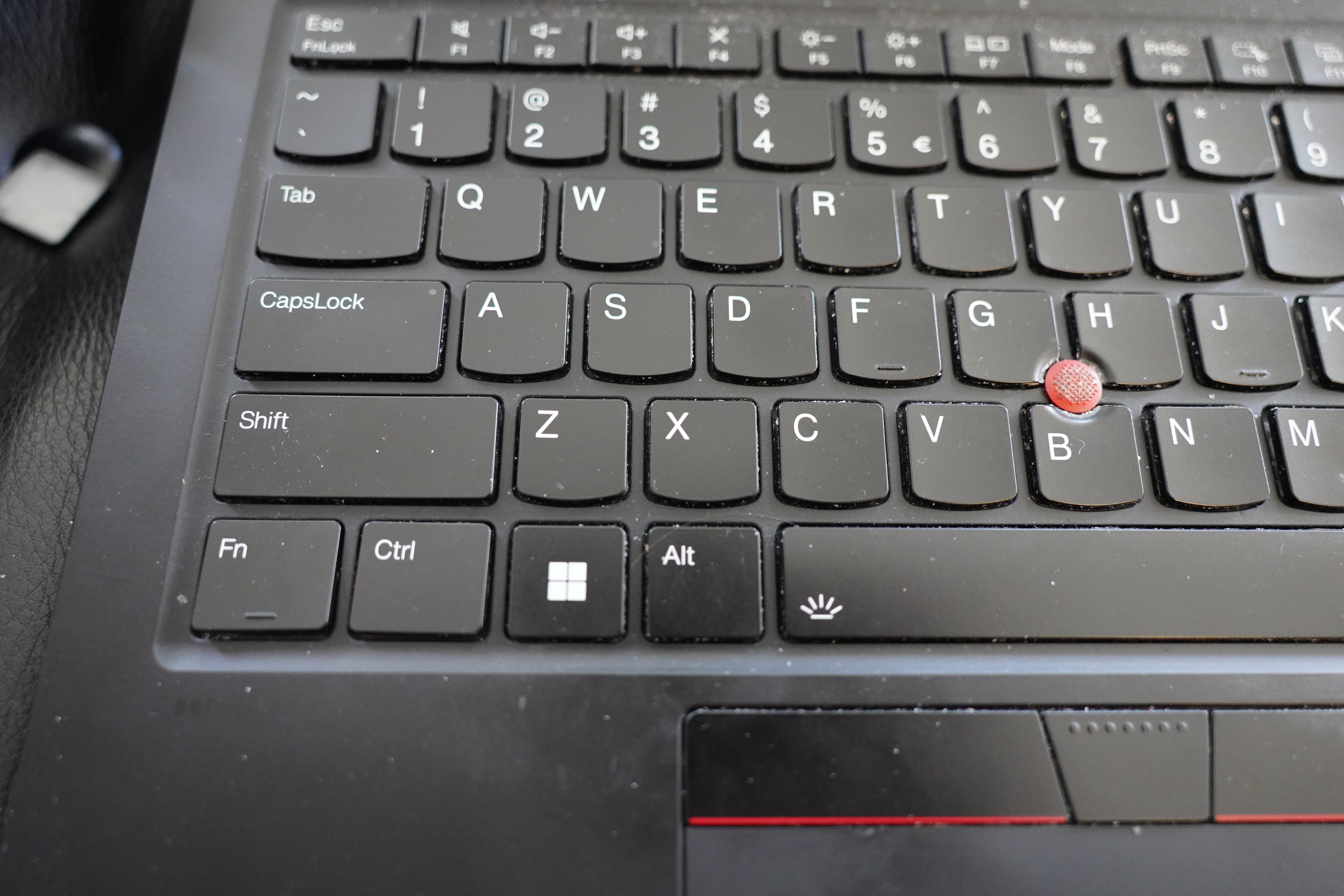
It works! I now have a functioning, non-wonky Control key!
And while I’m at it, I swapped the caps, too, so that my Control key now says “Ctrl”.
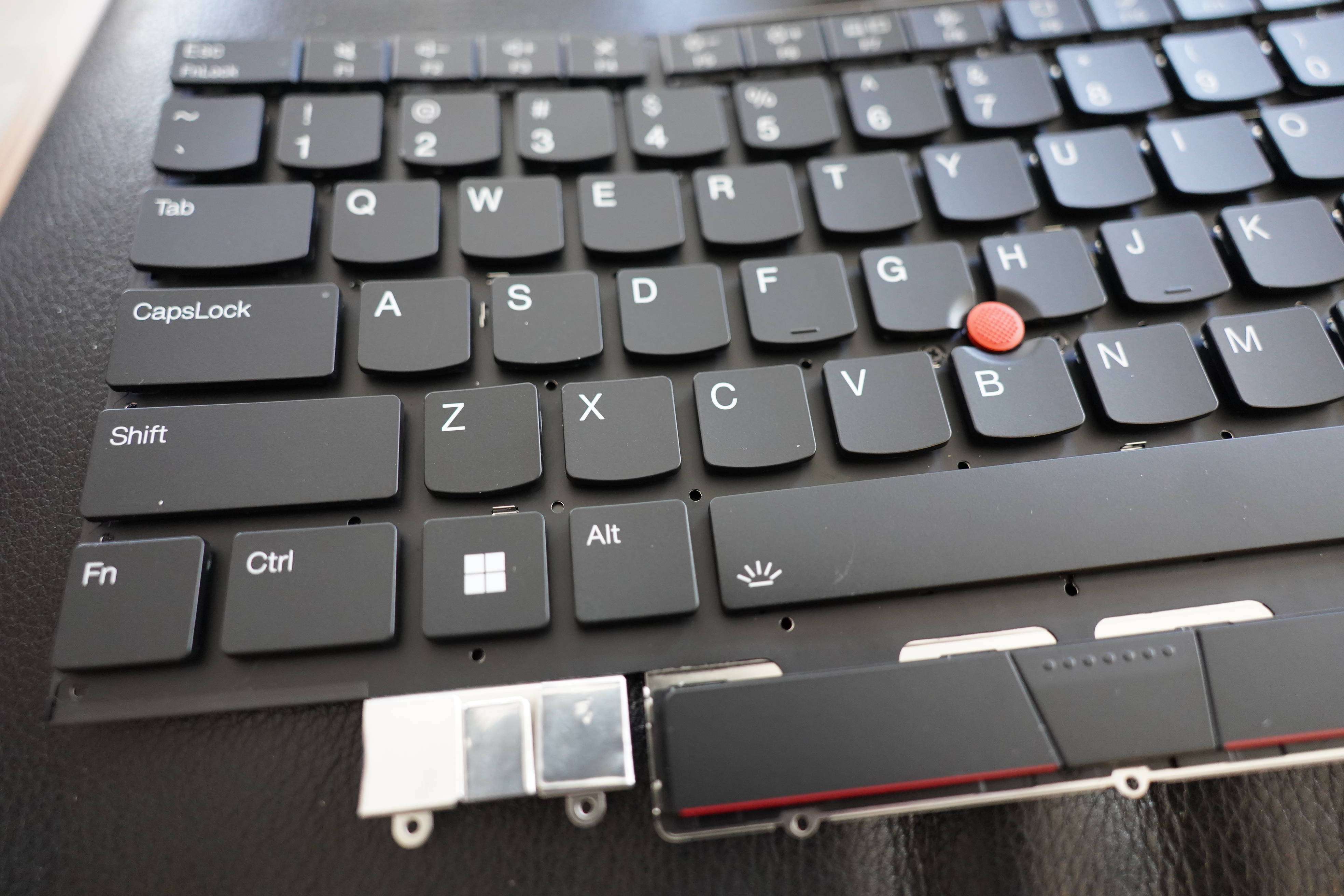
I even managed to put the spare keyboard back together again, even though it’s probably going to a landfill somewhere at some point.
I actually dud it! I feel so proud.