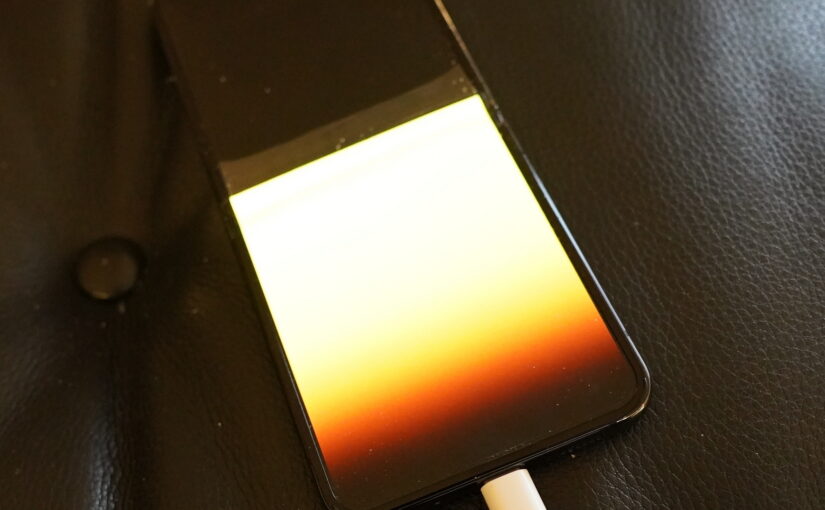
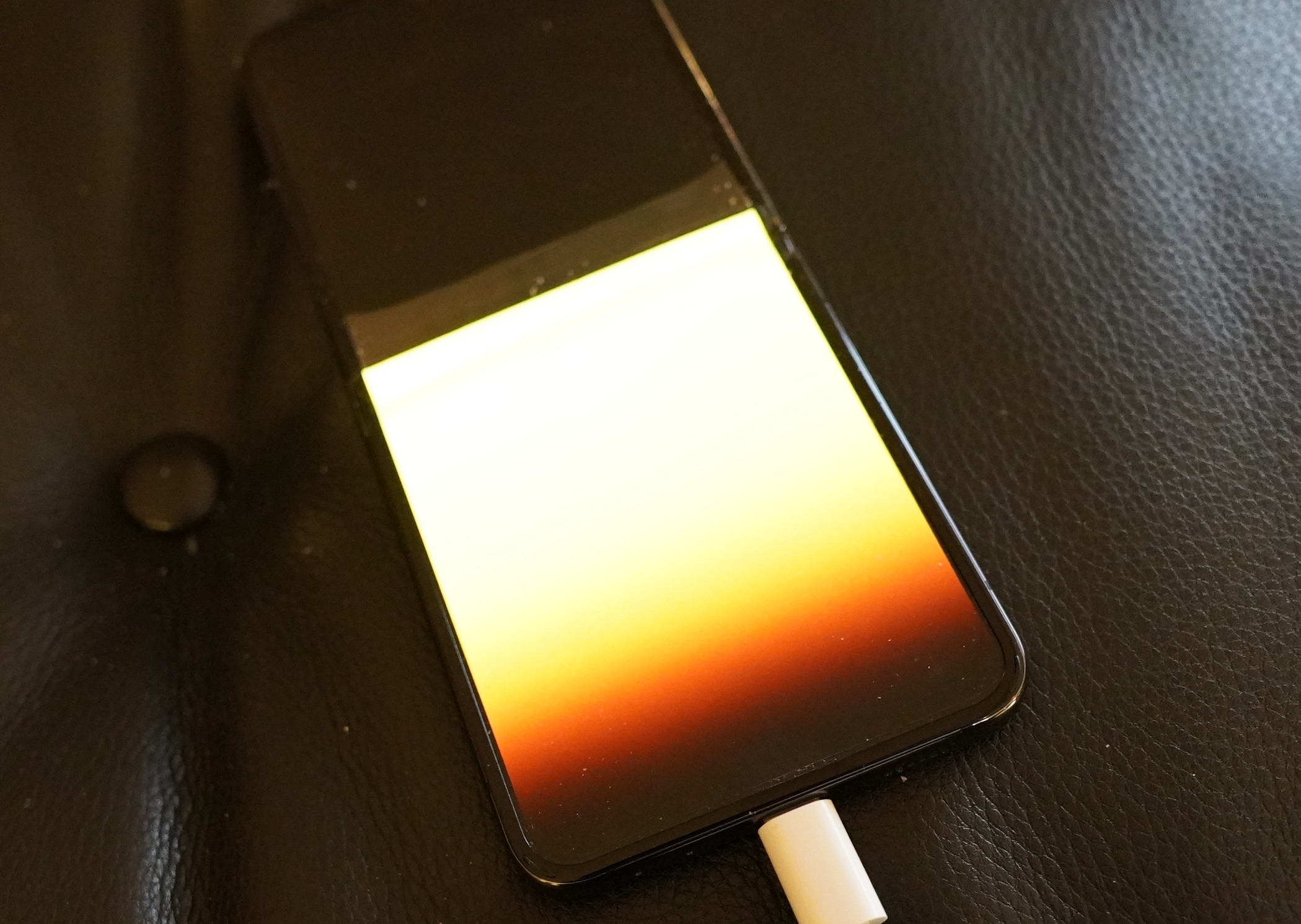
I’ve got a Samsung Flip 5 phone, and the other day when flipping it open, it said BBZZZCHT quite loudly, and then the screen died. Well, that is, when I open it, I get the above.
So now what? Android is, like most Google products that aren’t ad related, a half-assed product. The sensible work flow when a customer has a new phone would be:
- Put them next to each other, perhaps connecting via a USB-C cable if you want to be advanced.
- Do some kind of auth, depending on how broken the old phone is. This can be on-device auth (with a fingerprint, for instance, which would have worked here), or off-device (via the Google account).
Google is not a sensible company, so you have to have a working phone when you get a new one — otherwise you’re in for a world of trouble, because extremely little of what’s on the phone is synced to the clown. You need a working phone, with a working screen, really: You need to transfer several QR codes, do some auth, and click on various things.
I’m sure nobody goes out to buy a new phone when the old phone is broken! That’s crazy talk!
Anyway, this means that I have to connect the old phone to an HDMI screen, and plug in a USB mouse.
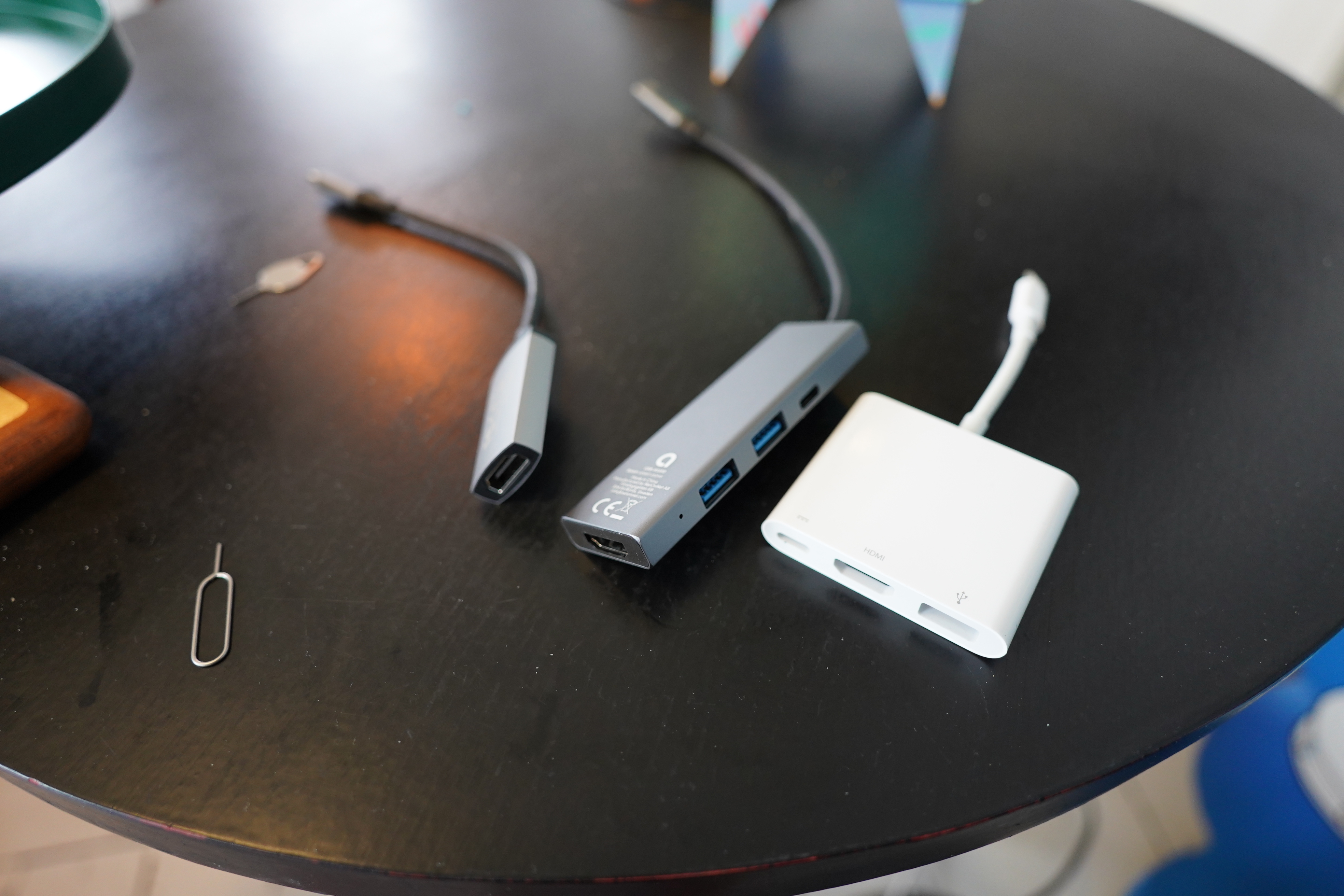
So I have an USB->HDMI dongle (to the left), but that’s useless, because I need a USB mouse, too.
The white thing above seems perfect, but it’s made by Apple, so it only works on Apple devices.
The thing in the middle also seems perfect — but it’s a “complex” USB hub that (I discovered while tearing out my hair over the past few days; I’m now bald) doesn’t support “DP Alt Mode” (aka “screen mirroring”), which is the only thing my Flip 5 supports. Newer phones like Flip 7 support something called “DeX”, which is a thing developed so that you can connect your phone to a big HDMI screen and use it as a desktop. Useful, I’m sure.
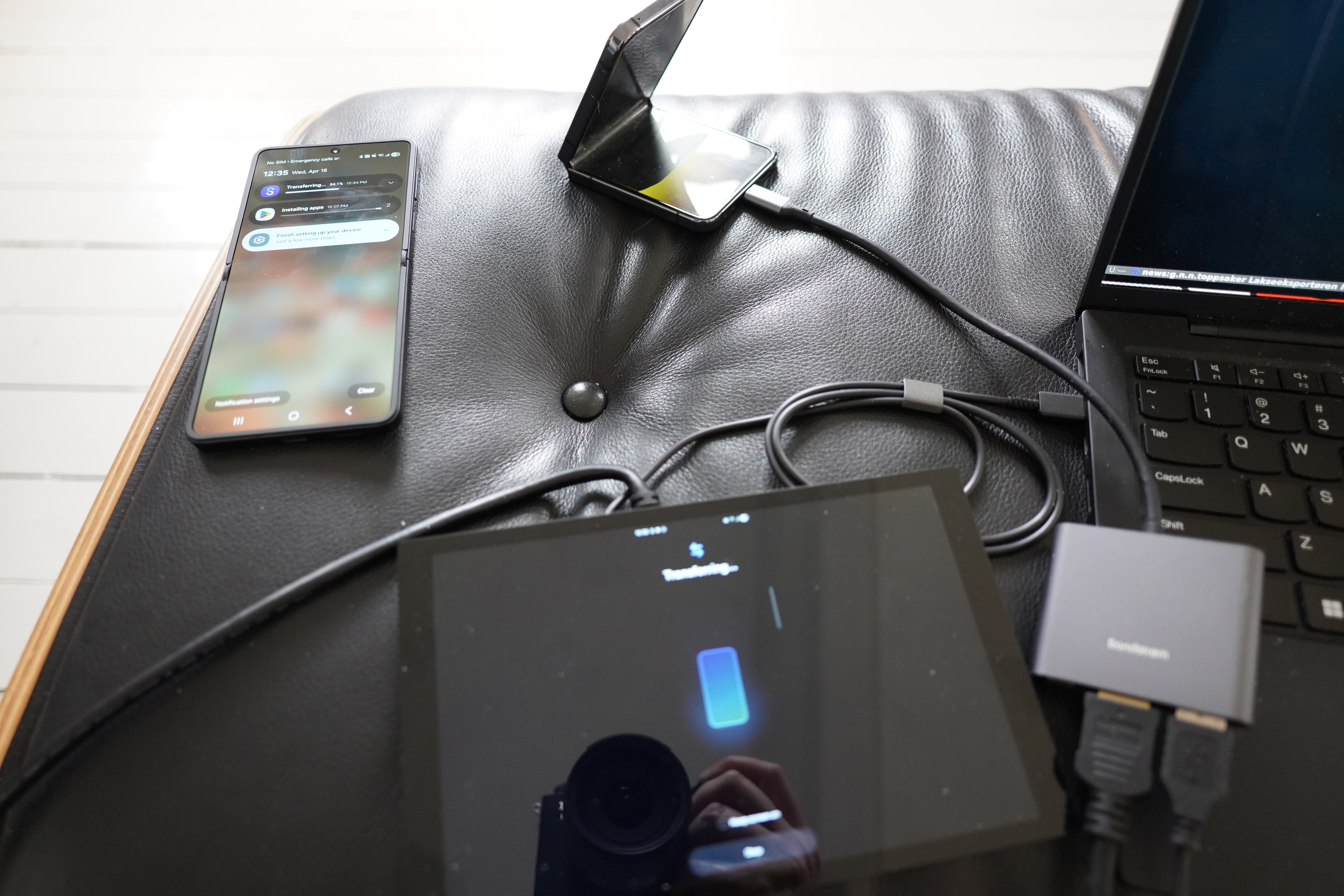
But fourth time lucky: This Sandstrøm S3IN1CA26E hub does the trick. You never actually know before you test them. All these hubs have specs that say “supports 4K HDMI” and “requires a USB-C device that support video”, which is less than helpful.
So, that’s good, eh?
Why is the phone making those kind of strange noises?
Er… The screen is vibrating? Is the screen auto-generating touch events OH MY GOD I CAN HEAR VOICES NOW AAARGH SWITCH THE PHONE OFF SWITCH IT OOOOOFF *film snippet of me running toward the phone in slow motion*
It turns out that the phone self-touched itself into Google Meet, and then called up half a dozen people, some more than a dozen times? (Sorry Nelson! Sorry Geir! Sorry Bjørn! Sorry the other people who I don’t quite know who were because it’s just too much work to open Meet on the phone.)
People started worrying whether I’d been kidnapped and that I was desperately trying to work my phone blindly or something.
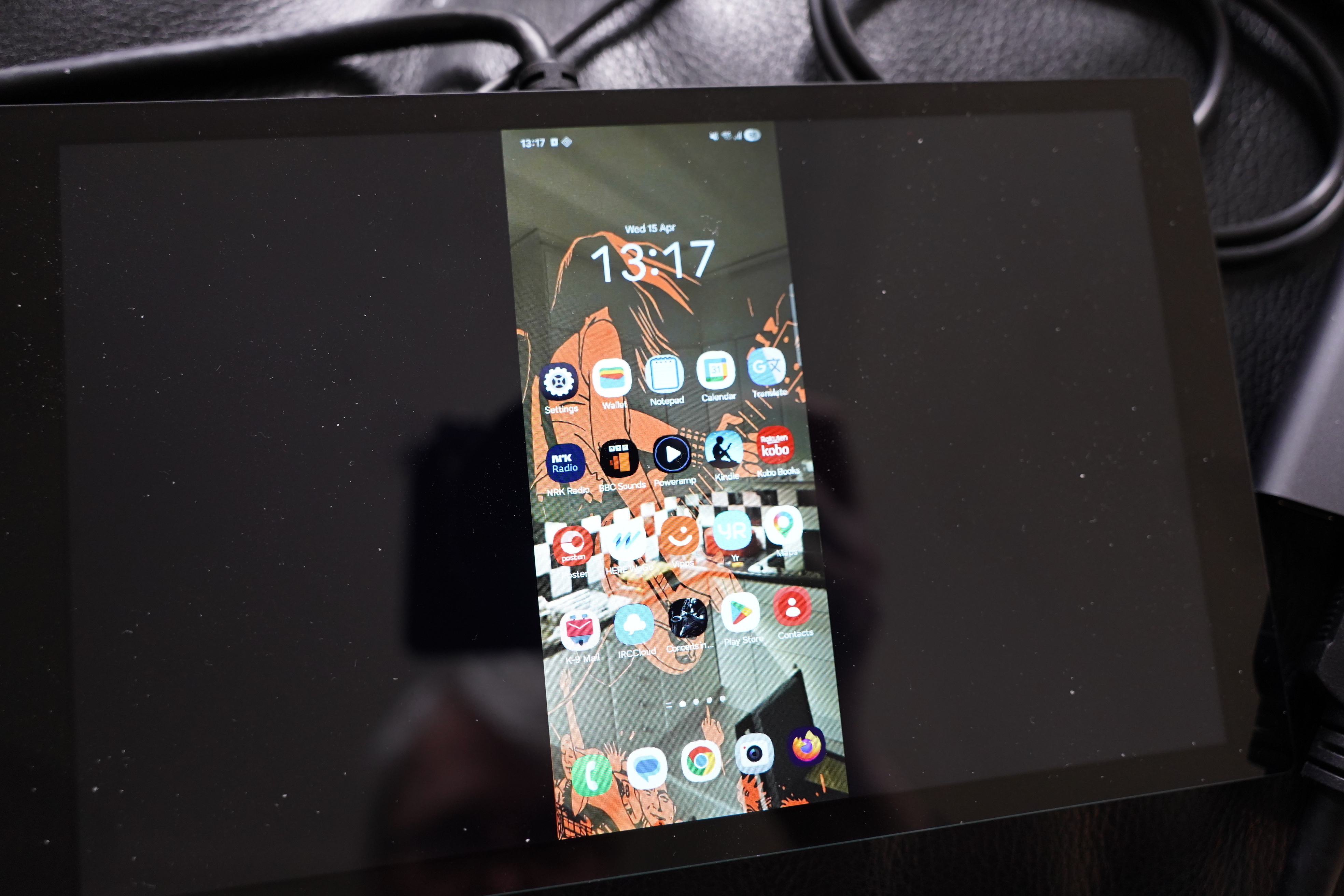
I discovered later that if I just half-open the lid, then no touch events are generated, and I can use the mouse to click around and do the required stuff to transfer the data from the old phone to the new.
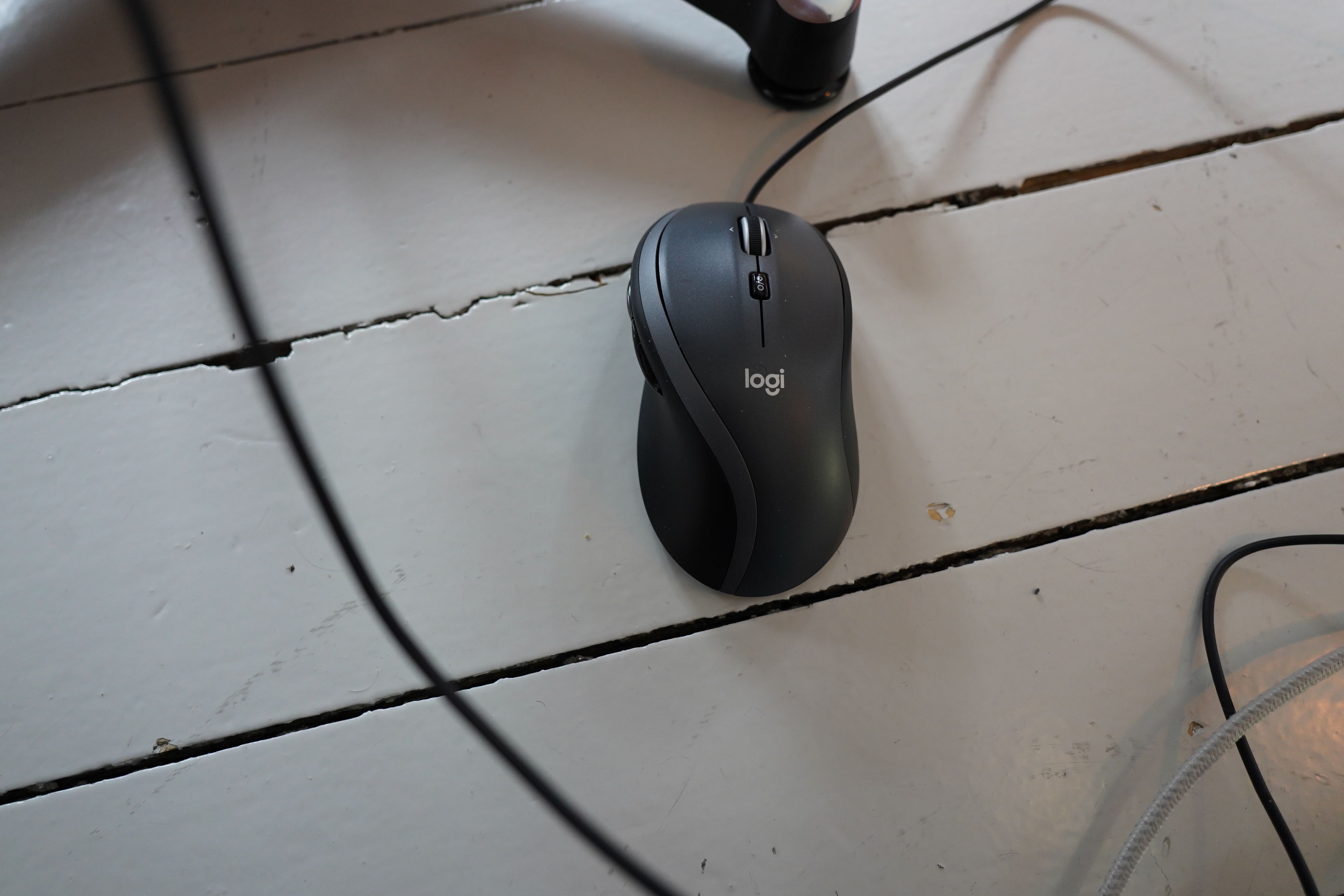
Of course, Android suppresses the mouse pointer on the screen when doing things like entering the pass code, so you have to do that blindly. “One mm to the left… one mm up… *click* NOOO”
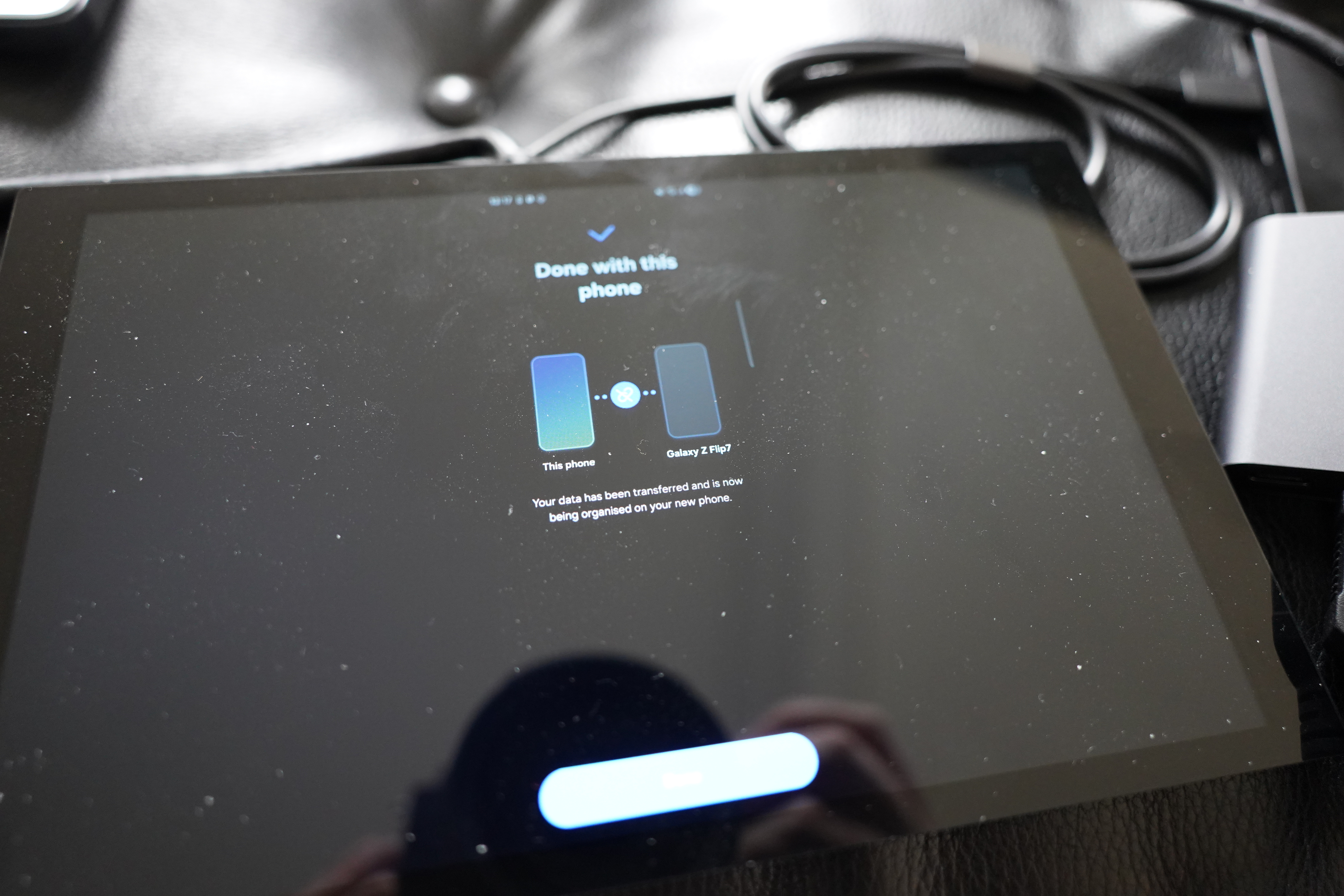
And after transferring everything, there is, of course, the normal two hour session of logging into all the apps. Apparently Google has saved the passwords for two thirds of the apps, but the “safe” and “important” ones requires more lengthy login sequences.
Of course it’s impossible to copy over app data from the old phone to the new! Totally impossible! Especially for a little mom’n’pop business like Google. Can’t afford to come up with some scheme or other.
(You’d think that the phone makers would rebel — having a friction-less way to upgrade your phone would presumably accelerate sales, but nope. I dread getting a new phone myself.)
Anyway, that was my last three days. Thanks, Google (and Samsung).
Aw I was hoping you’d called me for reals!
Android does have a recovery path for if your phone is completely lost, broken, or stolen. You can restore from a cloud backup. But only if you enabled backups on the old phone first.
My complaint is the migration is *too* cloud dependent. I’ve done two phone migrations with two working phones plugged in with a cable. It’s remarkable how much important stuff doesn’t transfer over. Apps seem to mostly rely on restoring from the cloud backup instead of directly transferring. But then it never works completely.
I really thought I had enabled backups on the old phone… and looking at the settings on the new phone, I have. But somehow it has only backed up my images, and not messages, call history, app data or settings, which is the stuff I care most about.
But… I clicked “back up now” now, and now it’s actually backing up that stuff!?
*sigh*
Perhaps Samsung’s own cloud thing they’re trying to get people over to somehow… did… something… But if this actually works, that sure would be great. Thanks for prodding me into having a peek at this stuff.
I know photos are backed up separately on my phone to Google Photos with its own webapp. Call history and Messages seem to back up to some opaque blob that’s only good for restoring from. App data and settings in theory are backed up for every app but a lot of apps seem bad at it.
If it’s any help, here are my own notes about previous phone migrations. It seems quite random what apps back up what data.
https://nelsonslog.wordpress.com/2025/12/14/android-migration-pixel-8-%e2%86%92-pixel-10-pro/