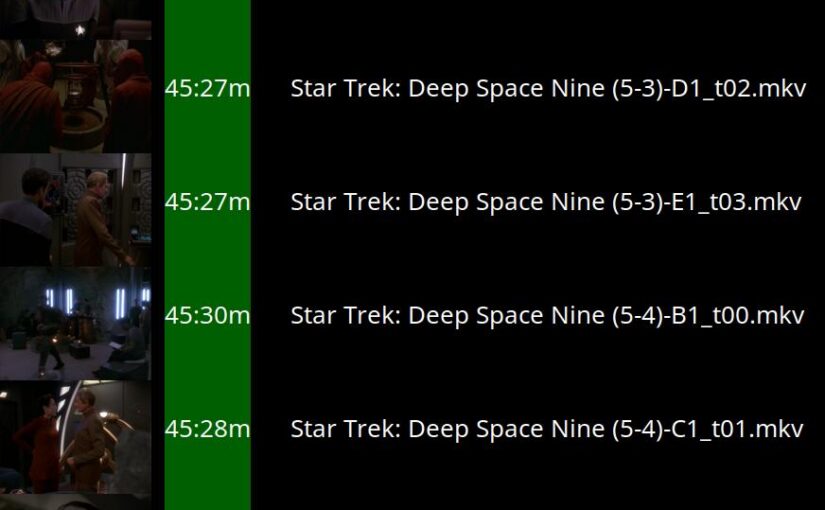
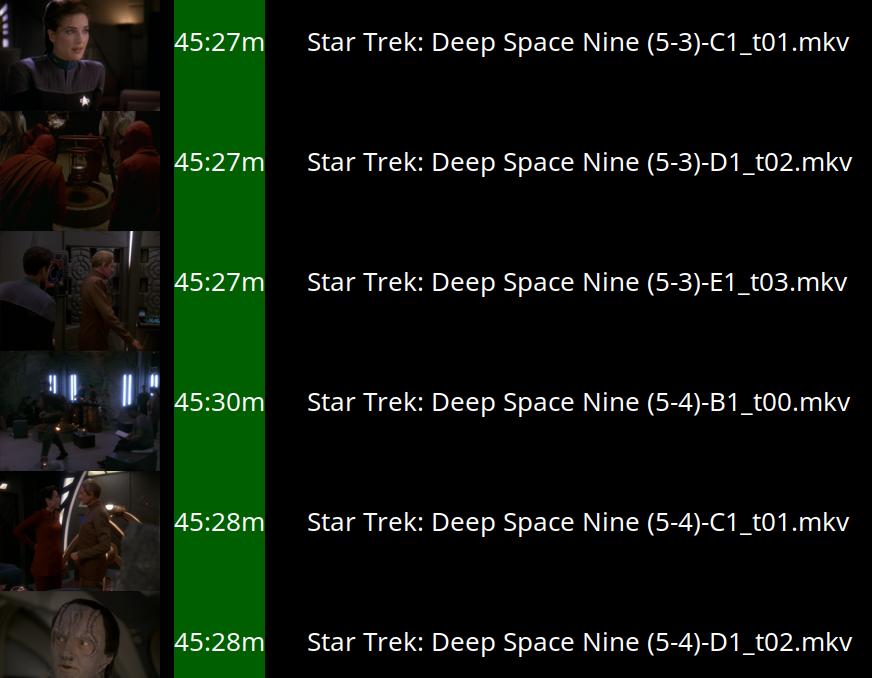
Hey, it’s the… *counts on fingers*… 22nd anniversary of me using Emacs to watch TV and movies!

And in the start, it was a snappy, focused package that just listed directory contents and let me play the files… but then it grew to take care of resuming where I left off, and fixing the frame rate of the TV to fit the video file, and lately it’s also automatically choosing the correct subtitles and audio track.
This means that it’s now calling mediainfo before playing the file to get all that data. And since it’s accessing the files over nfs, and mediainfo apparently has to load the entire file (or large parts) to cough up that data, things have gotten slower:
Look at that! It’s horrible! I have to wait, er, two seconds before I can watch Saturday Night Live?! How can anybody live like this?
Now, sensible video player interfaces compute all this stuff when they incorporate a file. But I didn’t want to do that, because just having some directories of random files that I can move around without doing any synchronisation is just so convenient.
And it worked without that delay until I added the auto-subtitle selection thing.
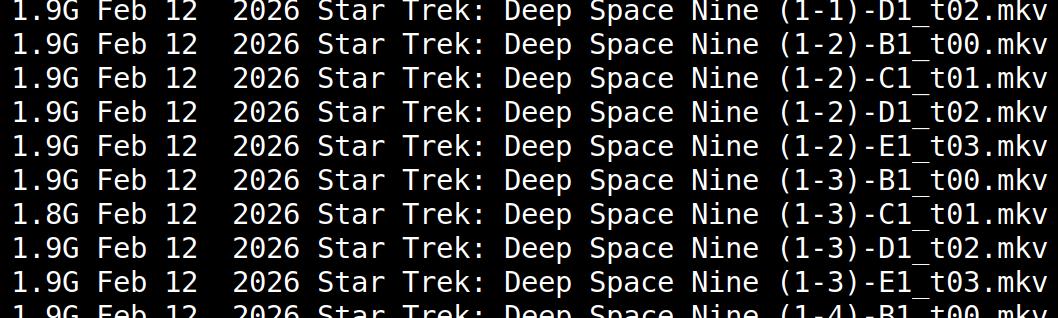
But… one thing I’ve had to precompute anyway are the thumbnails, and I’ve just plopped them into the directories, which is icky:
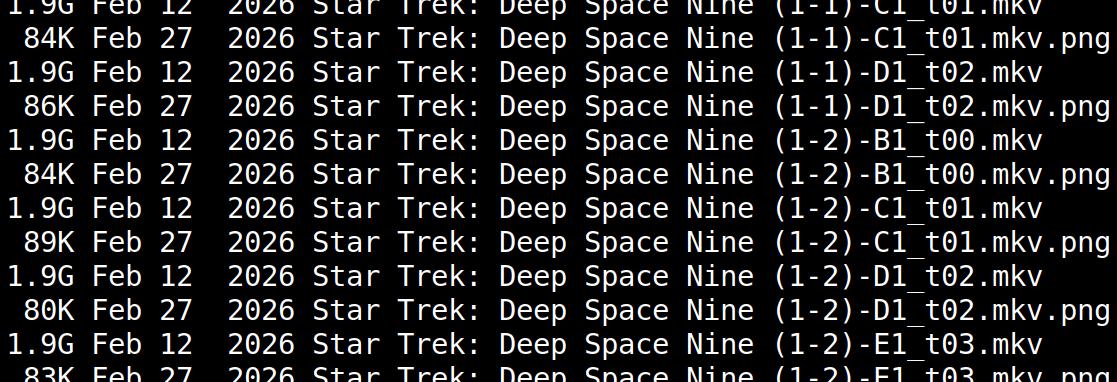
Having the video player mangle the source directories like this is not ideal at all. I mean, I don’t look at the mess myself — the Emacs interface hides all this junk — but I know it’s there! *gasp*
So… taking all that into account (the new slowness and this yuckiness) I thought it was time, after 22 years, to bite the bullet and do things the traditional way. I.e., prescan the files and stash everything in an SQLite database. (And besides, the “use no database” thing fell apart very quickly — the file for keeping track of progress was a database file anyway, just very primitive.)
Tada!
Look how fast? Ish. Fastish. mpv still has to load the start of the file over nfs, so it’s not instantaneous, but it’s a fraction of a second, so that’s OK.
And look how pretty:
Putting everything into an SQLite database also means that I can keep track of more data. Previously I only kept track of whether I’d seen something, and how far I’d watched something (so it could resume automatically), but now I can also keep track of how many seconds I’ve watched something, for instance. (Skipping to the ten minute point and then abandoning isn’t the same as watching for ten minutes and then abandoning.)
And I think I still can keep my “just move files around” (to a “rainy day” directory, for instance) workflow — I store file hashes, so even if they move around, they’re recognised when they’re re-encountered.
But now for the real test — my kitchen computer. I use it to watch Star Trek while cooking, and it mounts the /tv/ directory over sshfs over wifi! (The TV computer mounts the directory over nfs over Ethernet, so it has much less latency.) Will it be able to access the SQLite database in a reasonable amount of time?
Yowza! That’s speedy! The only system, which ran mediainfo on the file before starting to play, was very, very slow — it took multiple seconds. The new thing is, like, a million percent faster! That’s bigly faster!
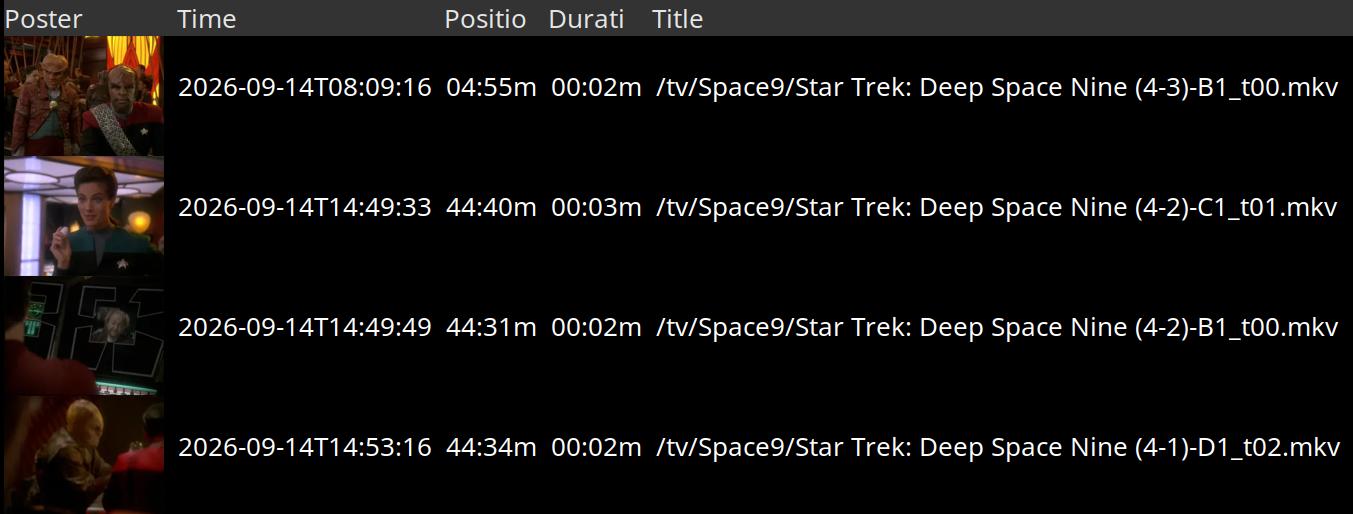
And with all the data stashed in a more convenient way, it’s easier to whip up stuff like this, which answers “when did I last watch DS9, and for how long a time?” (The answer is — “now”, and “not very”.)
The code is on Microsoft Github, for those that are curious.

Pingback: sachachua.com