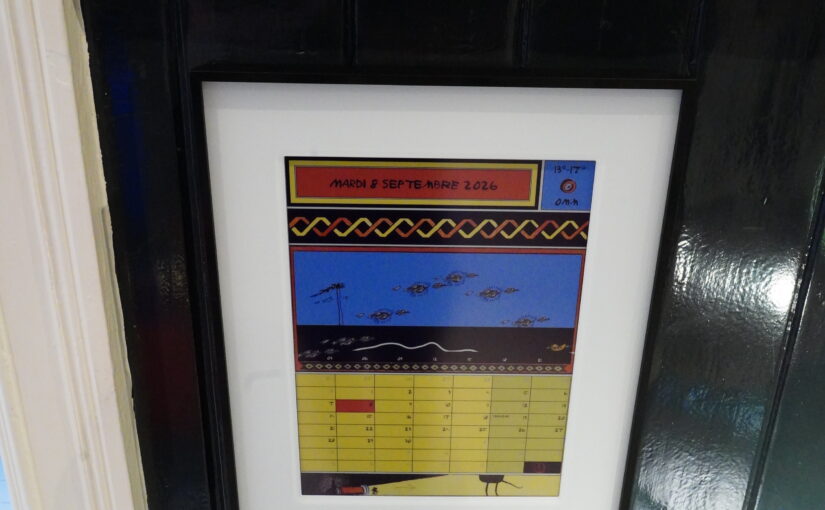
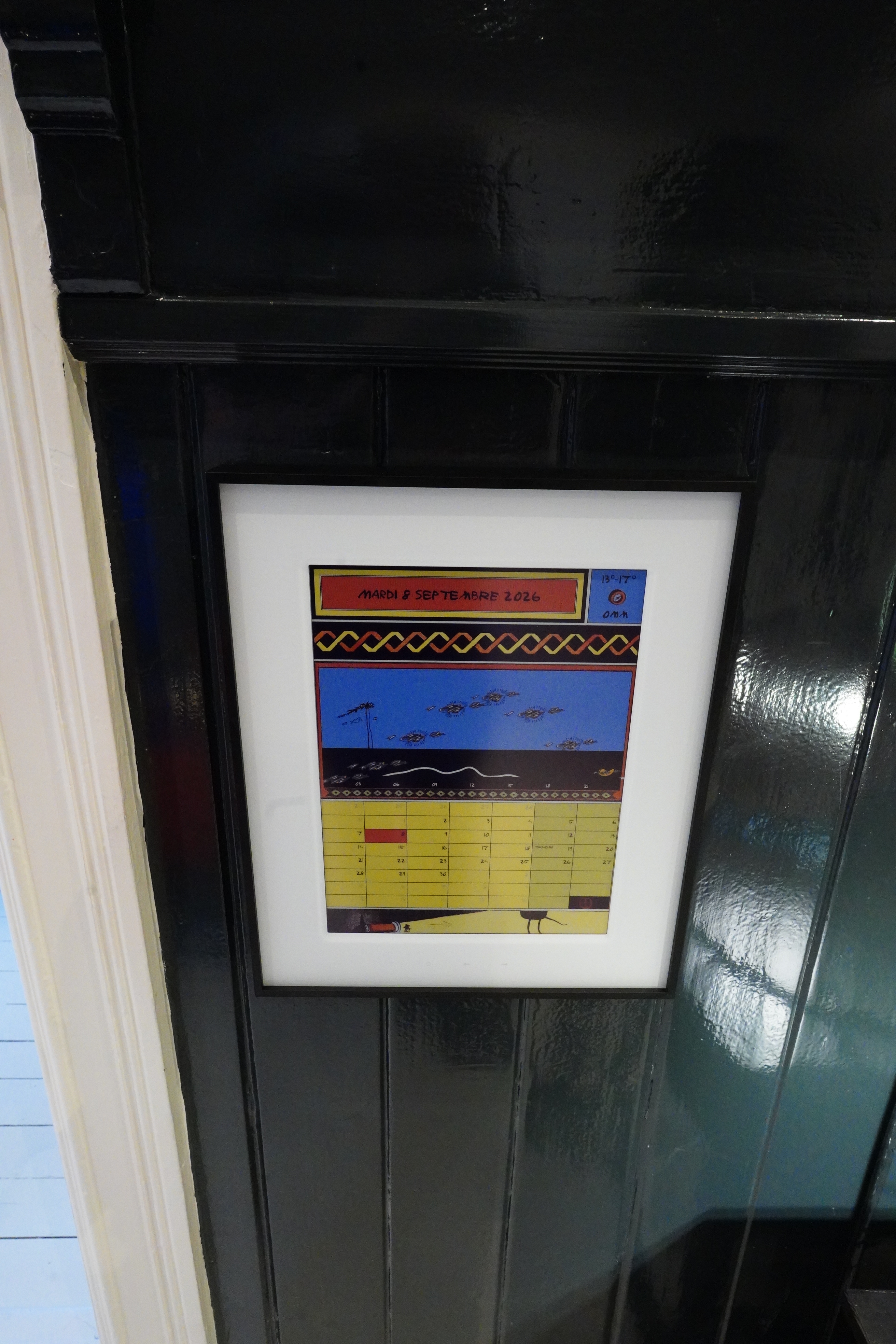
The other week I made a calendrical display for the eink thing I have. The problem is that I don’t really use a calendar — I guess the main reason is because I hate planning, but the other reason is because I really dislike all the calendar entry interfaces I’ve used.
I haven’t used all that many, though, so I may well be missing some ingenious calendar out there. But what I’ve been resentfully using is the standard Google calendar on Android.
I filmed one of my interactions with this thing, and I swear — I didn’t try to make it more awkward than it is for me:
I’d be climbing up the walls if I were to try to use it more than I do now — I just put the absolute bare necessities in there, like dentist appointments and Boris shows. (One coming up in November!)
But now I have this calendar in the hall… wouldn’t it be nice to have it display more stuff? Stuff that I really should be remembering, anyway?
There’s also org-gcal, if you’re in the Org ecosystem… but… I’m not.
Does a command line interface to Google Calendar work? Because I want to have the calendar in my pocket, too. And… Yes, there’s gcalcli. (Which I noticed hasn’t been updated for two years and is probably going to be deprecated, but it works for now, so I haven’t bothered to redo my code.)
After going through the byzantine process on Google Cloud Console to create an “application”:
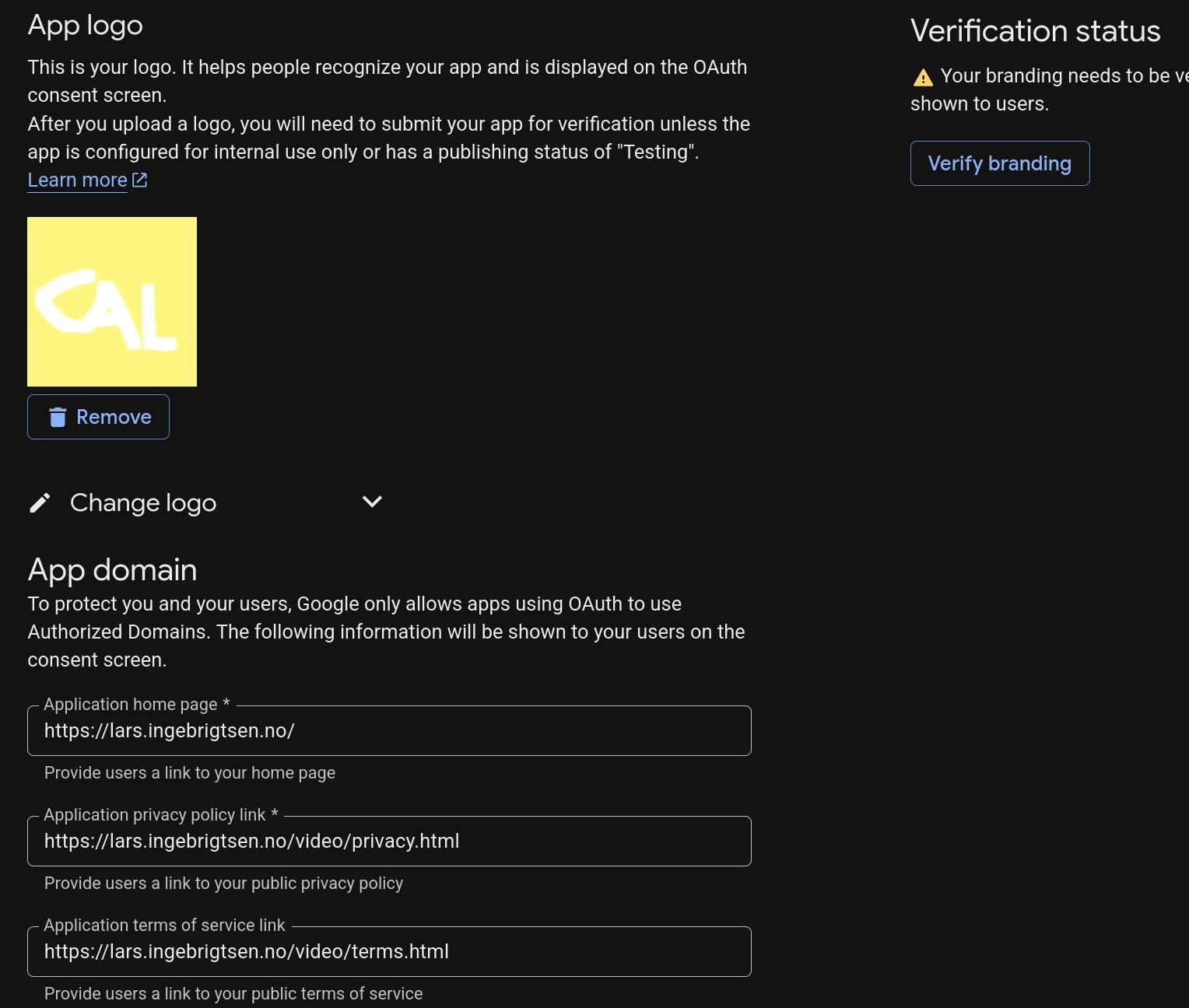
Yes! You have to create a logo! Behold my magnificent logo!
Anyway, after all that… tada:
Yes! The system works!
It does the normal Do What I Mean Thing — “fri 9” means “next Friday at 9am”, and “aug 11 1930” means “half past seven on August 11”, etc:
I’m freee! I never have to enter a calendar entry on the mobile phone ever again!
I’ve put the resulting code on Microsoft Github.