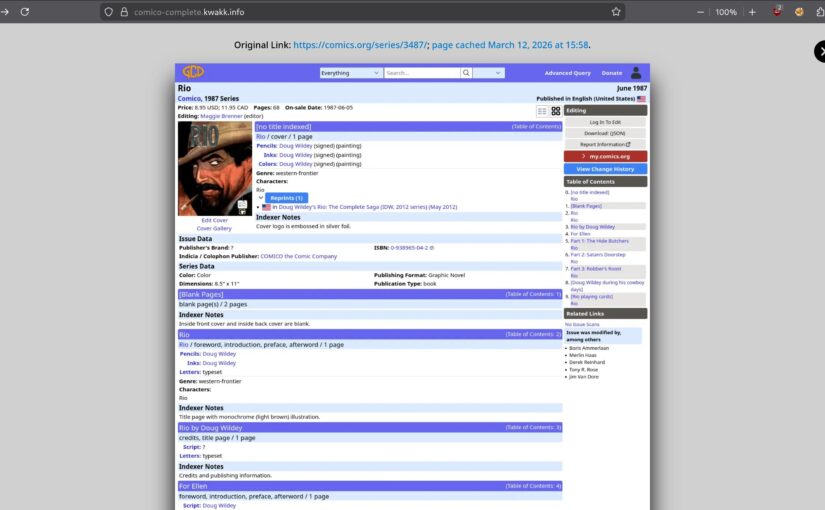
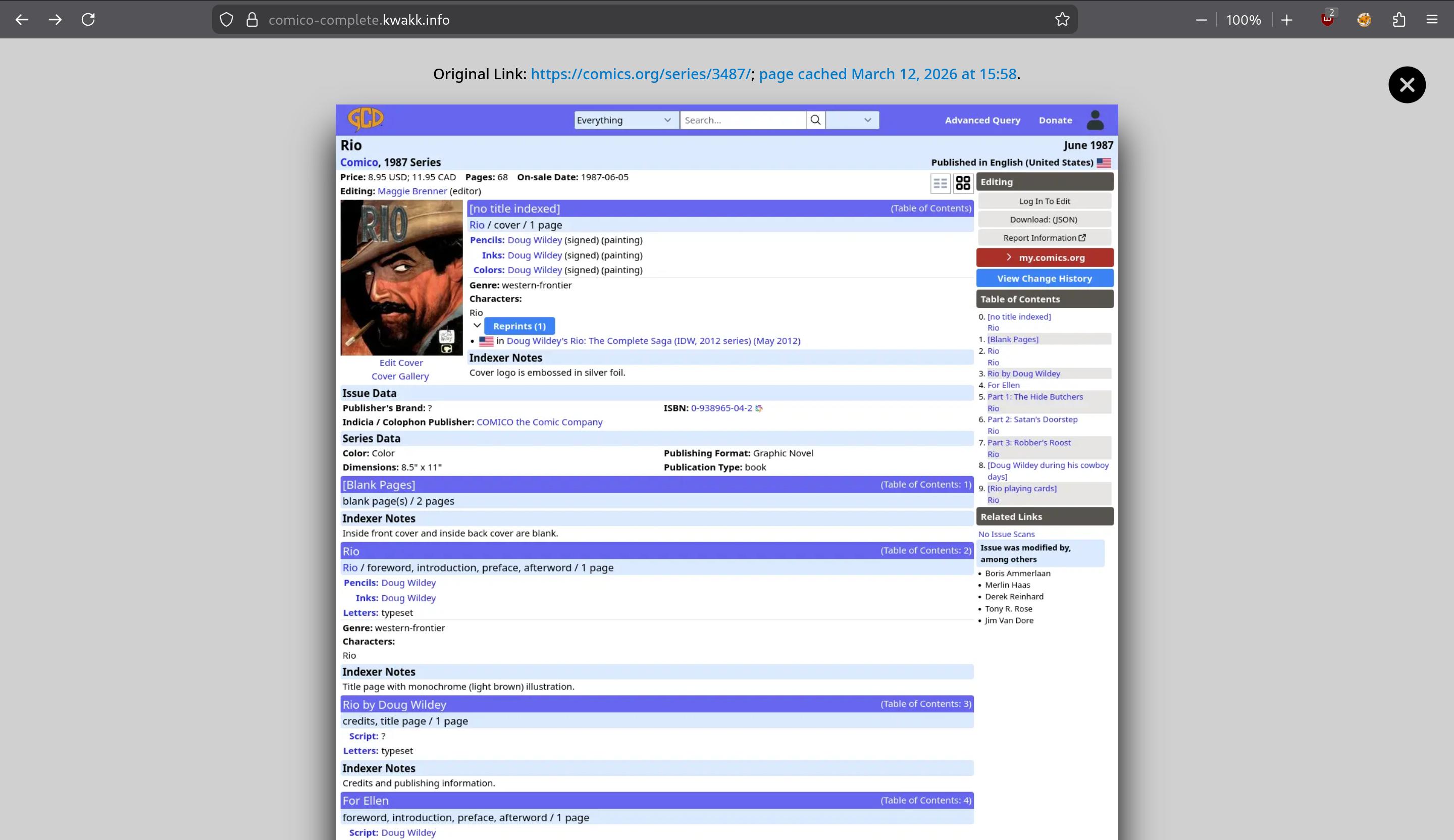
I’ve talked about this before, but to recap: As someone who does quite a bit of research into somewhat obscure topics on the web, there’s nothing as annoying as when you read an old web page that says something like “and you can read that really interesting interview on this page“, and then you follow that link, and discover that that site disappeared a decade ago.
And the Wayback Machine didn’t archive it.
So, ideally, whenever you link to something, a copy of what you’re linking to should be stored on your own site — so what you’re writing and what you’re linking to has the same lifespan. That’s kinda difficult to do, though — lots of issues with “safely” mirroring a site in a useful manner. But what’s trivial is to do is to screenshot what you’re linking to.
It’s a 90% solution: No, it’s not ideal to read a screenshot of a page instead of the page itself, but it’s a lot better than nothing:
But… Actually taking a screenshot of a web page and then manually uploading it to your blog site would be an insane amount of work. But computers are pretty good at automating stuff, so my Emacs-based WordPress interface does this automatically… as well as it can, because even screenshotting things from your own machine is getting to be pretty hard.
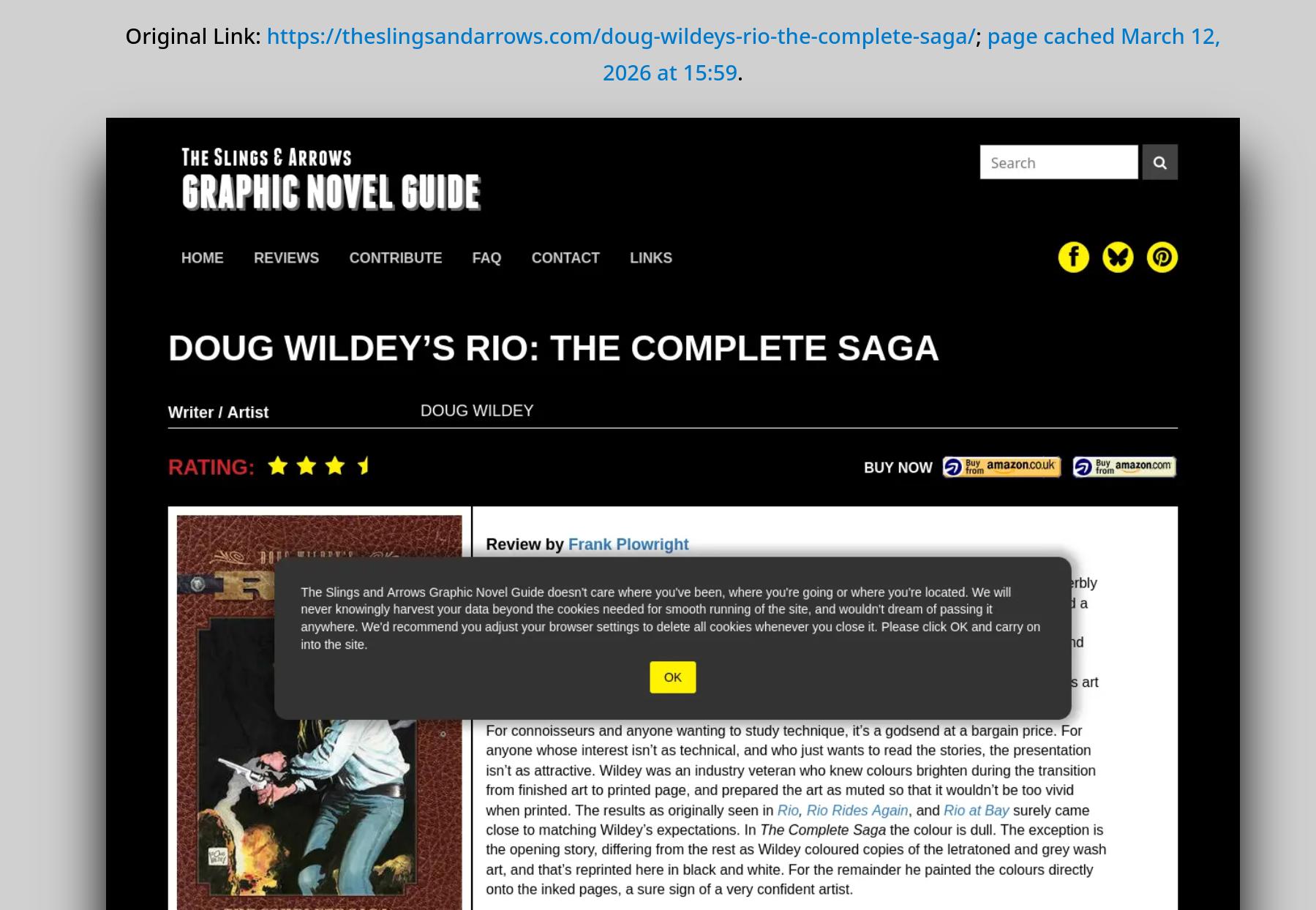
Because not only are there cookie banners and various other blockers, but even “nice” sites like the above somehow feel the need to plaster some modal over the page contents. *sigh* And that’s not the worst, really — there’s so many “anti scraper” tools that trigger for even the most innocent of automatic usages like the above that you may end up being permanently banned if you try to use anything other than the newest of the newest actual real browsers to visit a web site.
It’s not that I blame them — it’s an arms race against out-of-control AI scrapers, but the use cases that are most affected by all of this are use cases like this — the AI scrapers have infinite resources and use residential VPNs and heavy automation to seem like real people, and don’t care one whit one way or the other. Well, I’m guessing that playwright (which is what I’m using for this) will come with an LLM extension soon to click through all the modals, right?
[Slight digression: While typing this blog post, it occurred to me that Cloudflare had announced APIs for doing stuff like screenshots, so I wondered whether they’d come up with something fun in this area. So I pointed that API at an imdb page and viola:

A big fat nothing, because imdb uses the Big Amazon Firewall to block everything from data center IPs and browsers that don’t pass a human-like check.]
So I don’t really have a solution here for all of that. I just wanted to mention that I’ve cleaned up the code to actually display the linked screenshots and made it into a WordPress plugin. (Hover over that Microsoft Github link to see the plugin in action. And possibly click on that thumbnail you get when hovering, too.)
(Note that this isn’t one of those annoying “preview” things that some web sites put on URLs — I find that to be the most annoying thing ever, and totally useless. What you’re seeing here is a screen capture of the linked site taken the same date I posted this post — so you’re seeing exactly what I linked to when I linked to it.)
Unfortunately, there is no way to do automatic screenshots from the server — Cloudflare blocks/challenges all access from known data center IPs, so that’s just not feasible. So if you want to do something like this, you have to find your own way to get the screenshots of what you’re linking to.