

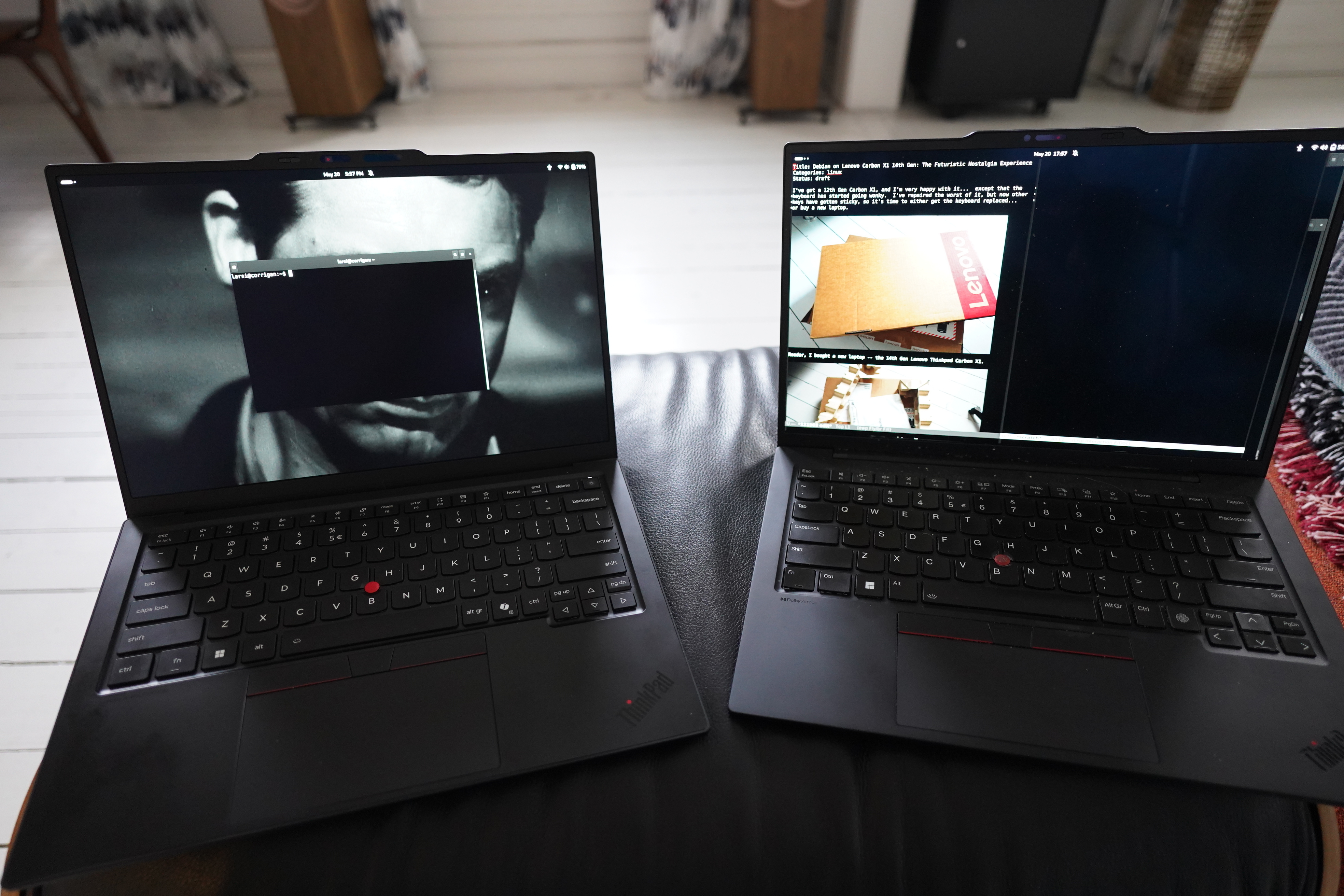
This is one of those blog posts that goes on for er a bit, so here’s the tl;dr: Choosing Debian as the Linux distribution for the 14th Gen Carbon X1 is not a good choice. Choose Ubuntu or Arch or Fedora or whatever. But! You can get Debian (currently Trixie) to work if you’re willing to do some twiddling. Claude created a script that should do everything you need to do and… oh deer: it’s 8KB long! OK, OK, a lot of that is diagnostics and echo statements, but… still a lot of stuff.
OK? OK; with that over with, let’s get on this journey, which is actually mostly about using LLMs. Yes! Plot twist!
So — I’ve got a 12th Gen Carbon X1, and I’m very happy with it… except that the keyboard has started going wonky. I’ve repaired the worst of it, but now other keys have gotten sticky, so it’s time to either get the keyboard replaced… or buy a new laptop.
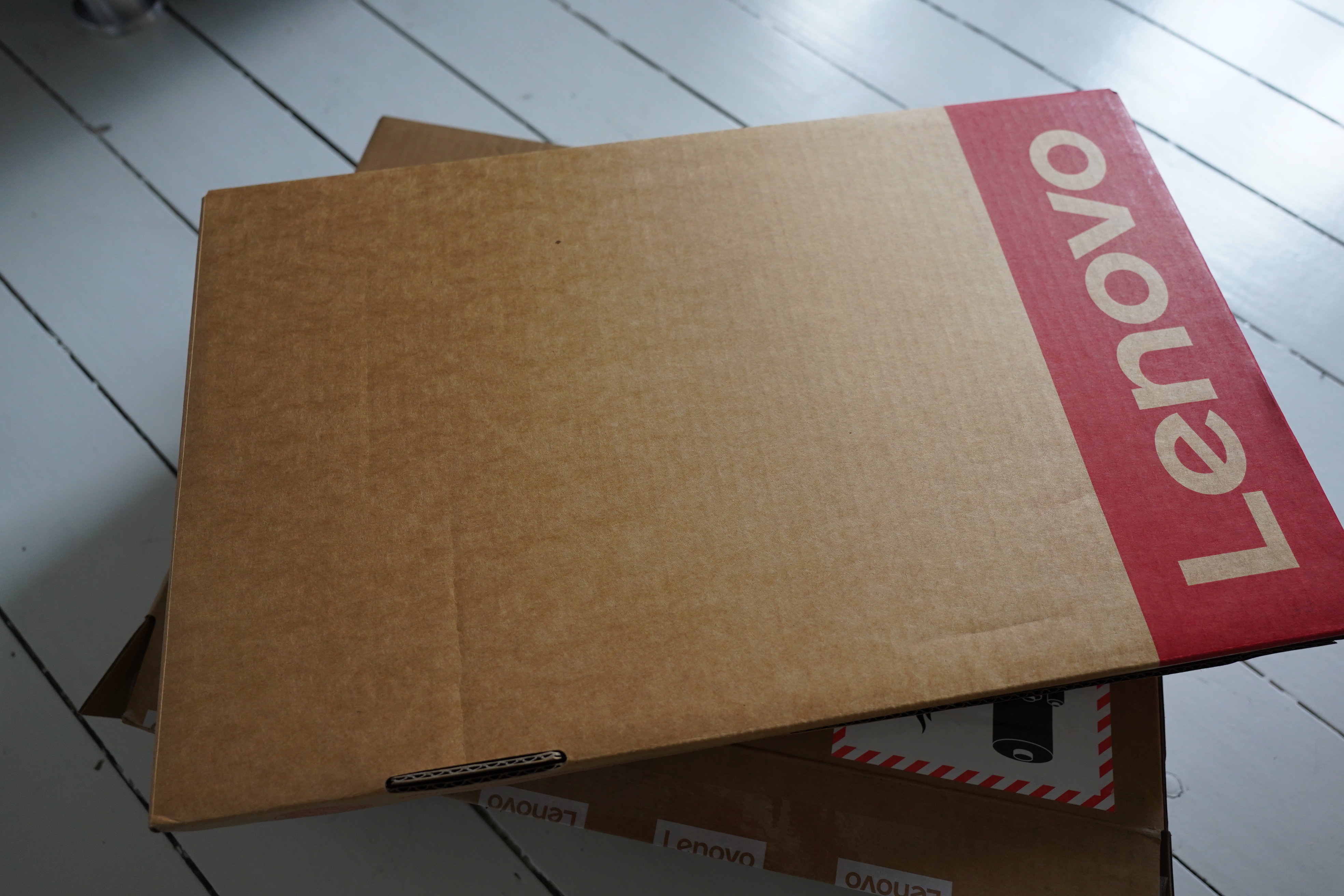
Reader, I bought a new laptop — the 14th Gen Lenovo Thinkpad Carbon X1.
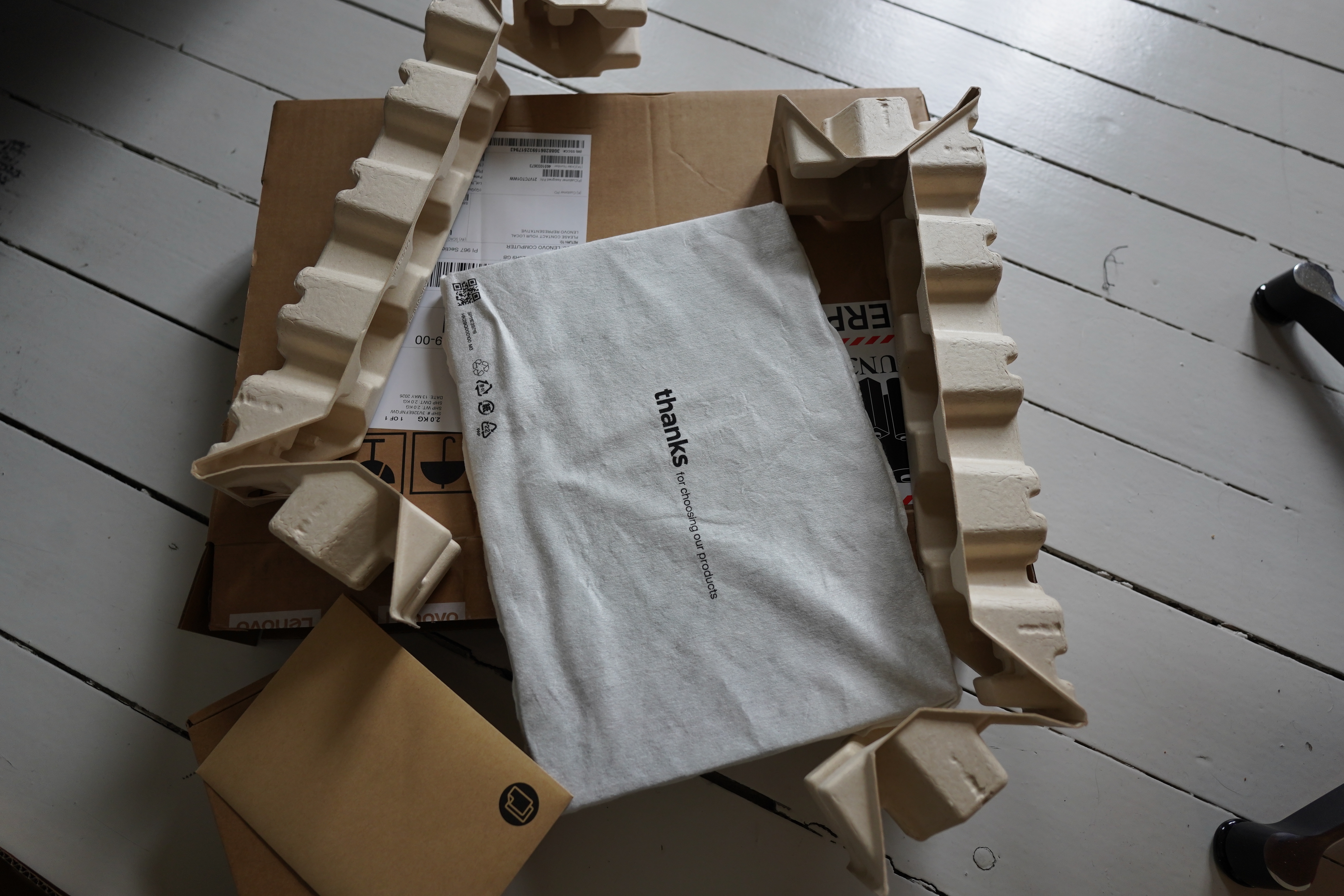
Looks like Lenovo has gone all environmental with their packaging — there’s no plastic stuff at all. Just cardboard and cotton, I think?
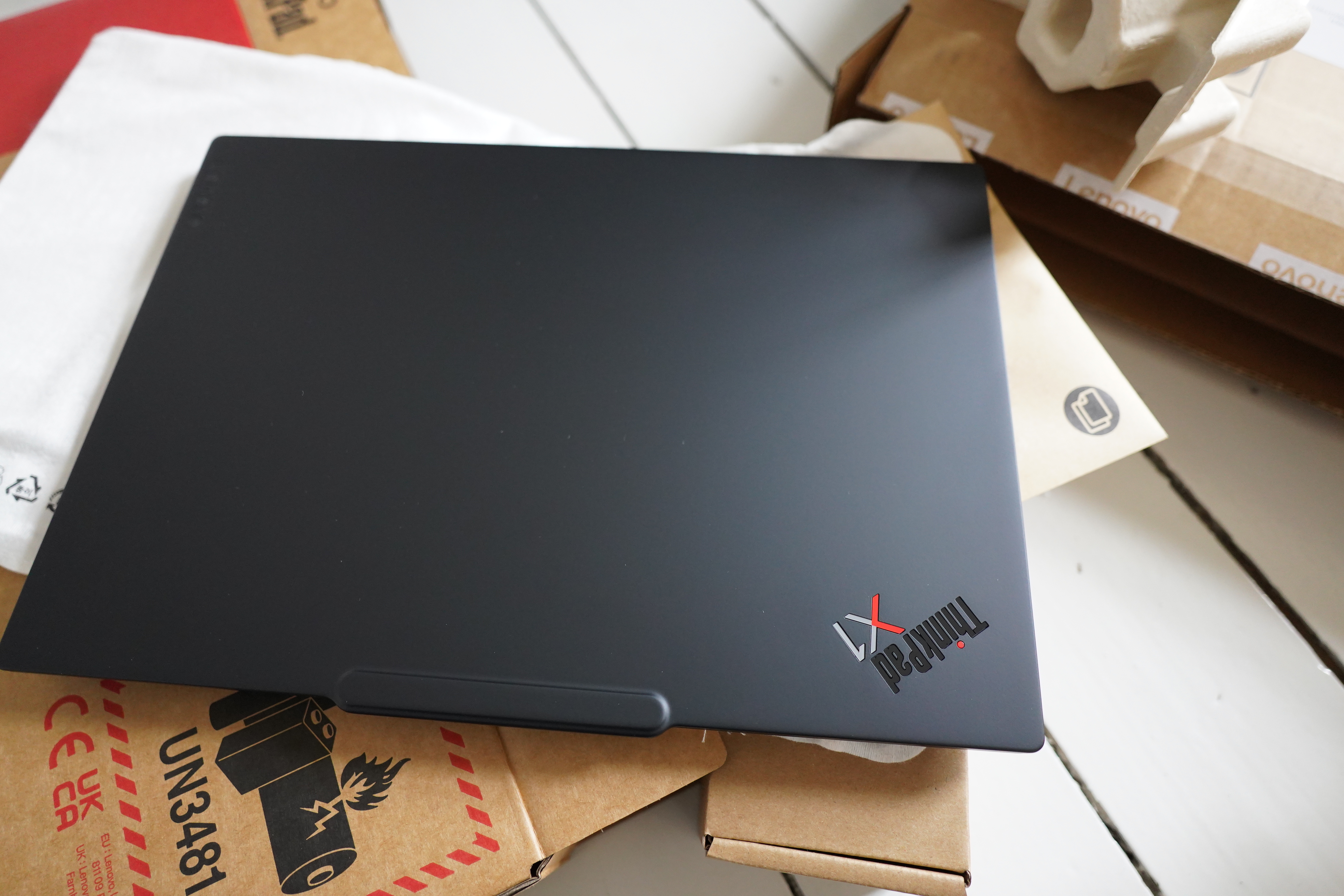
Looks the same as the last one. Good!
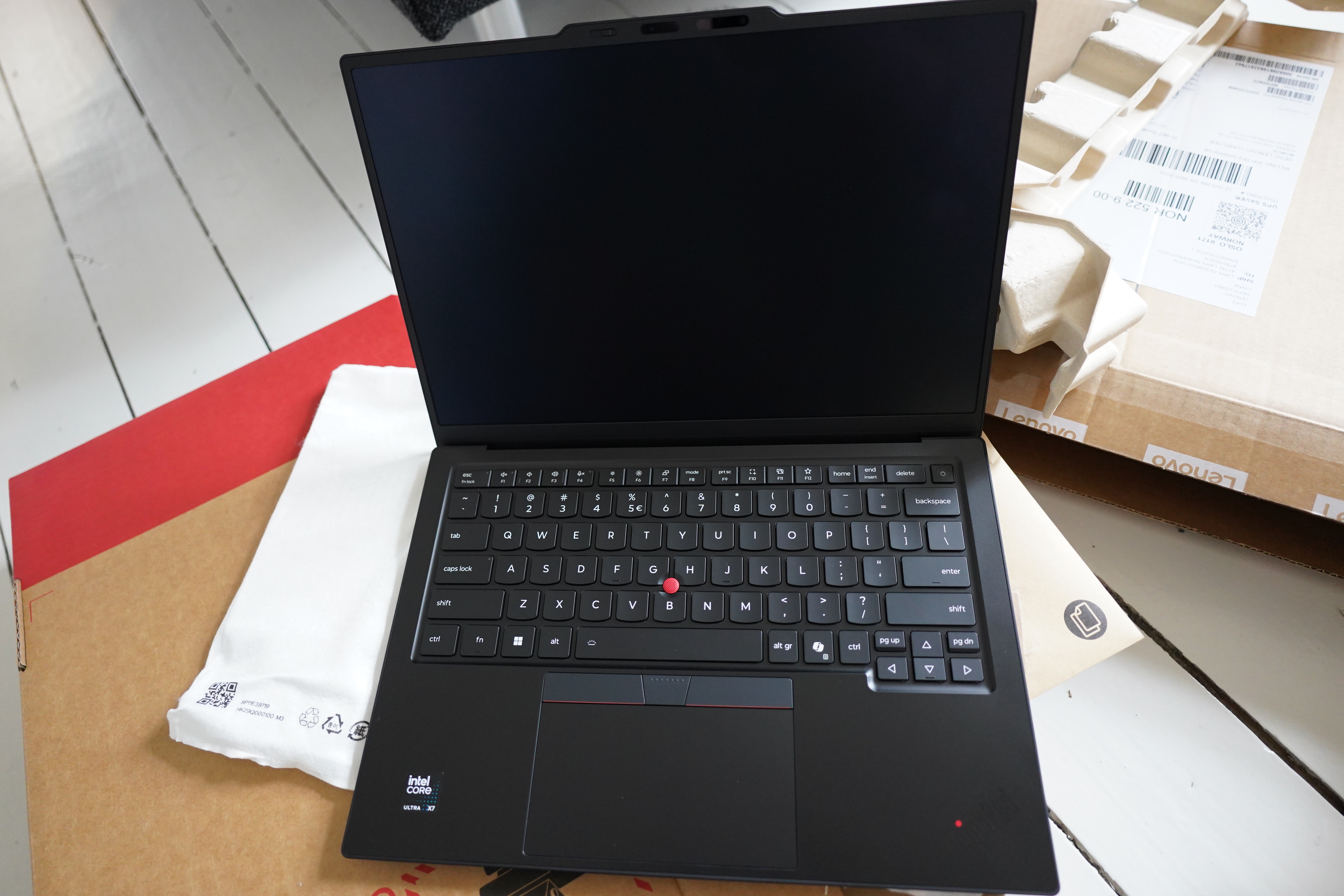
And they’ve added a stupid AI key, but on the other hand, they’ve removed the stupid fingerprint key (which was almost where the stupid AI key is now, so same same).
There’s one major, maaaajor innovation here, though — you can charge the laptop both from the left and the right hand sides. The old one can only be charged from the left, and somehow all my chargers are on the right side of me, so this is a nice quality of life improvement.
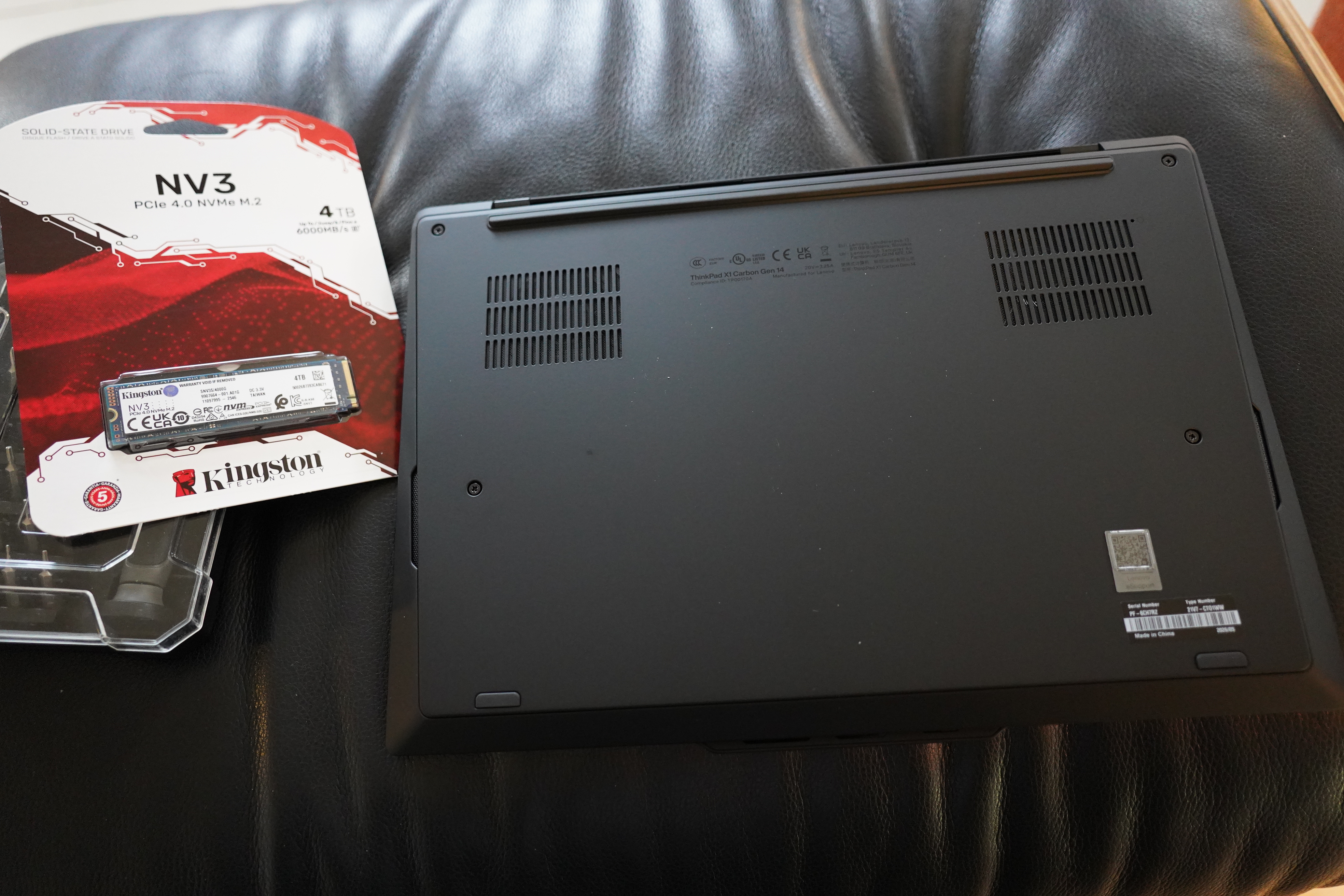
One thing is new with the 14th Gen, though — it’s a lot more repairable than previous X1 versions. Not that they have been awful before, but things like changing the keyboard take a lot of work, and even changing the SSD was fiddlier than it had to be. Why am I mentioning this? Because Lenovo maxes out the SSD at 2TB on their web site, and I need more room.
They also have really good guides for all their models. Here’s the 14th gen one.
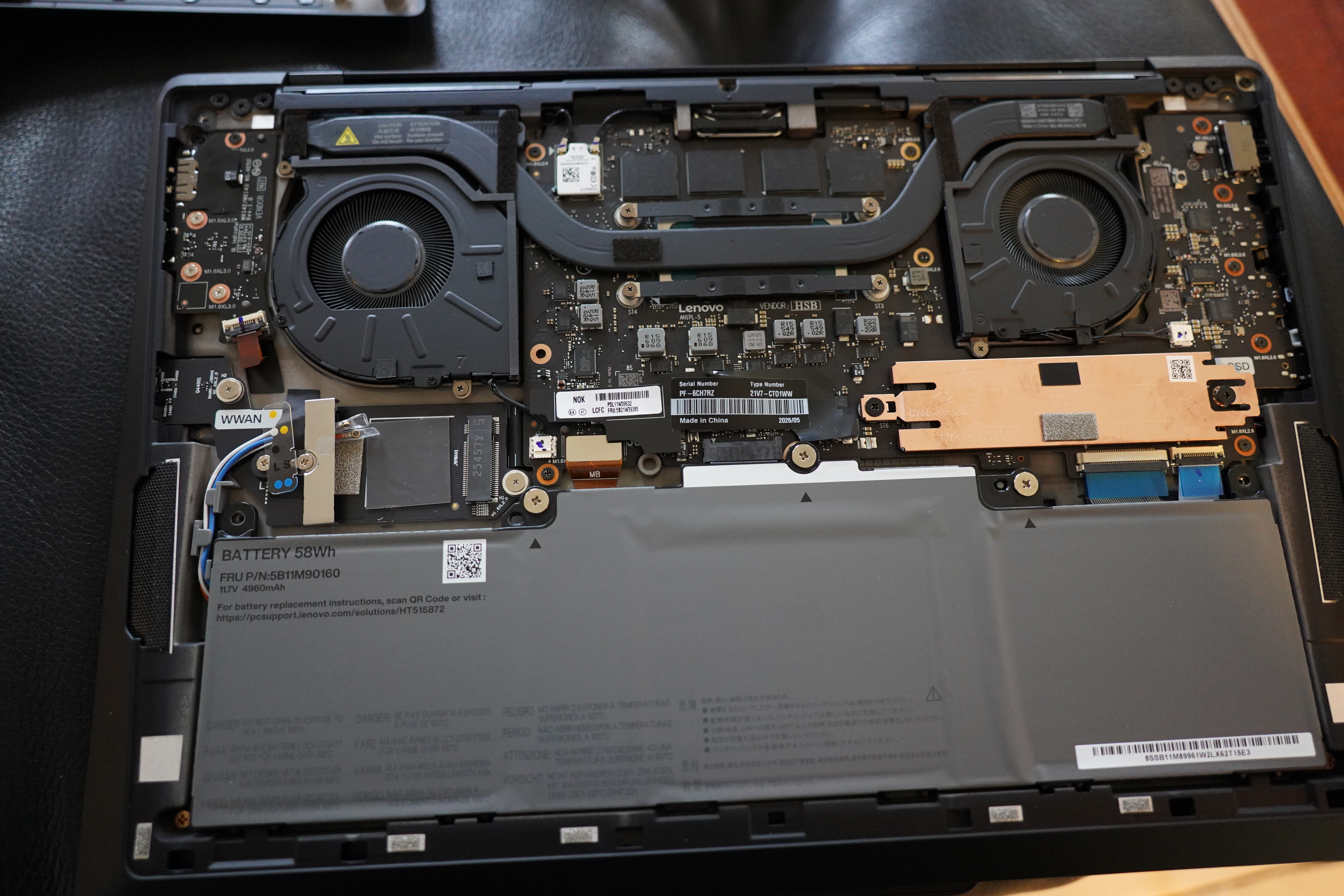
Err… OK, that doesn’t look like what they had on the video, but it’s obvious enough anyway.
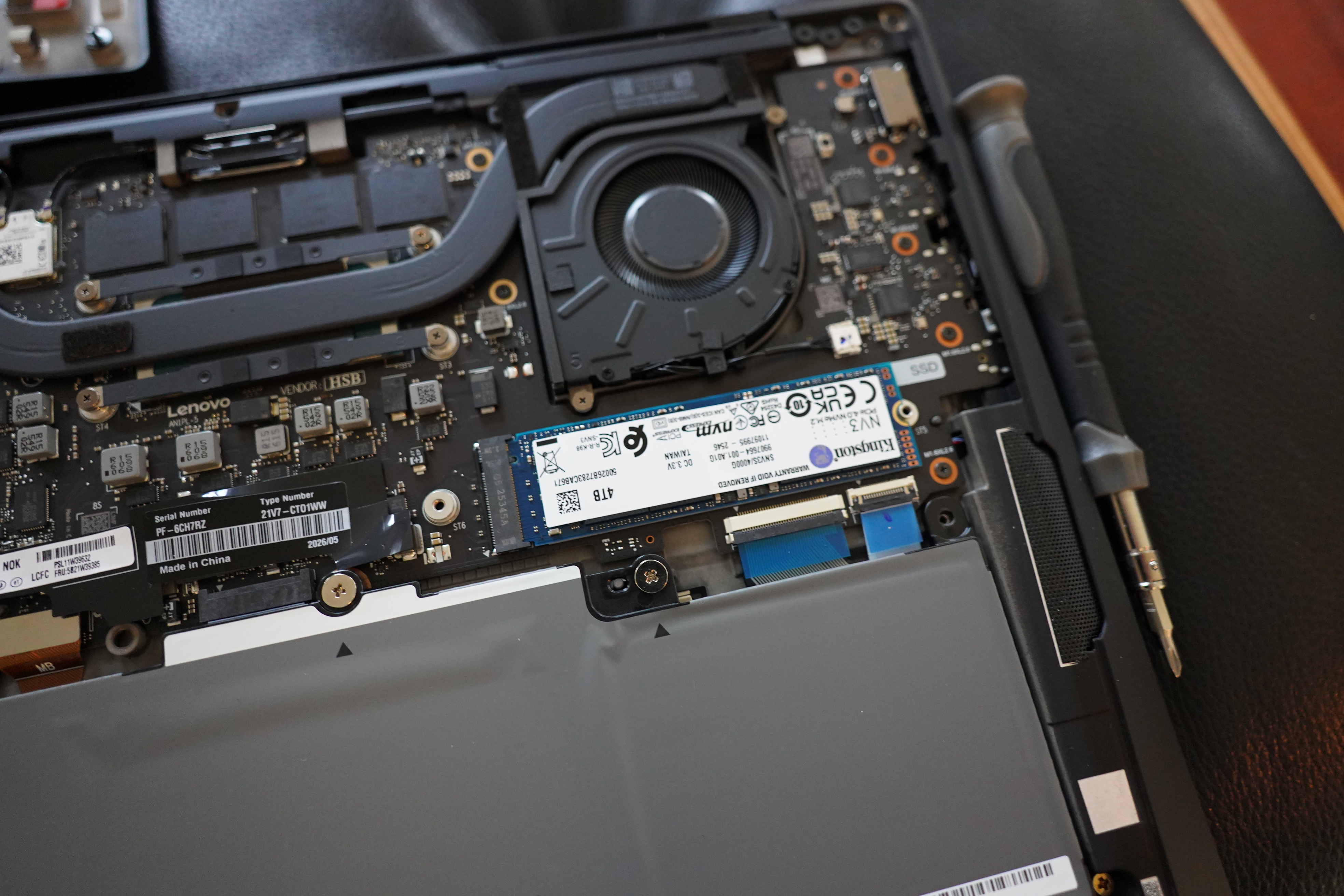
There. New 4TB installed. I got one that’s “single sided”, since I assumed that that’s what Lenovo used in the first place, and that turned out to be right.
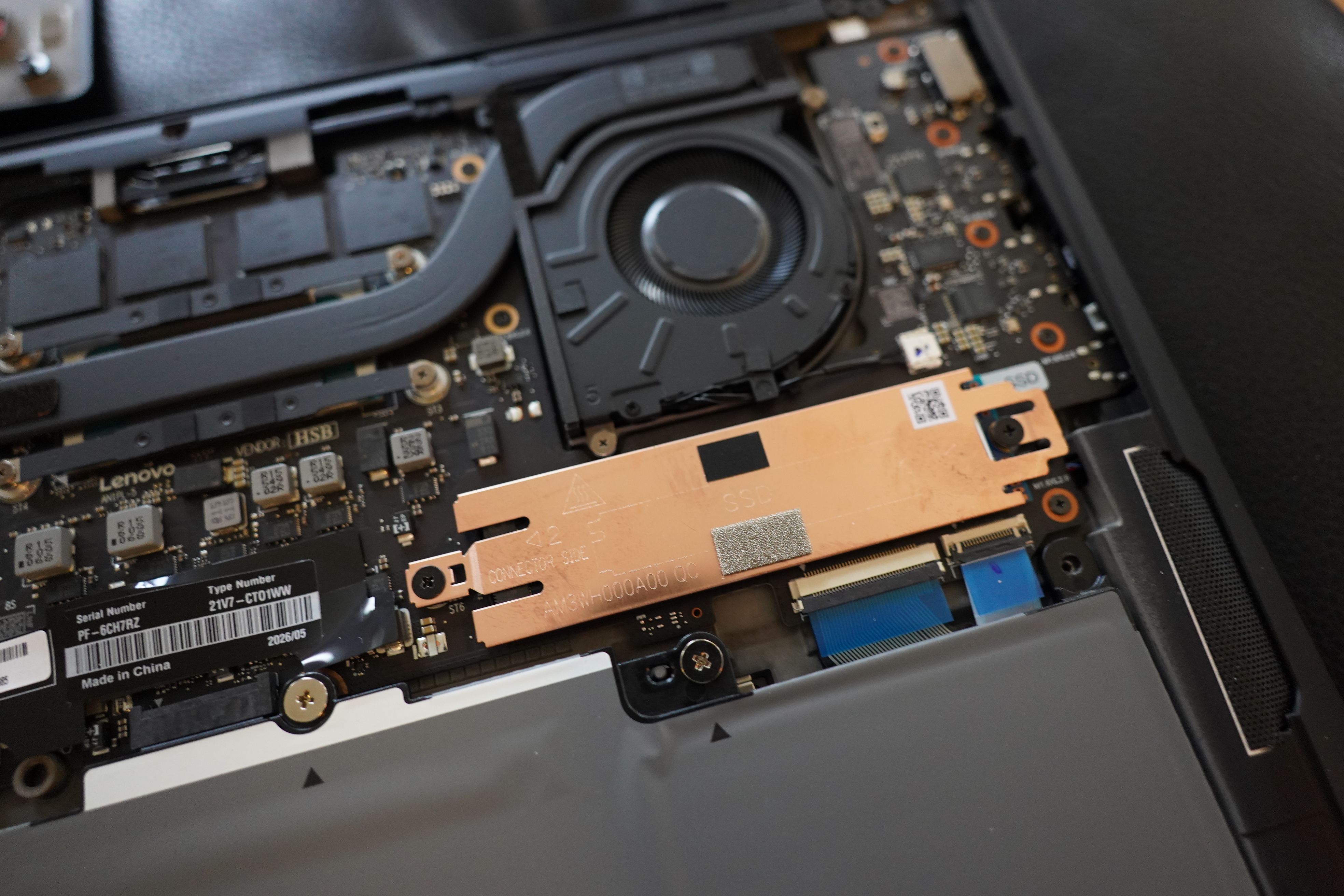
So just two screws, and…
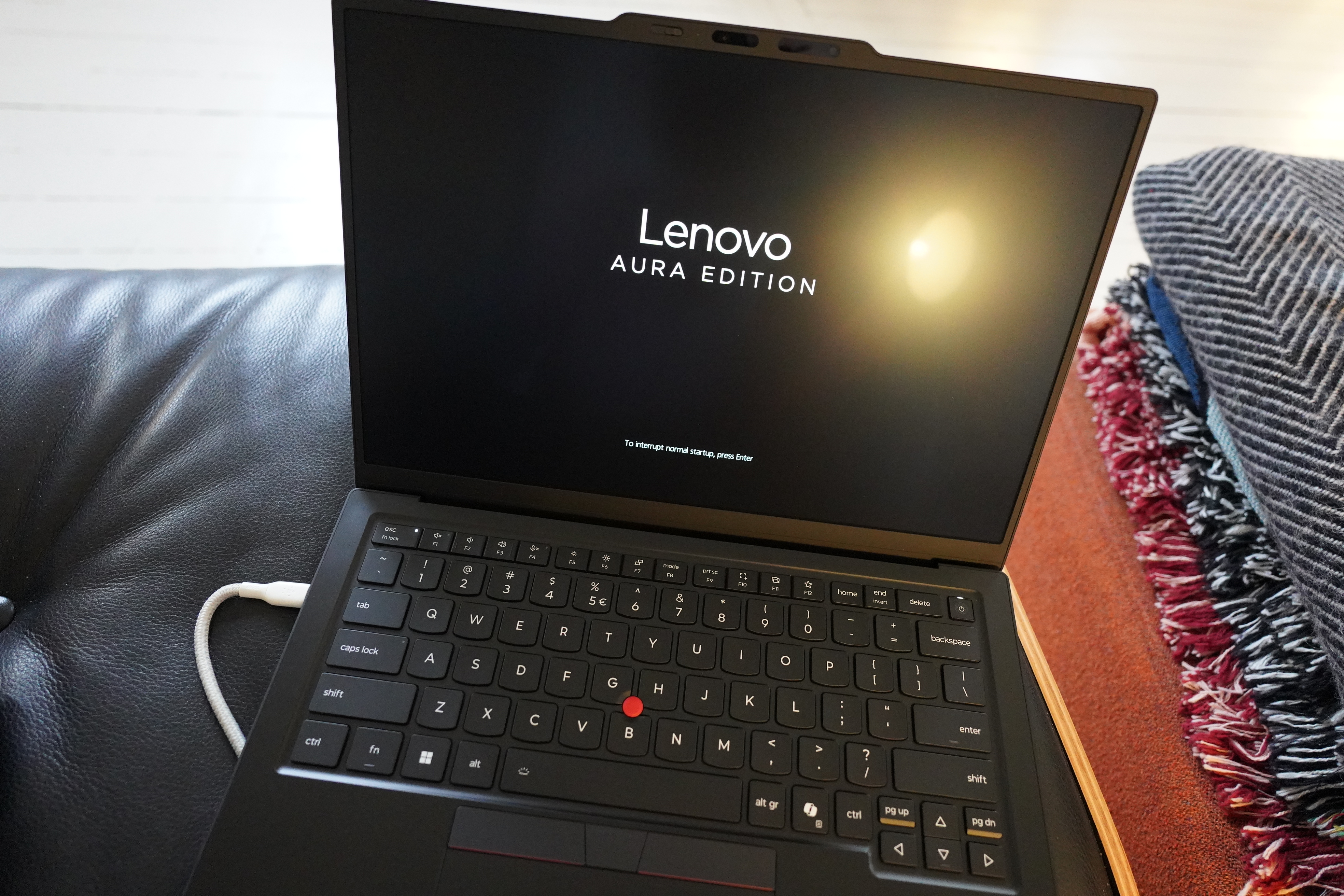
Does it boot now? YES!
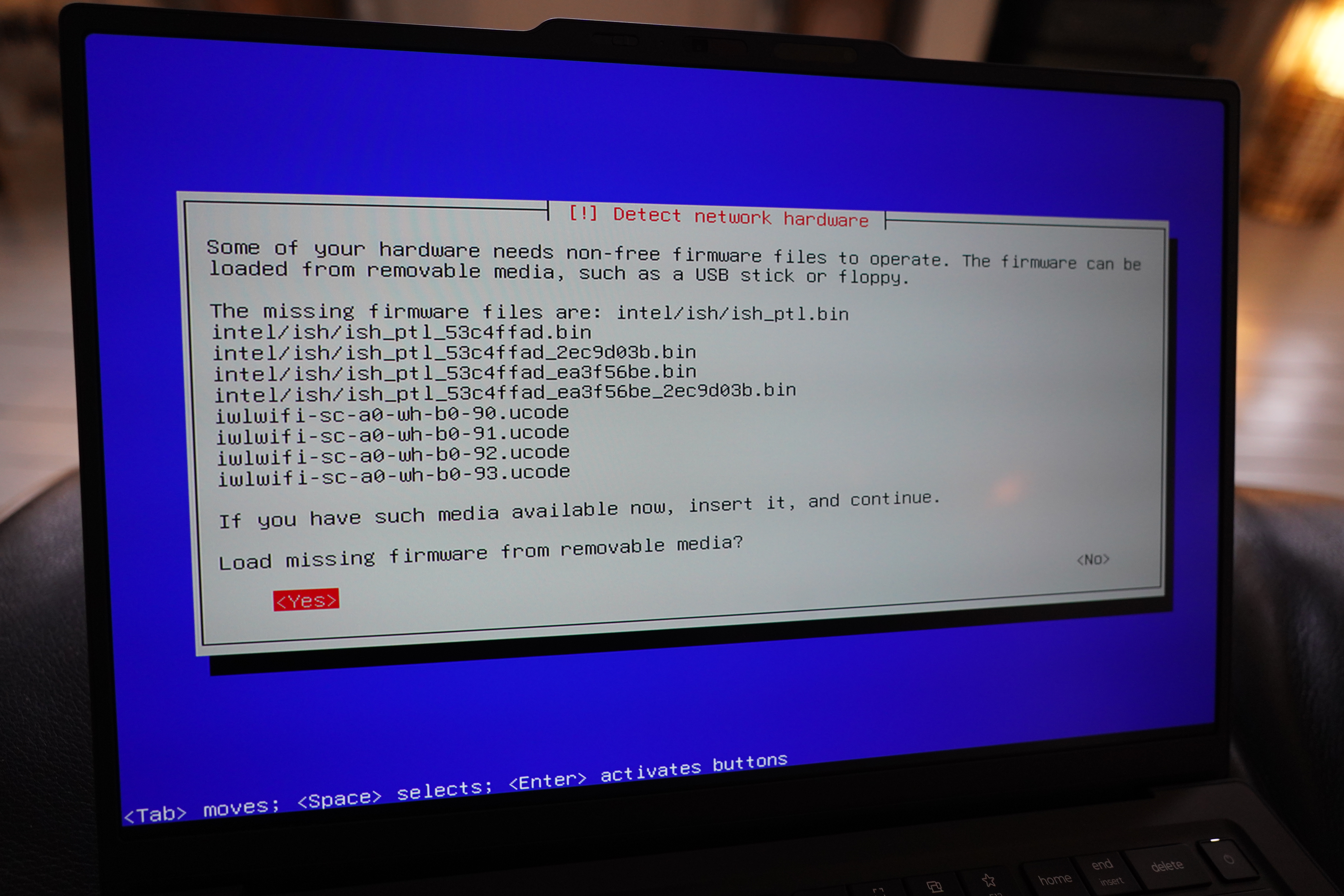
I’m installing Debian Stable, and it complains about missing firmware? Pro tip: These messages almost never mean that it’s missing firmware. It just means that the driver (and therefore the kernel) is too old. Debian ships with the ancient 6.12 kernel, and even the “testing” ISO ships with 6.19… and this machine requires 7.0, apparently.
I don’t think those “oooh, insert a firmware USB stick” things have been meaningful for a decade or something.
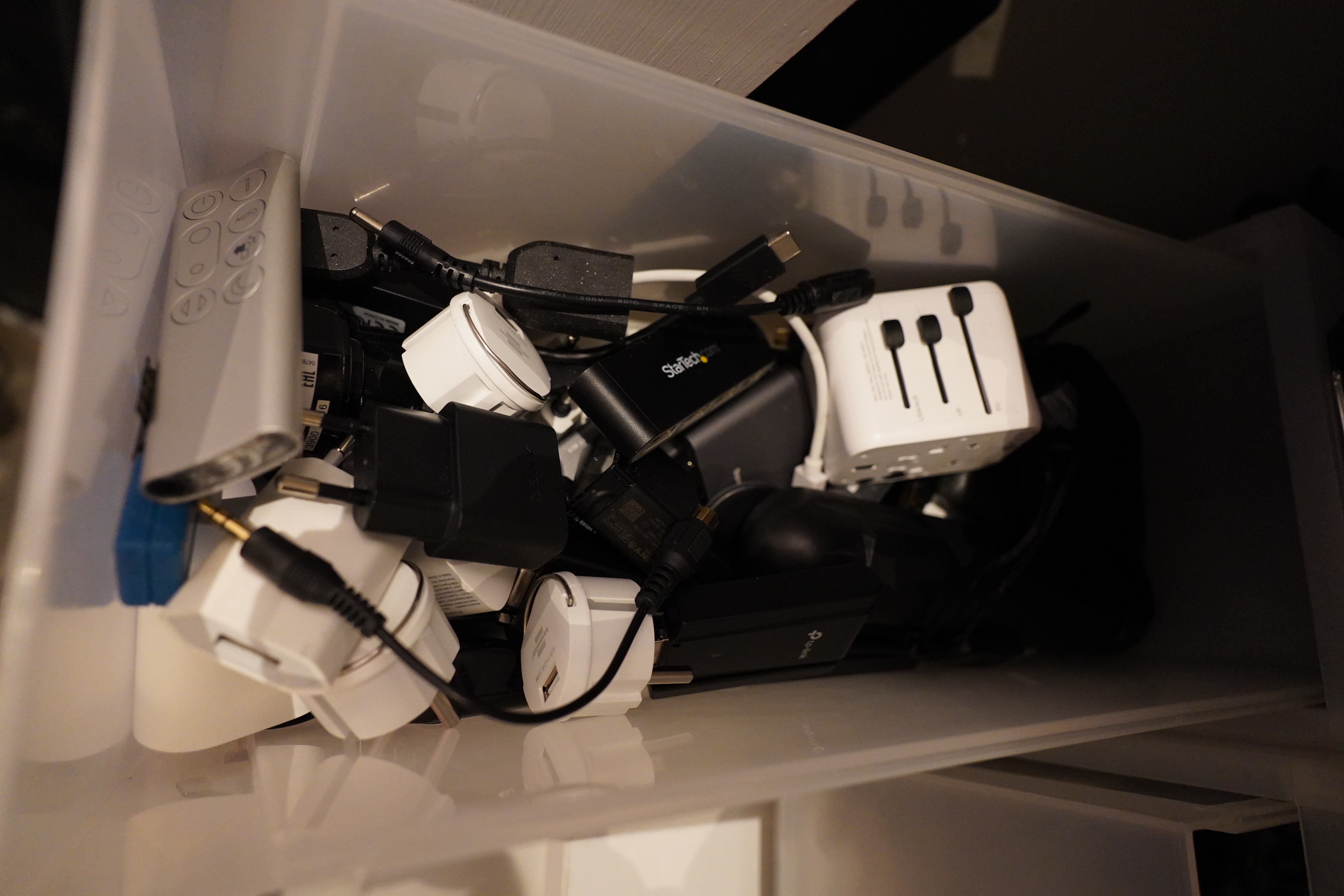
But I had to get it on the net to install Linux so that I can upgrade the kernel… fortunately, I had expertly tidied up my adapters’n’things drawer. Look how easy it is to find the USB ethernet adapter! You can see it immediately! Right?
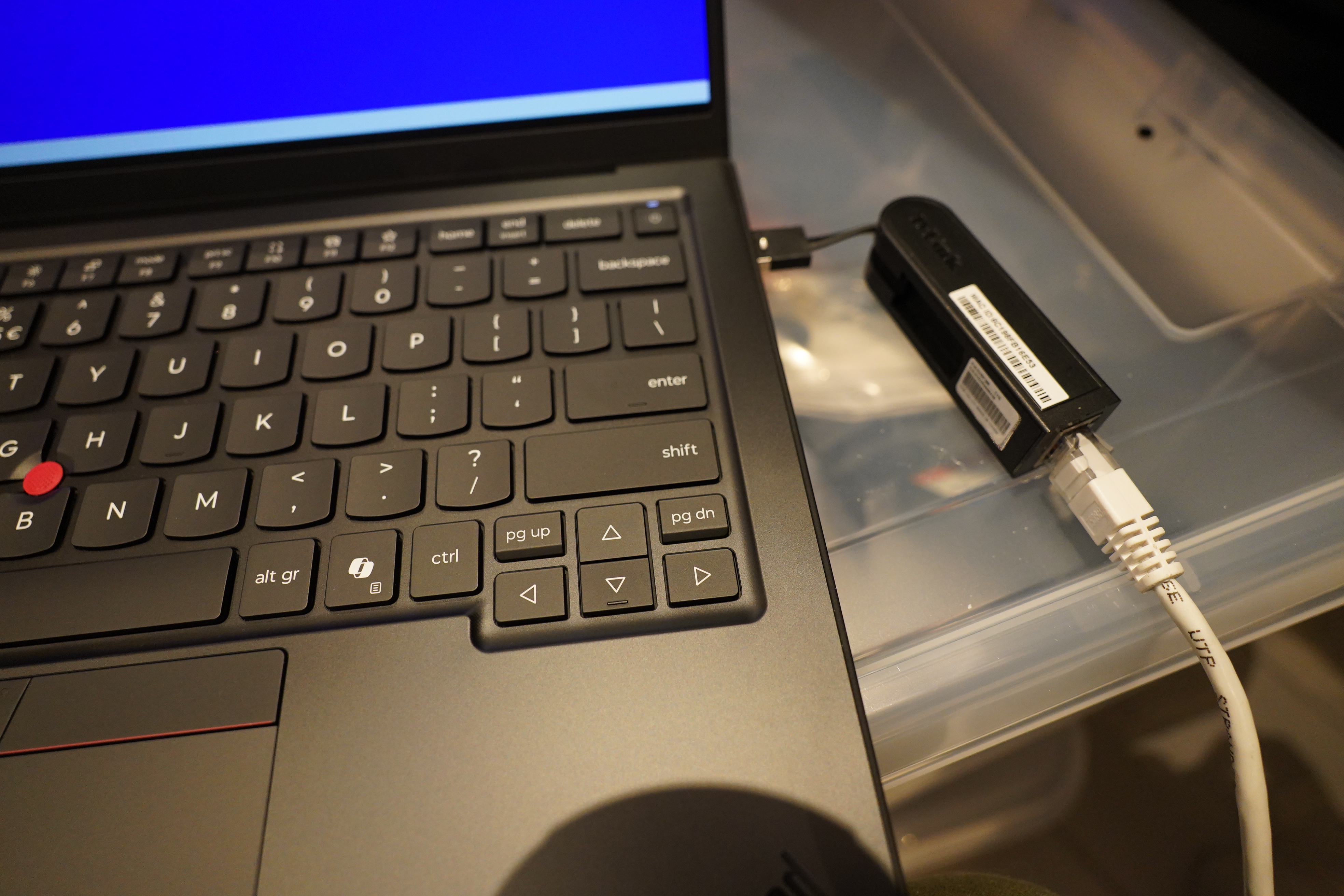
Anyway… the machine didn’t acknowledge the device at all. Boo!
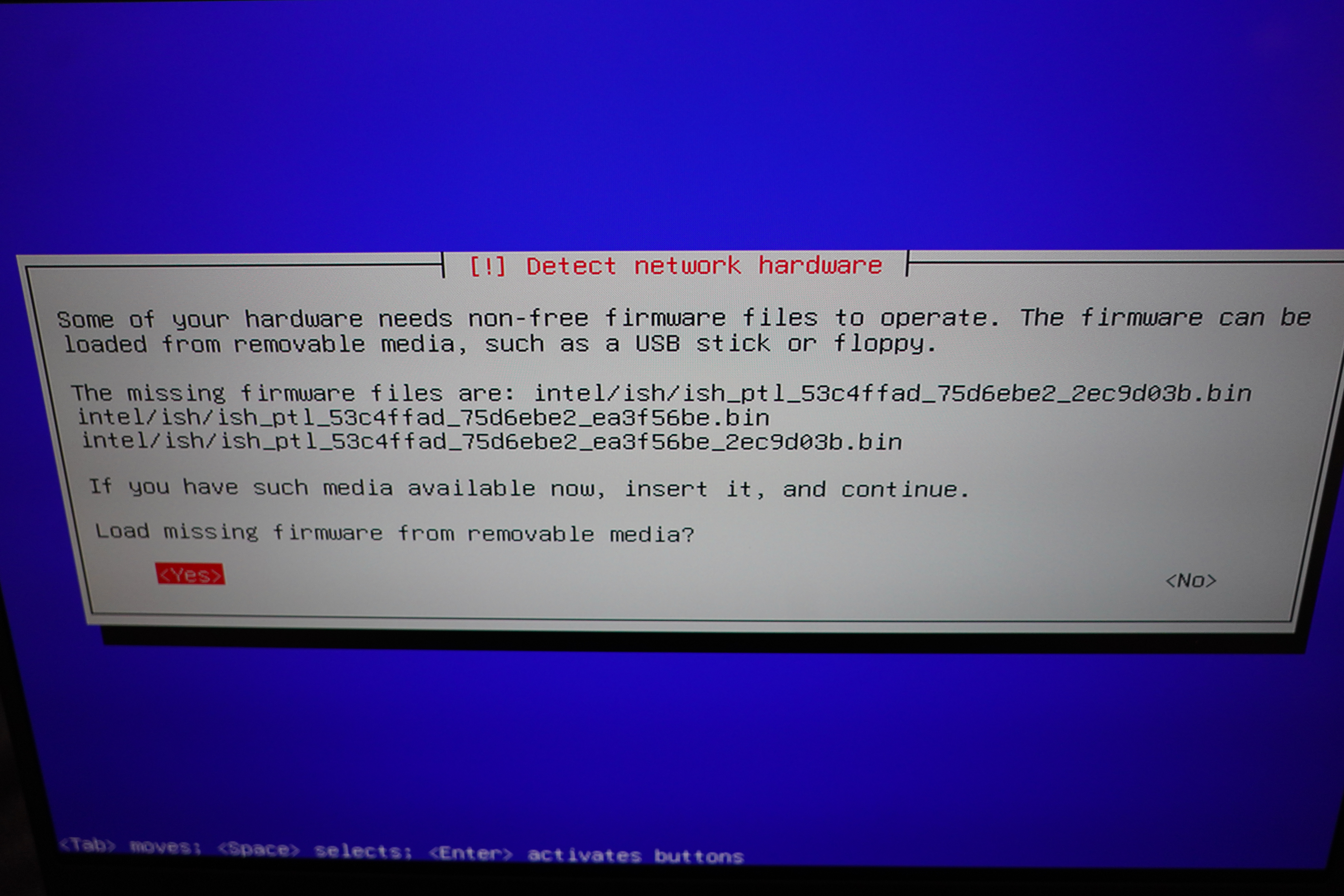
OK, try with Debian testing? Nope, failed (differently), as expected.
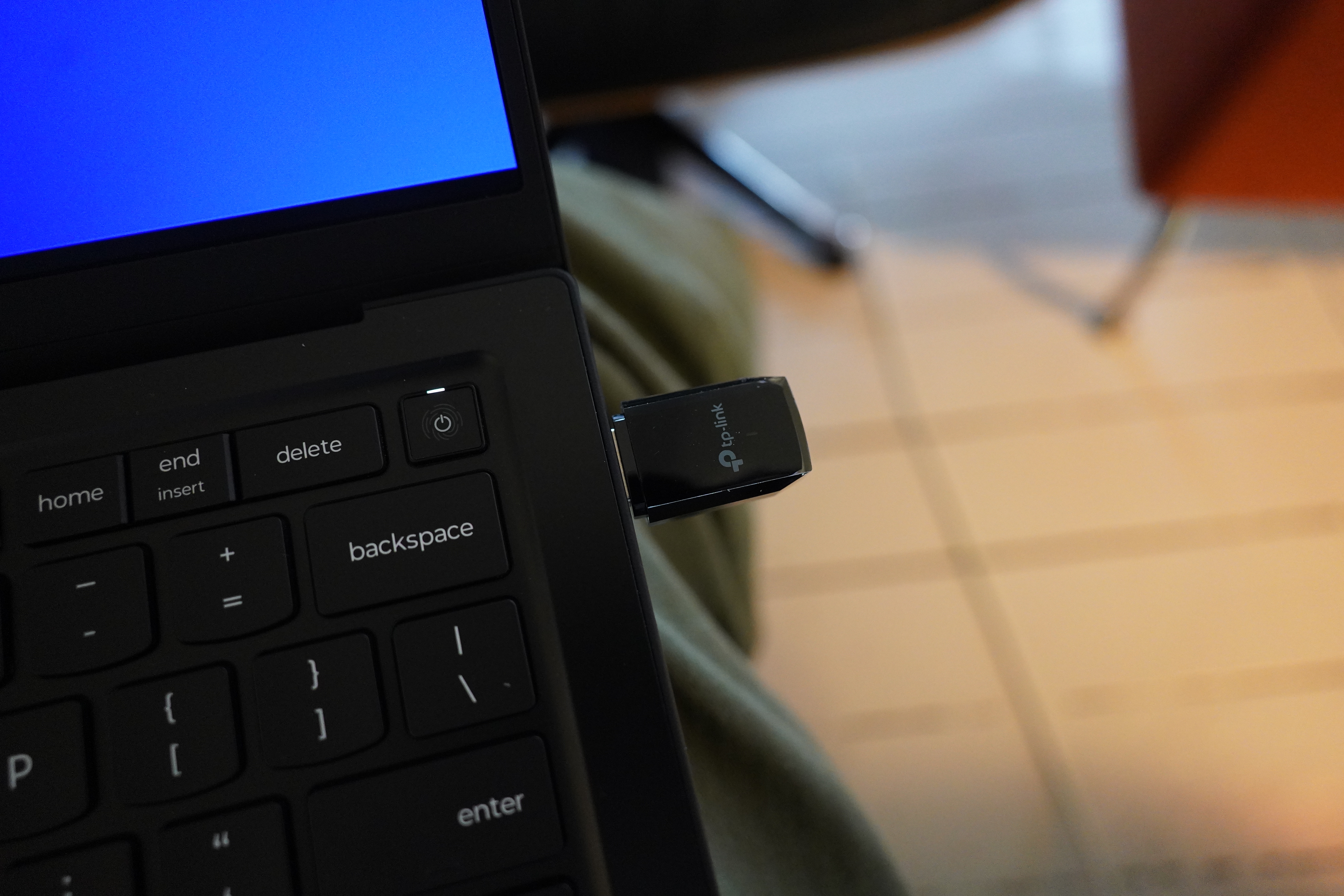
But d’oh! I’d forgotten that I have wifi USB dongles… lots and lots. So I got it installed, and then upgraded to the kernel from backports, and…
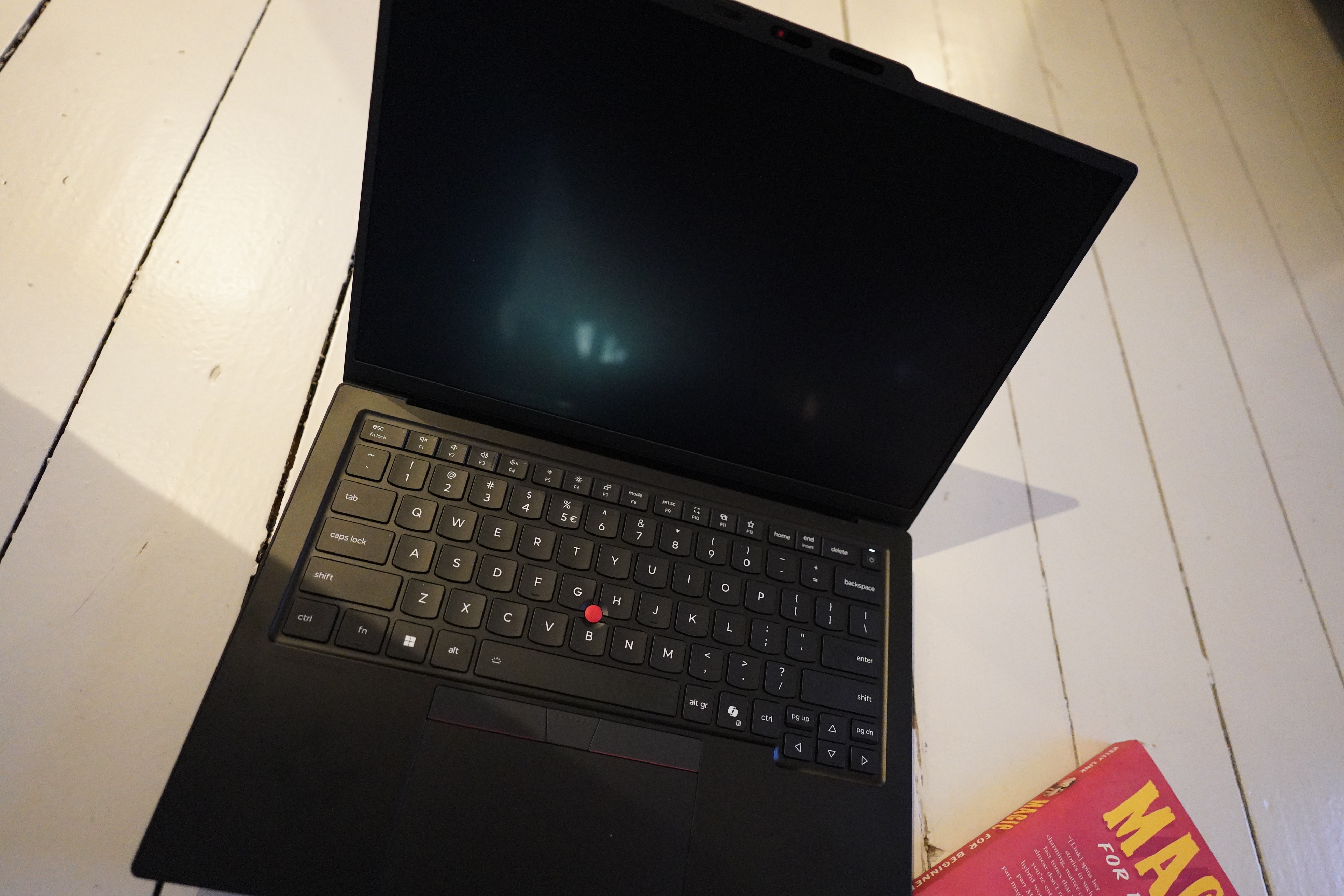
Yes, apparently dead machine!?
OK, so this is the patented Debian Nostalgia Experience: Whenever you try to use Debian on brand new hardware, there’s always something that doesn’t work. So it’s like being back in the 90s, where you had to spend a day poking at things.
So why use Debian and not, say, Ubuntu? Ubuntu will work out of the box on hardware like this (I tried a live distribution to confirm). I just find that Debian is long-term less annoying than the other distributions: If you’ve finally got something working, you can pretty much rely on it staying stable, while Ubuntu (for instance) has a tendency to do “exciting” things like putting all the software you use in snap packages and breaking everything.
The futuristic part of this nostalgia experience is that… I’m going to try to use Claude to get this laptop working. I think that’ll probably be pretty funny — I don’t really have high hopes that this will be faster than just googling, but let’s see!
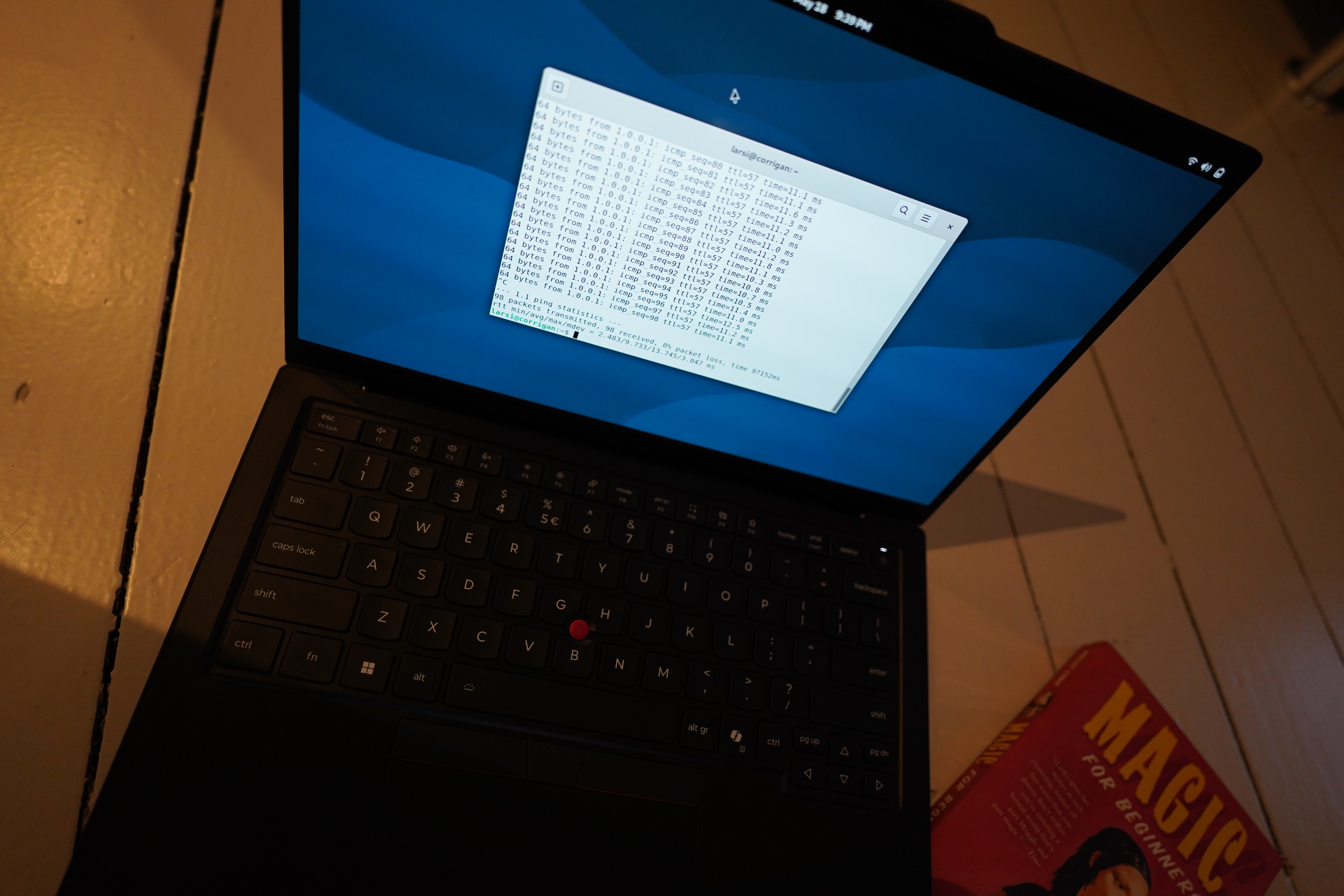
First of all, I upgraded to the 7.0.4 kernel from Debian backports. This made the internal wifi work.
Then I added nomodeset to /etc/default/grub, did update-grub, and that allowed me to get a working screen, at least, but of course that’s not a good long term solution, because then very little works (like brightness controls and the like).
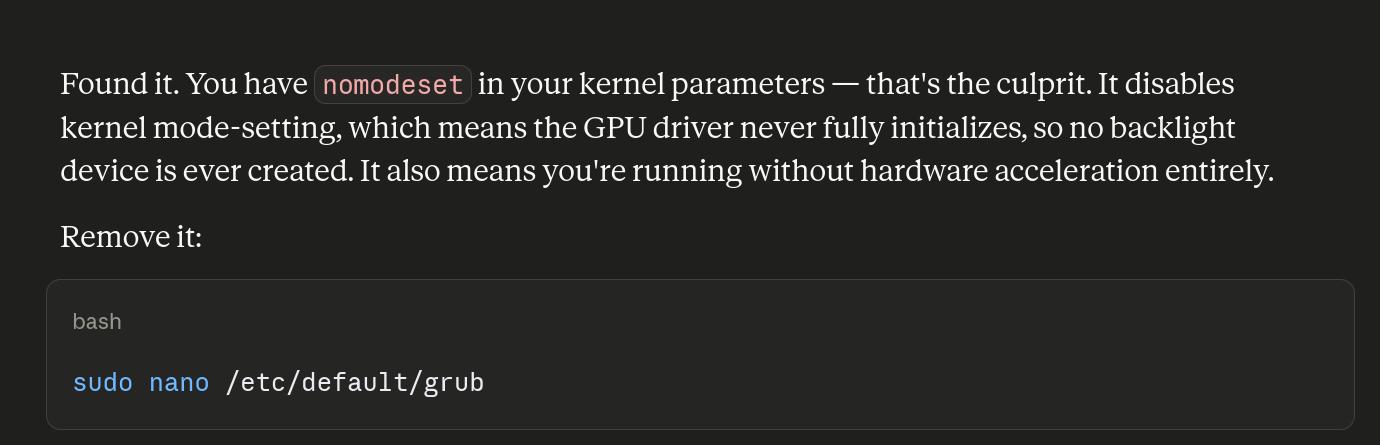
Claude quickly identified the problem.
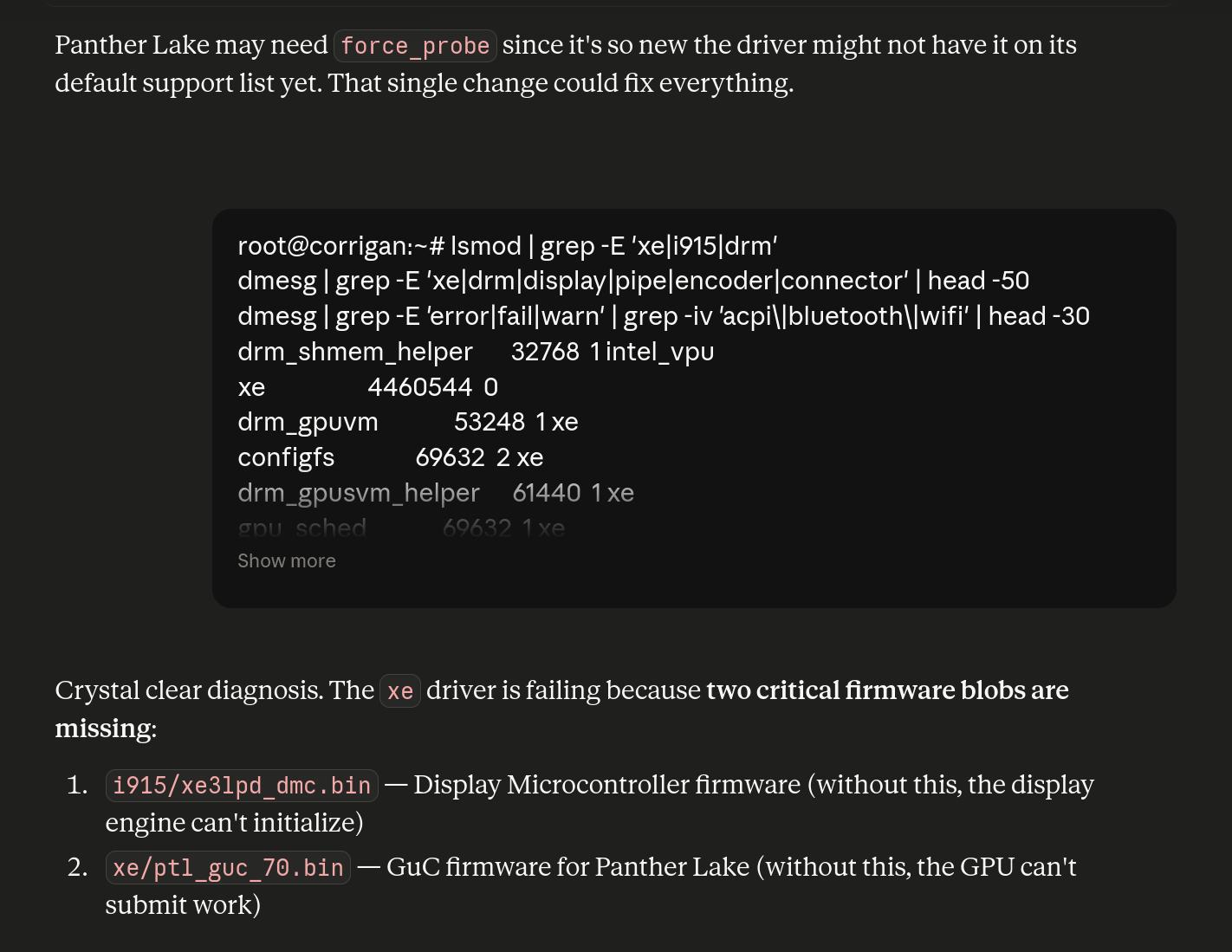
And finds out that the issue is (tada) missing firmware files.
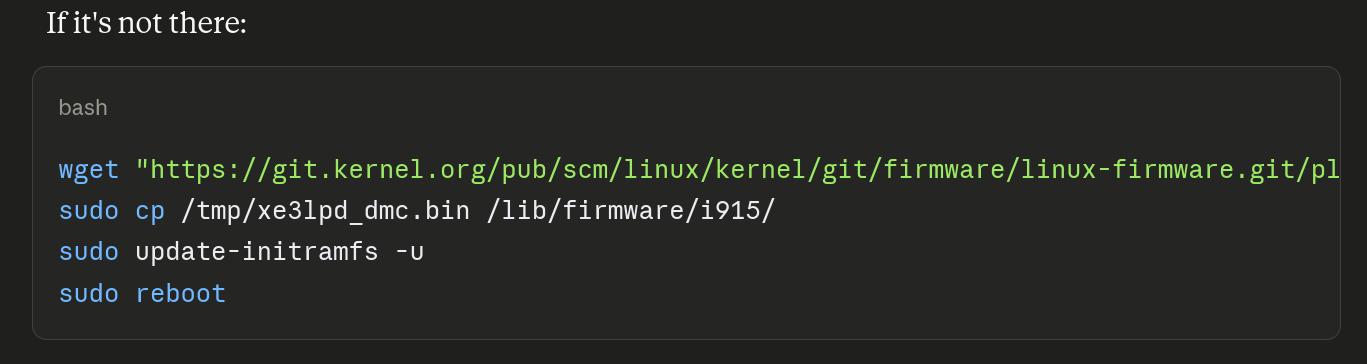
But we need even more firmware. But even after that, the screen remains black, and Claude goes off on a wild goose chase and suggests a whole bunch of things to try, like:

Er, OK.
But finally it asks for the right info:

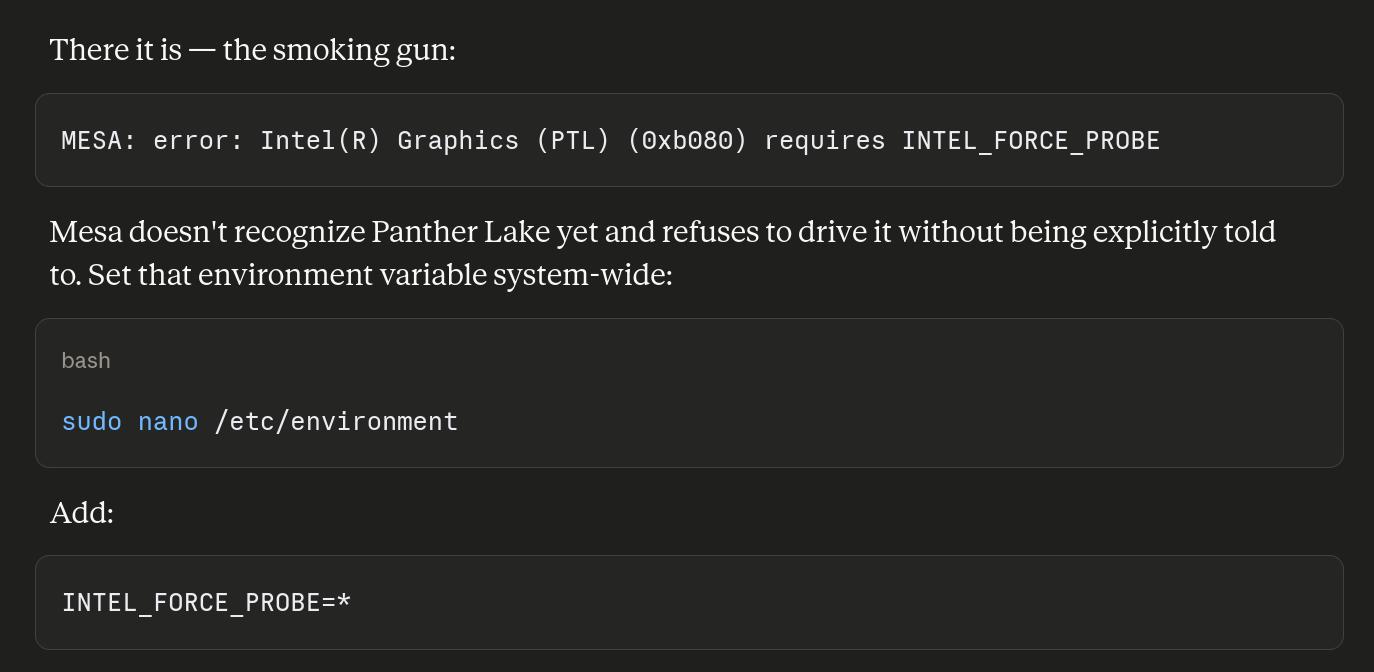
(I don’t have a count of how many “smoking guns” there are in this session, but it’s… a lot.)
Then onto the next problem — no audio.
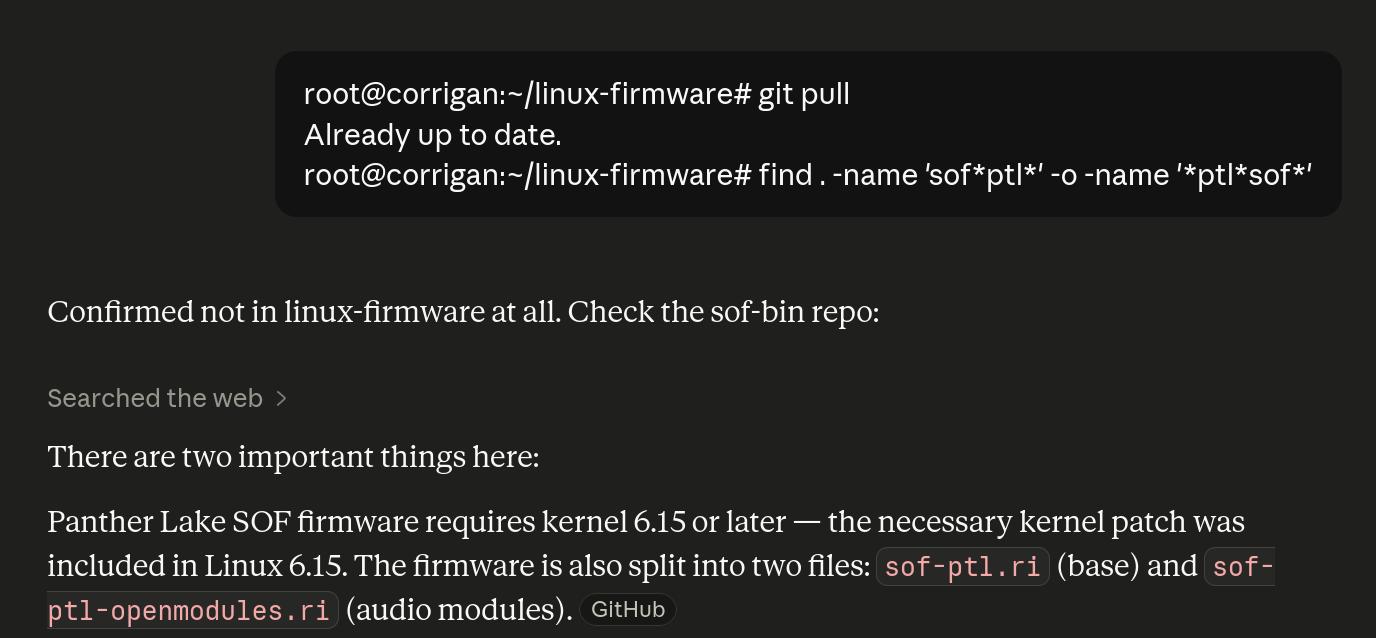
So it’s decided that the problem is more missing firmware.
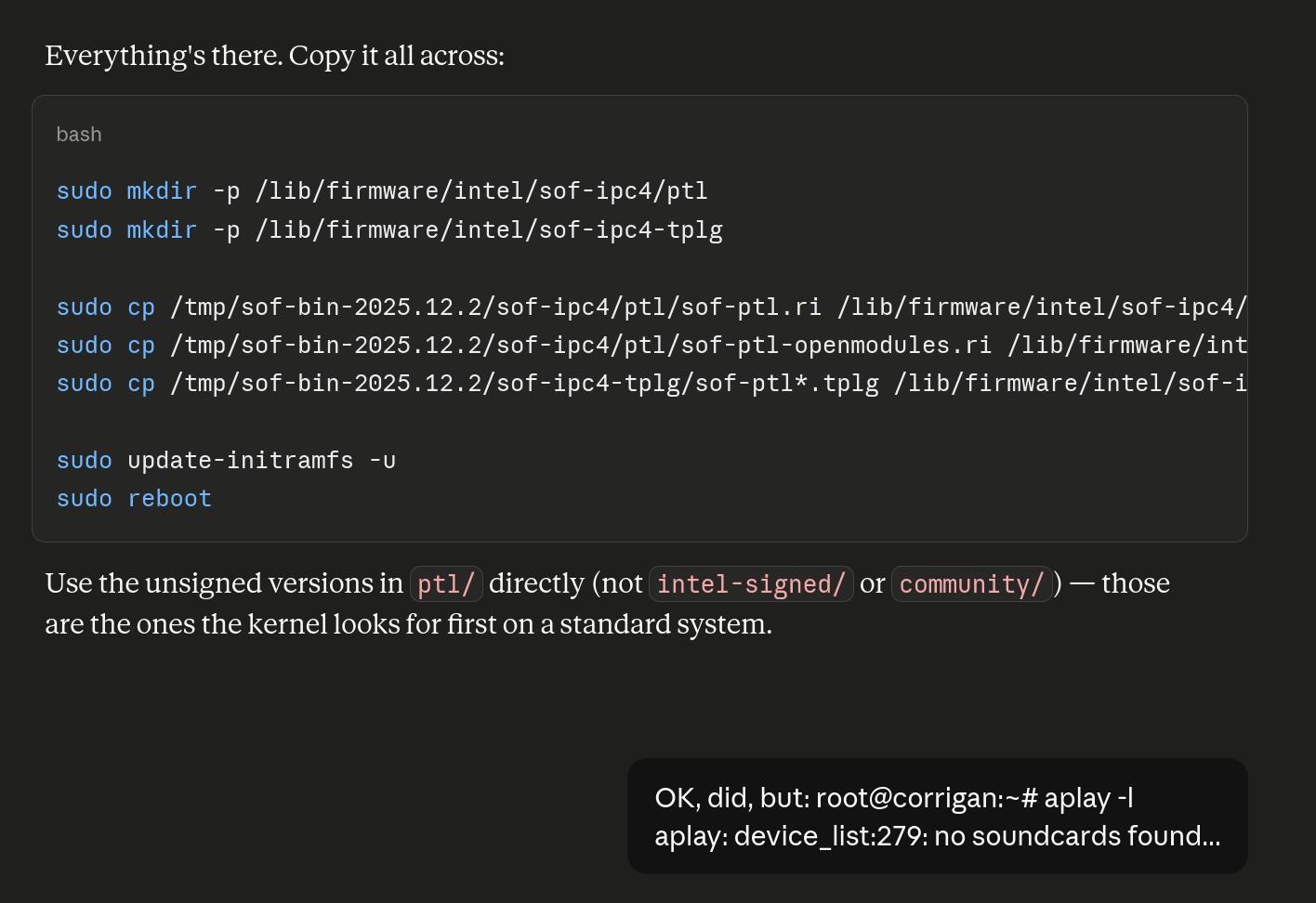
So after several screens of trying various things, it’s decided that perhaps it’s a driver issue:
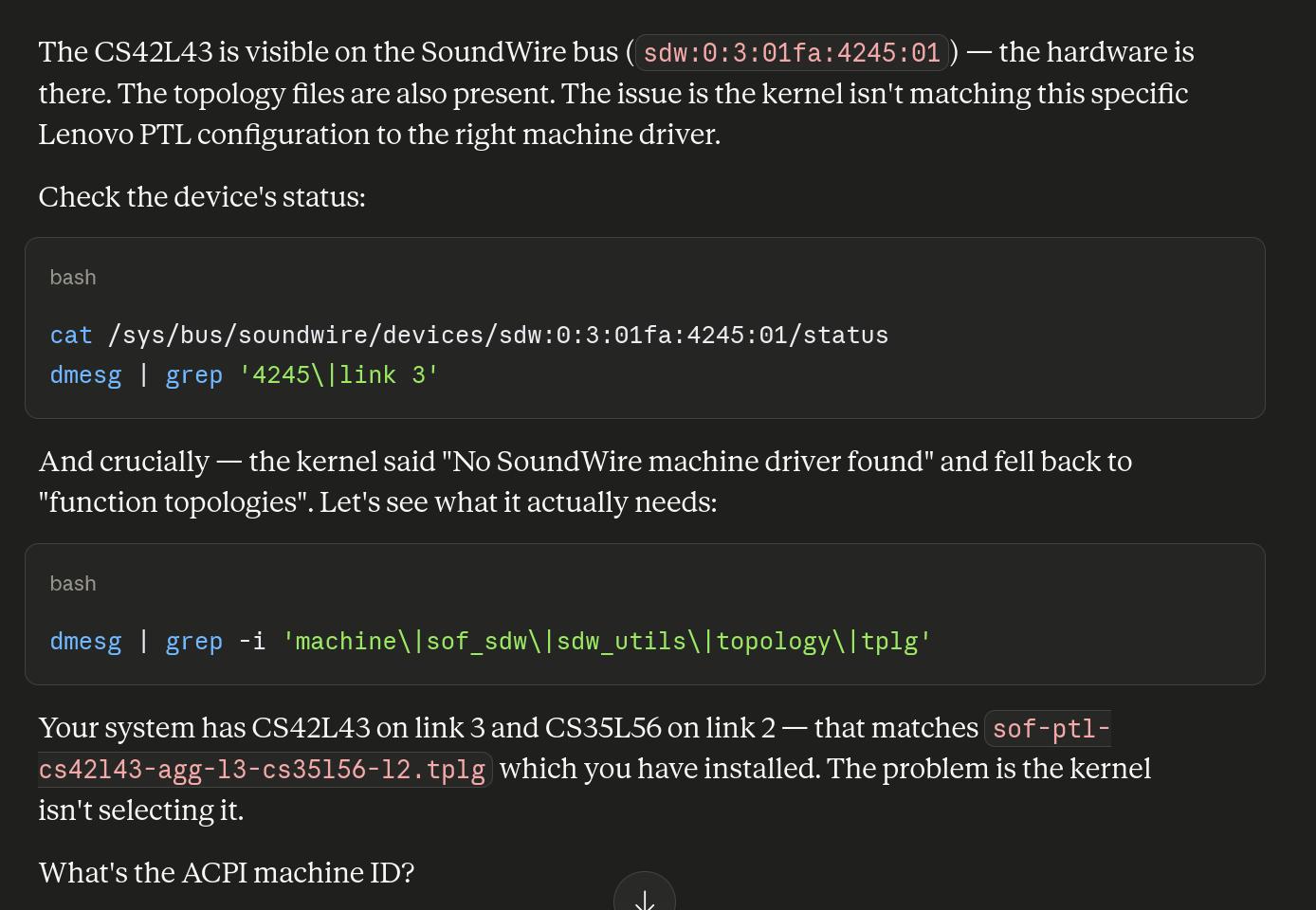
After screens and screens of this, it gets suspicious:
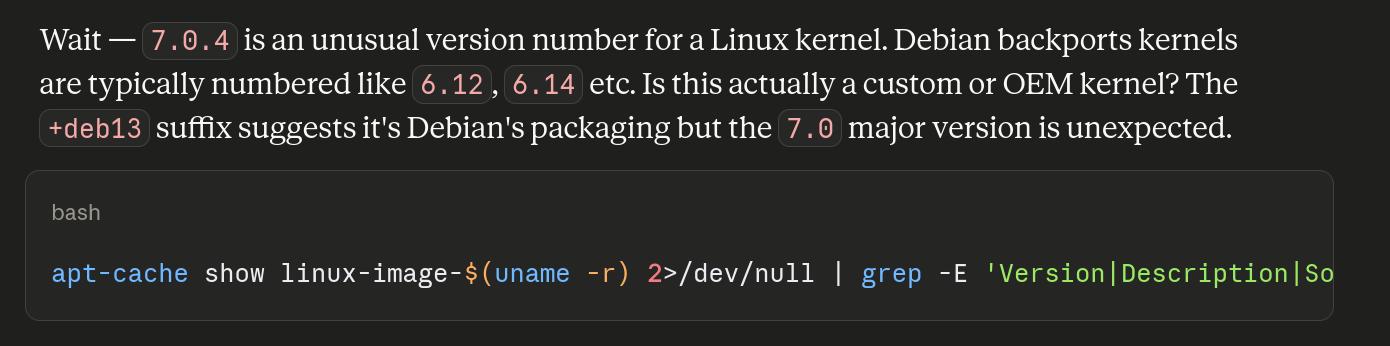
Then it decides that it’s a module loading order issue:
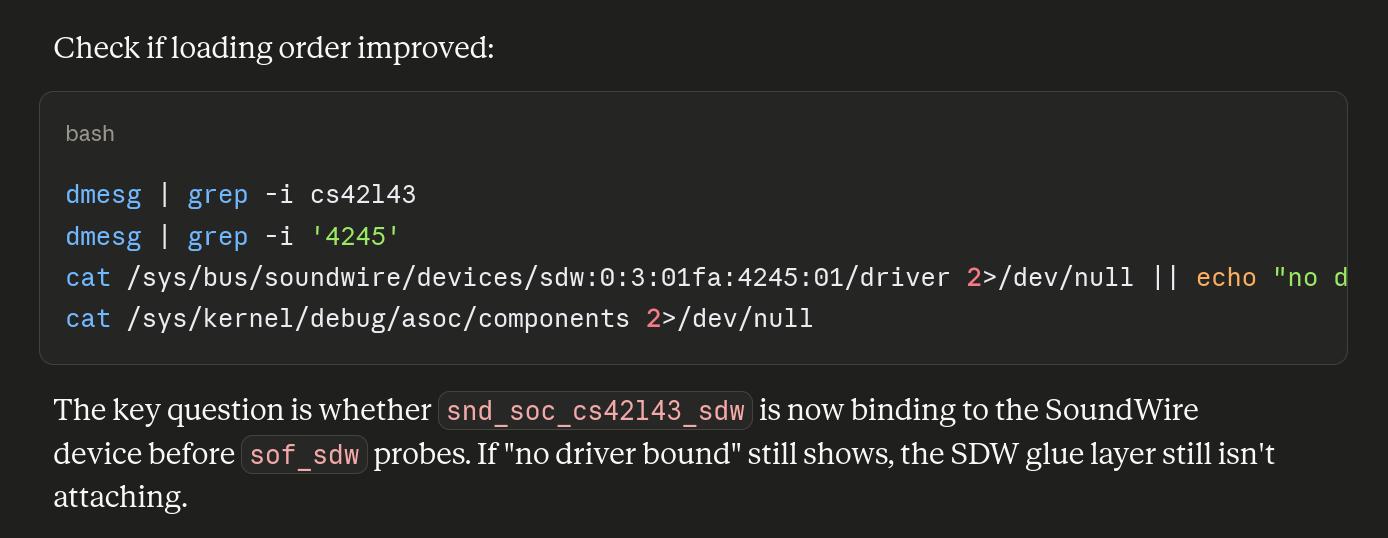
(I’m compressing a lot — this is hours of back and forth.)
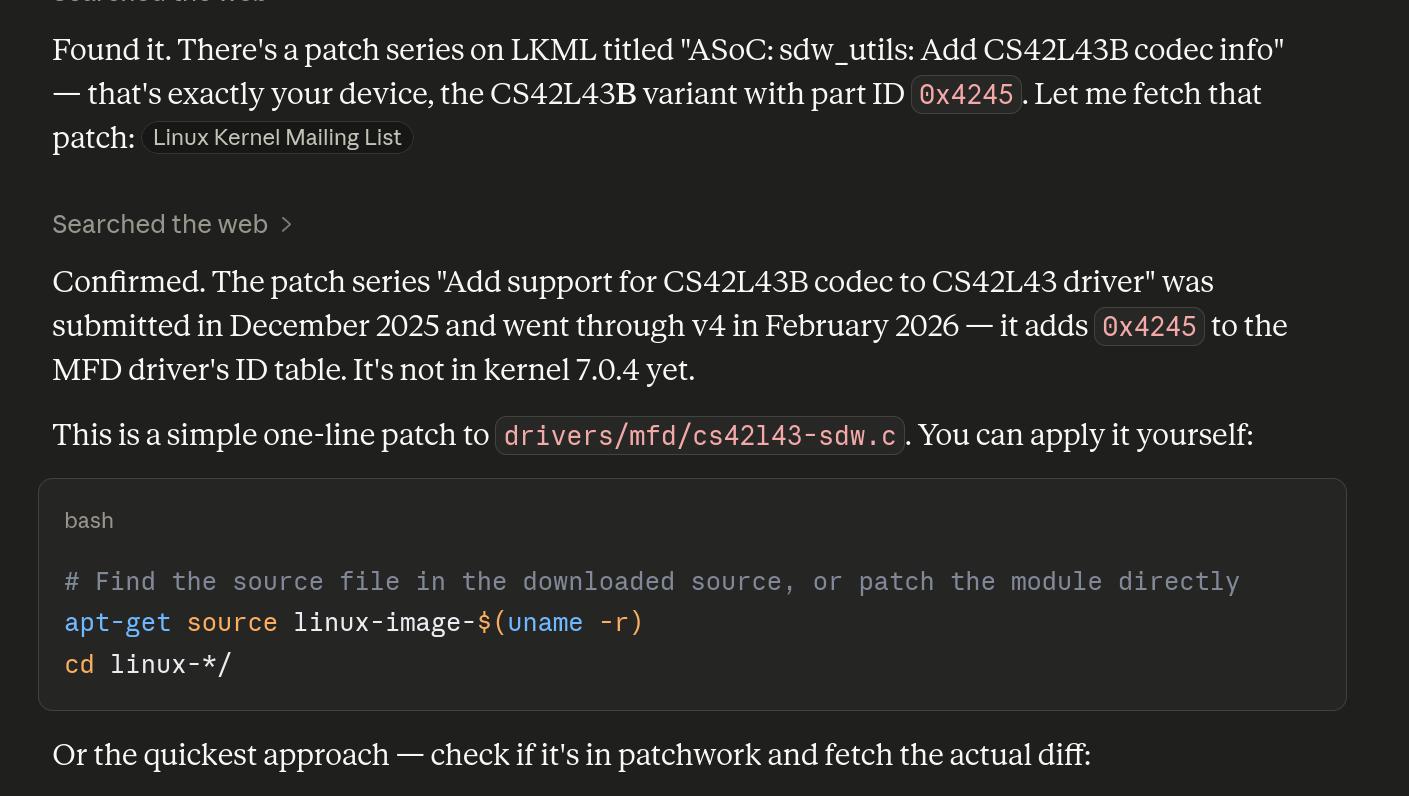
Then it’s doing some googling and finds a patch!
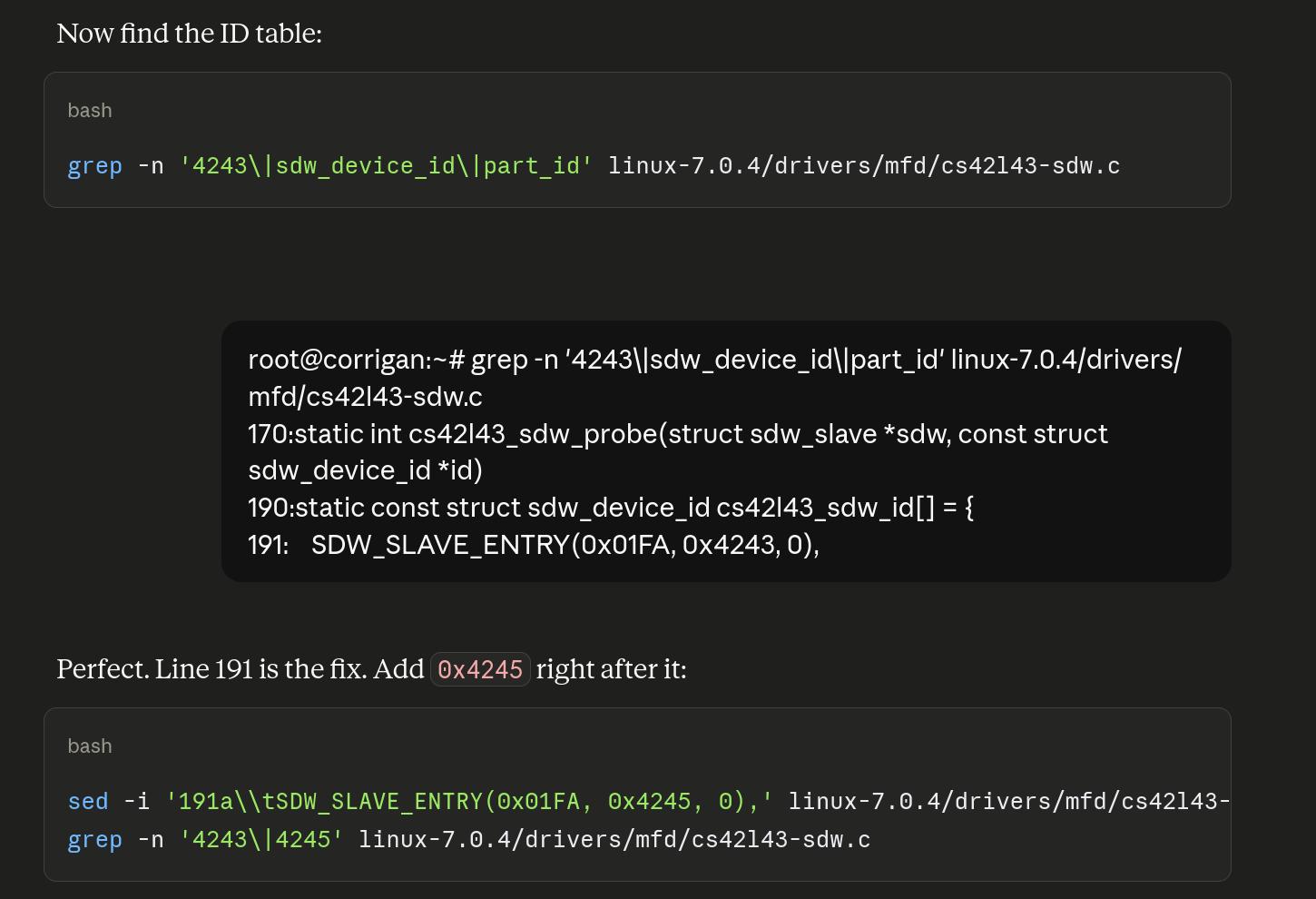
But then decides to fix the driver itself! By just sed-ing in some new device IDs. At this point, I was getting really sceptical — sometimes it’s indeed possible that there are just missing device IDs, but with new hardware, there are usually actual code differences required, too.
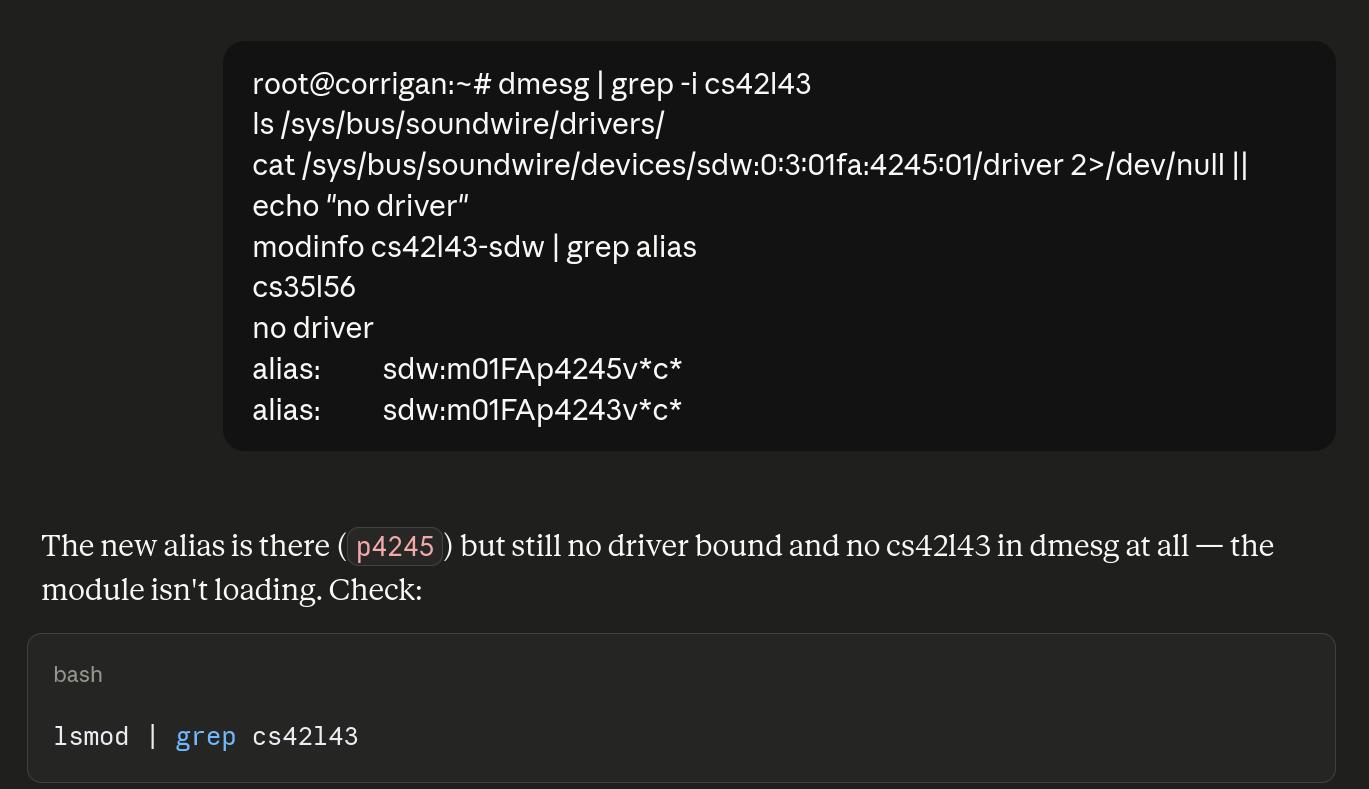
Of course it doesn’t work, and at this point I’m starting to see the charm of OpenClaw-ish things — if the stupid LLM could putter away at this problem on its own without me in the middle, it would be nice, but seeing an LLM going in an obviously wrong direction gets old after a while.
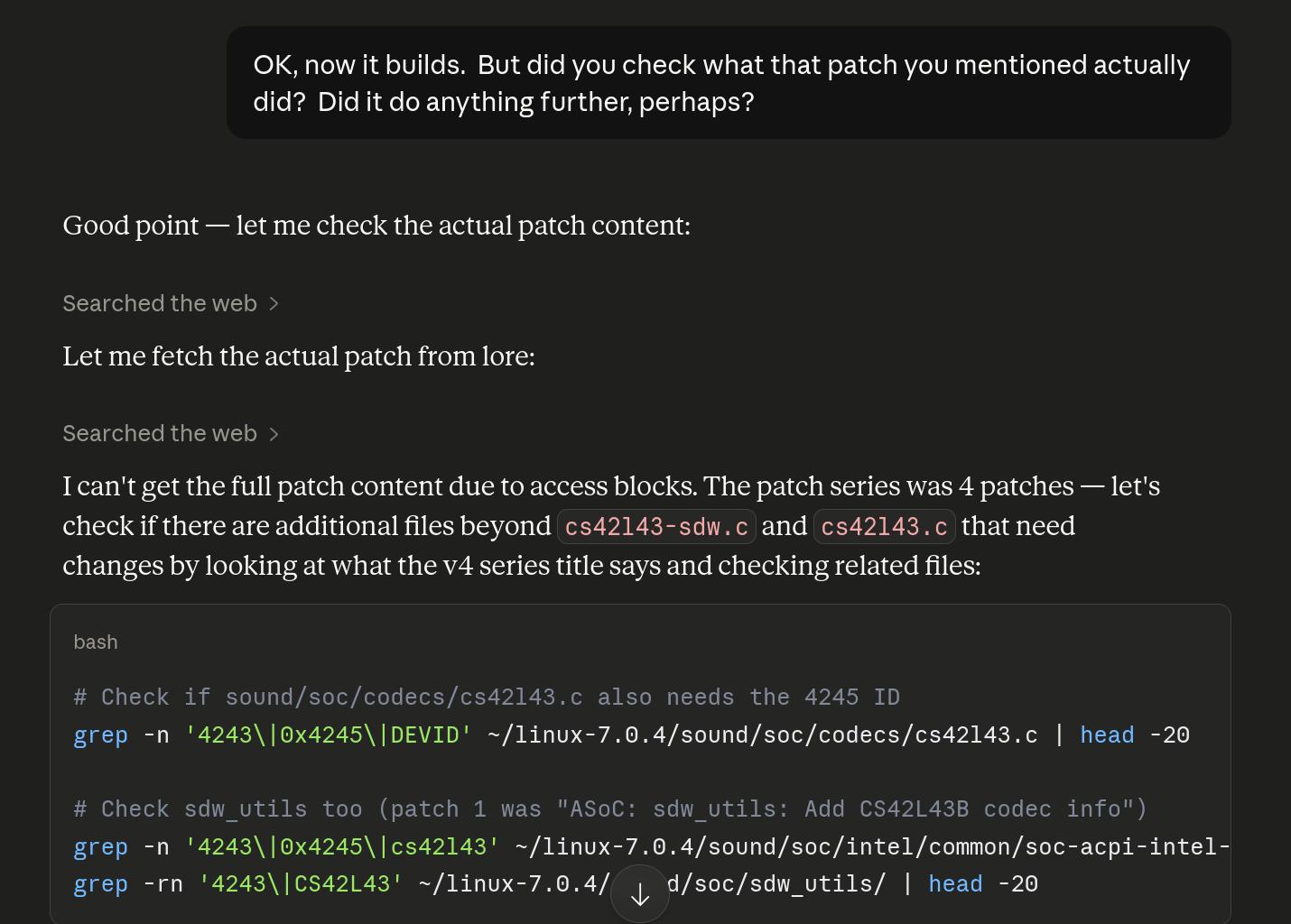
Finally I got fed up and asked it to just look at the patches… but of course, LLMs are blocked in so many places that it’s impossible. I have to use a real browser and then do cut’n’paste until my fingers bleed.
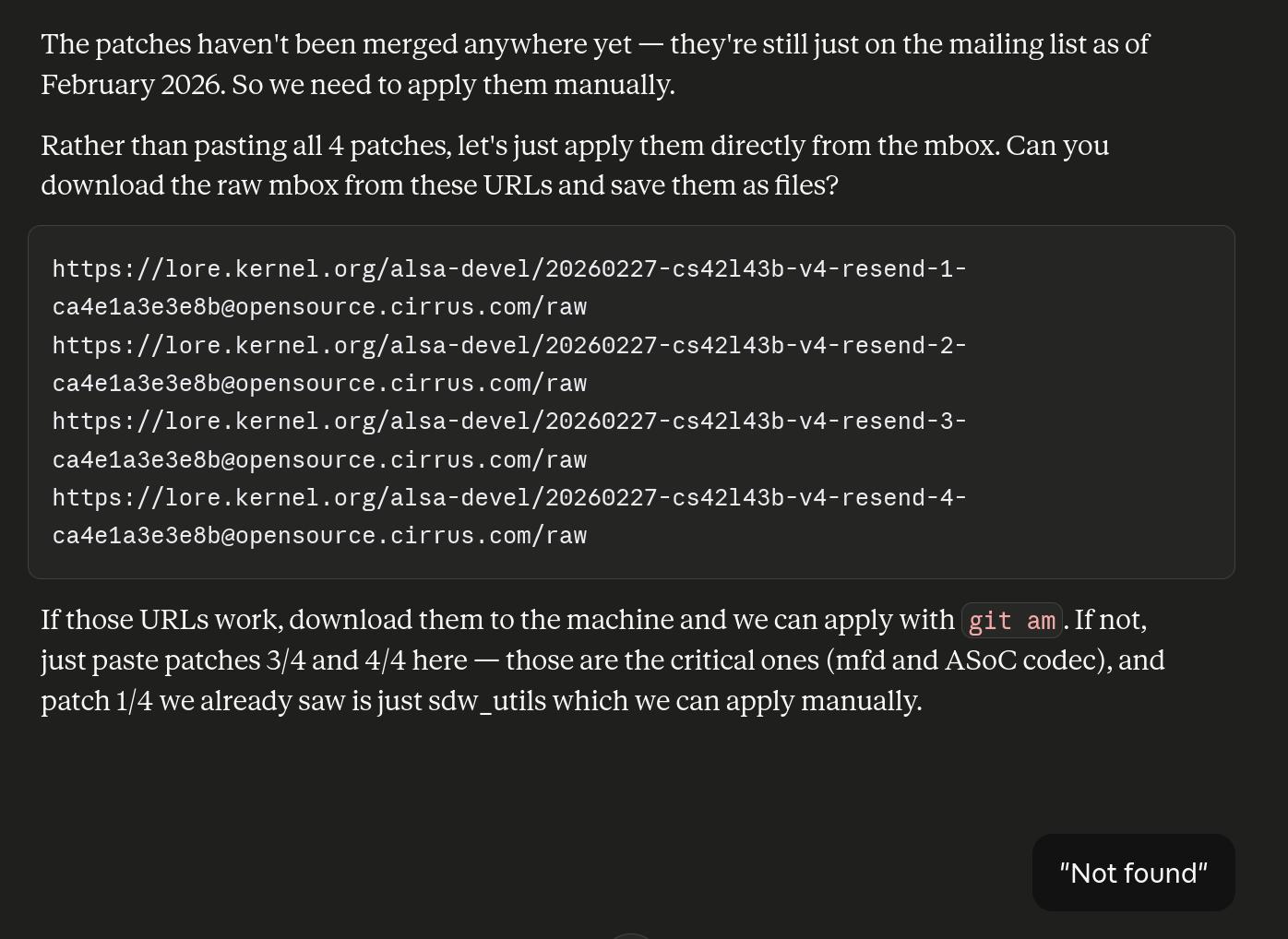
Which is even more annoying when Claude doesn’t even know the URLs (presumably because of the blockage).

So Claude wants to go back to altering the driver itself again.
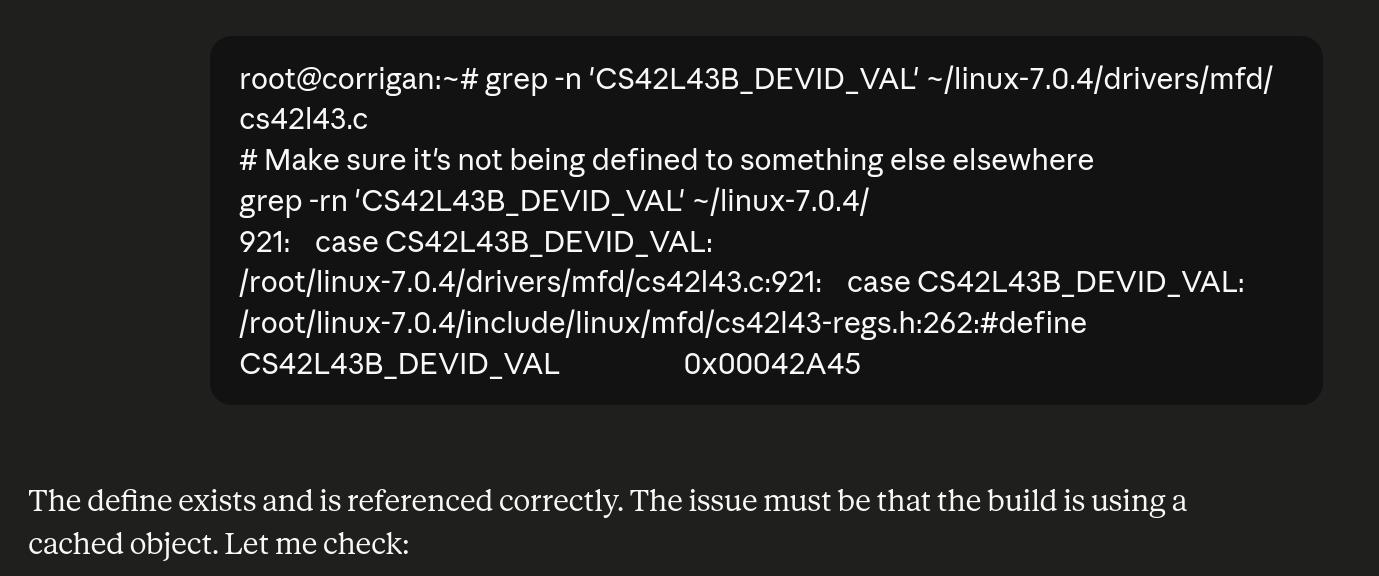
But it doesn’t even manage to get things like this right.
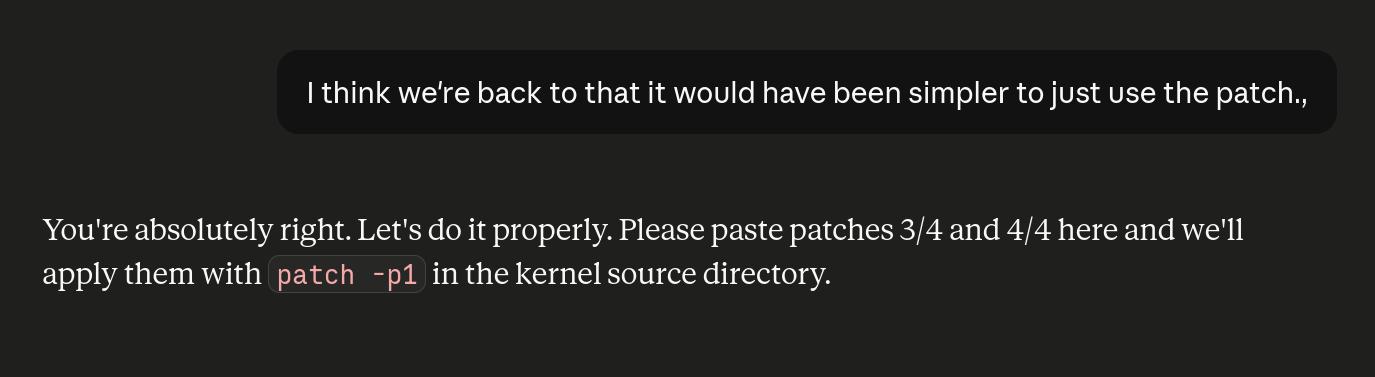
After more shenanigans I put my foot down again.

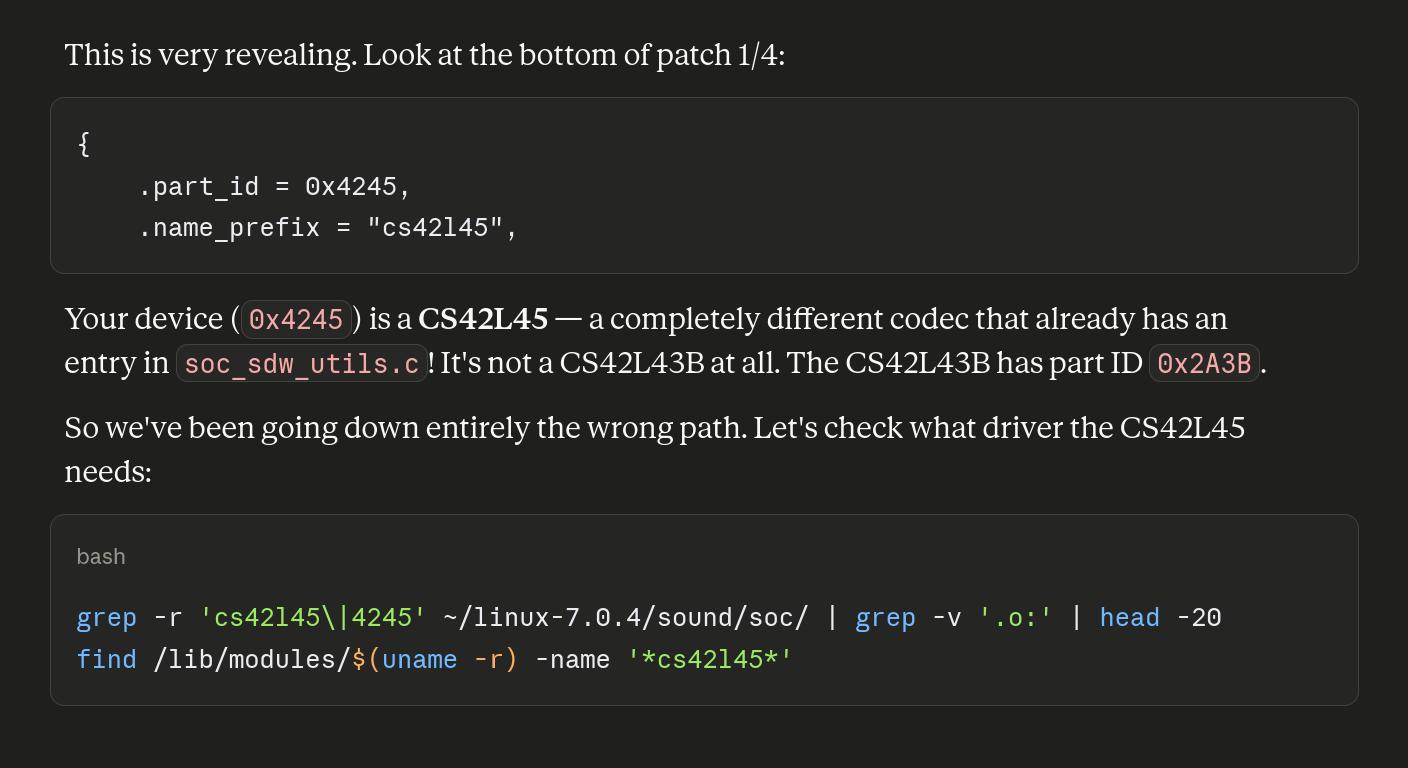
*rolls eyes*
After a bit more of this, we’re at:
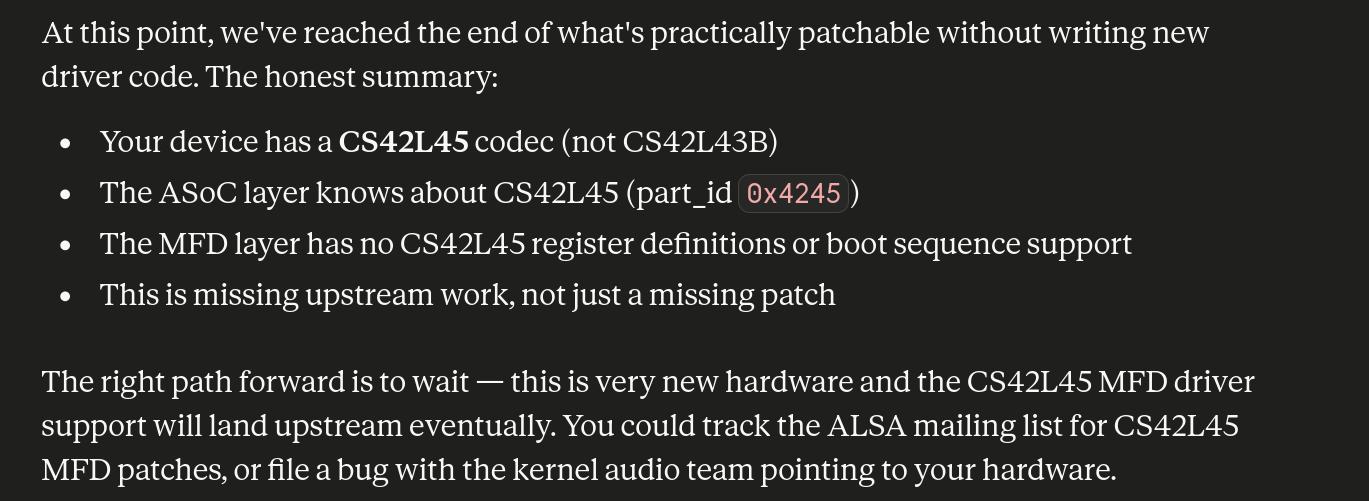
Claude wants to give up!!!
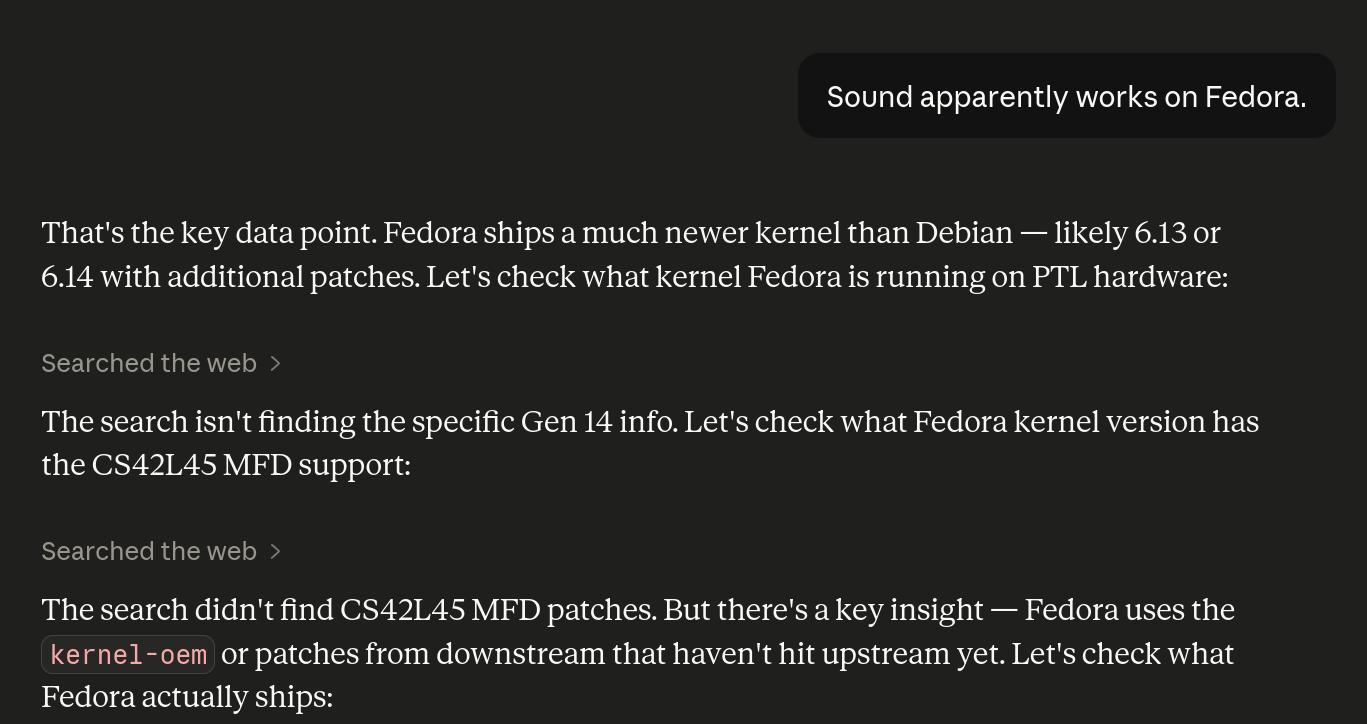
Lots of keys.
I gave up on all that, and:
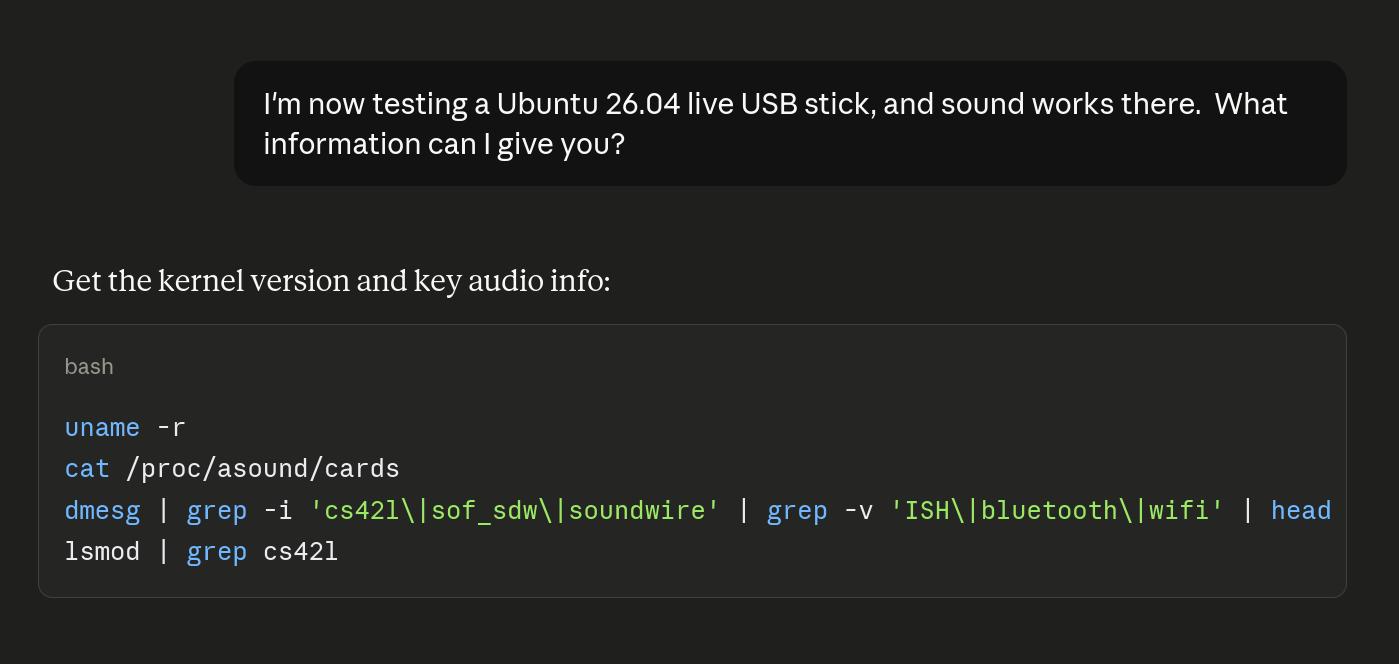

So the driver it was patching was the wrong driver. Nice! The base issue is that Debian, for some reason or other, doesn’t compile this driver.
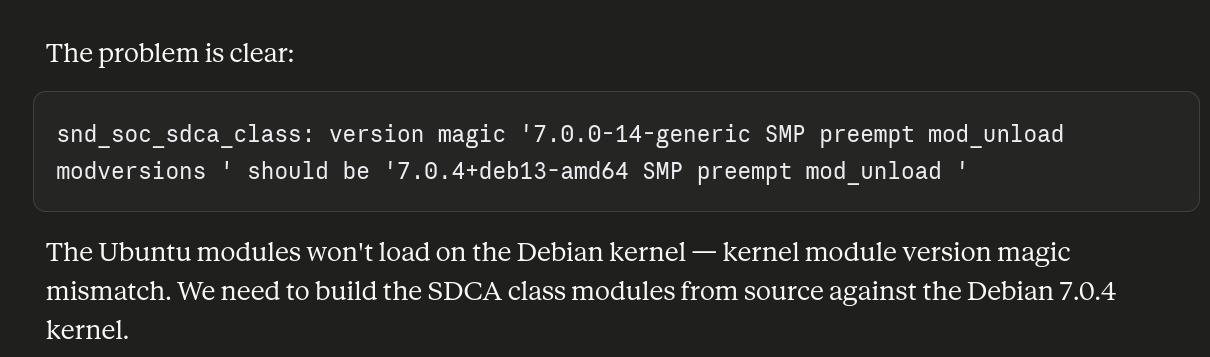
So it suggested copying over the modules from Ubuntu — and I thought that was impossible due to ABI issues — and it was! How come Claude tries these things that are trivially impossible?
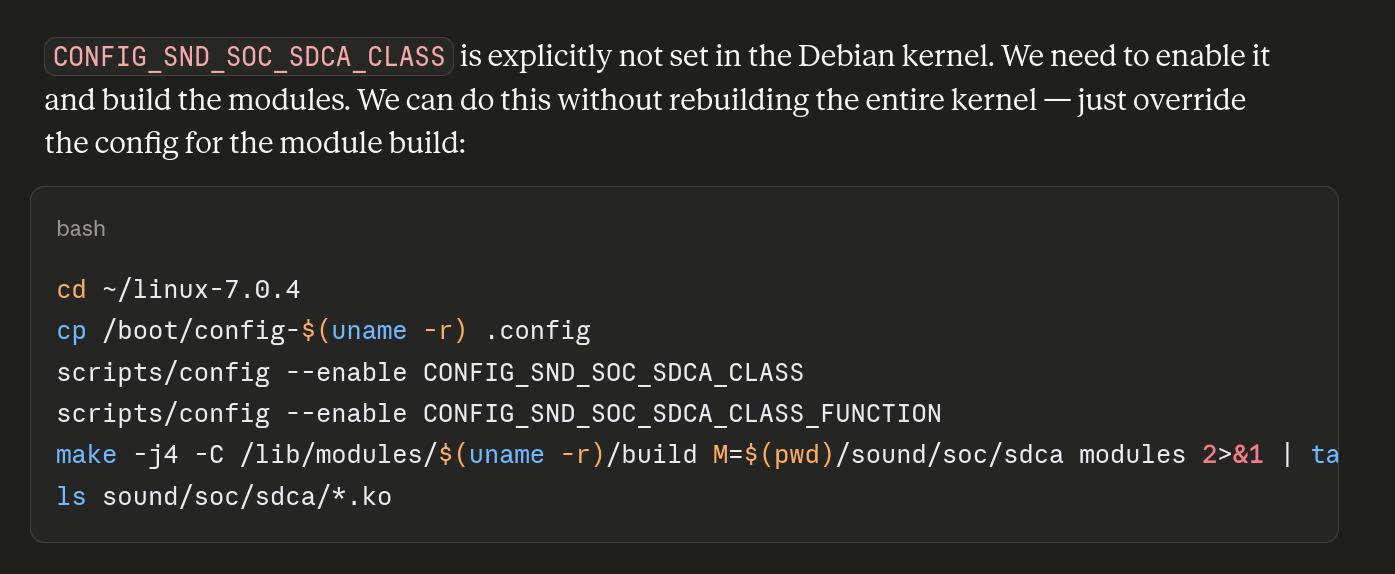
So the solution is to just compile them:
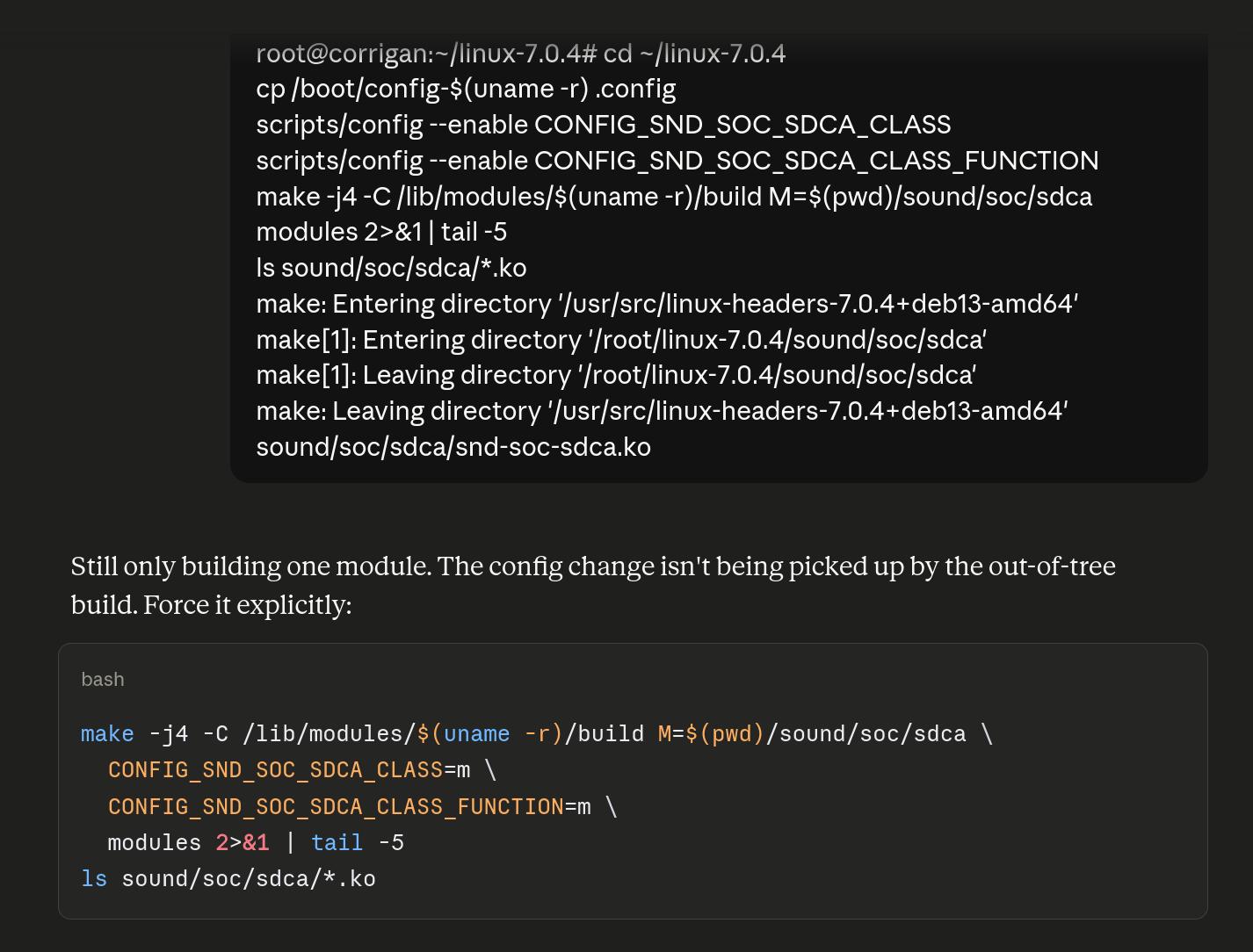
Which Claude managed to do after three tries. I find it kinda fascinating what it knows and what it doesn’t know — it does know how to compile a module, but it needs three tries? You’d think something like this would be something it could do right the first try?
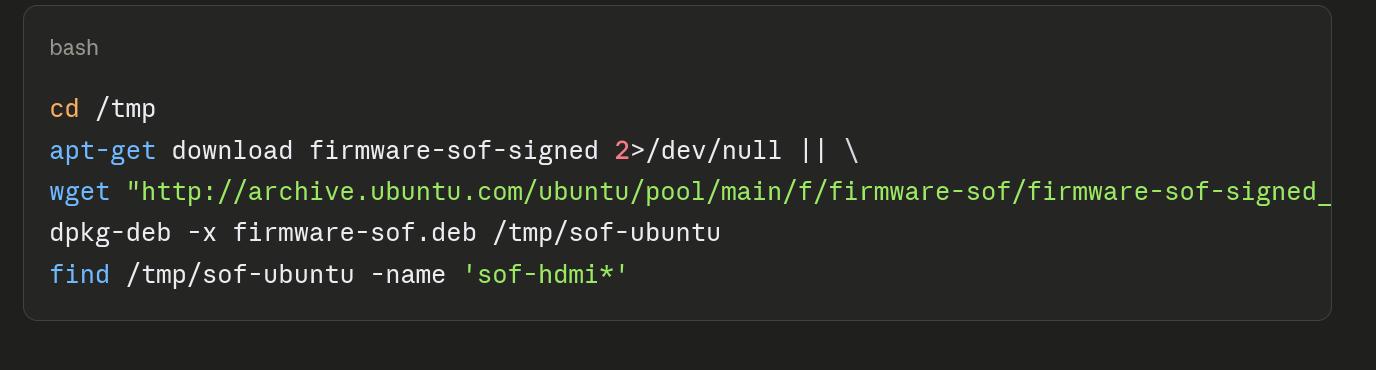
And then we needed more firmware, and the sound card was up.
Except that Pipewire didn’t work, because… we needed more topology files:
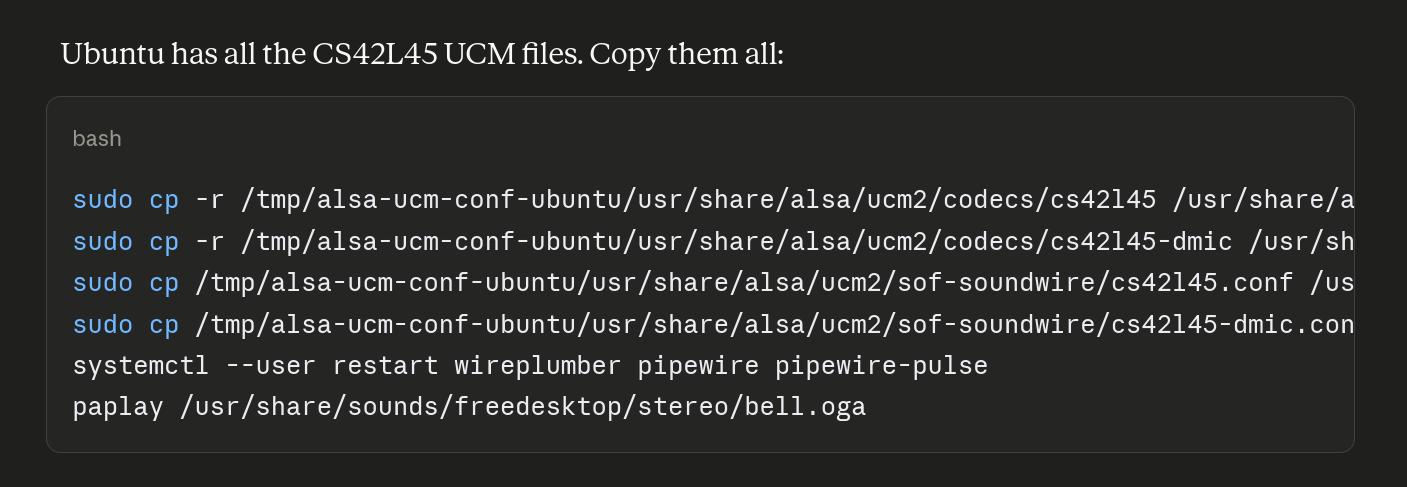
So…
I’ve used LLMs for sysadm stuff like this before, but this is the most extensive session. The scroll bar in this chat is microscopic. There are pages upon pages upon pages.
And I wouldn’t have been able to fix these things myself without spending a week or something. So obviously Claude is useful and is a good product — but it’s unnerving how often it gets lost in the weeds and does stuff that’s just incredibly bone-headed, like trying to patch the driver itself, or copy .mod files from a different OS.
OK — back to the laptop. Anything else of note?
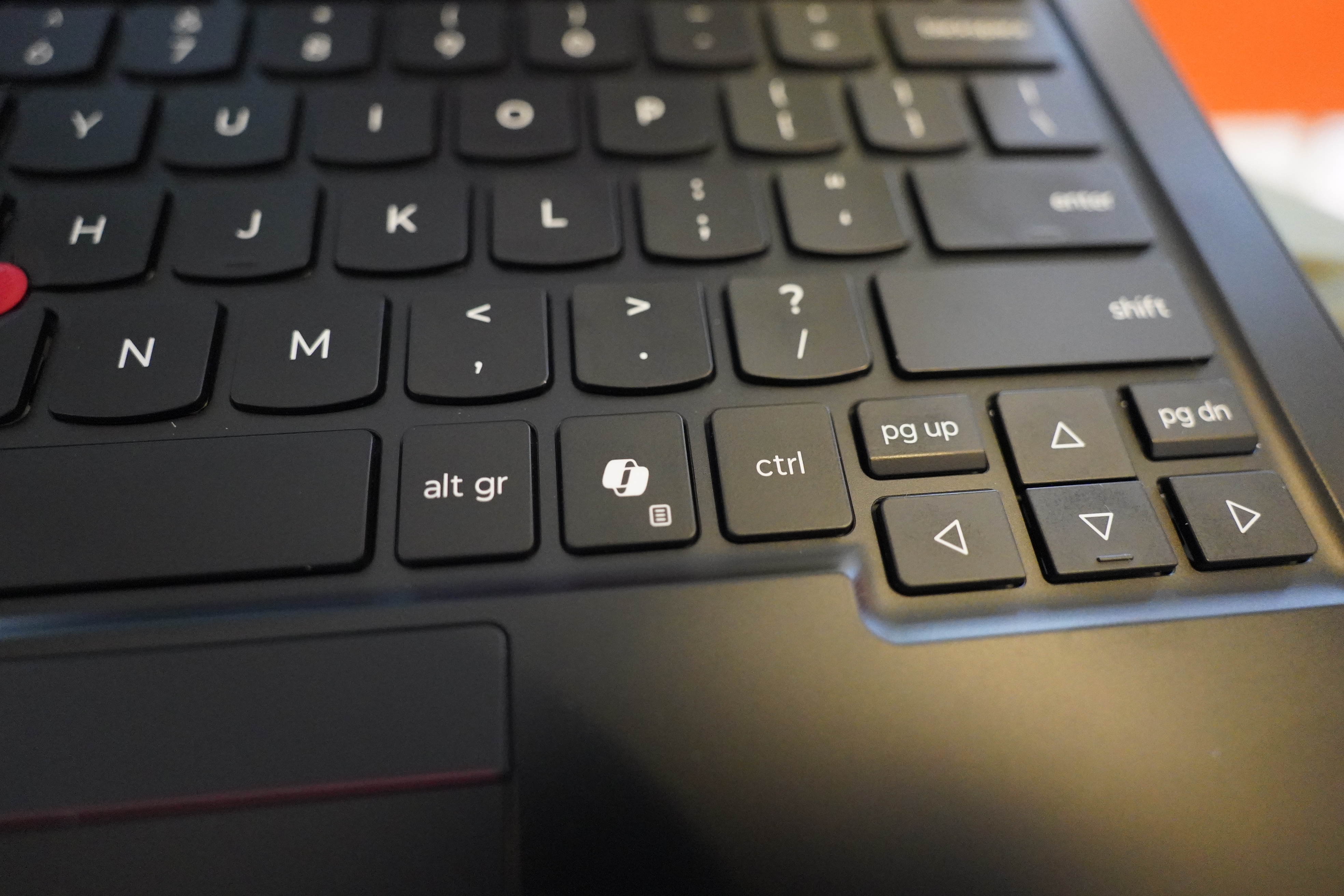
Well, it’s got the infamous and much loathed AI/Copilot key. Which can’t be remapped like other keys, because it outputs a three key chord — Super_L, Shift_L and F23. Which Emacs says is S-s-<XF86TouchpadOff> for some reason or other.
But… if you hit it and then hit another key, it gives us Super + that key… which is what I want in the first place!
So by sheer coincidence, all I have to say is this:
(keymap-global-set "s-<XF86TouchpadOff>" #'ignore)
And then the keyboard works just like I want it to (in Emacs, which is what matters to me).
Most people would want to use this key for something else, which means installing something like keyd, but I don’t care. One less thing for me to futz around with!
The laptop is slightly lighter than the previous one — 1064g vs 1136g — and that’s nice, I guess? It feels pretty nice…
The screen is much brighter than on my old laptop, but I don’t know whether that’s just because it’s newer — OLED screens wear out. Perhaps I should just buy new screens (and keyboards (and batteries)) to have in reserve, and then swap them out in a few years? I mean, in case Lenovo stops stocking them…
This machine is so easy to service that it might make sense to do that. Let’s see what parts they have on offer:

Oooh, oodles…
But no — all the screens and batteries are marked “not available yet”. I guess they just don’t have any to spare yet? (It took two months from when I ordered the laptop until they shipped it.)
But I did order a 5G card for it — they didn’t have that as an option when I bought the laptop. (But I bought it with 5G antennas, so it should be trivial to plop the card in. *crosses fingers*)
Anyway, the machine seems… like a Carbon X1. I mean, this is the 14th iteration, so it is what it is. It’s faster than the previous version, but not significantly. It seems like the battery life might be even more impressive than the last one, but I haven’t had it long enough to tell.
So — I would indeed recommend this laptop. But don’t try to install Debian Stable on it.
Oh, and by the way:

And again!

Heh heh.