

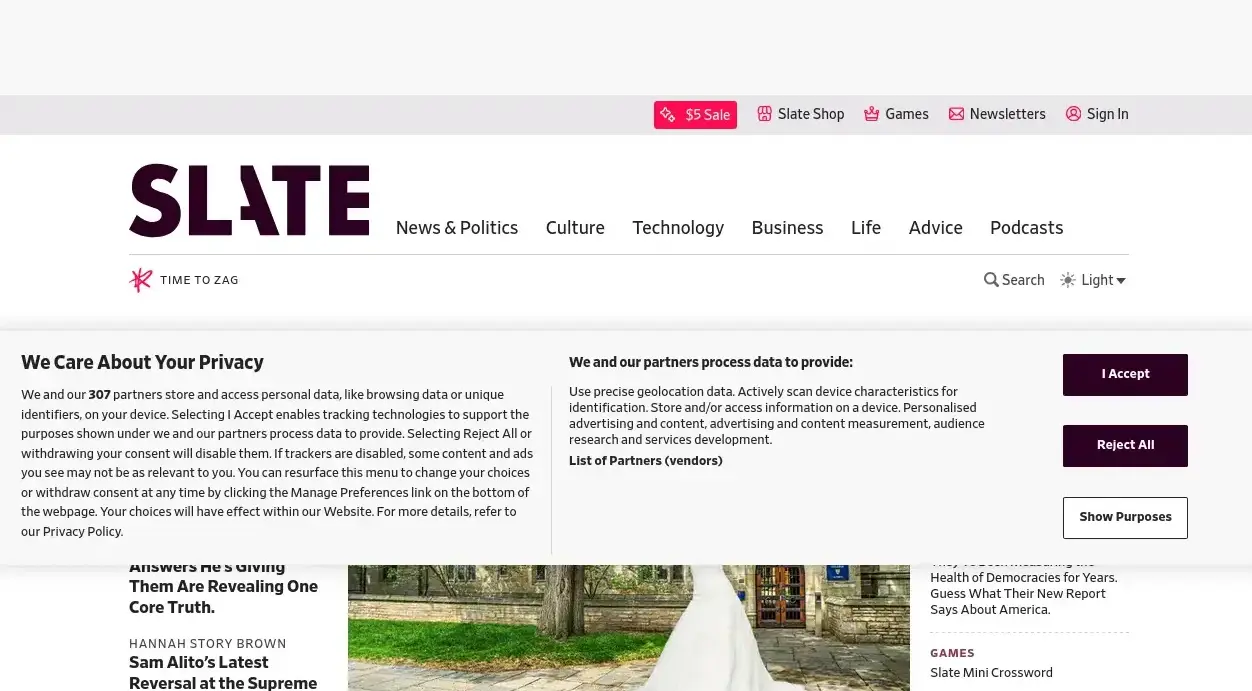
I was blathering on yesterday about how hard it is to screenshot a web page these days. I mean programmatically, because my use case is to make links on a blog have the same life span as the blog itself — taking screenshots in your browser manually is usually pretty easy.
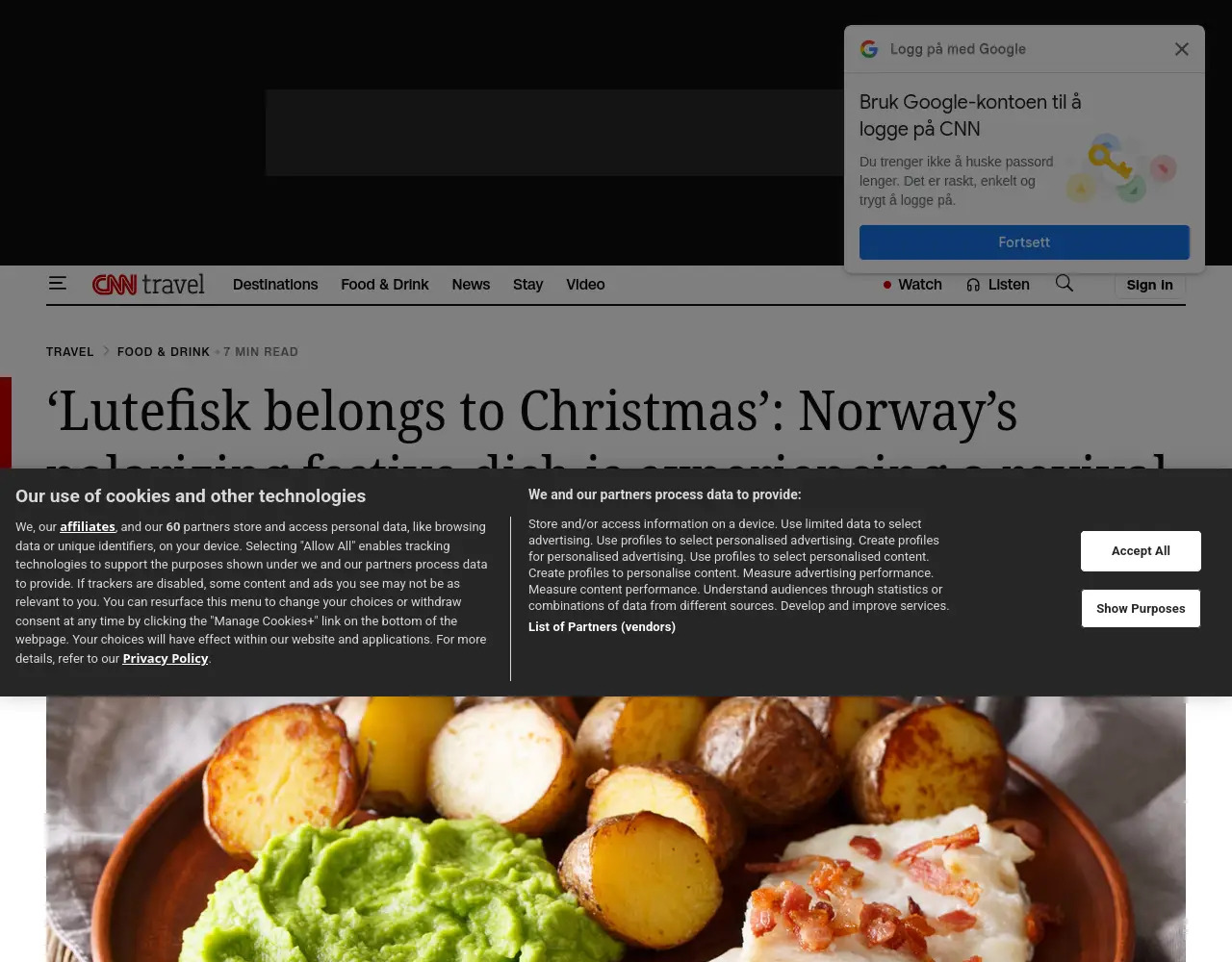
But if you use, say, shot-scraper from a non-US IP address you usually get something like the above. Which sucks.
Today, though, I though — there are things like the Ublock “annoyances” list. For instance here we have some nice lists made to remove annoying things like cookie banners (and other modals). Why can’t shot-scraper use those lists, huh?
Why not indeed:
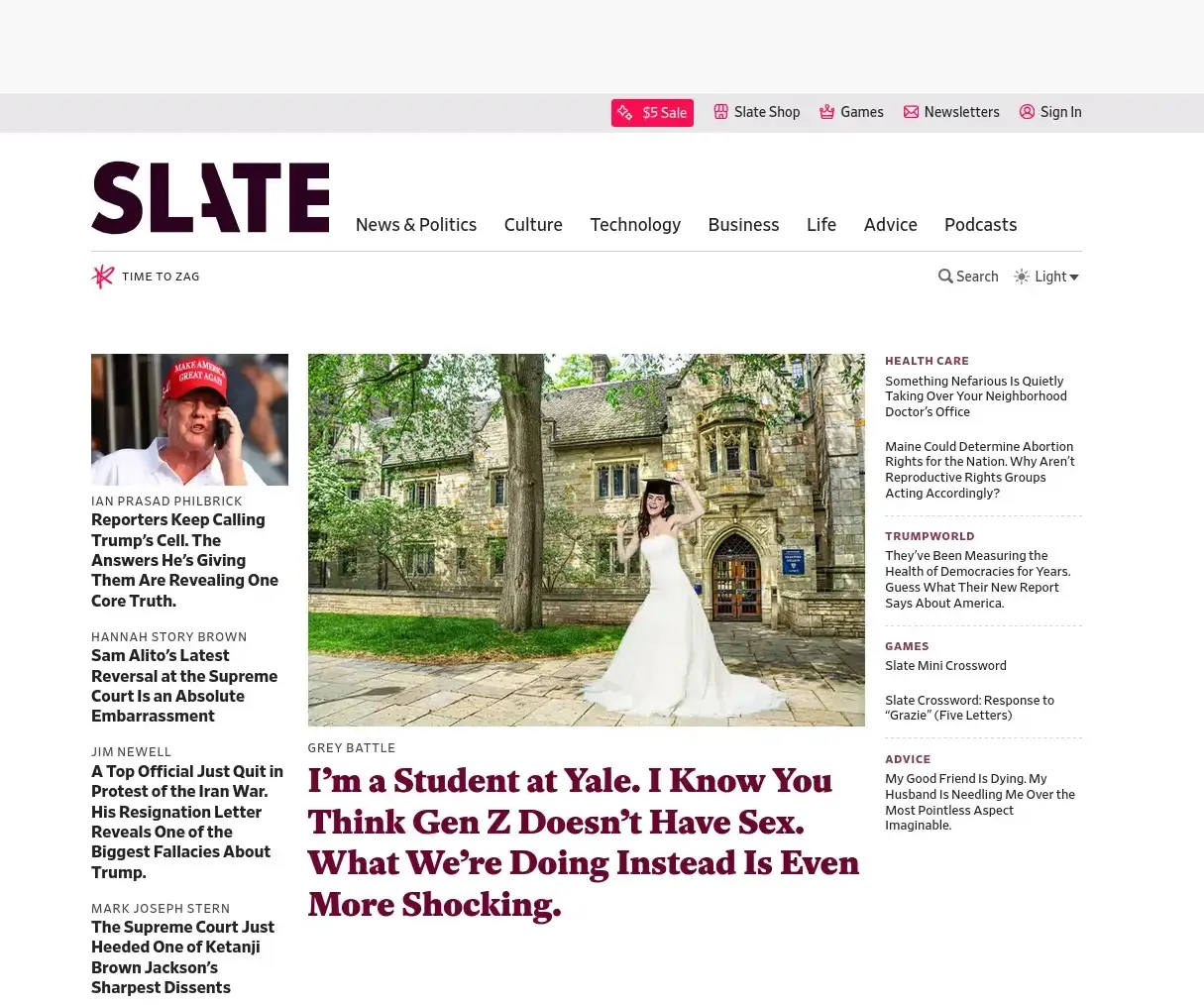
So what I did was I forked shot-scraper to add a syntax to load a Javascript file:
def _evaluate_js(page, javascript):
    try:
        if javascript.startswith("file "):
            path = javascript[5:].strip()  # everything after "file "
            return page.add_script_tag(path=path)
        else:
            return page.evaluate(javascript)
    except Error as error:
        raise click.ClickException(error.message)
And then I just generated a JS file that uses all those selectors to remove elements, and there you go. Kinda hacky, but…
The code lives in the Emacs WordPress library. But somebody should take this idea and integrate it with shot-scraper proper — a switch like --remove-annoyances that just downloads those block lists and uses them would be ideal.
It’s not like this is a panacea, though, because there’s so many other stumbling blocks. Like:
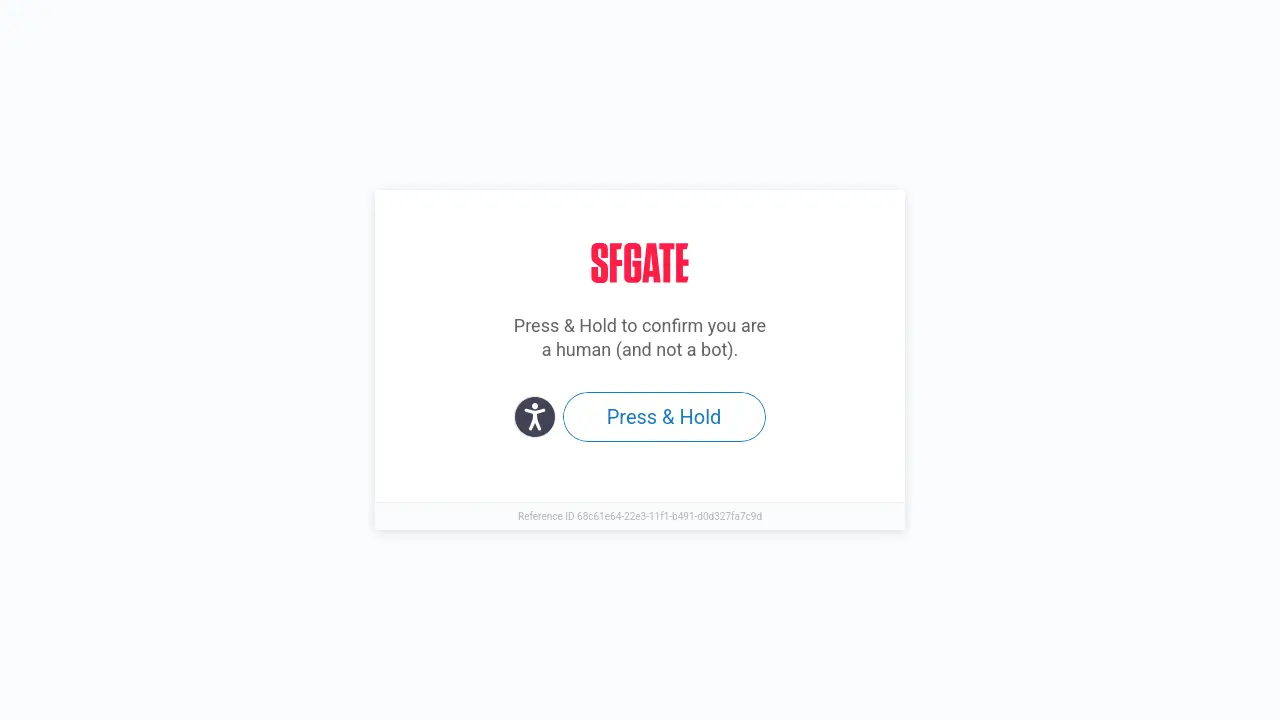
You’d have to work harder to get around those… And:
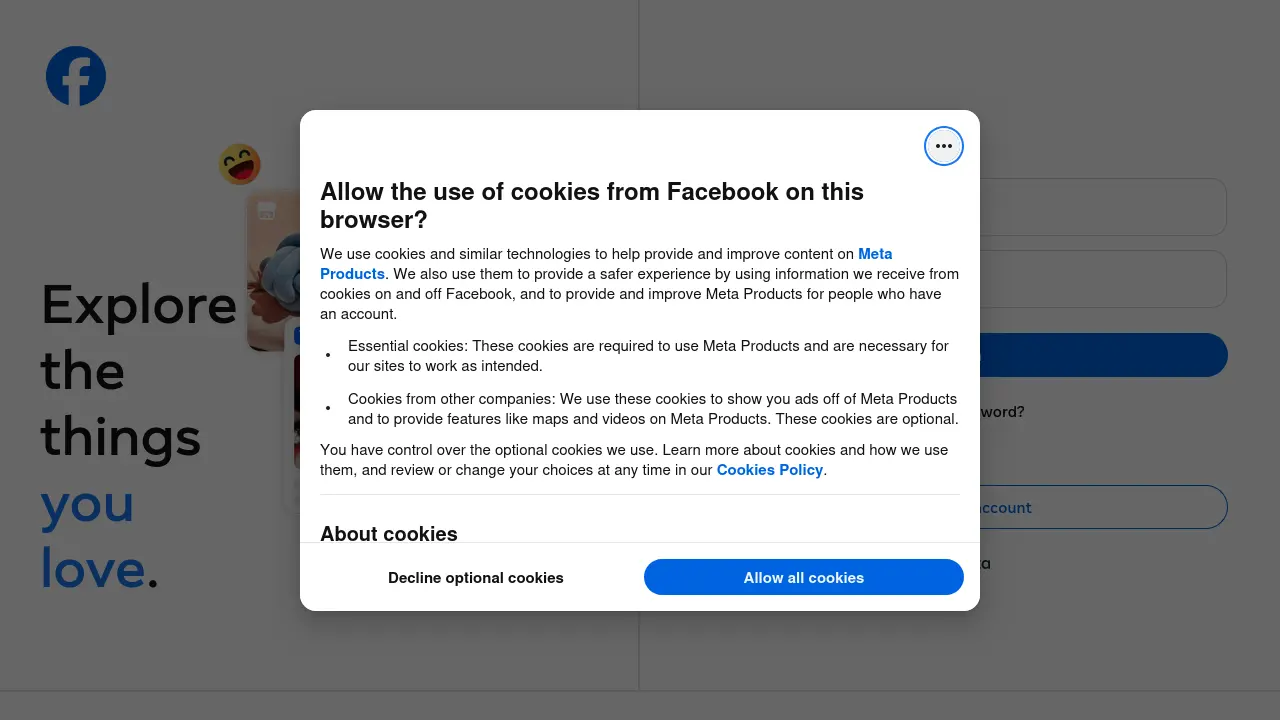
Some sites have so obfuscated HTML that it’s nigh impossible to just remove the offending elements.
But still! While this doesn’t work on all sites, it works on a whole lot of them, so that’s some progress, at least.
Hack off:
Hack on:
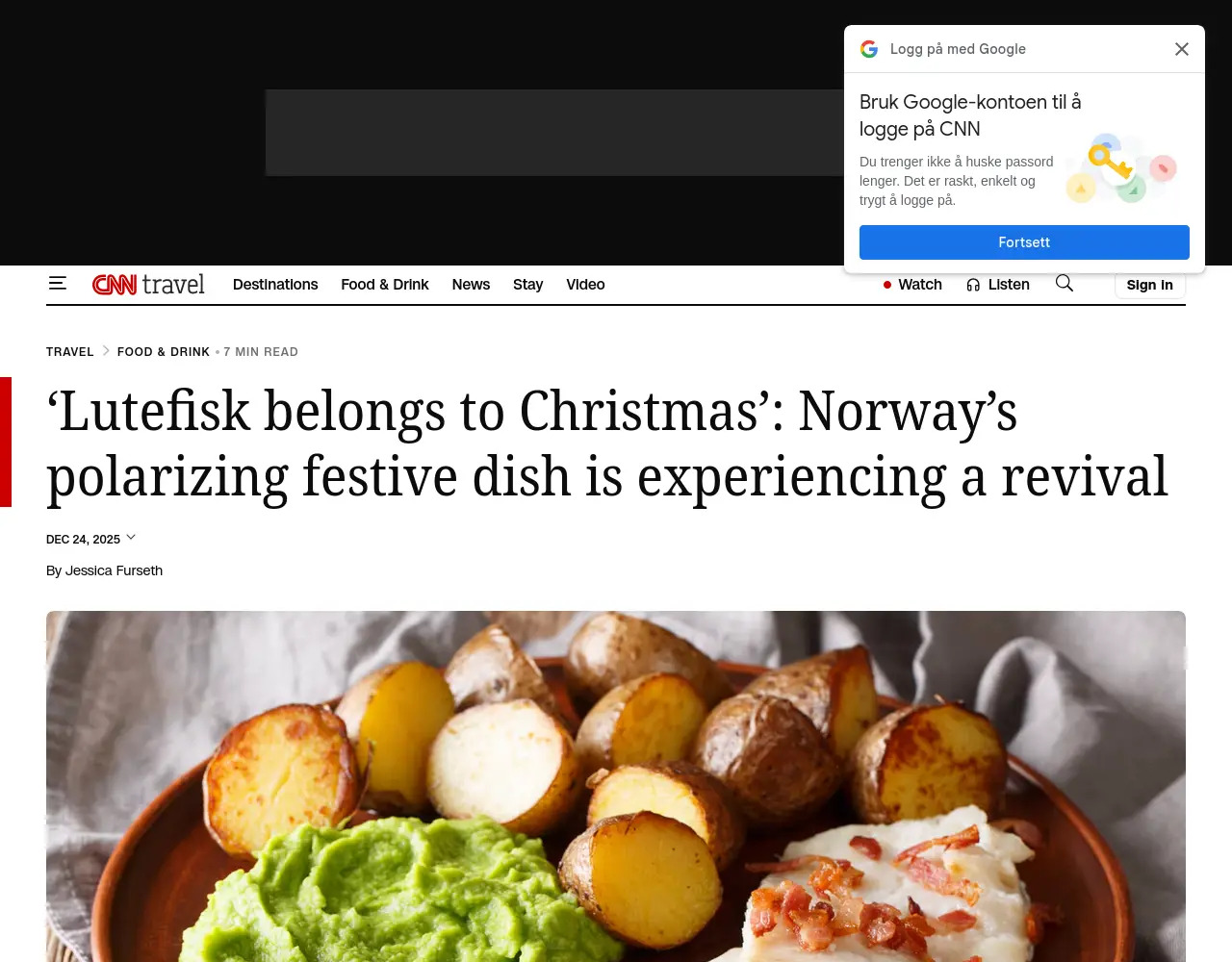
See? Better.