

[This is a blog post that I wrote back in October, but forgot to post. Probably because even I found it to be too boring, but since I wrote it, I guess you have to read it. That’s just fair.]
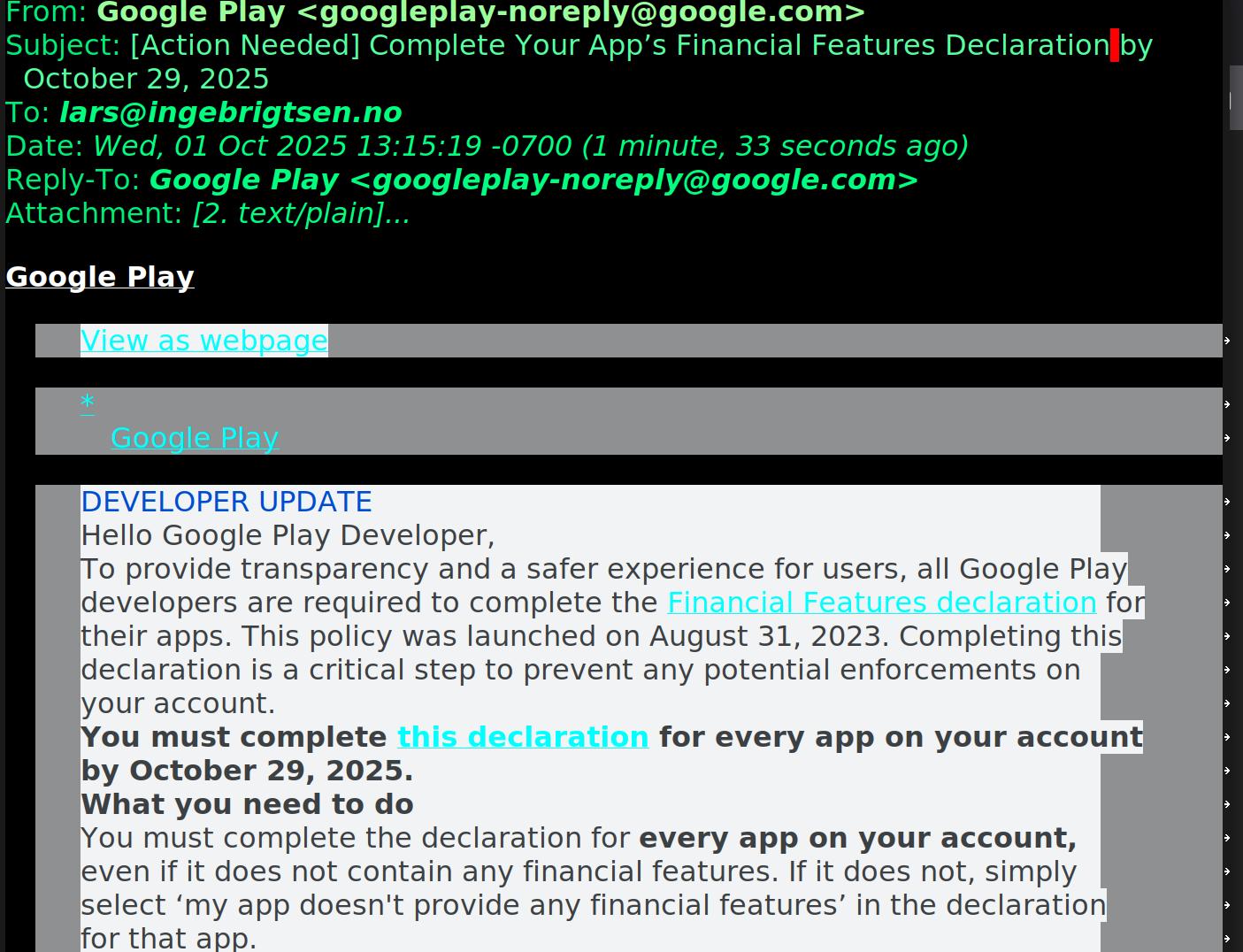
So, like everybody else, I get a lot of scam emails, but it’s just hard to tell legitimate mail from the spam. For instance, this is apparently from Google, but the links are all on the form:

Is that a “safe” URL shortener for Google? There’s a number of phishing campaigns using various URL shorteners, and some are owned by Google and some are not. So… Whois says that “gle” is owned by Google, but… So I never follow those links, and instead log in directly and try to figure out what it is they want me to do:
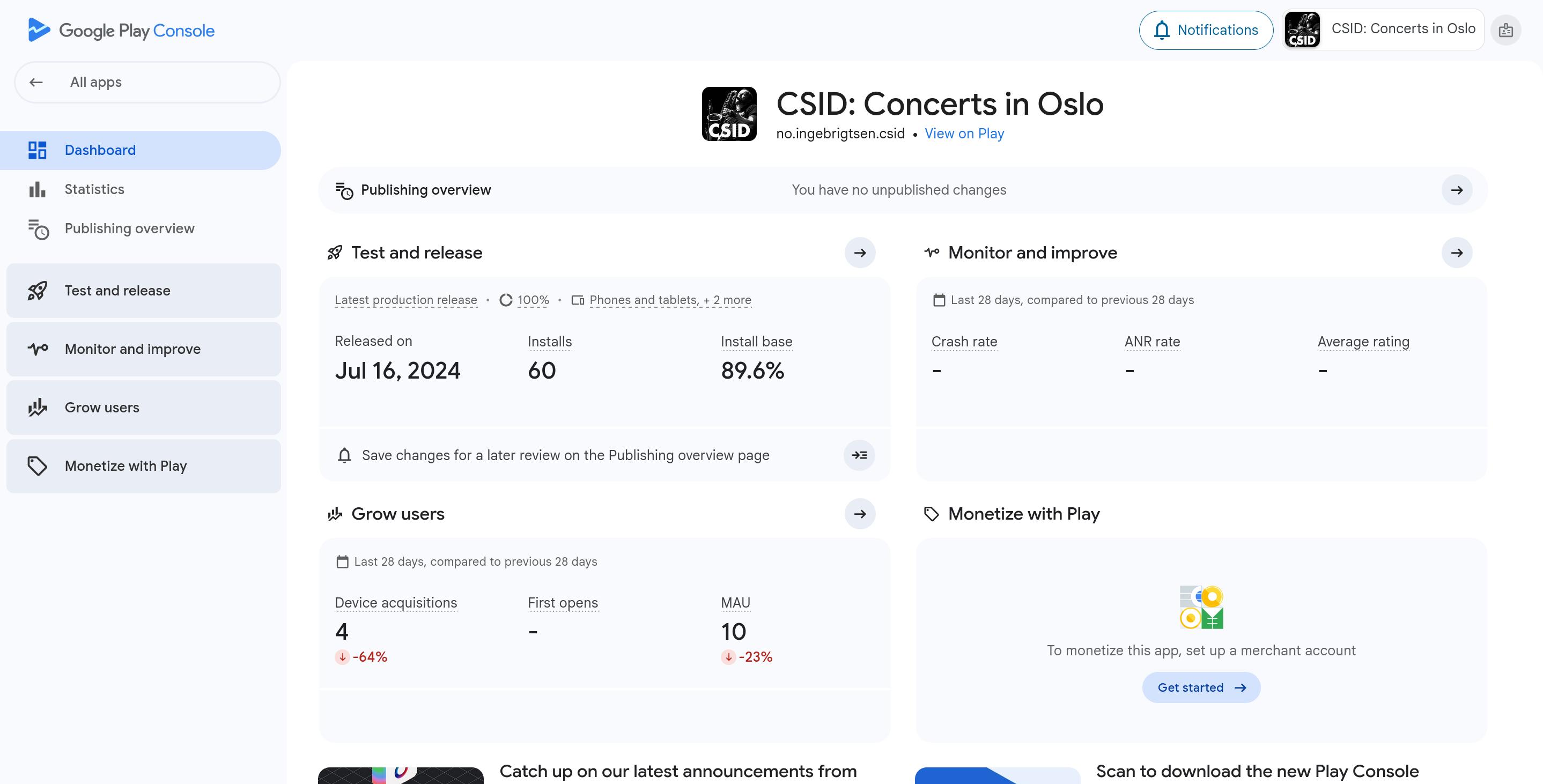
Is there anything here, like a link to “you’ve just been told you have to update something; click here to update?” My ass there is.
And there are a gazillion different pages in the Google Play Console, and they all have submenus, so trying to find the page they’re talking about is impossible.
So instead my workflow since the emergence of LLMs is to ask them to cough up the direct URL or at least say where the menu item is:
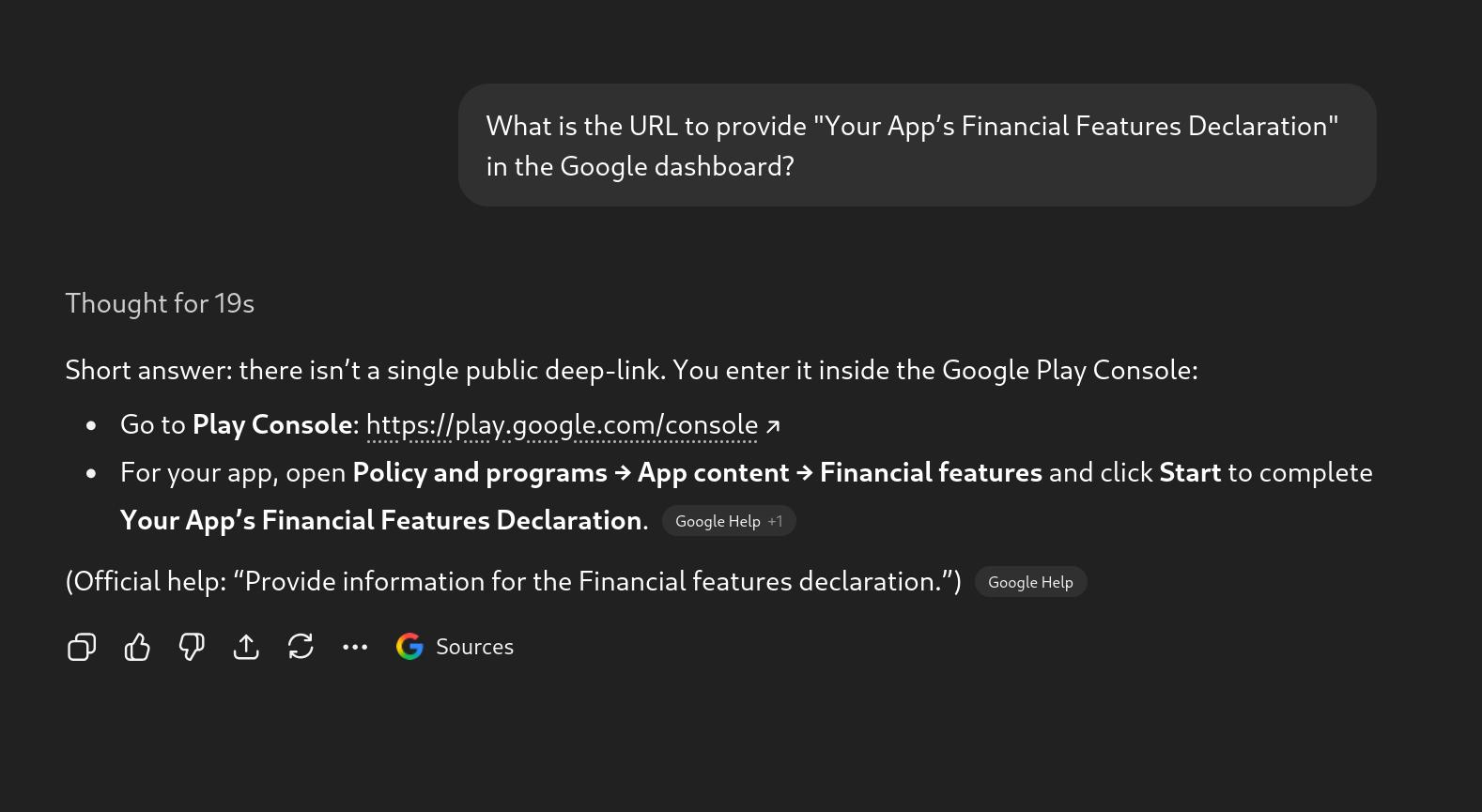
See? Nice!
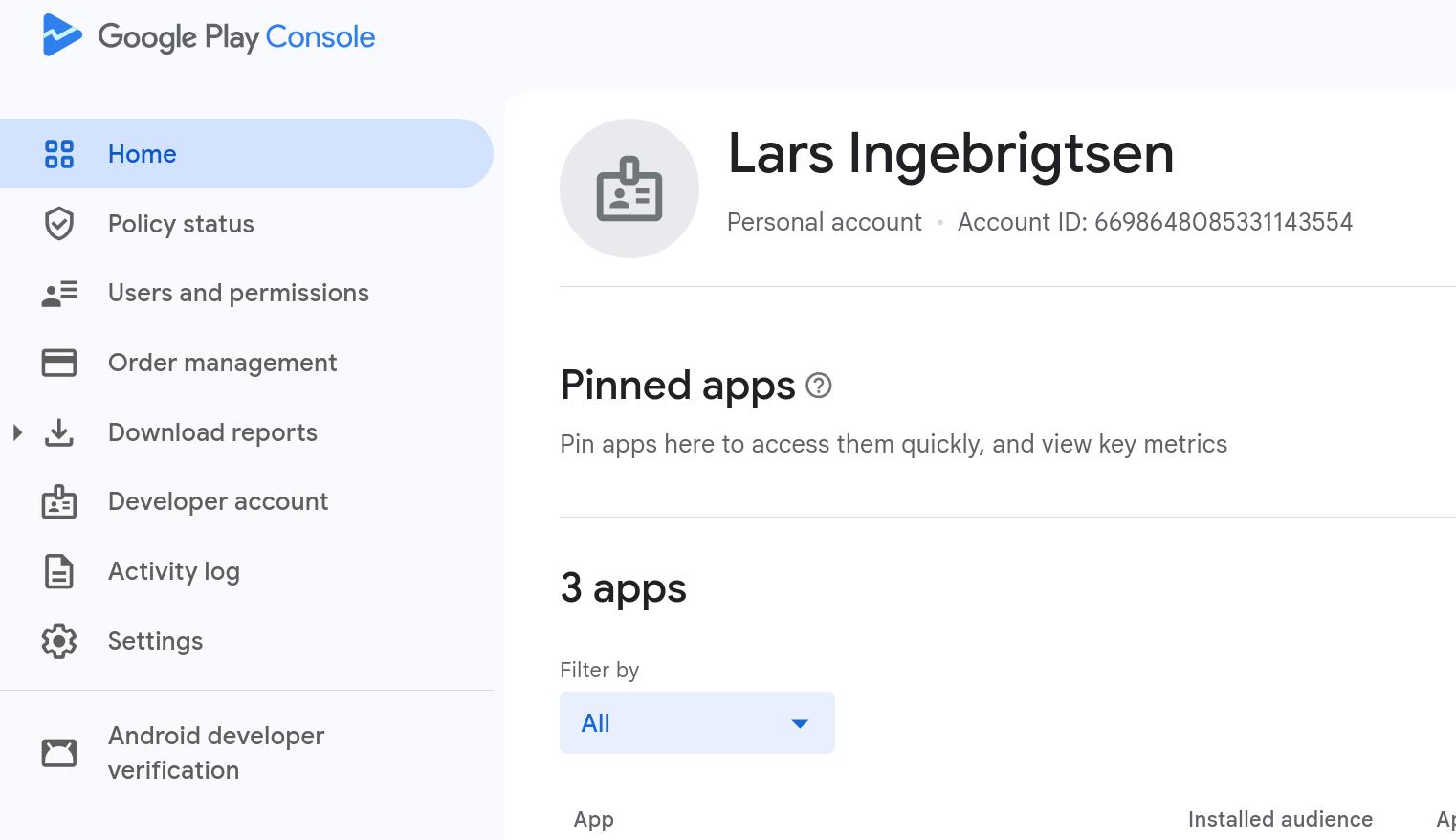
Errr… nothing there..
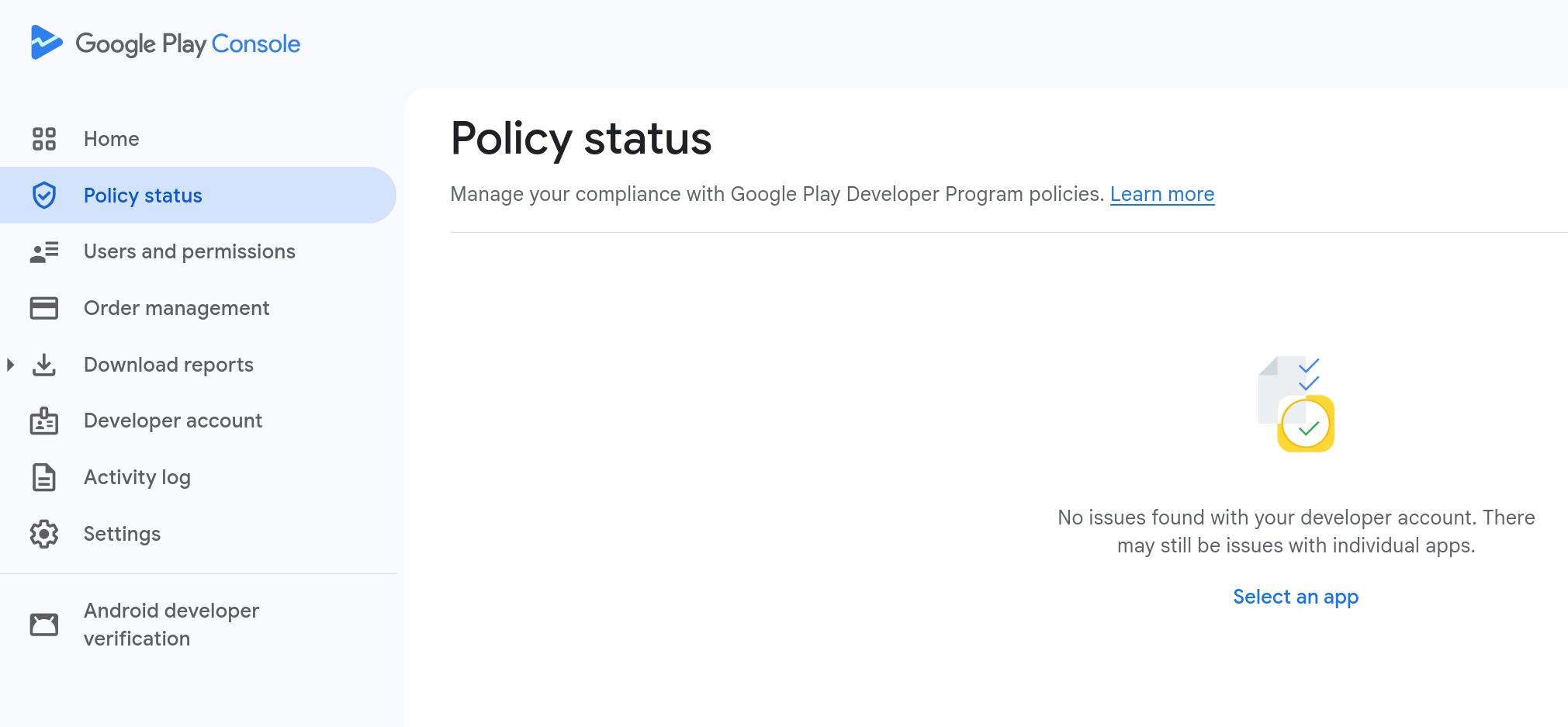
Nope.
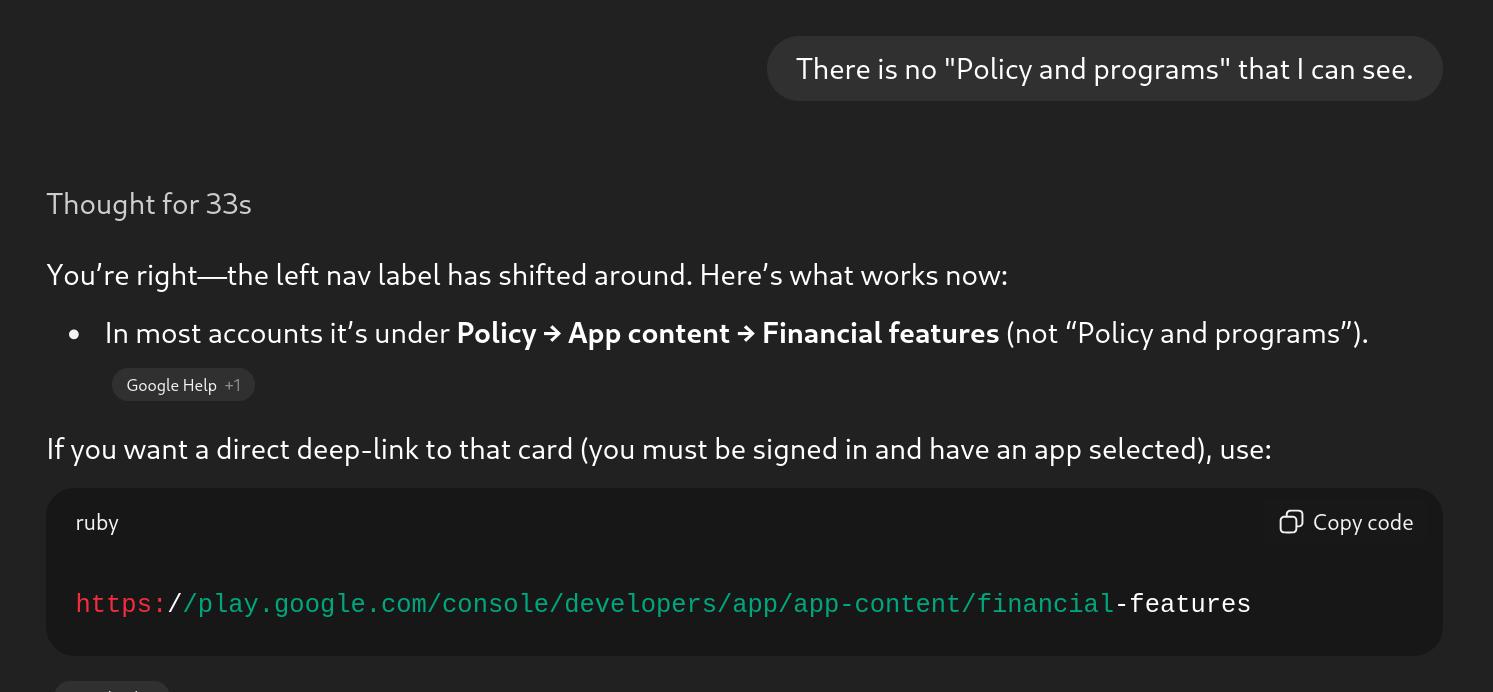
“You’re right”. *sigh*
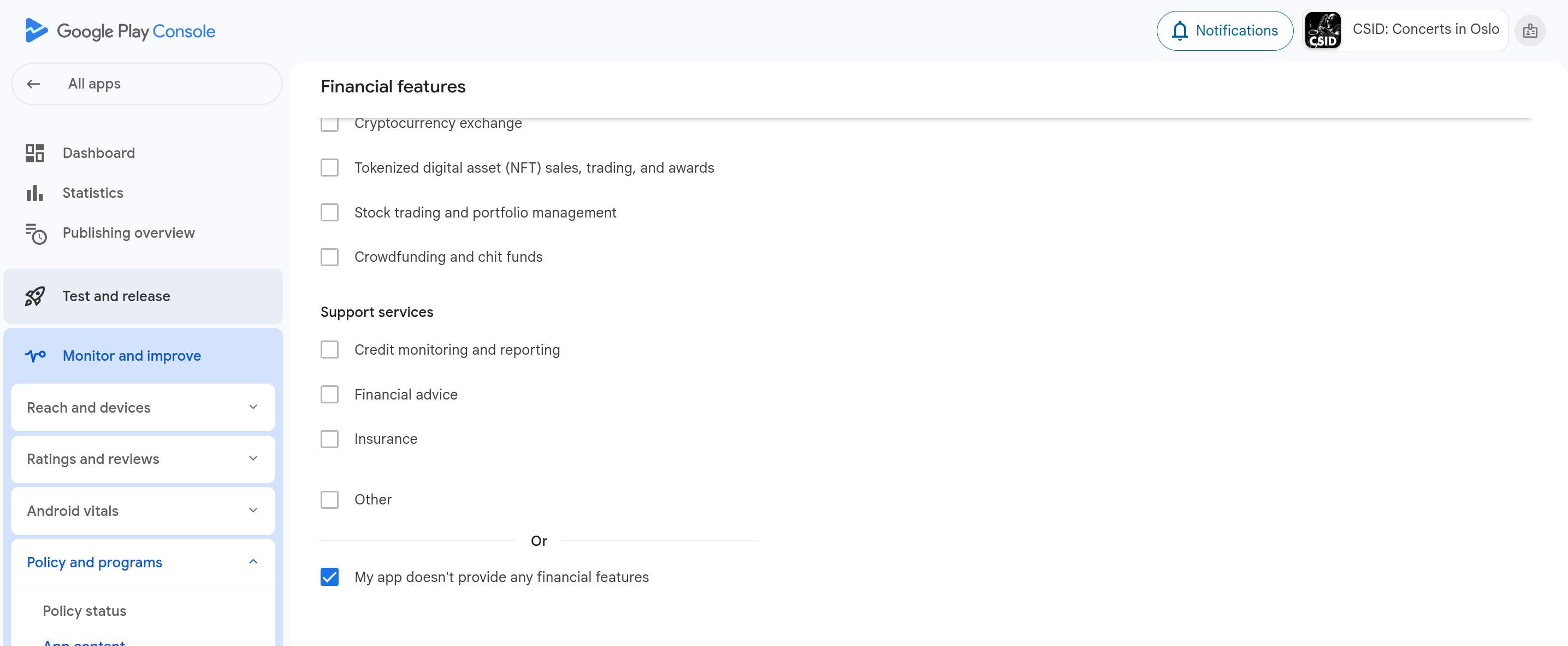
And there it is! Click the thing at the bottom and I’m done. That only took me 15 minutes, and I didn’t have anything better to do anyway, so thank you Google.
In Google’s defence, if I had actually clicked on that “shortened” link, I would have gotten to the same place:
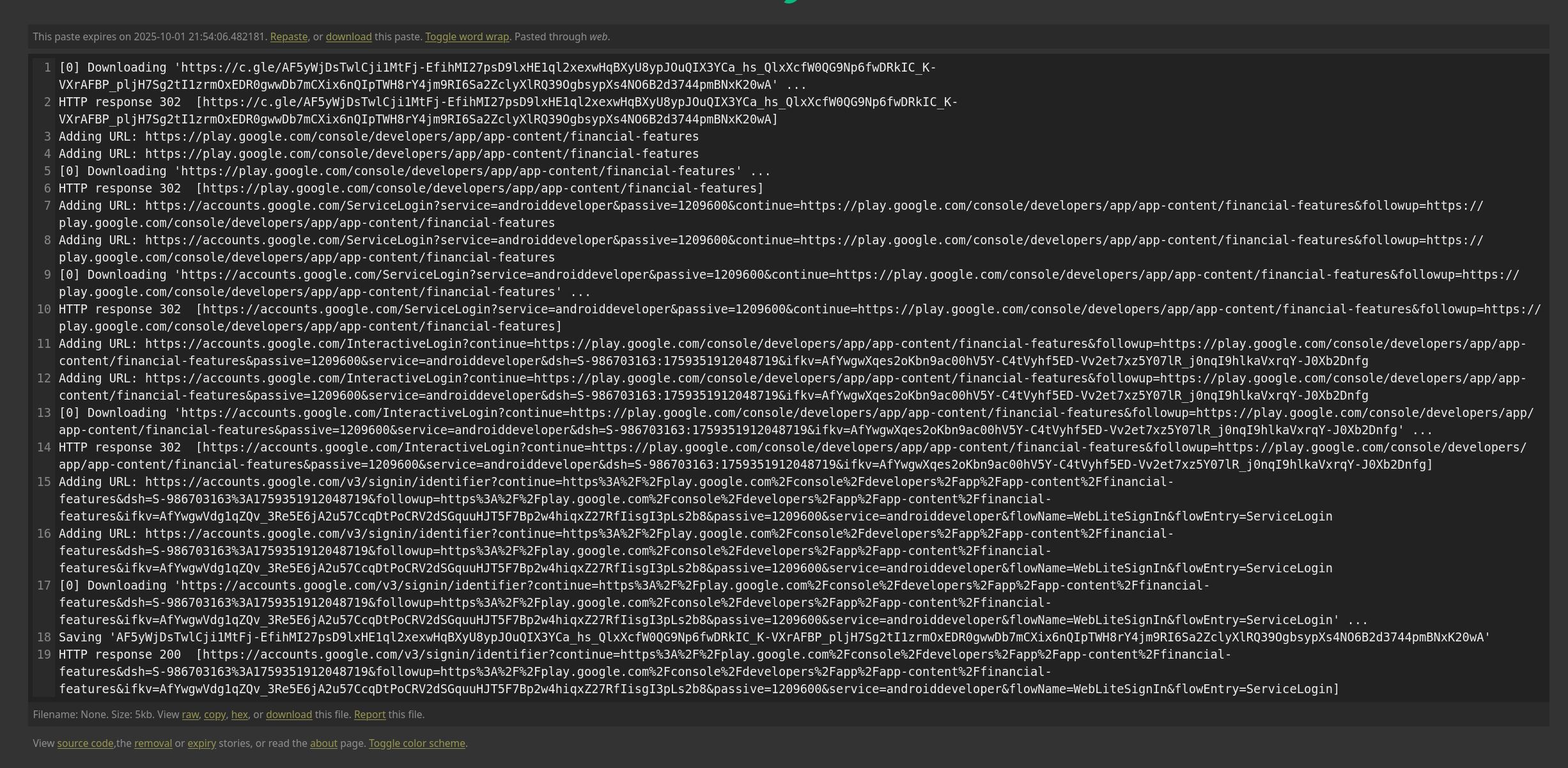
Which is a surprise! These usually just take you to a page in the general vicinity of the page you’re looking for, but this one actually takes you directly to where you want to go.
Just having the actual URL in the email instead of the obfuscated c.gle link would be cheating. I guess Google just wants to teach us to never be paranoid about clicking on weird URLs.