

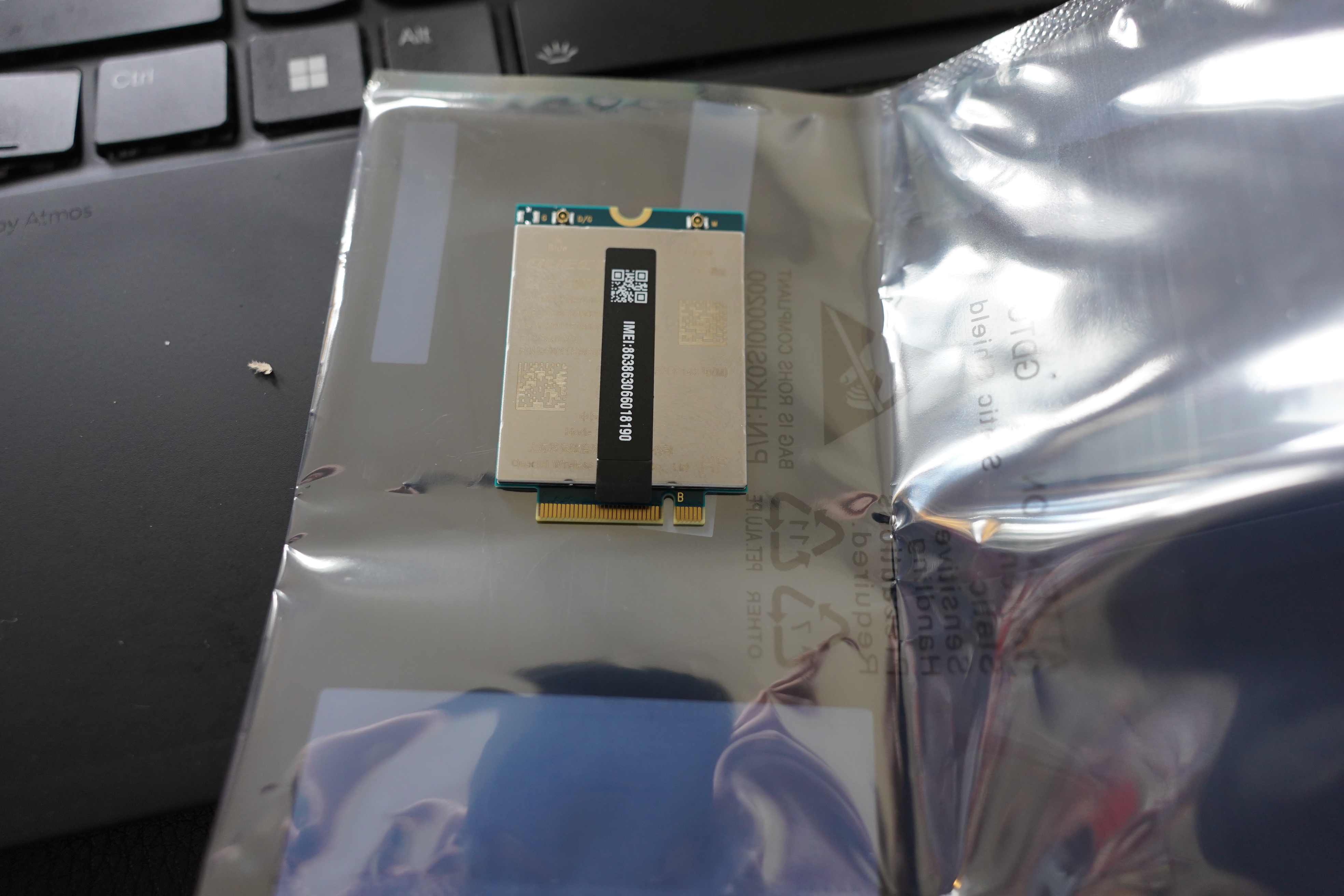
A couple weeks ago, I got a new Lenovo laptop. When I ordered it (three months ago), Lenovo apparently didn’t have any WWAN (i.e., 5G or 4G cellular cards) in stock, so I couldn’t get one with a card preinstalled. But I got it with the harness (antennas and brackets and stuff) so that I could install it myself “easily”.
I checked the Lenovo parts store, and they now listed two WWAN cards. I got the Quectel EM05-CN, because I know that has solid Linux support now. It’s a 4G card — I could have gotten the 5G card, but apparently the Linux support for that one is pretty iffy. It doesn’t really make that much difference, in my experience…
(Whenever I mention having a laptop with built-in 4G, people without such a thing always defensively say “Oh, I just use a hotspot from my phone”. LIKE AN ANIMAL!?!?)
Last week I got it and:
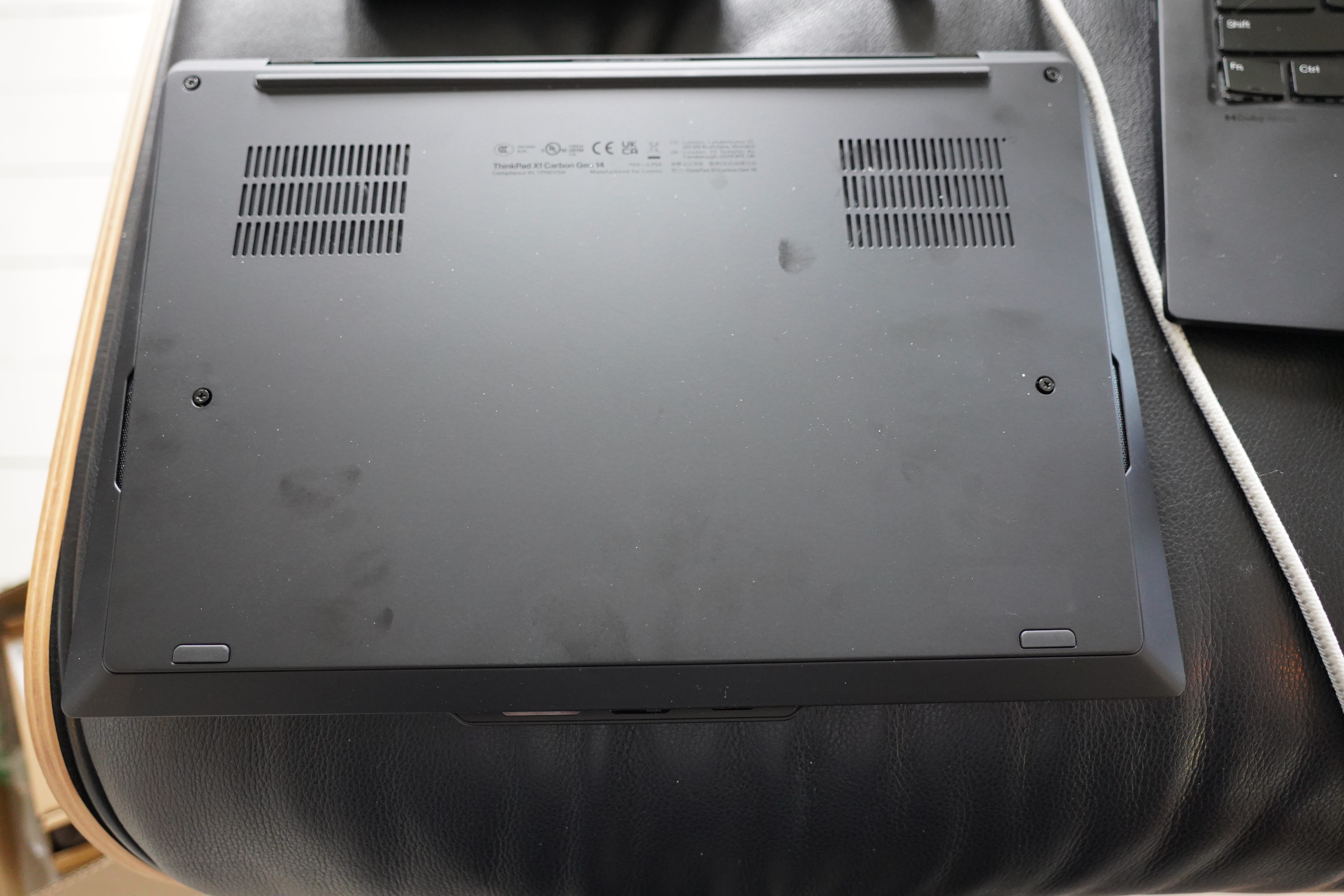
Remove four screws, and pop the bottom off.
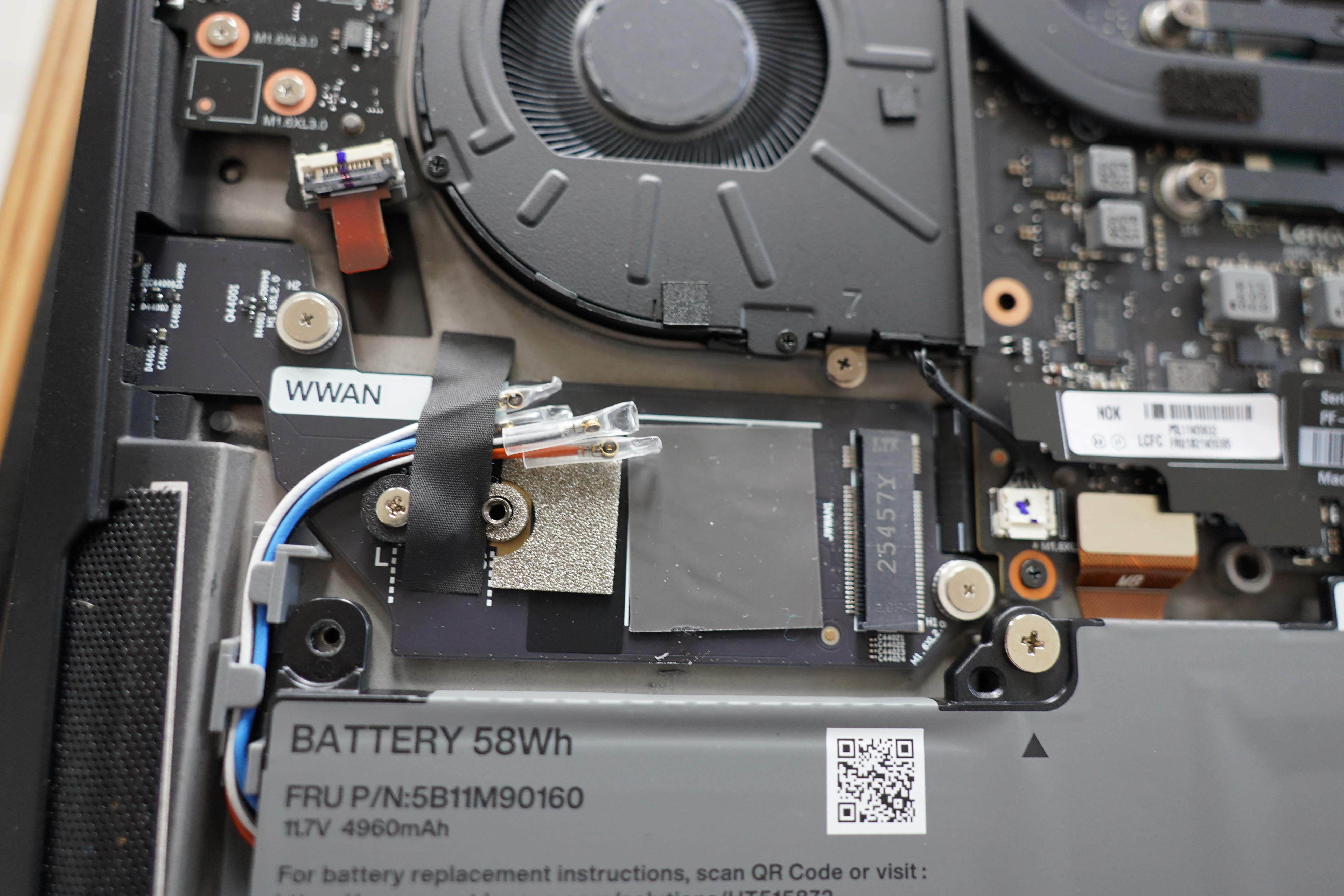
There it is! Four antennas strapped down, and a place to pup the card in. It’s got four antennas — they’re for the 4X4 MIMO thing that 5G uses. 4G uses 2X2 MIMO (sending and receiving simultaneously), so it uses only two antennas.
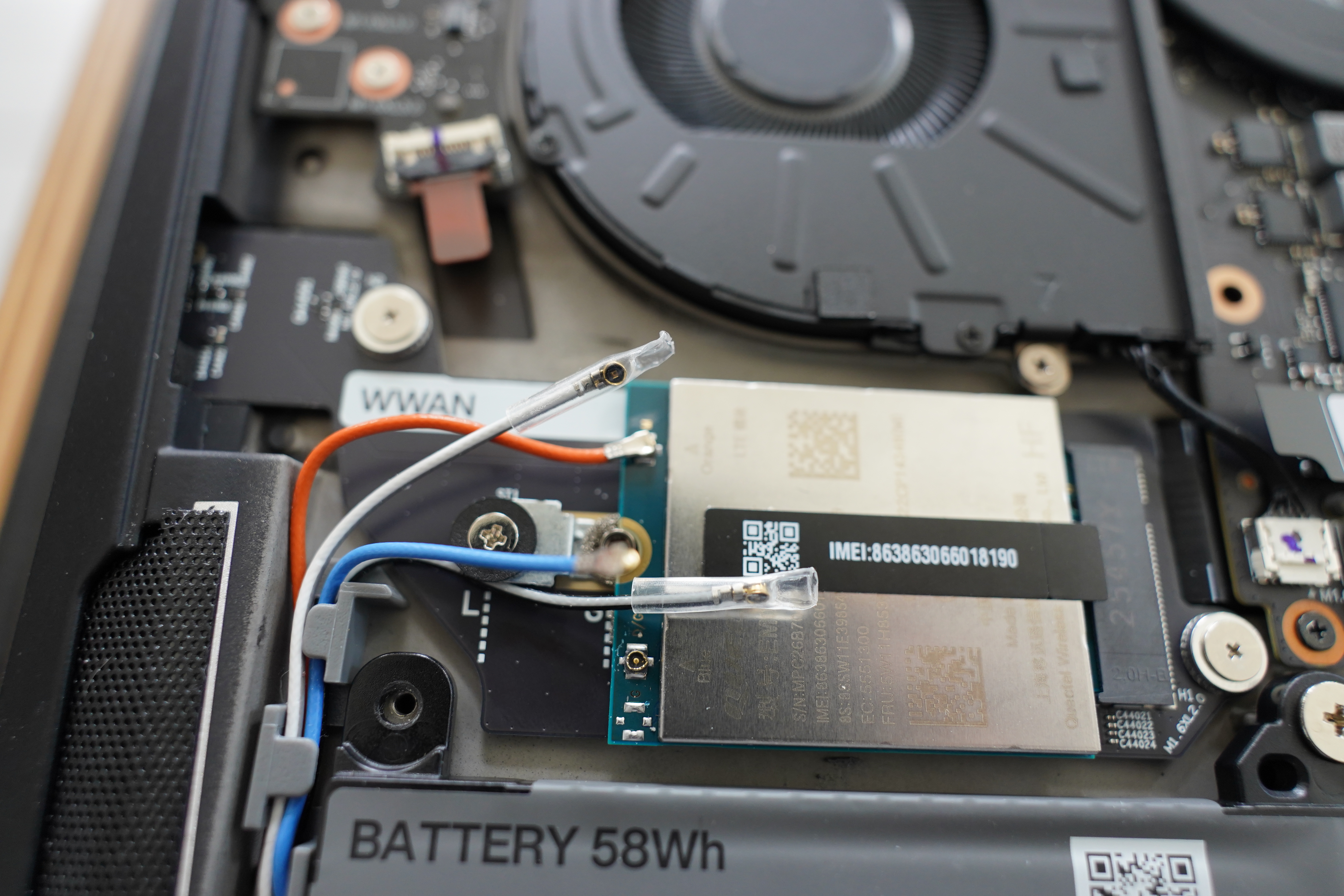
But here’s the problem. Those WWAN antenna connectors! I hate them! I’ve messed around with them before, but I’ve never gotten the knack of getting the antennas properly connected. I somehow managed to get the orange antenna connected, but as much as I tried, I just couldn’t get the blue one on there.
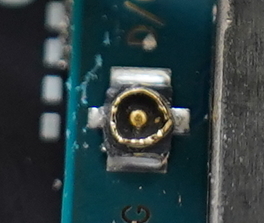
And… I seem to have messed up the connector by using too much force?
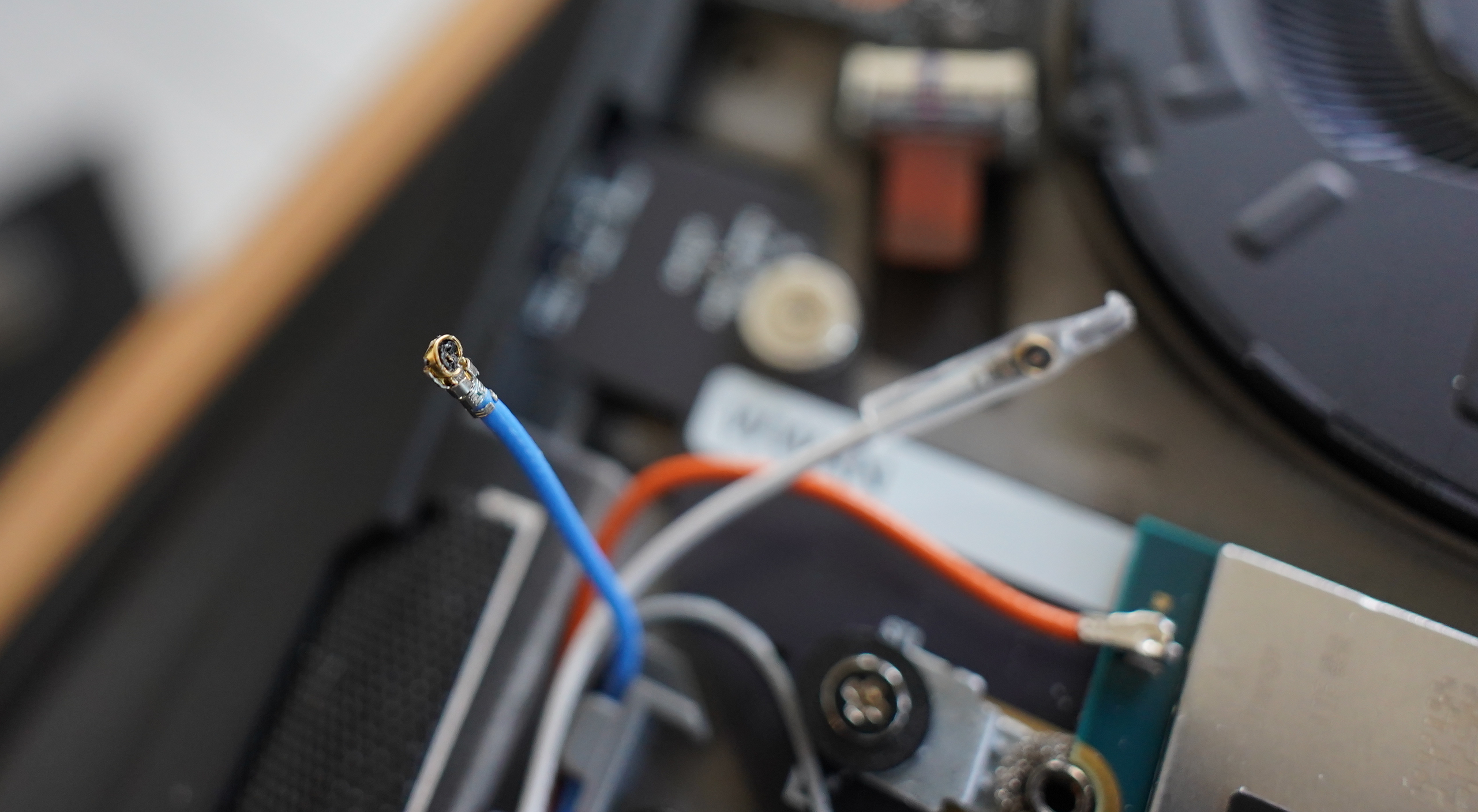
I hate those things! In the end, I destroyed the connector on the blue antenna..
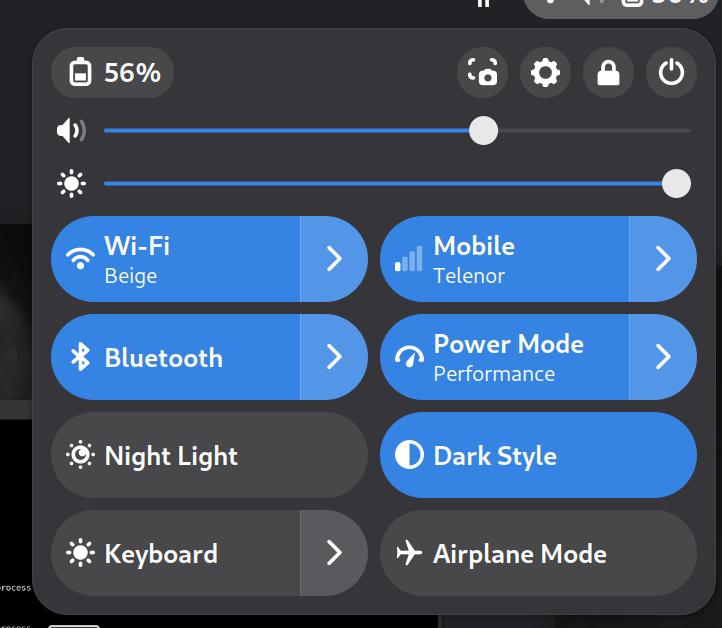
It works, though — Linux detected the card automatically, and I’m getting pretty decent bitrates using the card, so I guess it works with just one antenna, too?
I’m not quite sure whether I should futz around with this any more. I could use one of the two remaining antennas that still have a connector instead of the blue one, but I think I’ve messed up the connector on the card. So I could get a new card? But…
Is there a trick to getting those connectors to er connect without using ALL THE FORCE!?
I don’t even know what those connectors are called… Let’s see… “U.FL”?!
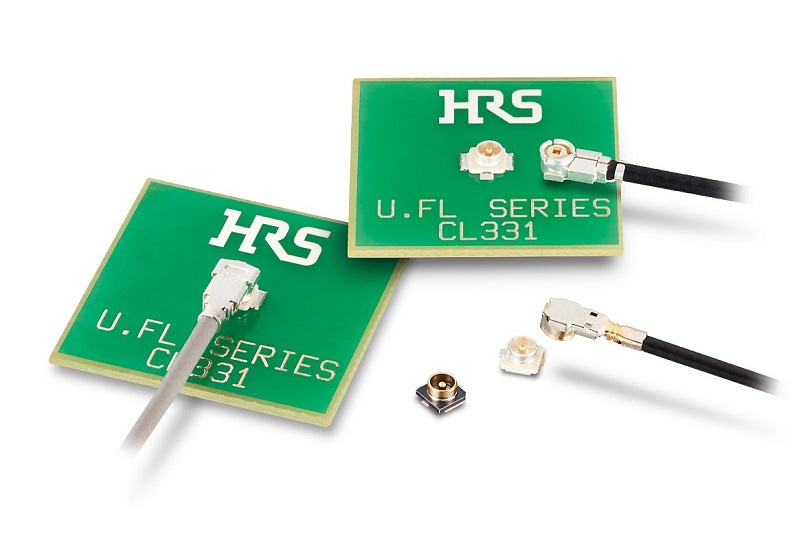
Yeah, that looks right.
https://www.youtube.com/watch?v=HbBDx2X7x0wMany confusingly-similar looking connectors are called U.FL. The same or compatible connectors can also confusingly have multiple names, coming from different vendors or being transcribed differently.
Oh, there’s a tool?
https://www.youtube.com/watch?v=KywvK9xhVr8Oh, he does it with just a finger. Hm.
https://www.youtube.com/watch?v=fgMCGgSMIRg“Here’s how the pros do it.” OK, that was actually very helpful… he uses a nail to seat it.
Hm… but should I get a new card or should I try to get one of the remaining antennas to use the possibly messed-up card socket? Decisions, decisions.
(I could also do some soldering, but I’d prefer not to. Or… would that change the impedance or something? I kNoW nOtHiNg.)