

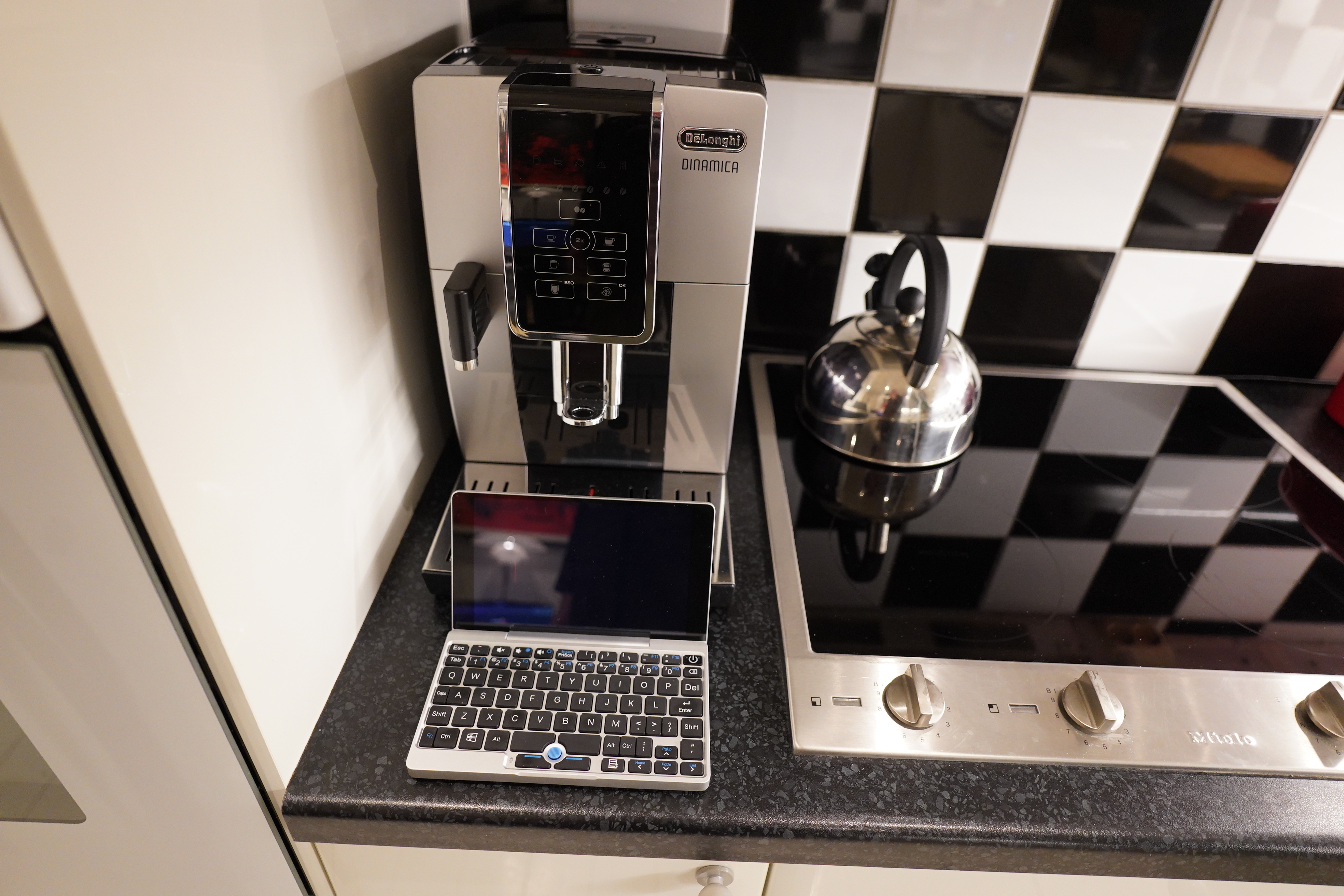
Since the beginning of time, man has yearned for a way to avoid forgetting what she was going to shop.
I still haven’t found what I’m looking for, but I had an idea yesterday while cooking some fish. But first, let me enumerate the shopping list ideas that don’t quite work for me:
- Have a shopping list on paper, including a pen, tagged to the wall somewhere. This is definitely the classic, and works well for many people — and for people who like to go shopping themselves (instead of having things delivered), it’s ideal, I guess. But I hate writing things by hand — I often can’t read what I’ve written, anyway. And I’m lazy, so I want things delivered, and I don’t want to collect the hand-written list at intervals and then re-type them into my computer.
- Using a voice-activated assistant — this is definitely the new standard, but I really hate the idea of having Google/Apple/Whatever surveilling my kitchen.
- I’m guessing the most popular option these days it to just type it into a note-taking app on your phone. But that requires me carrying the phone all the time (I usually put it on a desk in the hall or somewhere). And besides, even if I did have it in my pocket, it would require med to take it out of the pocket, unlock, find the app, and then thumb the thing in. And then re-enter it into the shopping web page. See (1).
- Or open the shop’s web page/app, and type in the thing there. No retyping, but even more clicking around.
- Using a phone dictation app is something people do. But see (3), and then I’d say “sour cream no sour no sour cream no sour cream” and then put the phone away. And then this would end up in a document somewhere and require me to re-enter it into the shopping website. See (1).
I want something that requires as few context shifts as possible — if I’m cooking something and I’m then reminded of something I should be buying, I want to just do something that takes less than five seconds to do. That way I don’t lose track of what I was doing in the first place. (1) is definitely the closest to this, with (2) a close second. But having ruled out those two, and the phone-based ones being excluded for other reasons, then what?
This is why I’ve been starving for decades, because I just can’t remember what I was going to shop.
So now that I know what I don’t want, what would be my ideal shopping list input thing?
- I want to be able to input something fast, without thinking about it.
- I want the results of this to appear on my laptop — it should open a shopping web page with whatever I typed as the search item, so I can add the item into an ever-growing cart. But it definitely shouldn’t shop automatically or anything.
- It shouldn’t be too ugly.
And… that’s my requirements, really.
So what are my options here? Well, a little box with a Raspberry Pi inside, and a button and a microphone on the outside would work. I could install Whisper or something. It could live on the counter top, and I could hit the button, say “sour cream”, and that’d be it. Then it could talk to my laptop and open the web page in the background. I think that’s a possibility, but it sounds like work.
But… what about a keyboard?
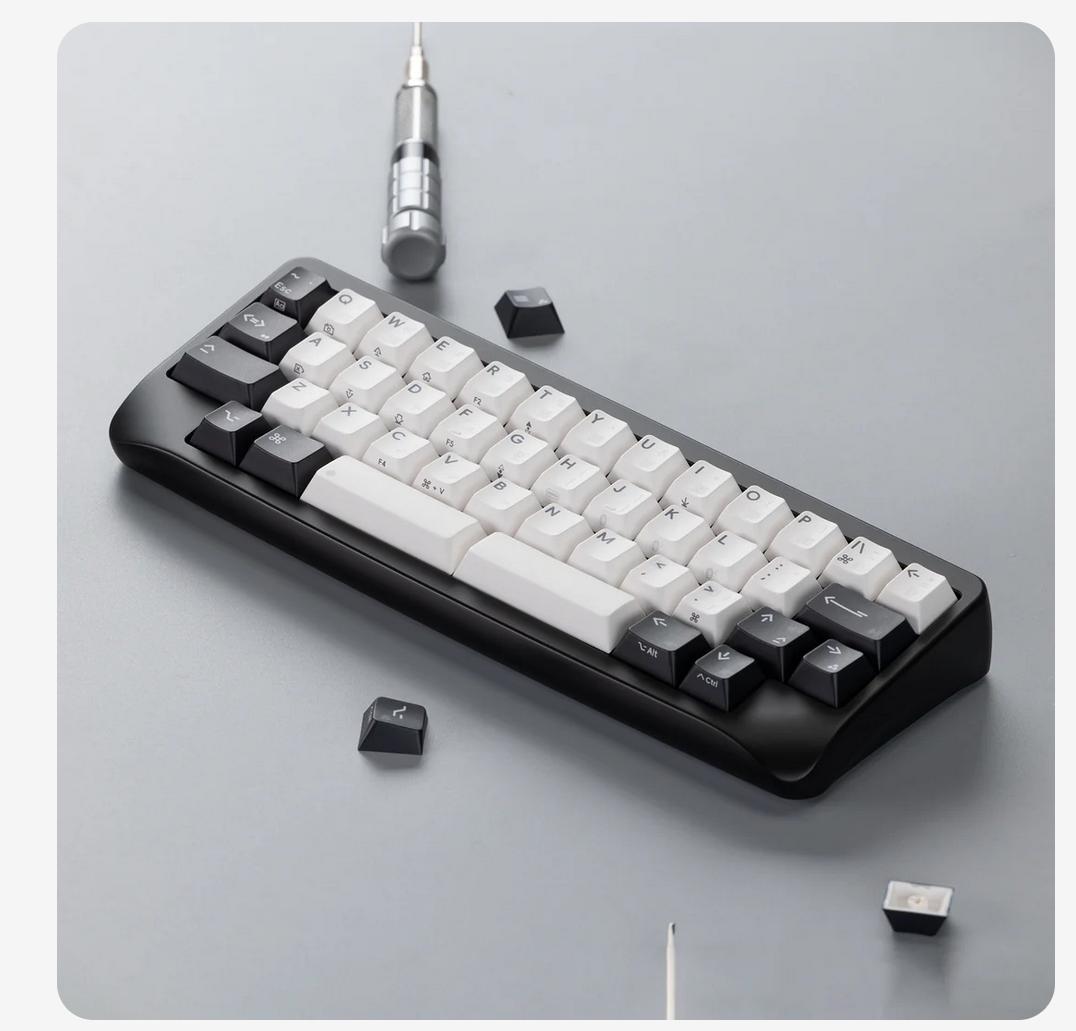
I don’t need a screen — just a li’l keyboard that sits on the counter, and I type “sour cream RET” and then the rest happens in the background. It doesn’t really matter whether I mistype or not, so I don’t need a screen to see what I typed, really.
I don’t really need a keyboard as full as that, either — I just need a keyboard with A-Z, SPC and RET, really.
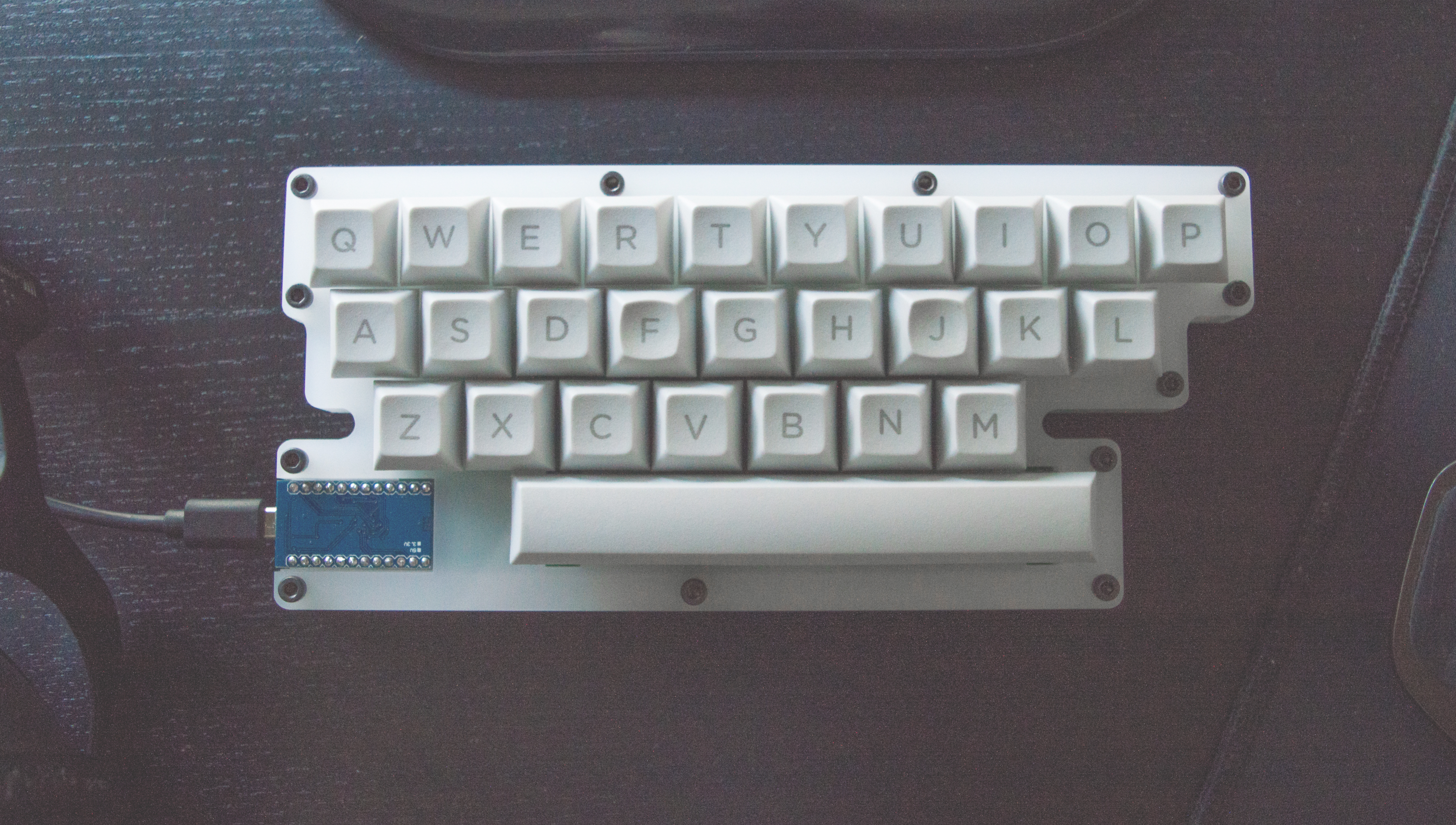
But that doesn’t really seem to exist — you have to build it yourself, and I’m too lazy to do that.
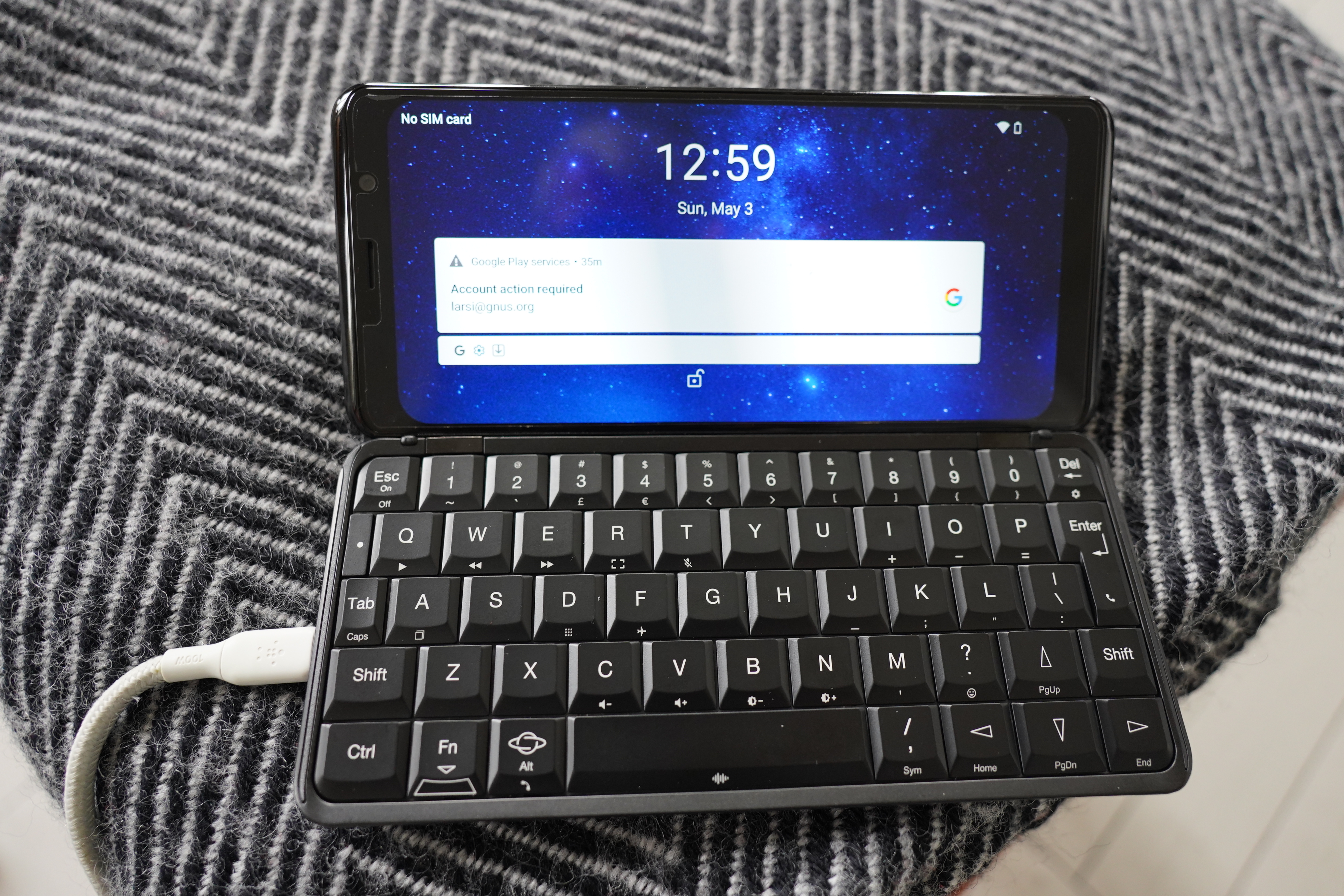
On the other hand, over the years, I’ve bought a lot of “keyboard phones” that I’ve never actually used, like this… er… Astro Slide? It’s got Android installed now, but I can put Linux on it. It does have a screen, though.
There are, of course, many, many micro keyboards that might work:
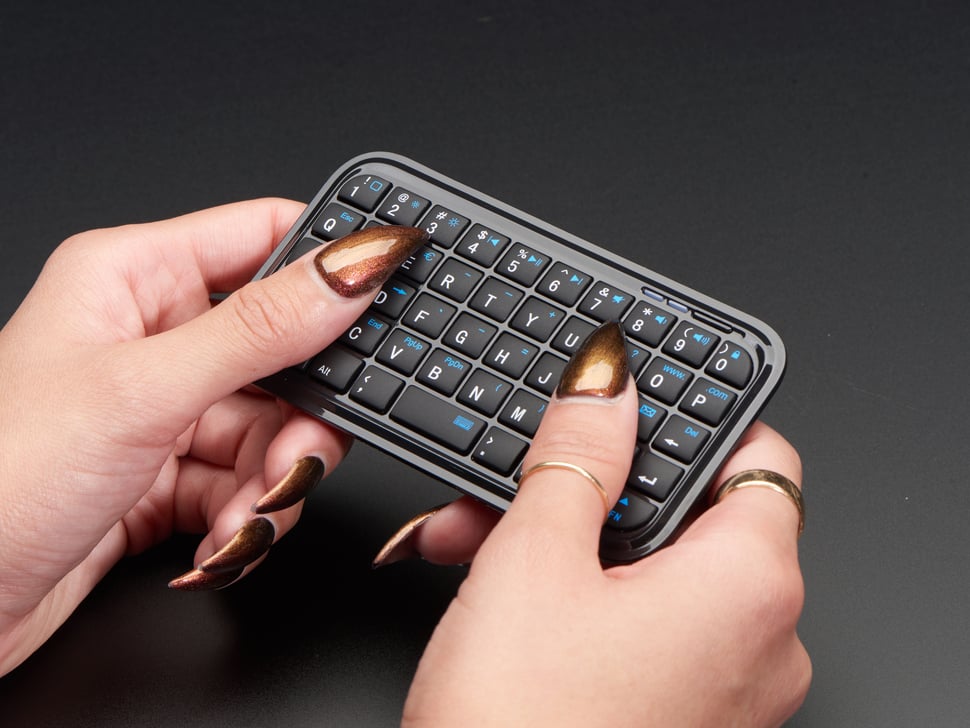
But these normally require you to pick them up and then thumb away. (And besides, I don’t have nails like that, so I guess it wouldn’t work.)
So if I’m going the keyboard route, I need it to be big enough that I can type away at it without picking the thing up. I mean, you can type on the thing above without picking it up — but it’s just annoying.
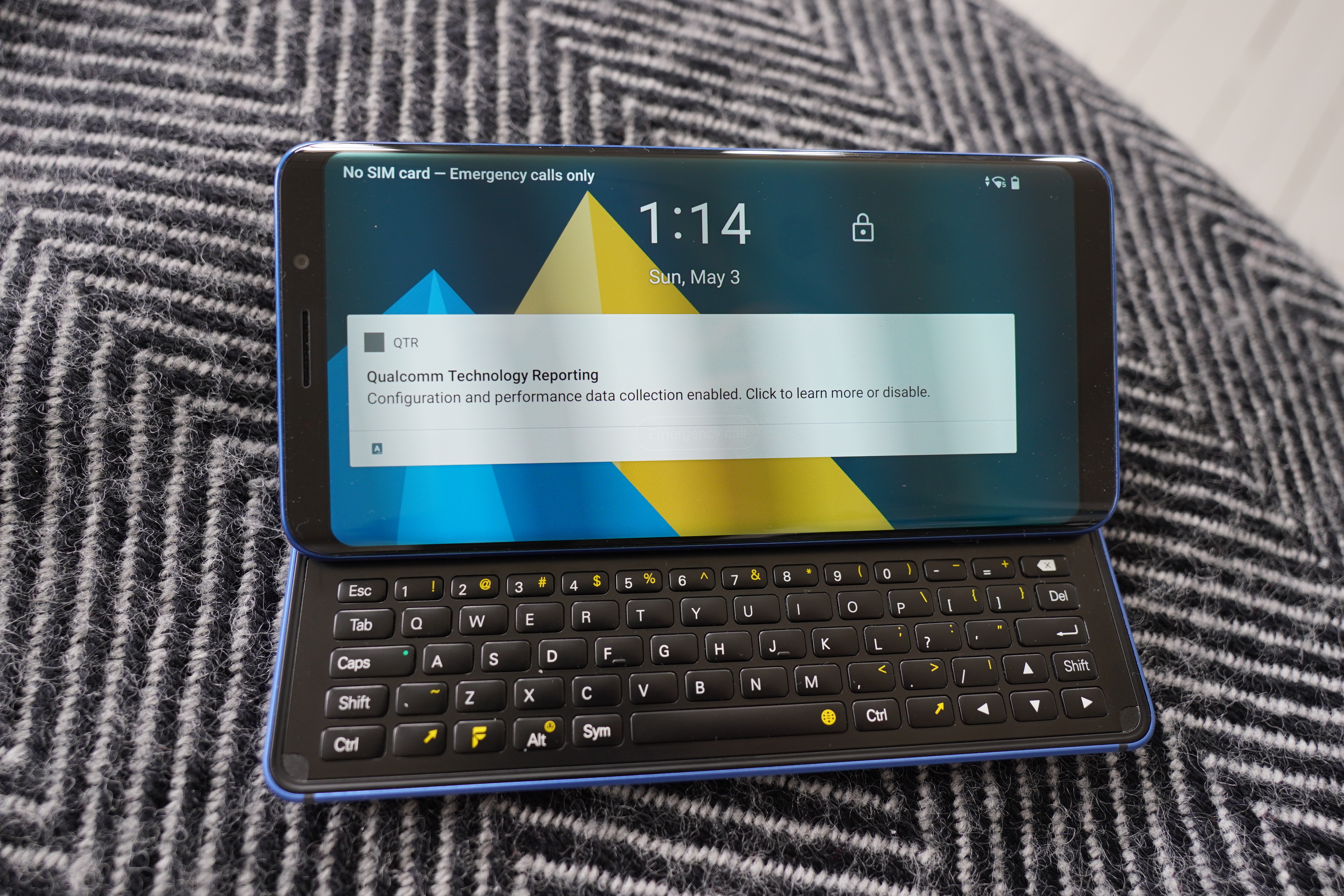
I’ve also got an Pro1-X from XDA, which is a more proper phone format. It looks pretty good, but they keyboard is more for thumbing than typing.
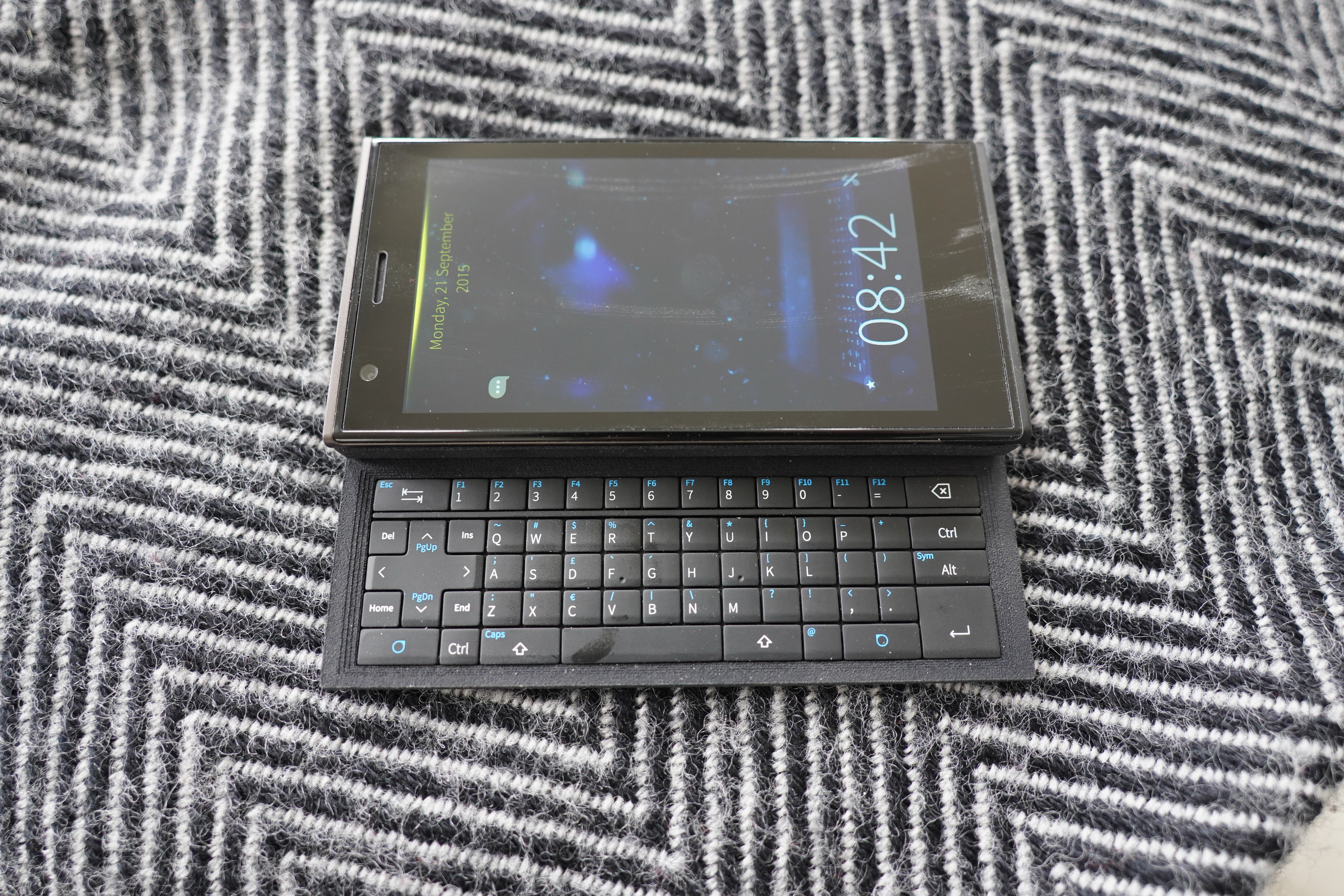
I’ve got a first generation (I think) Jolla phone. This has the same problem as the ProX-1 — the keyboard is just too small. And in addition, it really sucks — it loses about a sixth of the key presses, so it’s more a novelty item than an actual device.
OK, let’s give the Astro Slide a go… it’s not like I’m going to use it for something else.
First of all, I want to install Linux on it. That requires firmware and a Micro-SD card? Okidoke; I’ve got an Micro-SD card.
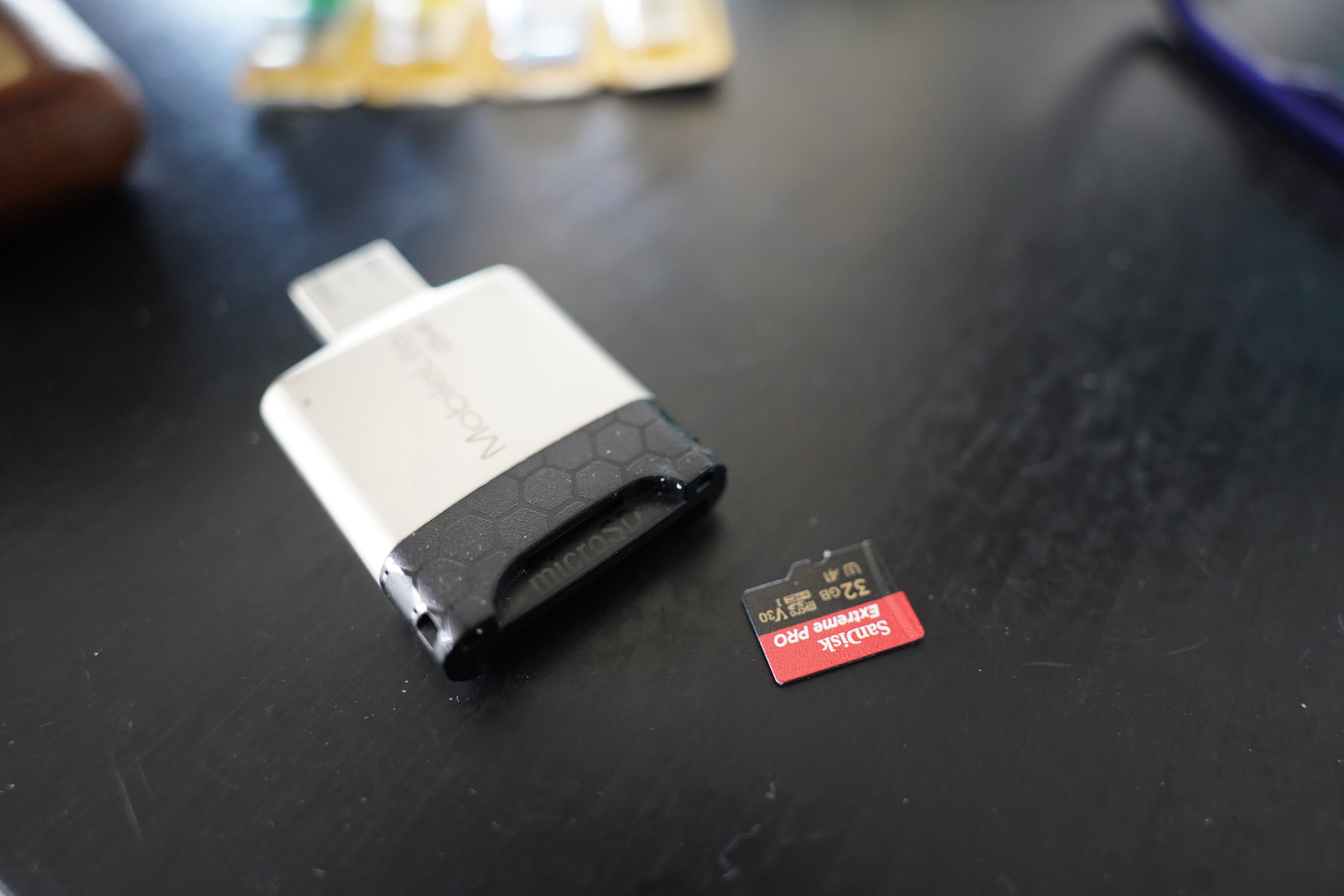
And here’s how you install the firmware on the card:
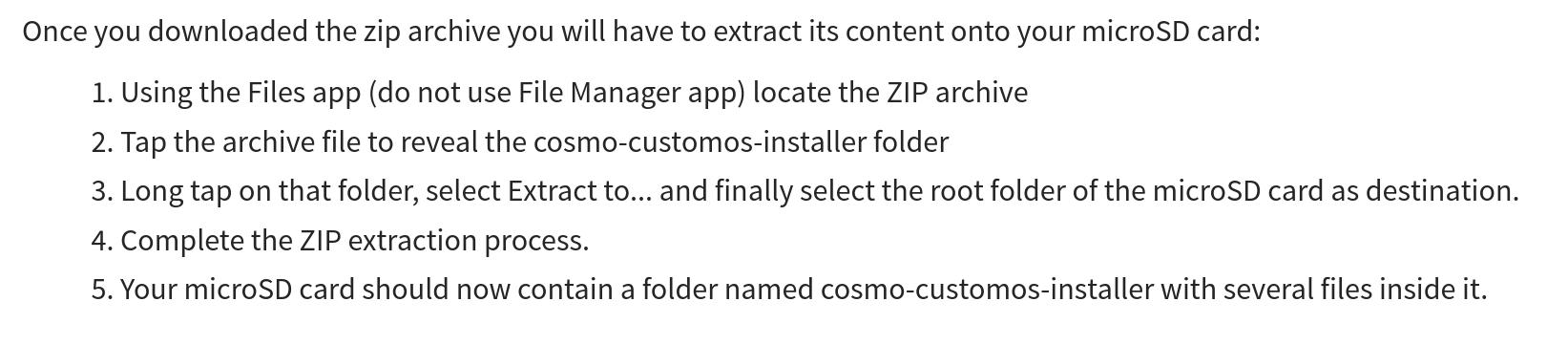
I think what they’re trying to express is “unpack the zip file onto the card”, but that’s a whole procedure they’ve got there. I wonder whether the advent of LLMs and agents is going to change instructions like that? To make the instructions more LLM friendly?
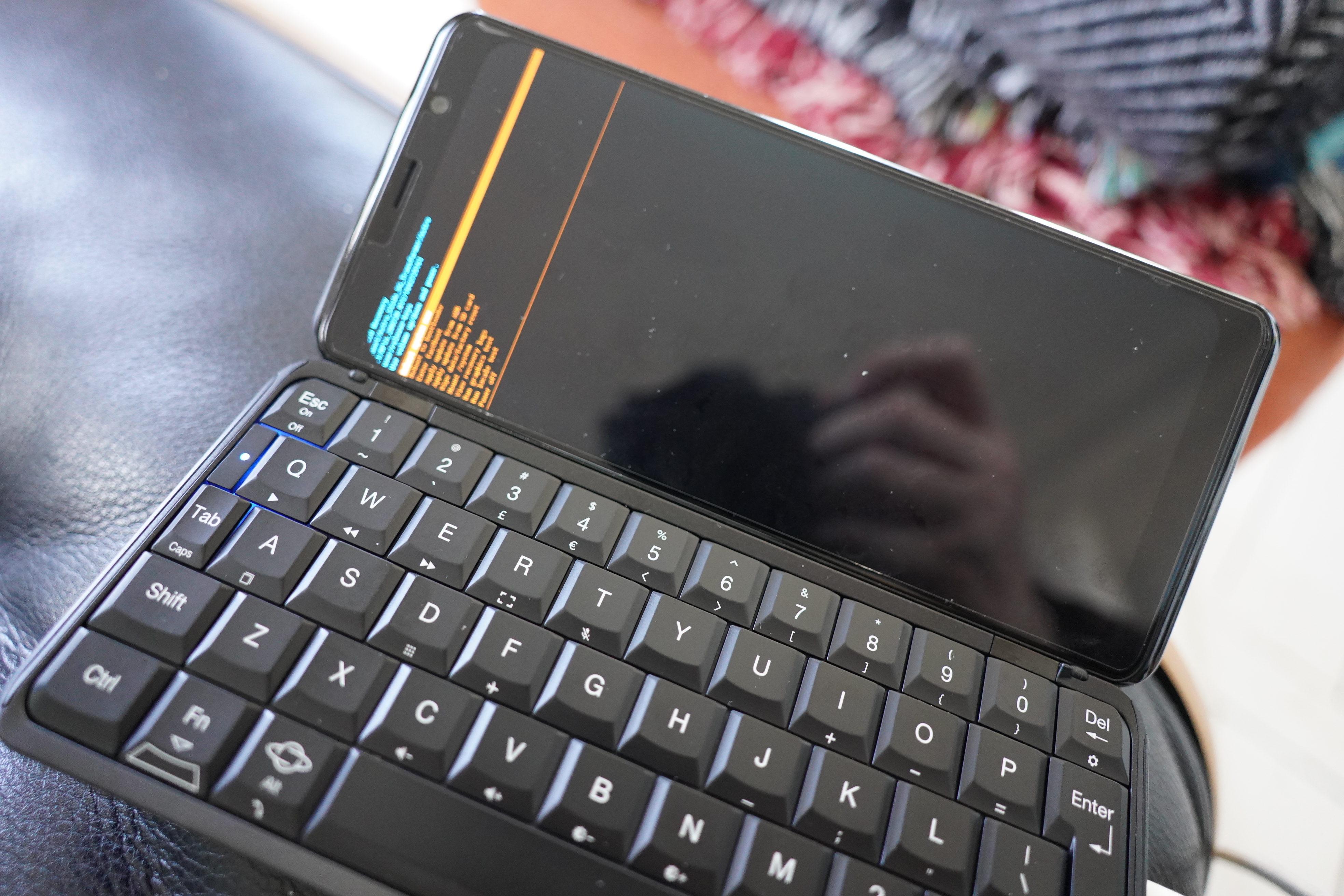
Er… that doesn’t look like the firmware described on that page… D’oh! Those instructions are for the Cosmo device, not the Astro Slide? Stupid Google!!!
What!
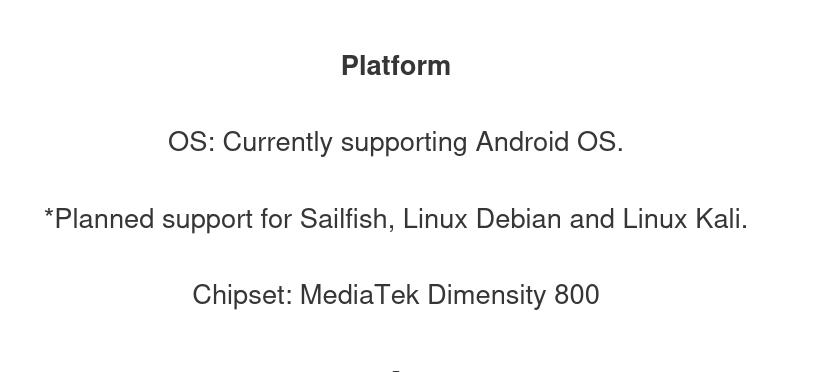
They’re still taking “preorders”?! And it doesn’t actually support Linux yet?
*sigh*
The X-Pro 1 does make it possible to install Linux, but you have to unlock and then it’s all this work, and the keyboard just isn’t very good for my use case (i.e., tapping a word with my left hand while frying some cod with my right) anyway, so I think I’m gonna skip trying to make that work…
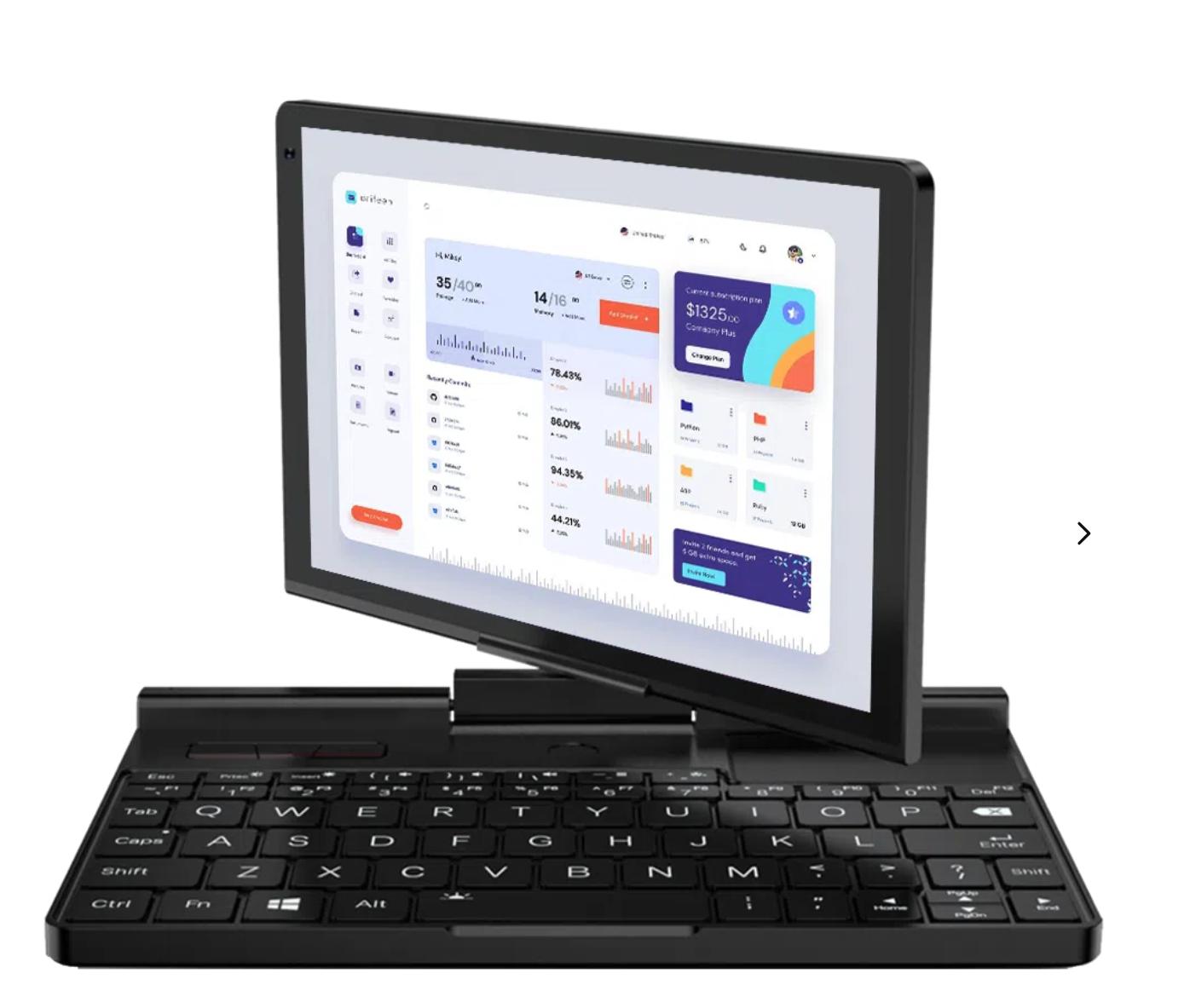
OK, perhaps I want a GDP Pocket 3 instead? That’s supposed to be able to run Linux…
Hm… don’t I have a GPD Pocket already…?
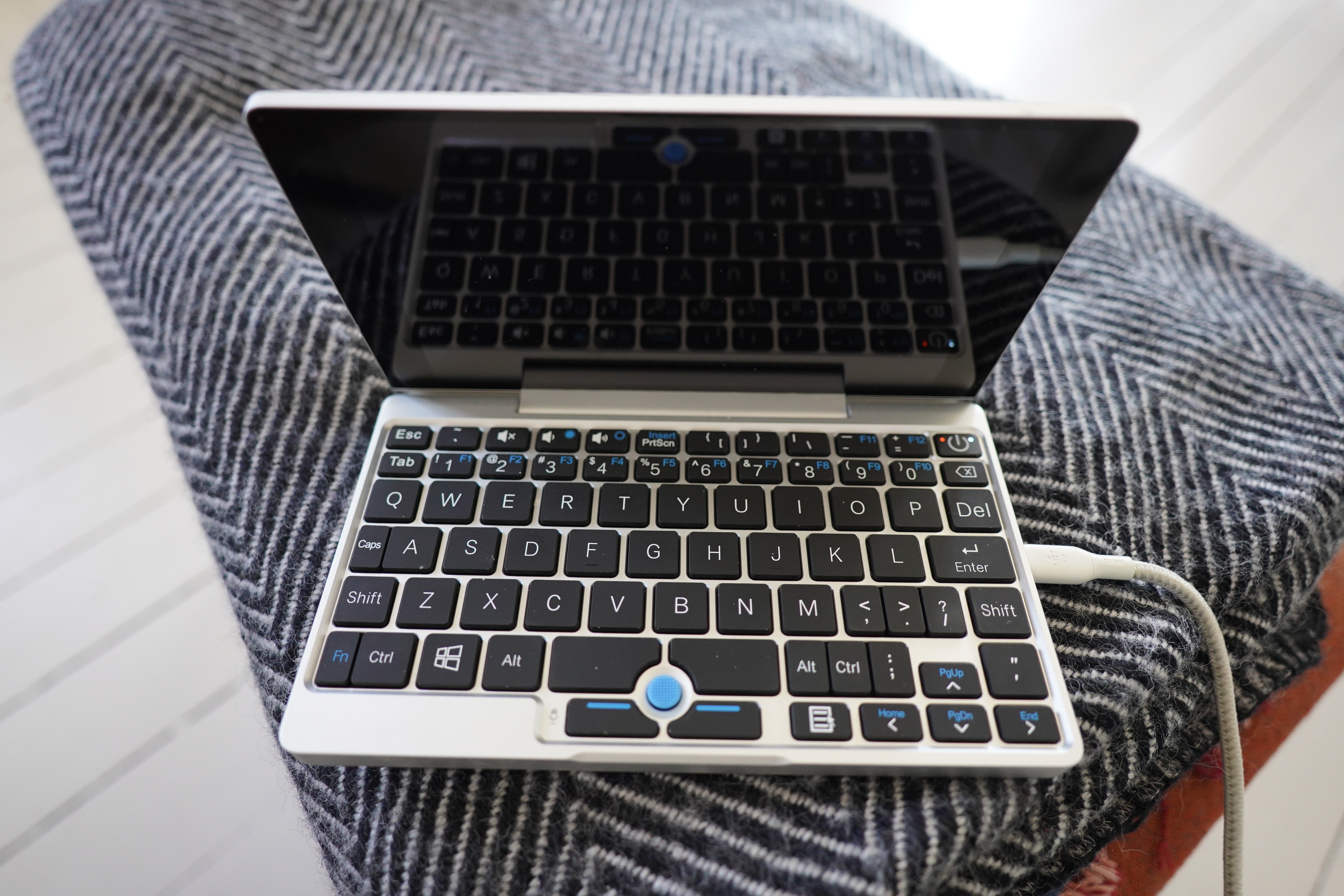
D’oh!
But it’s really too big for my intended use case… But I guess it could work? Anyway, I should set this up and, like, use it for something anyway.
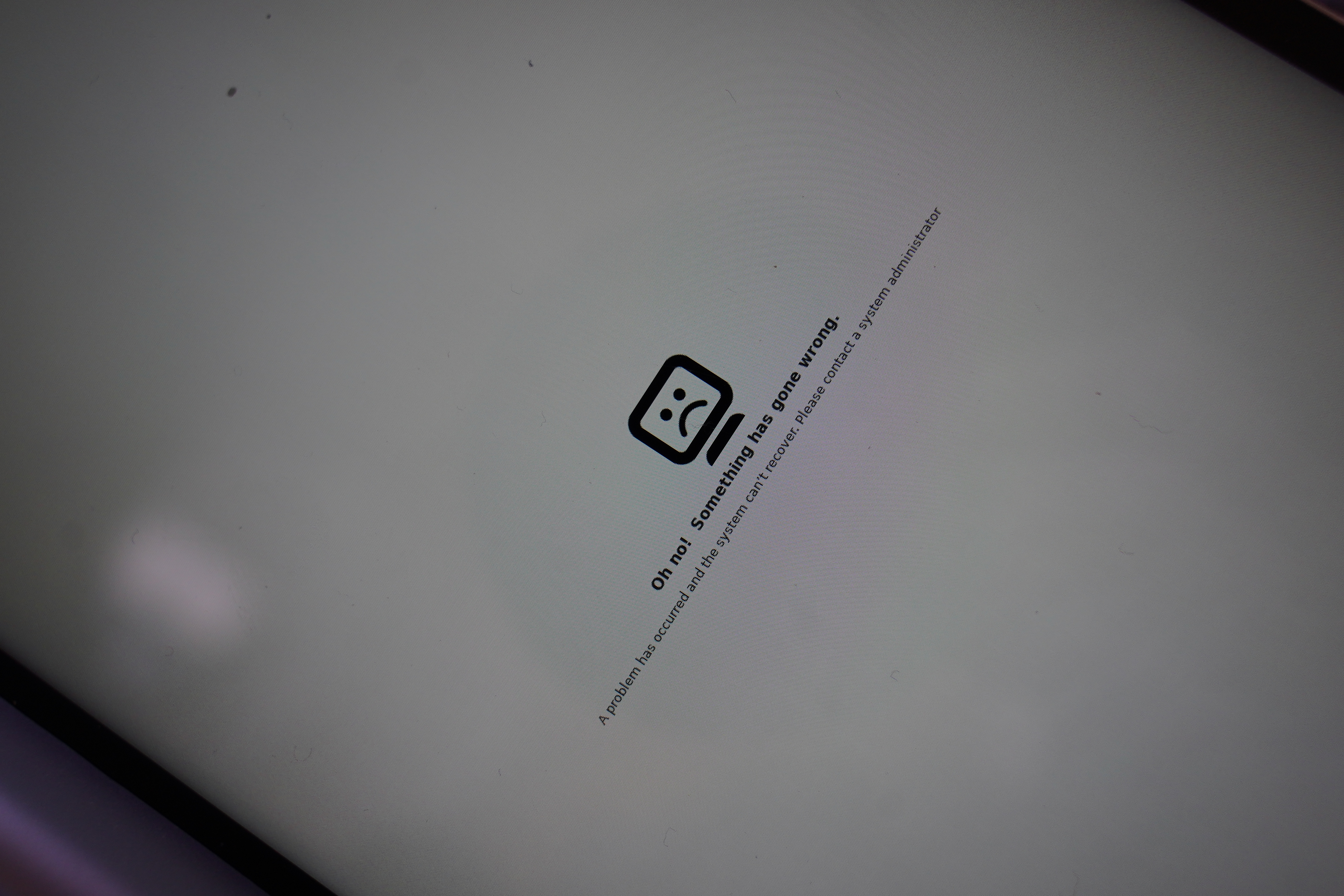
Oops! While upgrading it, it died, and when it rebooted, it was sad. But I could ssh in and continue upgrading, and it works now? The poor machine is an Intel(R) Atom(TM) x7-Z8750 CPU @ 1.60GHz, i.e., a CPU from 2016.

The form factor is kinda nice — it’s like a paperback novel? And has an all-metal case, so it feels sturdy… I’ve never used it, because… I have this vague idea of sitting on the beach in Hawaiï and sysadmining stuff, because that did indeed happen once upon a time. (With a Nokia phone with a physical keyboard.) But laptops have gotten a lot lighter since then, and using a less-than-full keyboard is a pain in the ass, so…
I keep buying these small devices with physical keyboards out of an idea that I’m going to be somebody I’m not, I guess. Or not anymore. But it’s nice to finally find something to use one of these gadgets for…
Voici! It fits with the rest of the things? Or… er… well, hm. Oh, I’ve gotta hook it up to some electricity, which is going to make it even less beautify, but I guess I can get an angled USB-C cable to avoid some clutter…
OK, let’s try it out and see how it works in practice:
The interface is Emacs, of course.
A more realistic test:
After testing this for a couple of hours, I think I’m onto something here. In the middle of doing random things, I can indeed just type a word on that keyboard and then continue with what I was doing, without losing track of what I was doing. Context switching sucks.
And the browser windows are there when I eventually go to my laptop to do something, and I can just click “buy” on most of the things I’ve typed in.
Oh, and I’ve added a one-letter prefix thing to select a specific web shop, so I can enter m apple RET to get the “other” grocery place. And added a couple other non-grocery shops while I was at it.
I’m still not sure whether that GPD Pocket is the ideal device to use here, but until I figure out something better, it’ll do? Yeah, I think so.
Finally I’m going to have things to eat.