

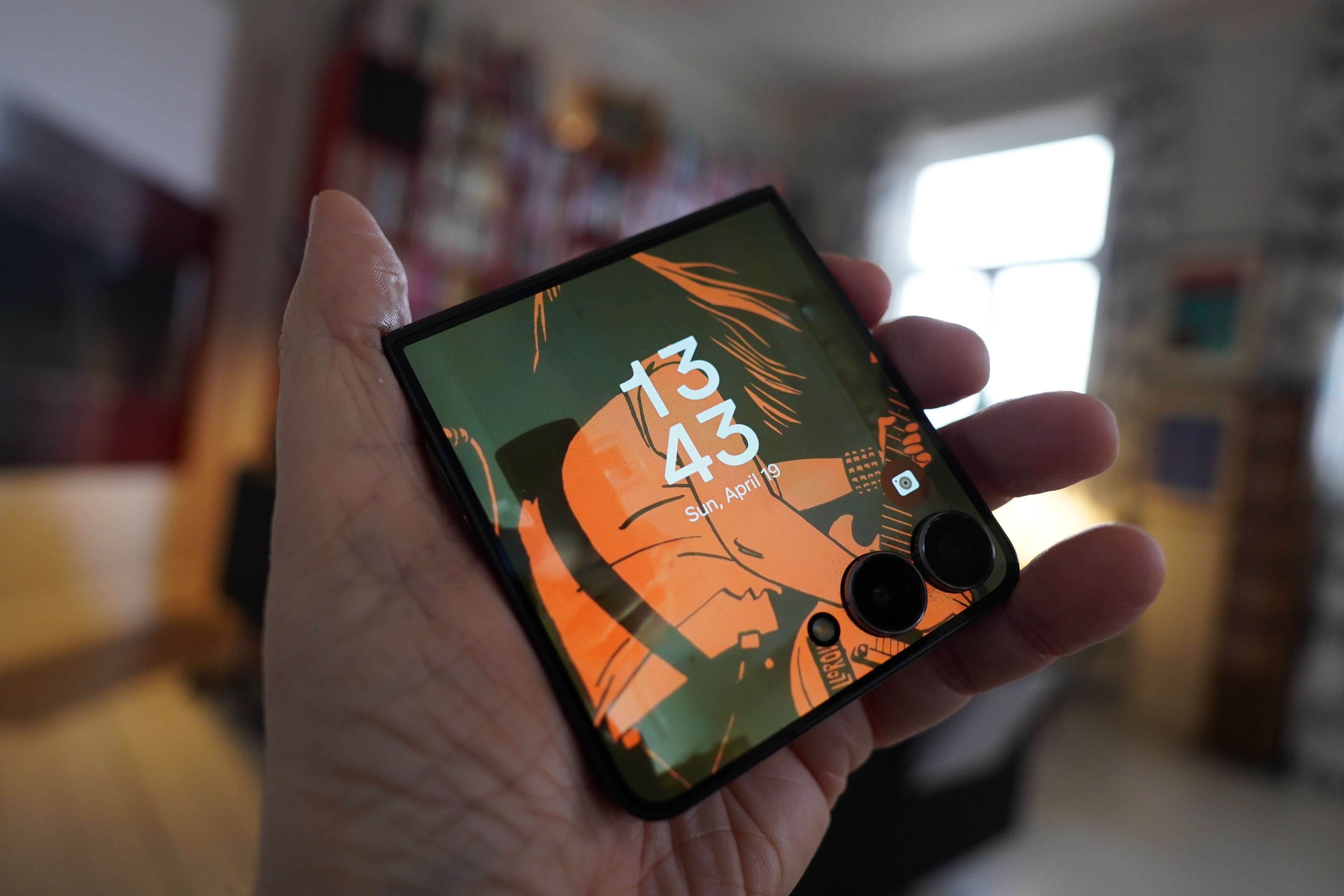
I’ve got one of those foldy phones, and I like the format. The one inconvenience, though, is that, like, you have to unfold it. The phone doesn’t even have *sproing*. Why doesn’t the phone have a button you press end then it goes *sproing*? And you have to do a lot of unfolding if you’re walking around a strange city, looking at Google Maps.
However, there is a screen on the front, too, and on the Samsung Galaxy Flip 7, it’s gotten so big that it should actually be useful. I mean, while walking around, I usually just have to confirm that I’m walking in kinda the right direction instead of 180° wrong, as I’m apt to do.
(When I started writing this blog post, I had a Flip 5, but it died, so the pics here are a mix of Flip 5 and Flip 7… Sorry for any confusion…)
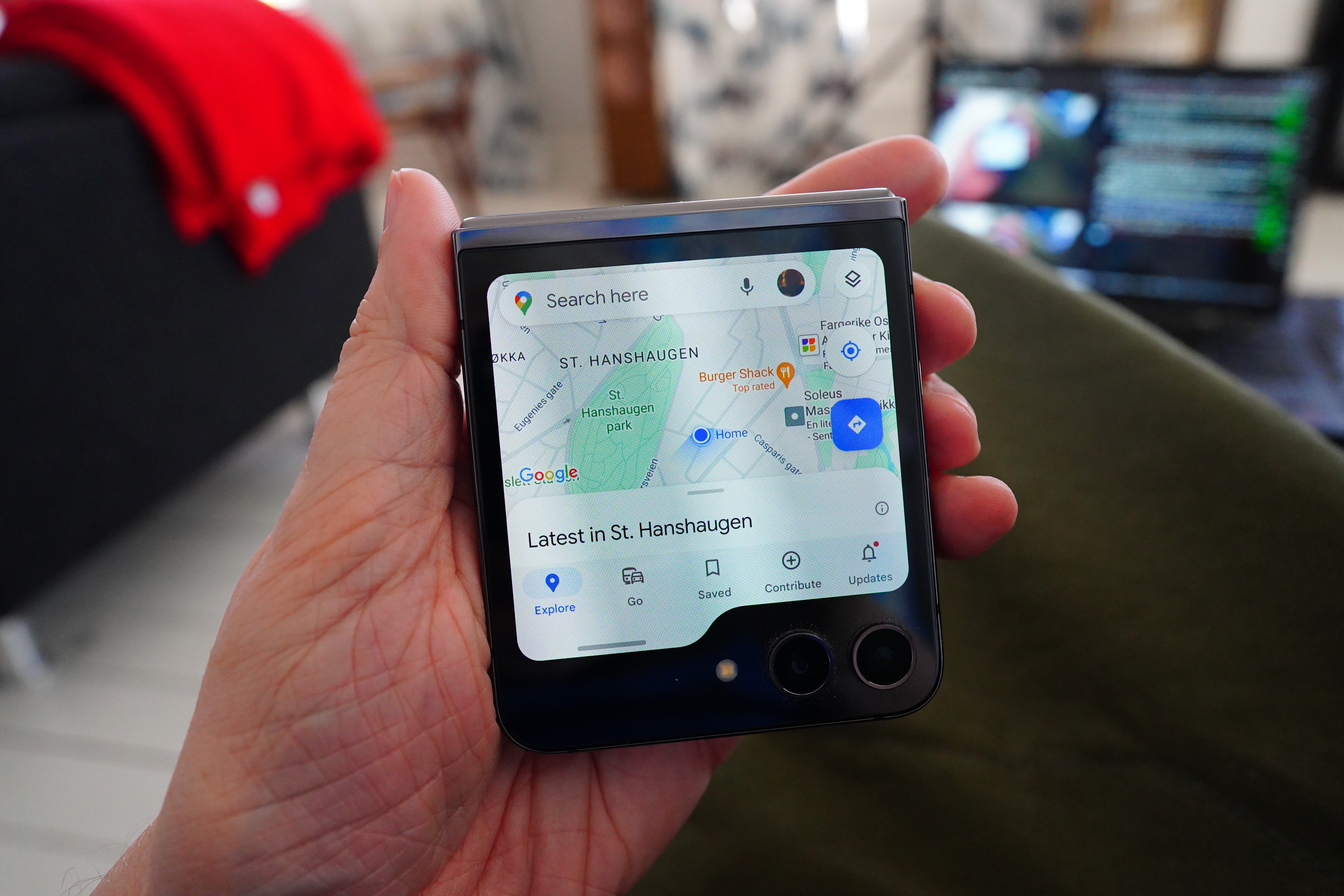
So this is what the Google Maps app look like on the cover screen. About half the screen is filled with stuff that’s unnecessary and covers the actual map. I mean… what are all those things, anyway? The “Latest in…” thing you can pull up, which is exactly what the “Explore” button does, too. And… “Go”? Never used it. The “Saved” button — never tapped it, because the map shows the saved bits anyway. And… “Contribute”? “Updates”!?!
It’s a typical Google effort — they’ve got all this data and functionality, but the app has received no polish for this use case. On a tiny screen like this, all the non-mapsey bits should be hidden under a hamburger menu or something.
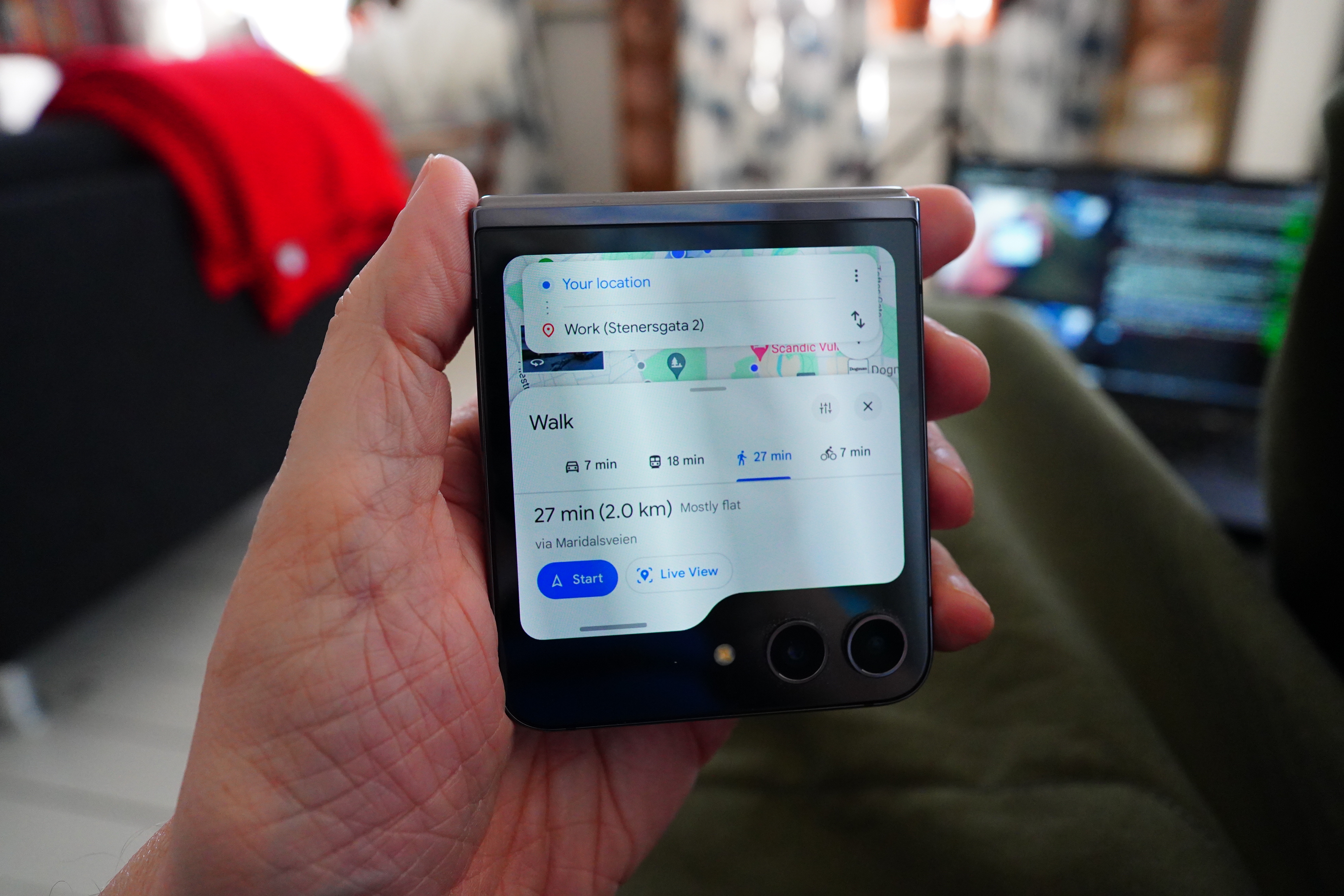
It’s even more ridiculous if you’ve plotted a route — then you get virtually no map at all. And this is what I’m usually using when walking around — I never hit the “Start” button, but just look at the map.
So that’s totally unusable.
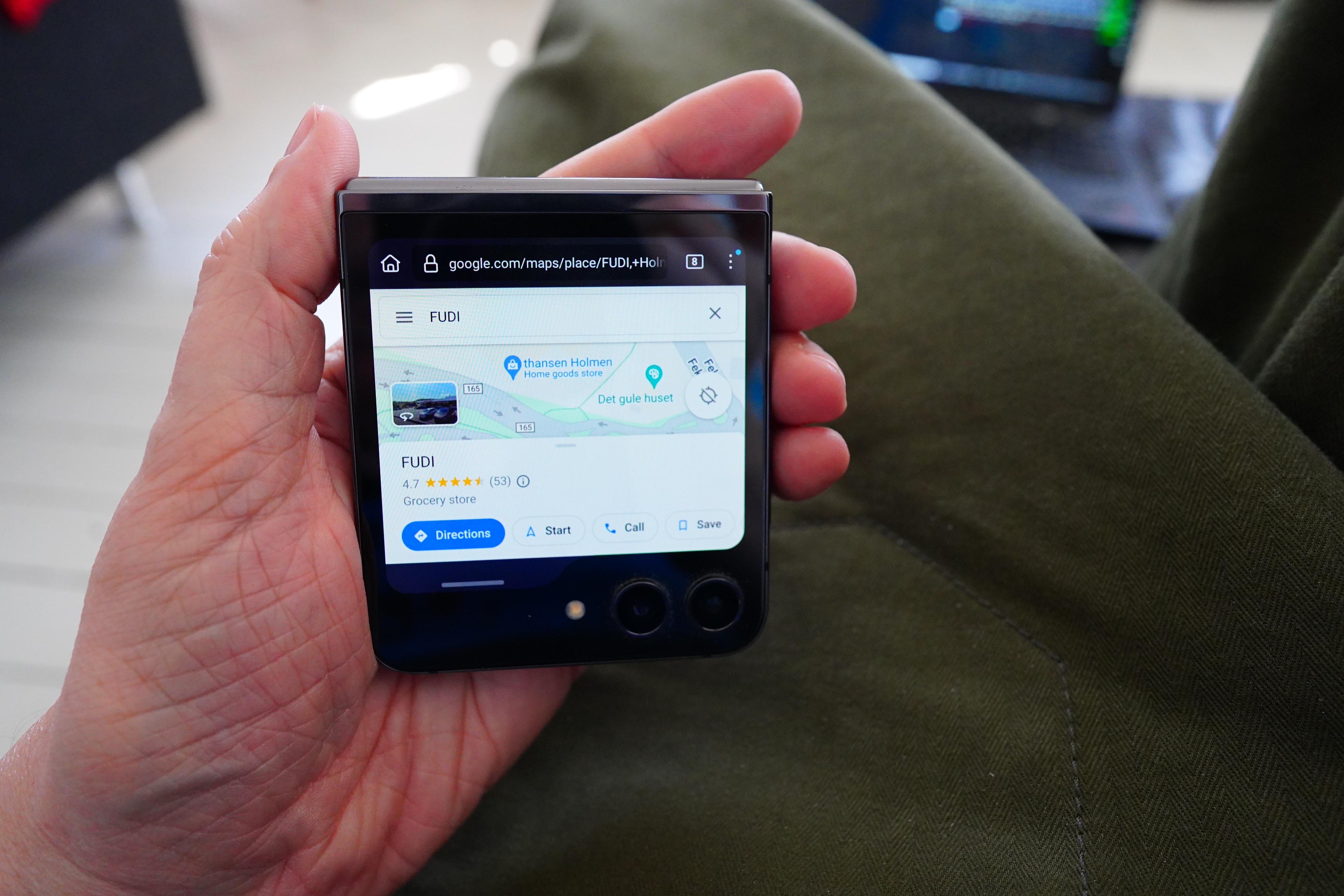
I also tried Google Maps in Firefox to see whether that makes any sense, and… Well, you can see all the clutter there, and it’s not even using the entire screen. I thought perhaps I could work around the clutter by just hiding elements (with Ublock Origin, for instance), but:
Whenever you hit “Directions”, it forces a redirect to the Google Maps app. According to the Internet, there used to be a way to disable this, by using force=lite or various settings, but these have been disabled in newer versions. I guess Google really, really wants people to have to use the app?
And I tried googling to see if anybody’s made an app of their own to fix this, and I couldn’t find anything. But it’s not trivial to Google for, either…
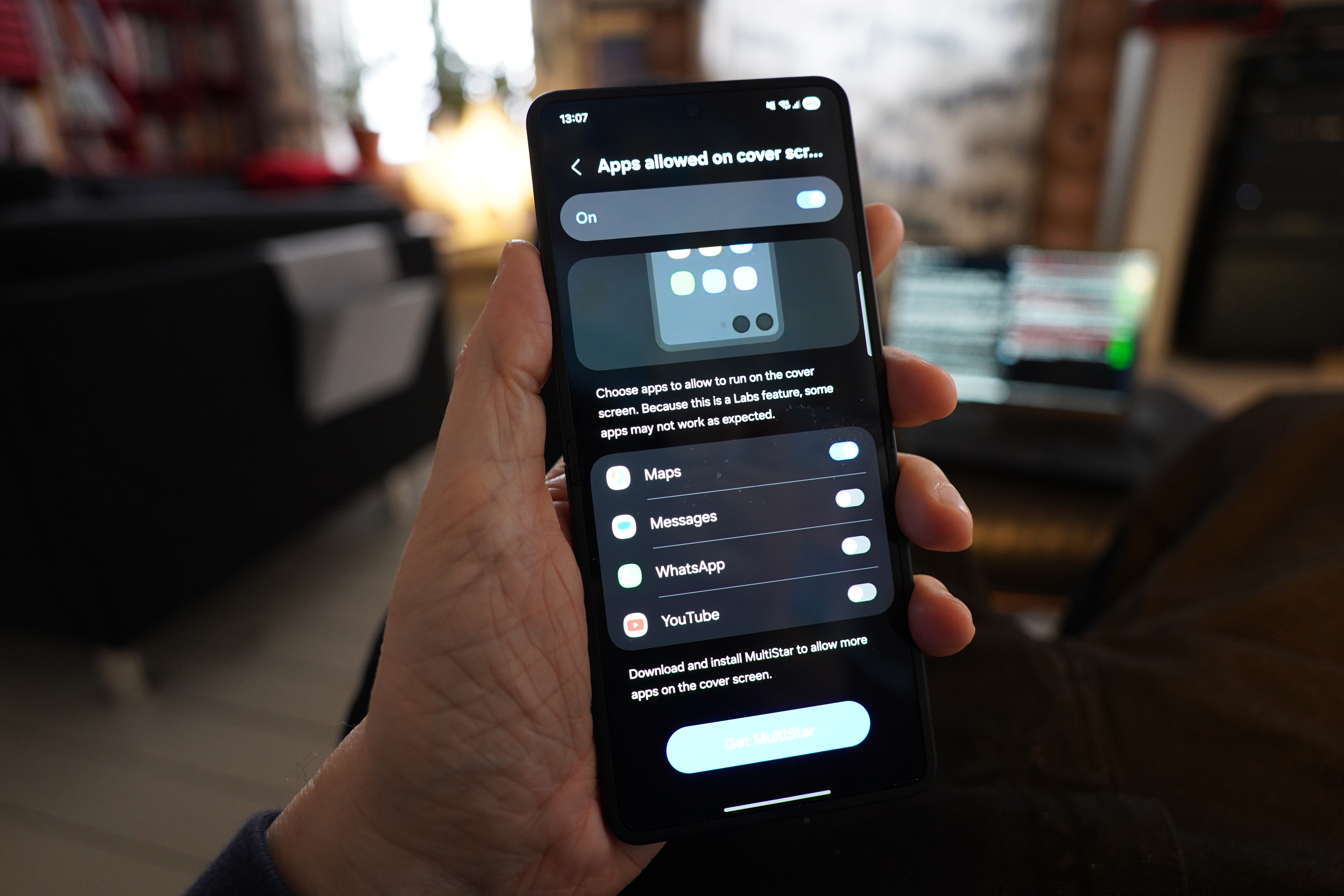
You need to go through this complicated process to be able to run the app on the cover screen. Samsung is so weird sometimes…
But looking at the Google Maps app now on the Flip 7, it appears that Google has some work — the app now uses the entire screen, and it’s now not as insanely cluttered. I mean, it’s still insane, but less.
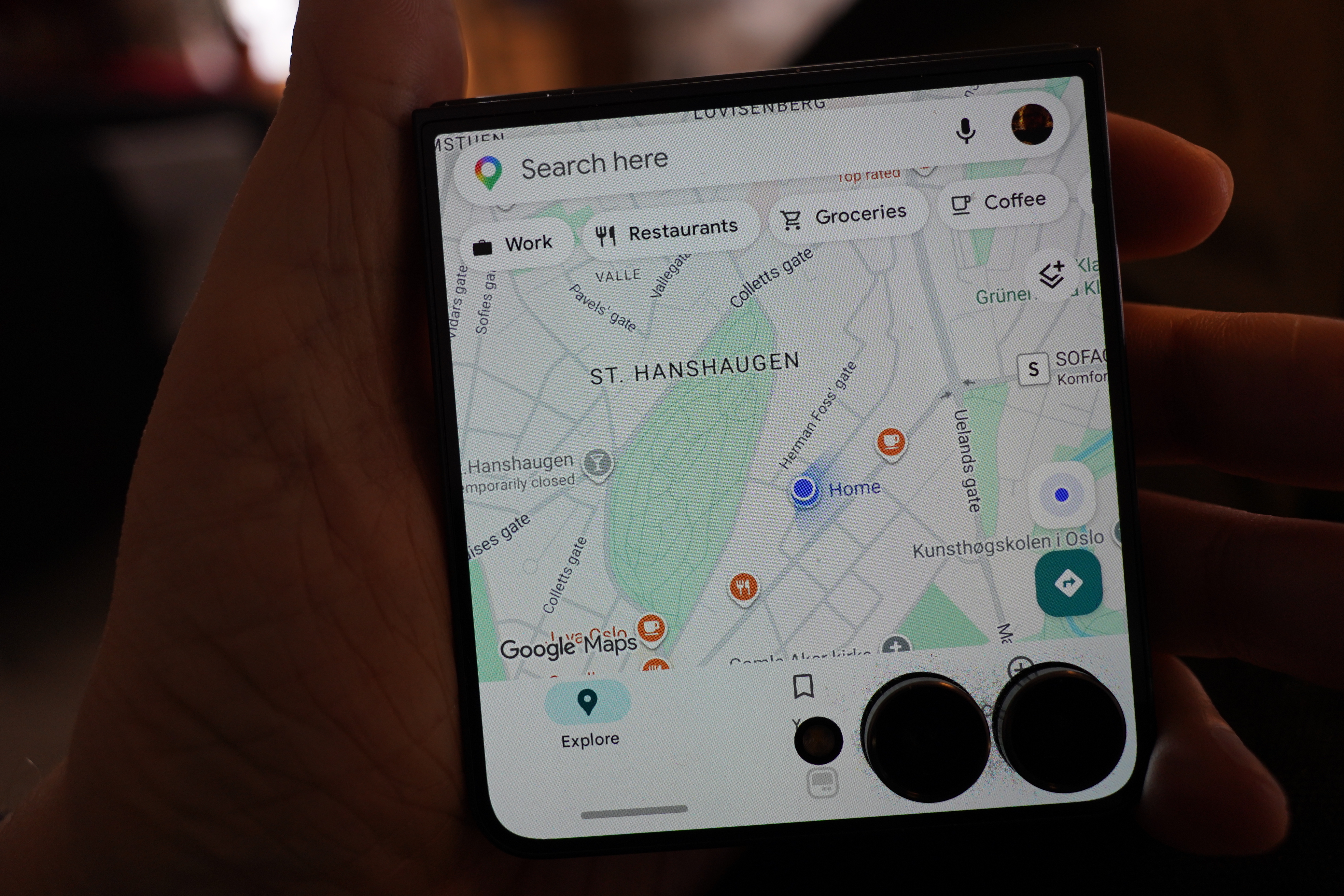
See? That’s not totally awful. But then you pull up a route, and:
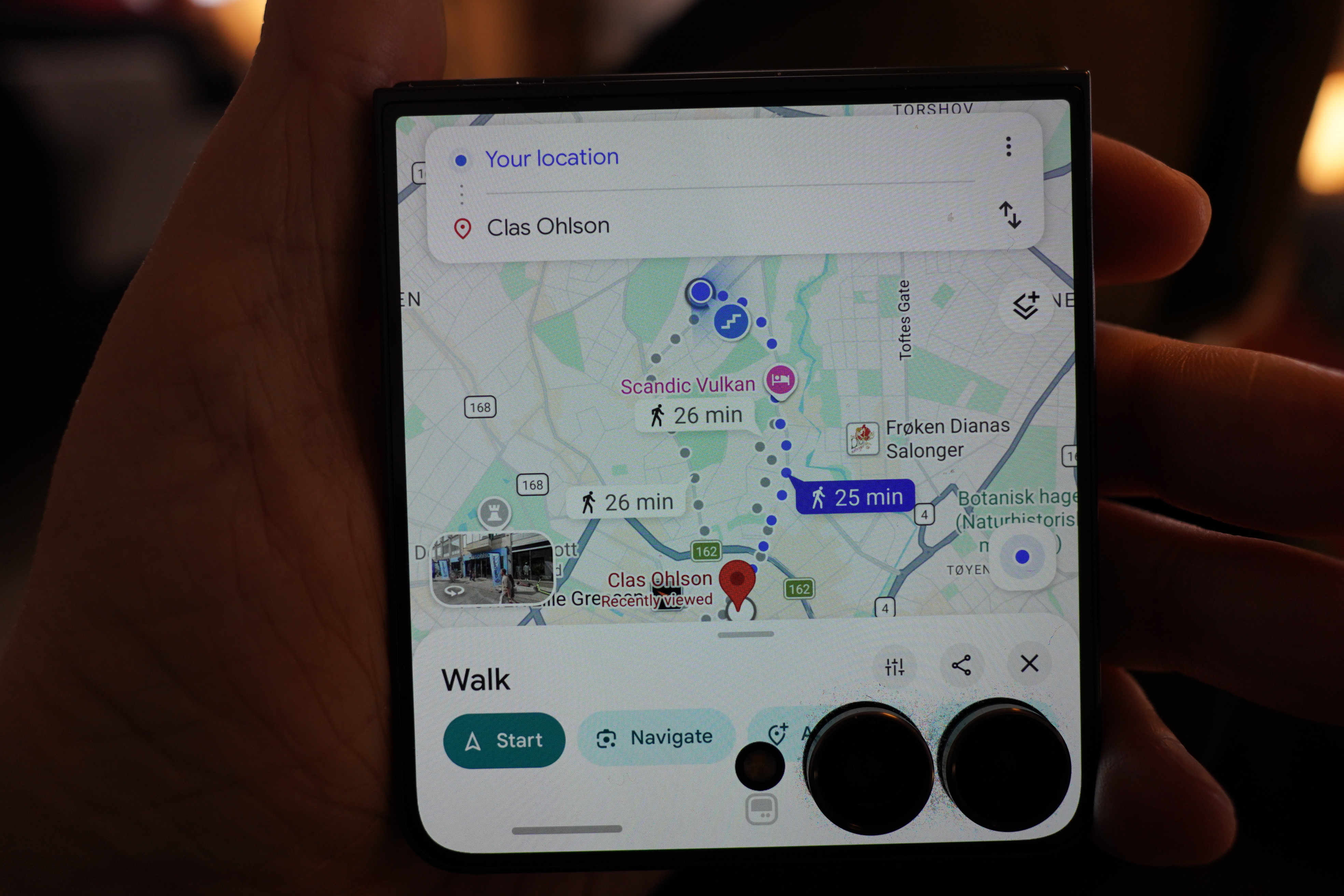
Yeah, that’s not good. But it’s almost usable… except that when you put the phone in your pocket and then pull it out again, and:
Yeah, Google Maps does its “recentering” thing whenever you unlock the phone, so you lose where you were. That’s pretty maddening on the full-screen version of app, too, but it’s even worse here.
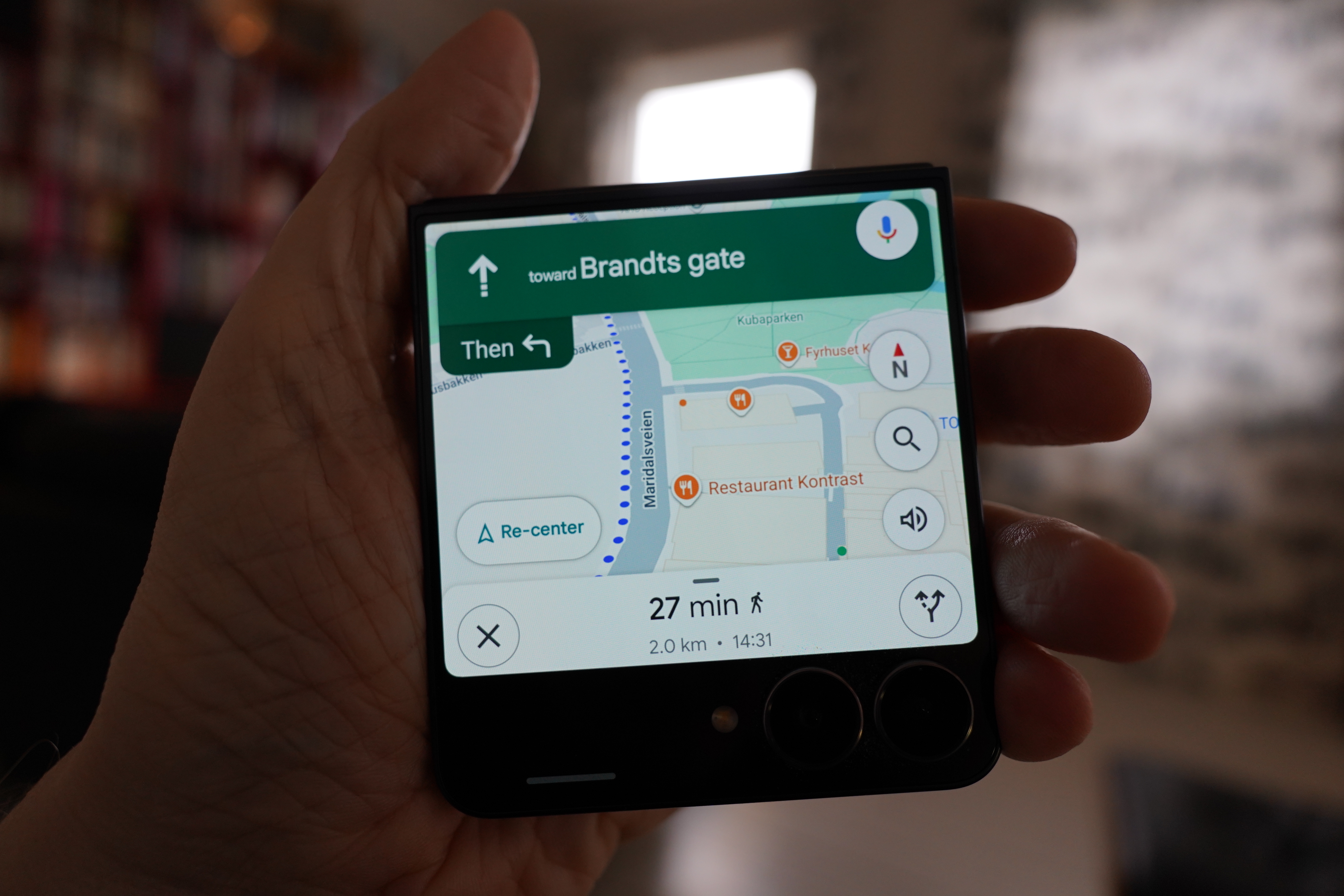
If you hit the turn-by-turn thing, which I don’t like to use anyway, it stops using the entire screen, and you get an interface that’s obviously meant for driving, and there’s all these unnecessary clutter taking up what’s left of the screen. But at least it stops moving the map around when you unlock it.
People have been bitching about all this for years, and apparently Waze has a good front screen app, but it’s exclusively for driving.
I just want a simple map on the screen! Showing where I am and with a line showing where I came from and where I’m going to. Is that too much to ask!?
I was pondering writing my own app for this, but it really isn’t an attractive option. The problem is that I have all my data in Google Maps — locations I want to go to, and things like that — so typically I’d be planning my stuff on a laptop, and then using the phone when out walking. If I were to use a separate front screen app, I wouldn’t have access to that data.
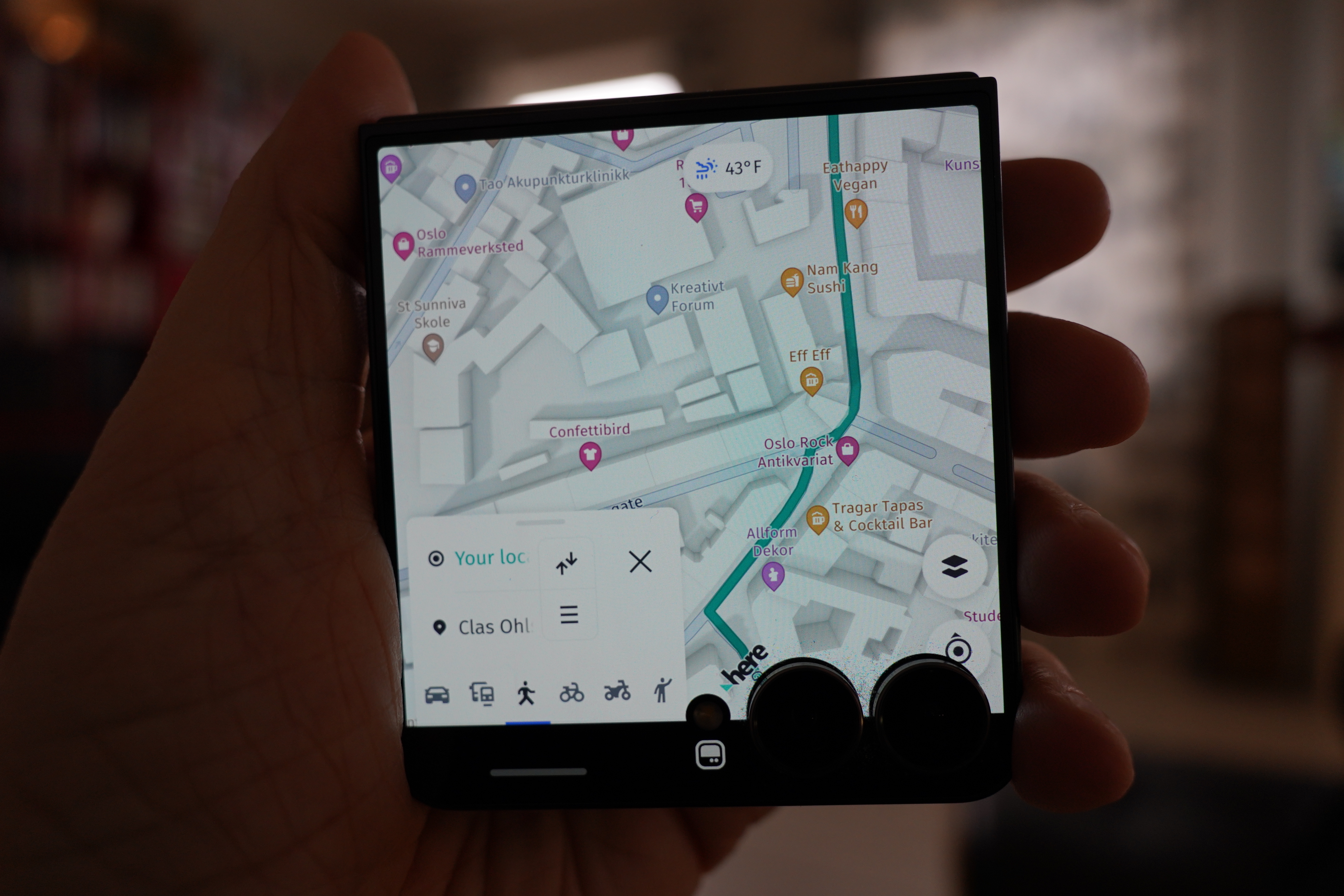
Hm… The Here Wego app has a menu that allows it to be minimised like this, so that’s a lot better than Google Maps… and it doesn’t shift the zoom when you unlock the phone. Perhaps that’s a possibility? Too bad you can’t make that menu thing even smaller. And it has the advantage that I can start the walk on the main screen, close the phone and then open the app on the front screen, and it’ll continue there.
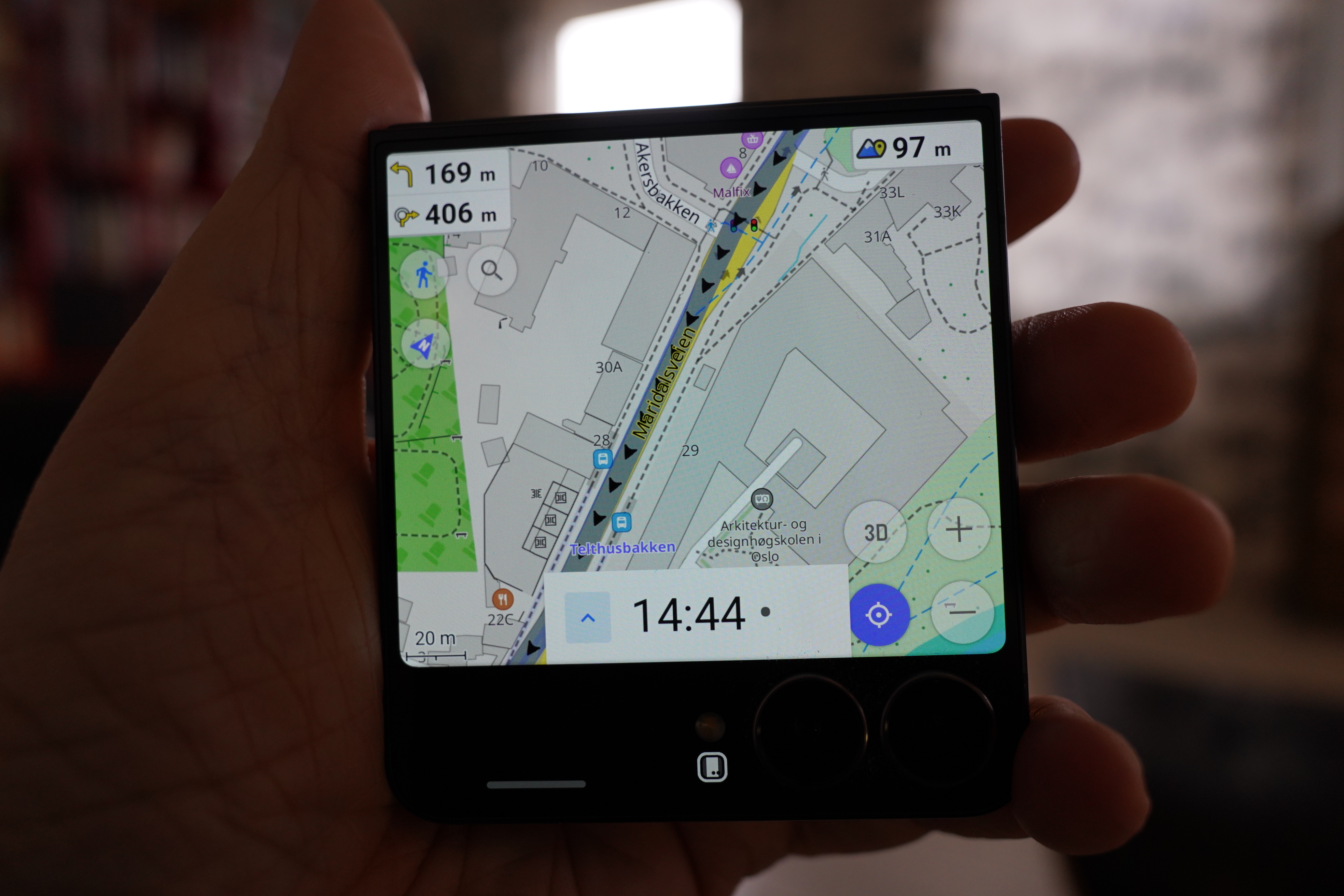
What about the OSMAND (nice name) app? It doesn’t use the full screen, and it’s a bit cluttered…
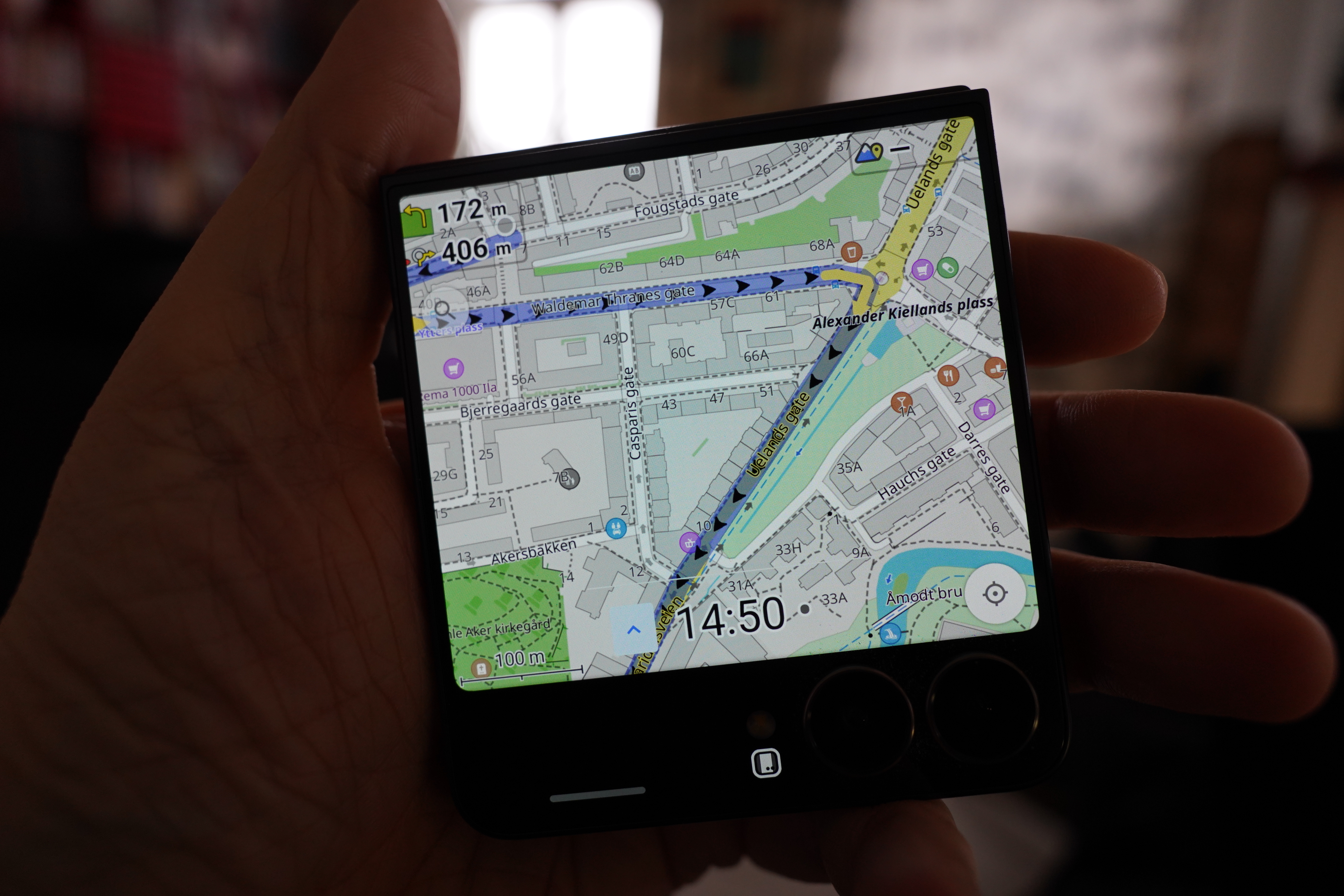
Hey, you can configure a lot of stuff here, so I made most of the buttons disappear, and now it’s not bad? The map itself is a bit cluttered, but…
It doesn’t snap back when unlocking the screen, so that’s good.
Too bad there’s no option to get rid of more clutter, like elevation and distances and stuff.
But… Have I found a solution!?
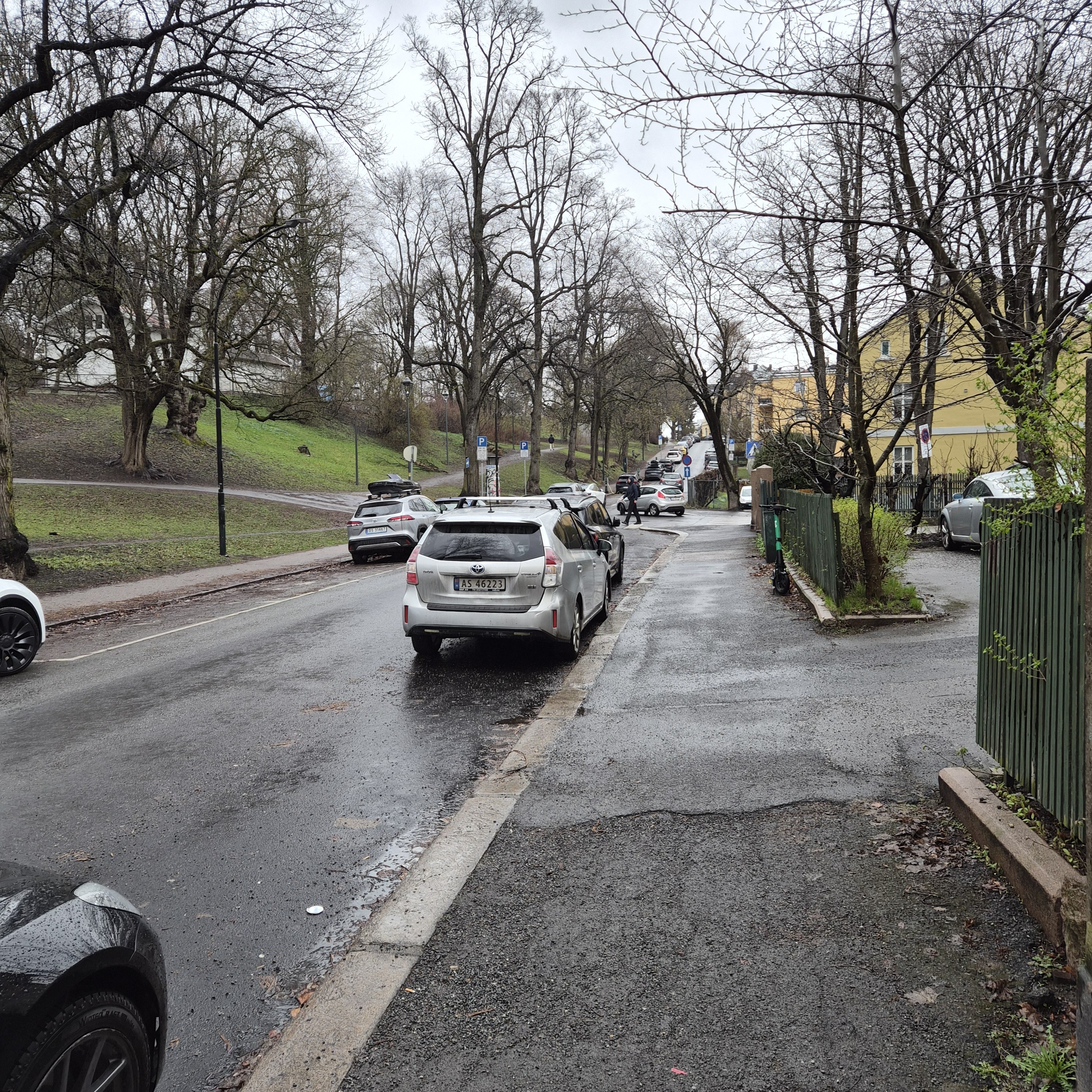
I took a walk in the rain to test.
Yes! It seems to work well — no odd shifts i map positions or the like… and it’s possible to export locations from Google Maps, and import them into the OSM app. And also use the desktop Osmand thing, and sync things between them.
Hey! I think Google just lost a Maps app customer? Just because they couldn’t spend some time to make the app spiffier on flip phones.
(Isn’t there a rumour that Apple is going to start selling a flip phone? My guess is that Apple will manage to make a map app that works on the front screen if that’s the case.)
But OsmAnd people! Can’t you make it use the entire flip front screen, instead of just the bits over the cameras? That’s unused screen estate!
But… apparently that’s a Samsung restriction? It only allows select apps to extend down into the “camera area”? Darn! At least that’s chat ChatGPT says.
Or… perhaps I can Google it, and… YES!!! Thank you, Instagram man! There’s a vague button there you can tap to extend the app into the “flex area”!
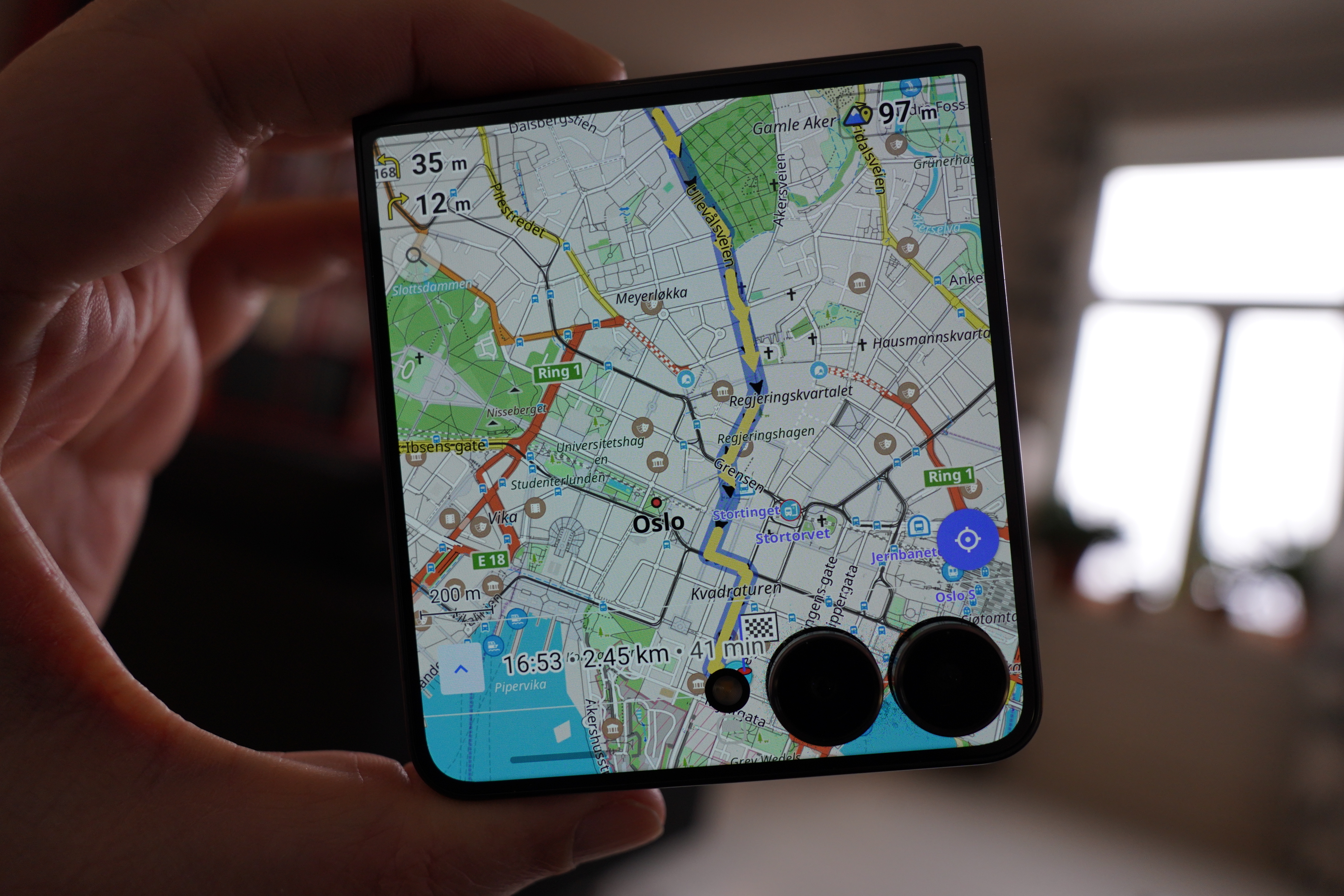
BEHOLD! ALL THE PIXELS!!!
OK, I don’t think I have to make my own app after all.