

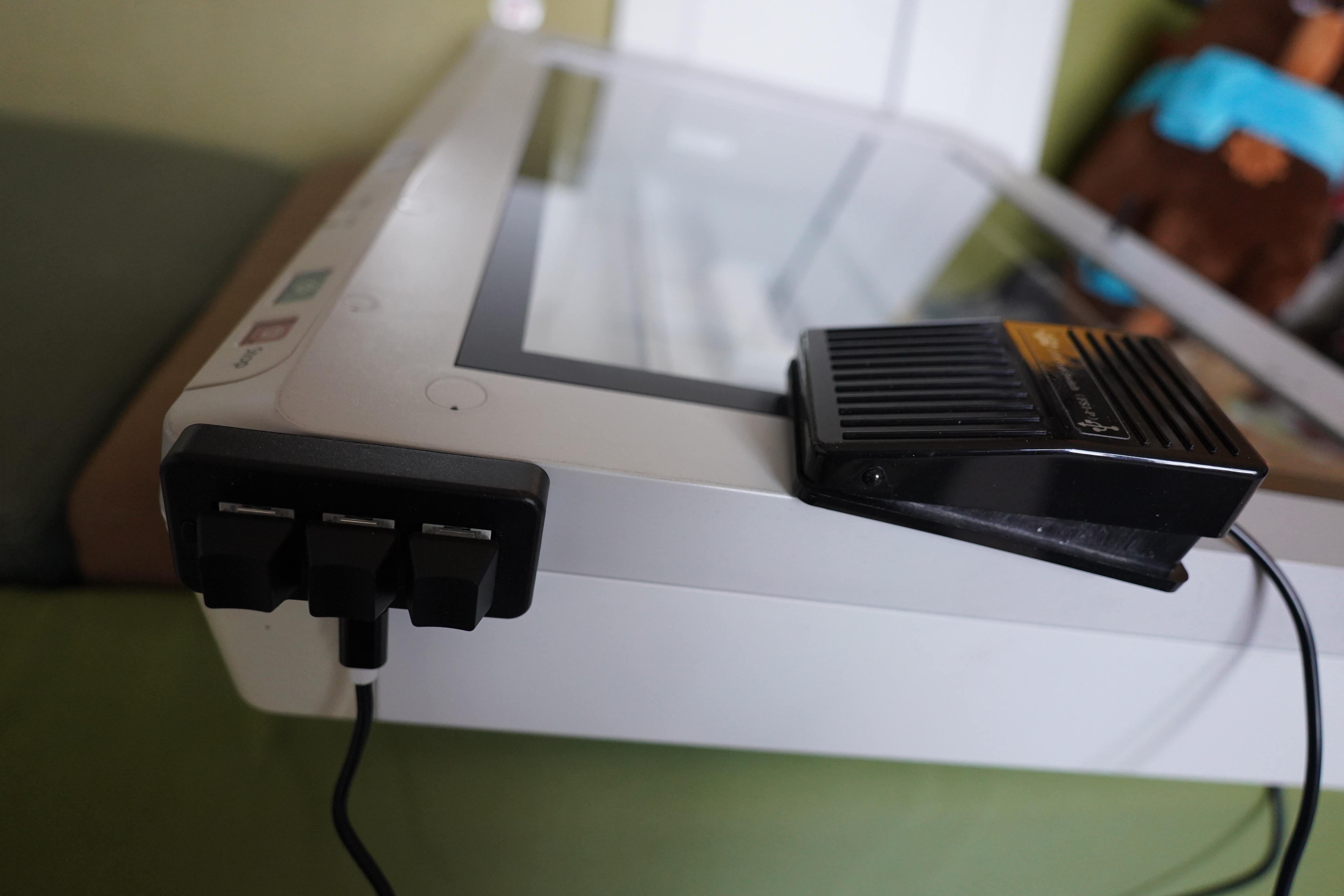
I’ve been scanning a bunch of magazines for kwakk.info over the last few months, and I’ve got a pretty efficient setup — I’ve got an A3 Epson 50000XL scanner, so I can scan a double page spread in a couple seconds. I use a pedal (USB HID) to trigger the scan with my foot so that I have both hands free to press the magazine down, and with that setup I get a throughput of about 16 pages per minute. (I could use the scanner’s lid instead of my hands, but that would cut the throughput seriously.)
And I can do scanning “on autopilot” while watching TV, so it’s like knitting for me, basically.
But sometimes I make mistakes, and I have to redo a page. And sometimes the mag switches between black and white and colour, and I have to tell the laptop that somehow.
So my solution was to lean over to the laptop and hit the right key there, but… that’s so inefficient! So I decided to buy this little beauty:
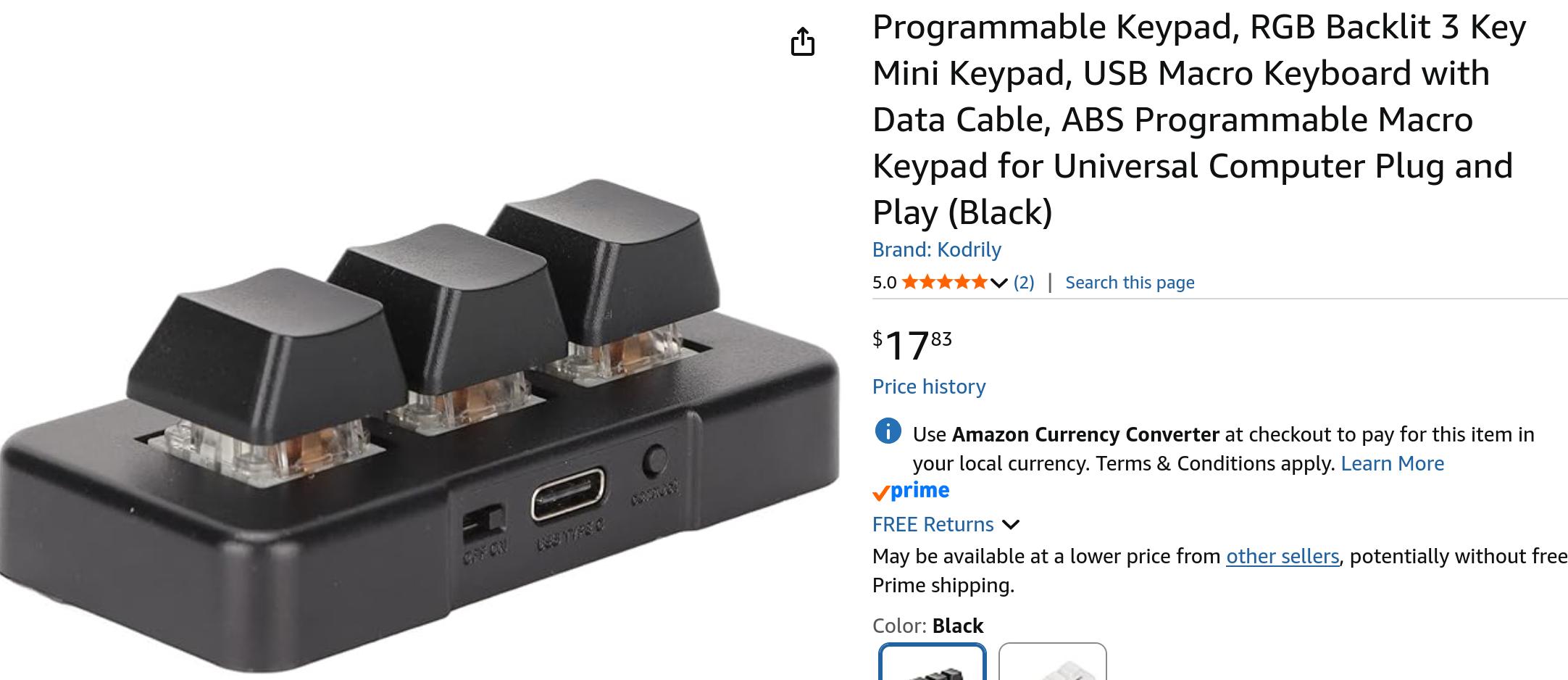
It’s a three-key keyboard, which is just perfect — one key for “go back and redo”, one for “now it’s colour” and one for “now it’s black and white”. (OK, I could have used a two key keyboard, but a B&W toggle wouldn’t be very user friendly, especially since scanning is usually accompanied by this user with beer usage.)
This is also a USB HID and works out of the box in Linux. The keys output a, b and c. Why not? As good as anything else.
But the problem is now that pedal I use to trigger the scans with my foot. It outputs b. WHAT ARE THE ODDS!!!!
So I wondered how you remap a specific key from a specific device to something else these days. Under X, that would have been easy enough, but my laptop is running Wayland, and… well you know Wayland.
Instead of researching this problem, I just asked an LLM, and gave it the debug output from evtest. It said I should do this:
root@up:~# cat /etc/udev/hwdb.d/99-pedal.hwdb
evdev:input:b0003v1A86pE026e0111*
  KEYBOARD_KEY_70005=d
This should remap my pedal USB device to output d instead of b.
# systemd-hwdb update; udevadm trigger
And what do you know! It’s works!!!!
But… that configuration syntax? Seriously?
I guess this is a perfect time for systemd-based configuration — impossible for human beans to deal with, but perfect for LLMs? I guess Poettering was some kinda visionary after all.
Looking at the USB subsystem, I think 1A86 is the vendor ID and E026 is the product ID… but I don’t really know what the rest of those numbers are supposed to be, and I don’t have to know, do I?
And it’s annoying that this bit of user configuration lives under /etc instead of /home, but…

So now I can just continue scanning. Even faster than before! Vroom vroom!
(“noooo” I can hear my RSI softly yelling.)