

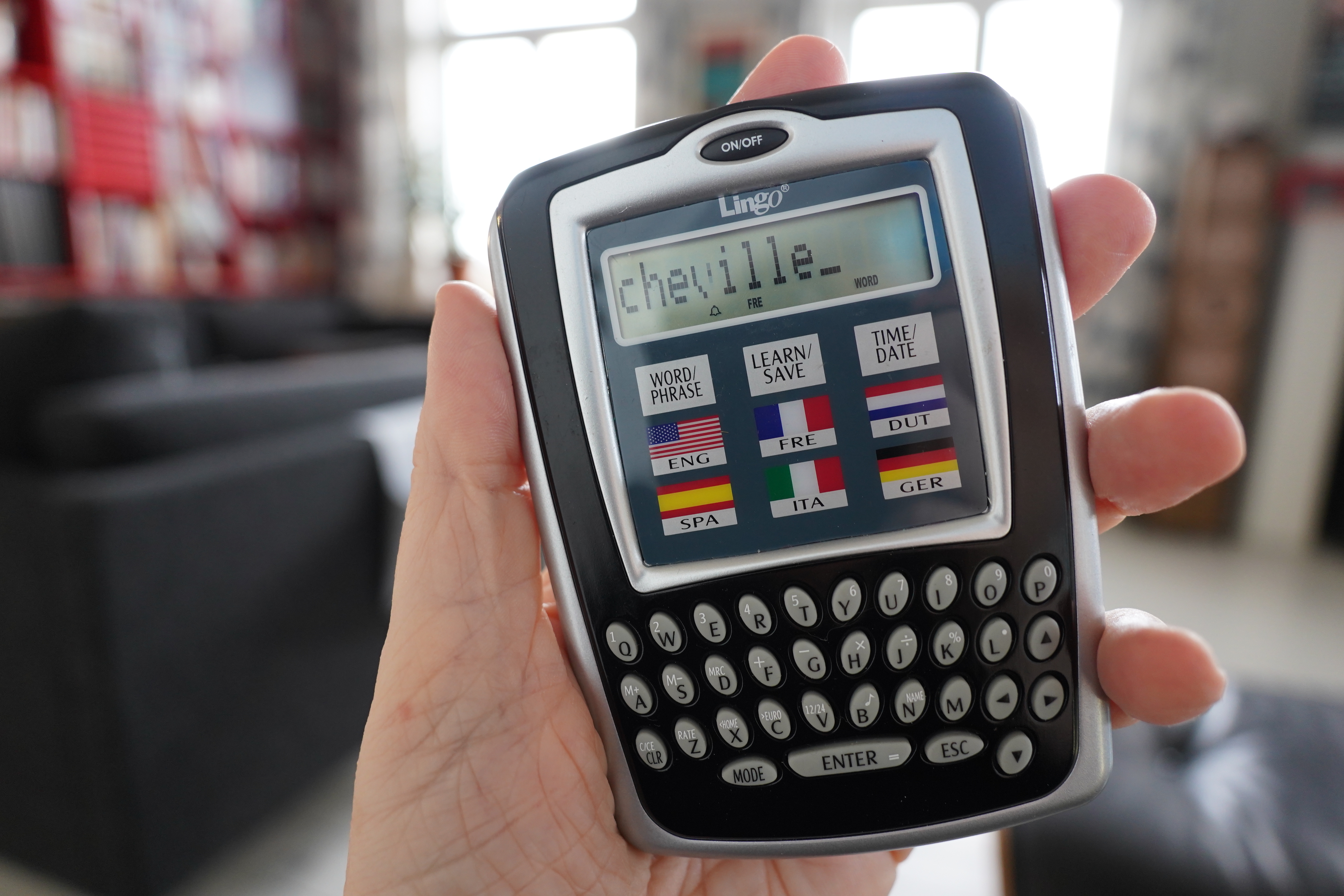
I bought this 2005-era translation device because… because…
OK, here’s the thing: Normally when I’m reading something in French, I’ve got some proper tools handy for doing translation — I’m gonna need it. But other times, like when I’m reading an English book from the 40s, there’ll be a few French phrases here and there (because there was an assumption that all proper Englishmen have at least a basic understanding of French), and that’s fine: I have no problem (finally) reading French at a level of a British 12-year-old from 1947.
But sometimes I’m stumped by just the simplest word, because I just forget, say, whether “neck” is “cou” or “genou”. So I fish my phone out of my pocket and:
That took literally half an hour! And now I forgot where I was in the novel! DID MISS MARPLE DIE MEANWHILE
So I wondered whether somebody had made a li’l device that I could have on the table here, that’s instant-on, and you can just type a word and get the translation?
And the answer is “no, not really anymore”, but about twenty years ago, there were various devices on the market (before Google Translate killed off this tranche). You can get them almost for free on Ebay, so I thought I’d just get one for laffs and giggles — I mean, I don’t really expect it to actually be useful, but perhaps it’d be fun?
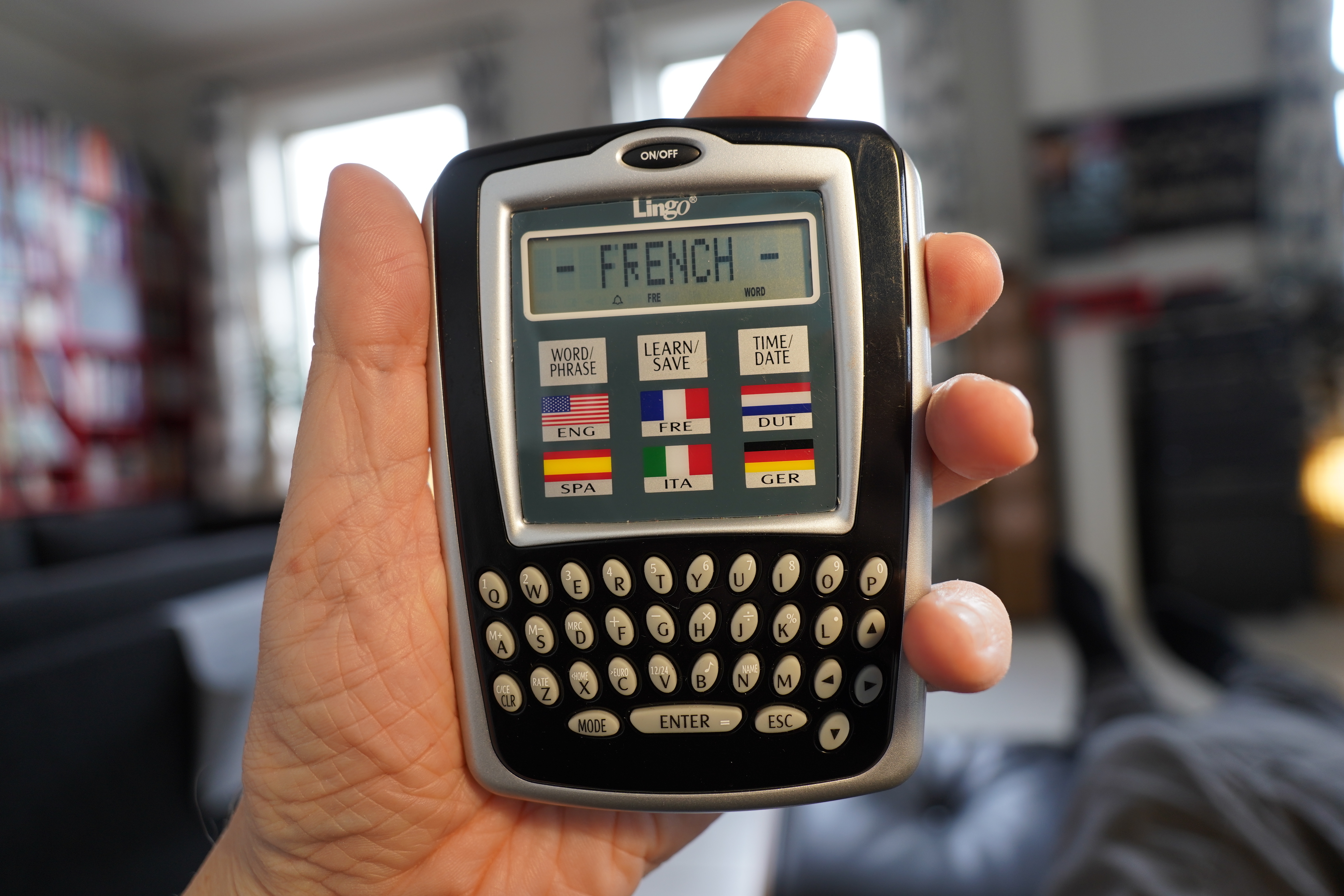
This is a Lingo 6, and it’s extremely light. The keyboard is pretty nice — it’s perfect for thumbing. But let’s look at how you work it:
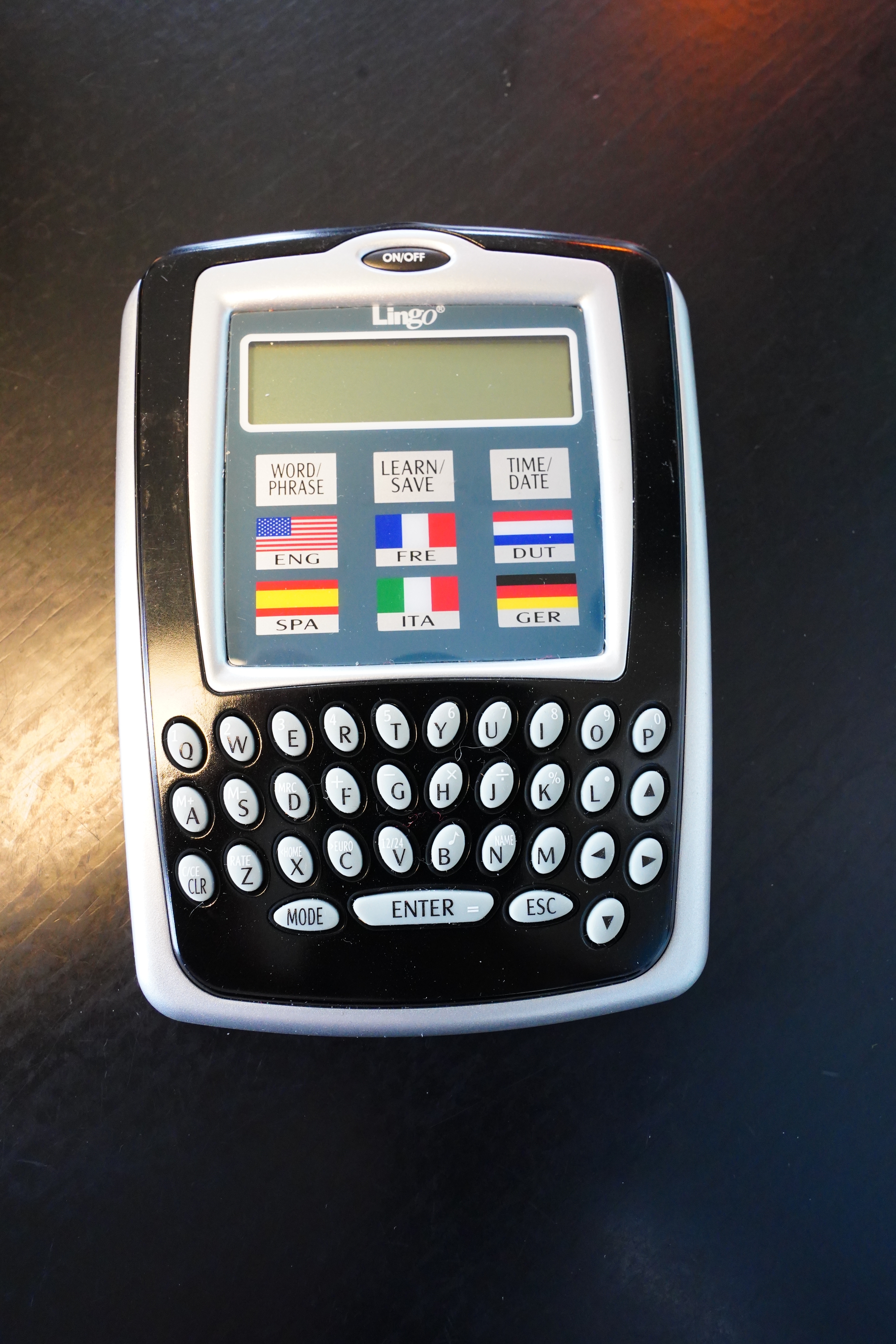
So we start from “off”…
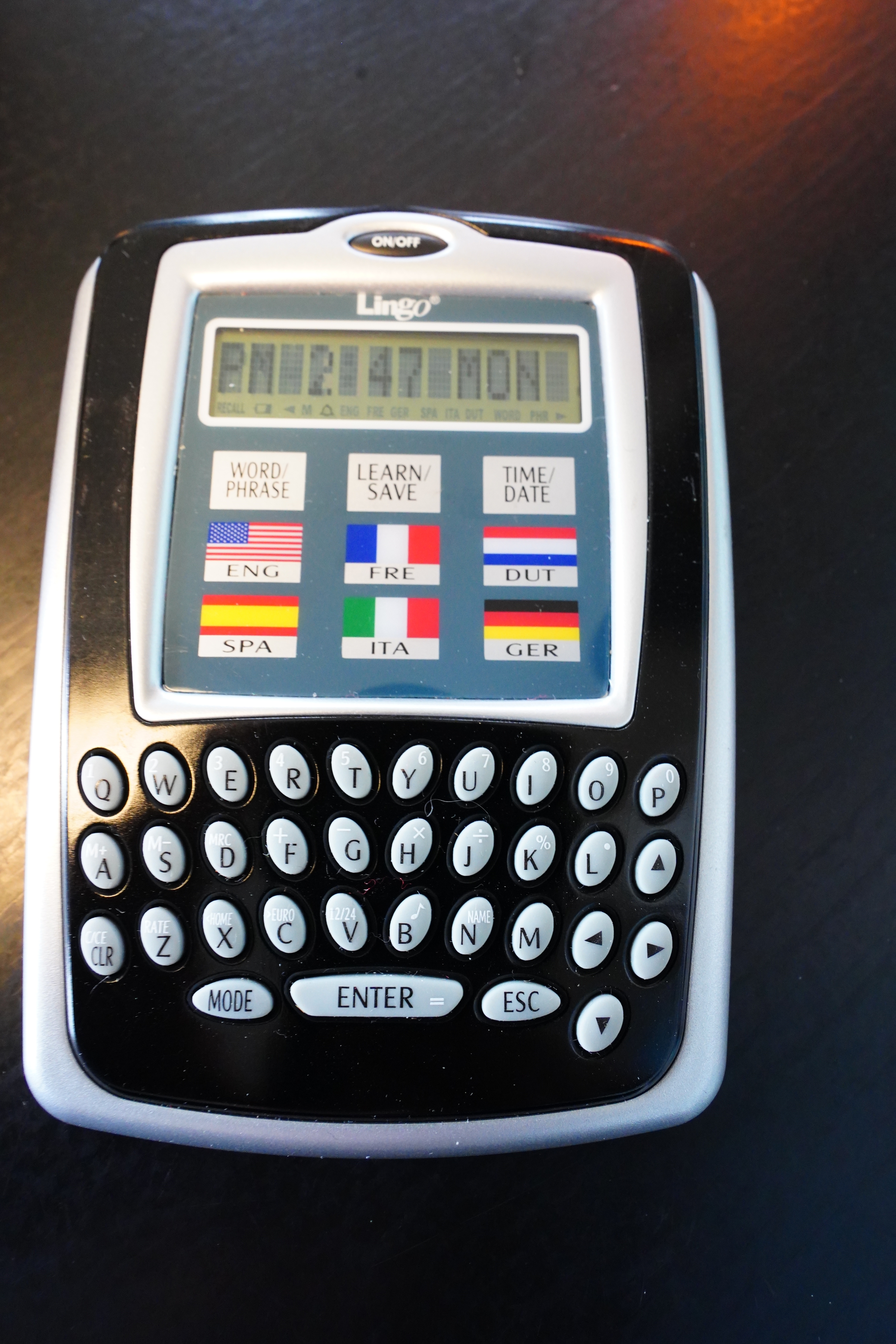
Hit the “on/off” button, and it’s instantly on. Very nice. But the default mode is… to show what time it is!?
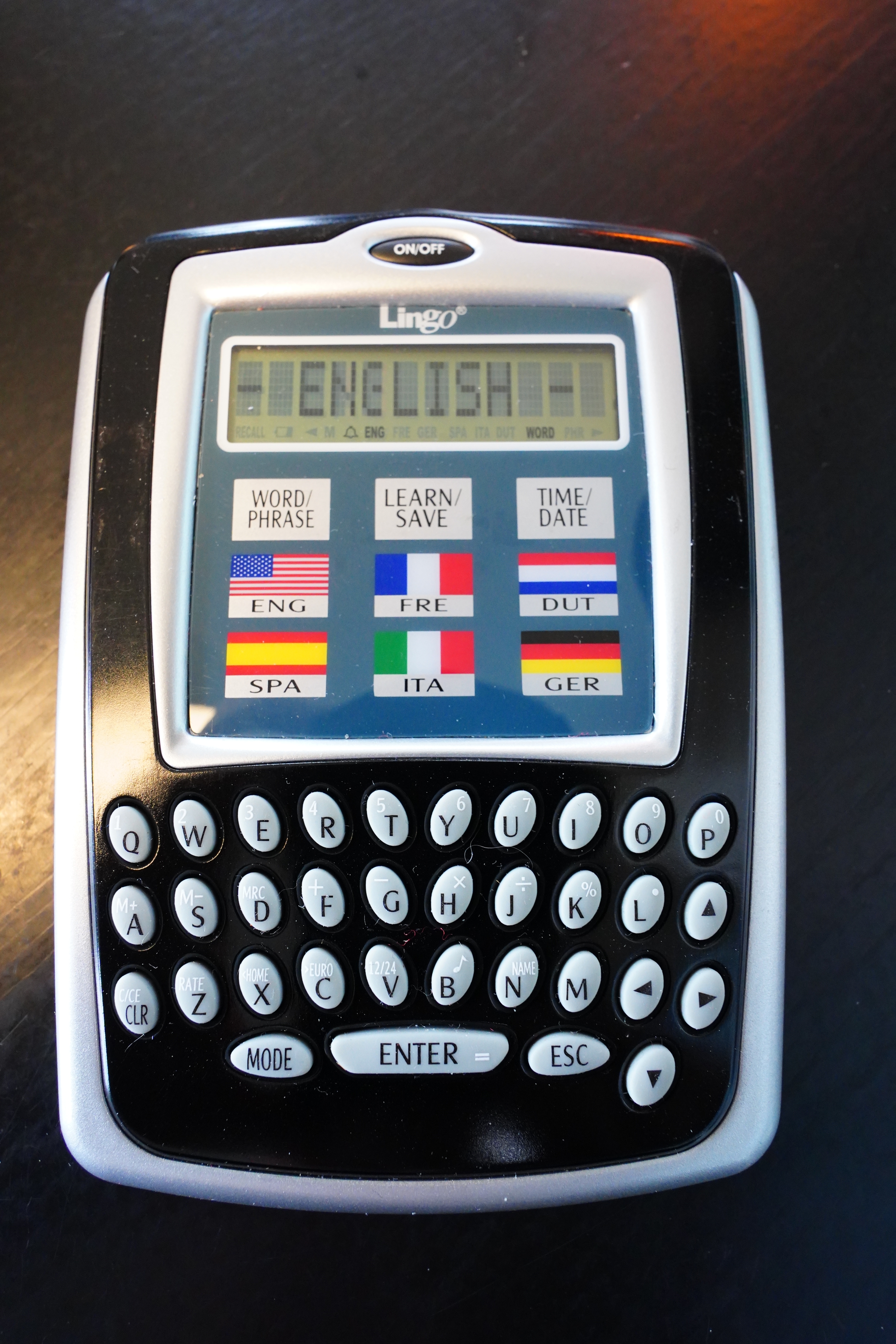
OK, so you hit the “mode” button to get to translation. And the default “from” language is English — and there’s no way to change that.
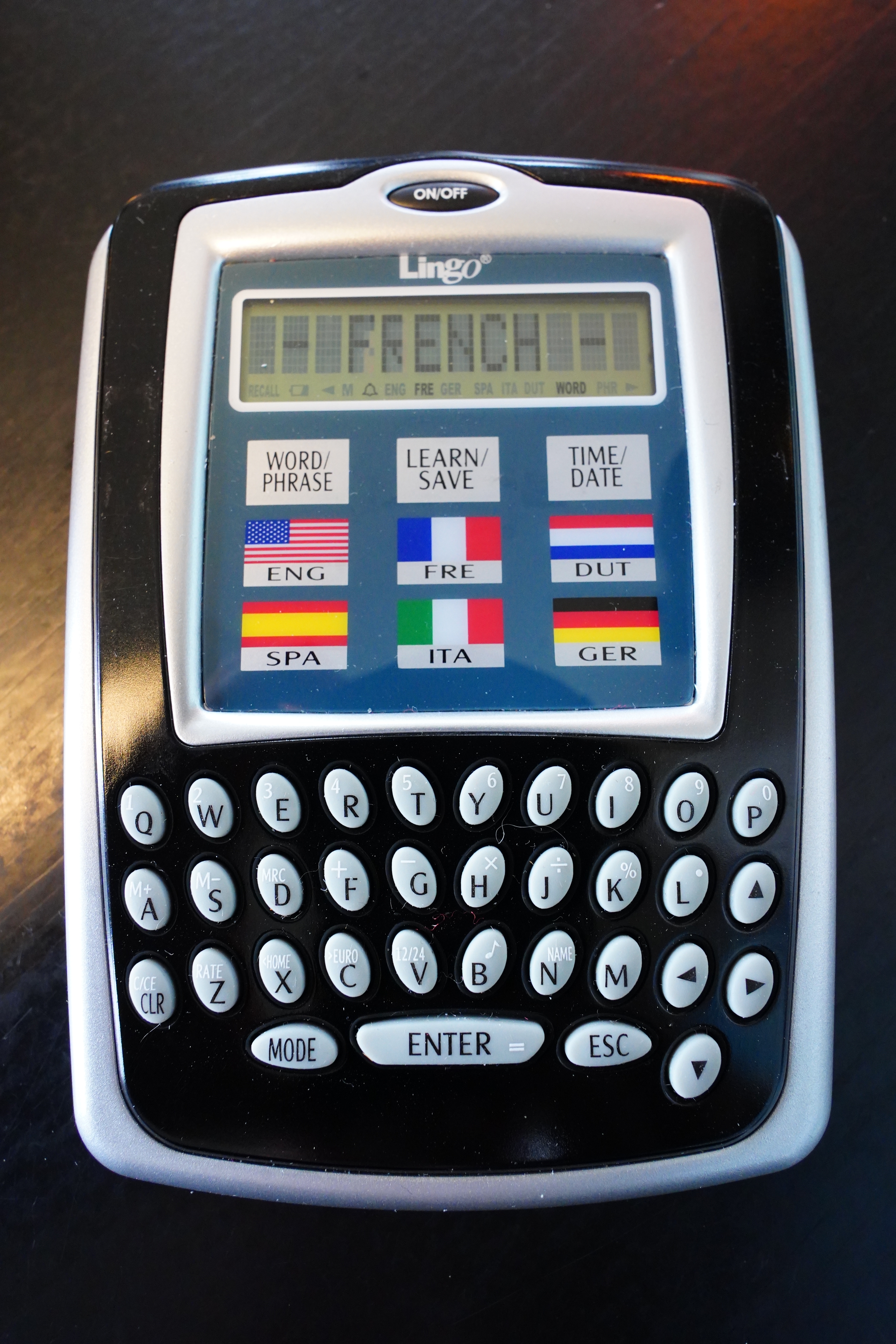
So you hit the French flag.
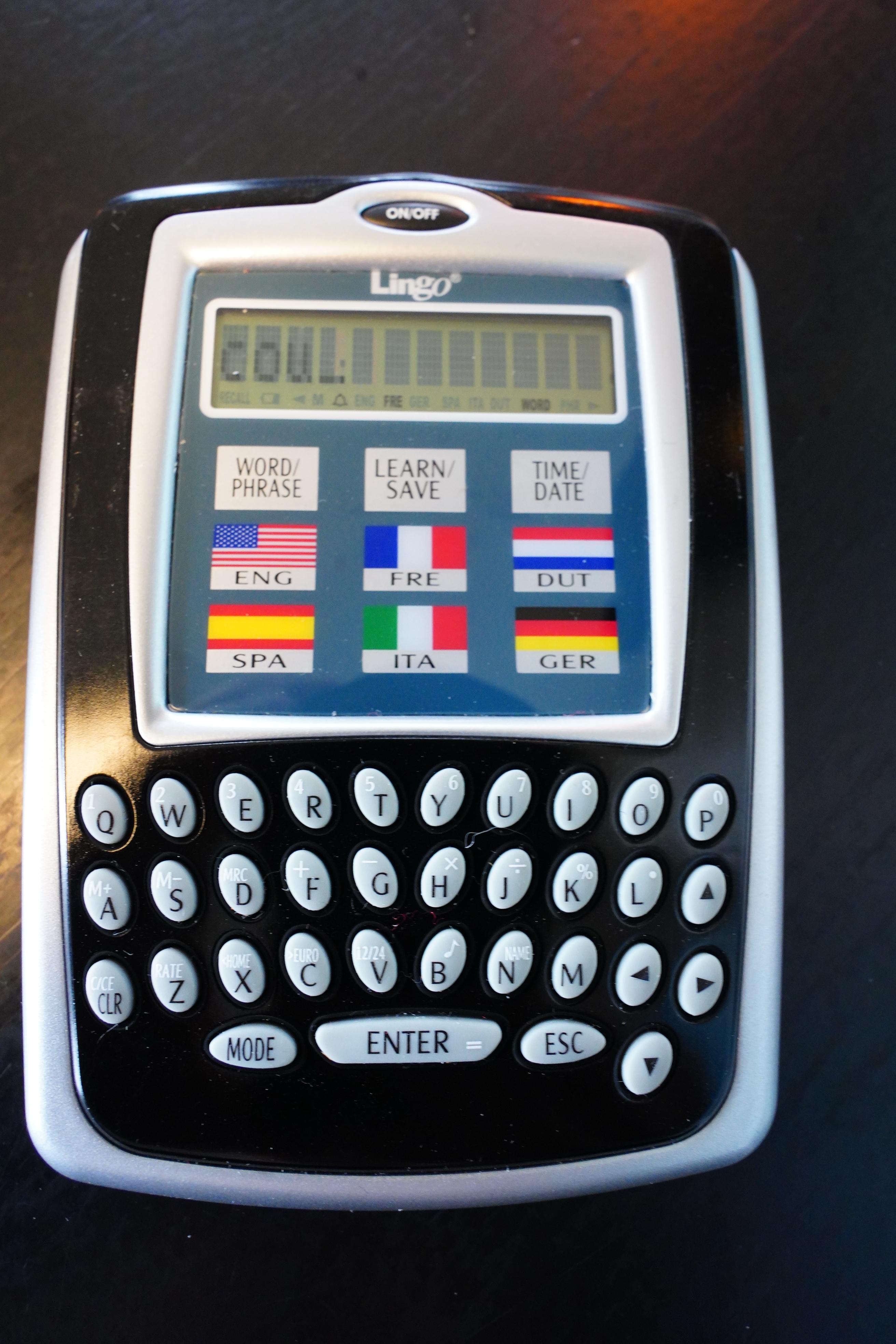
And then type “cou”.
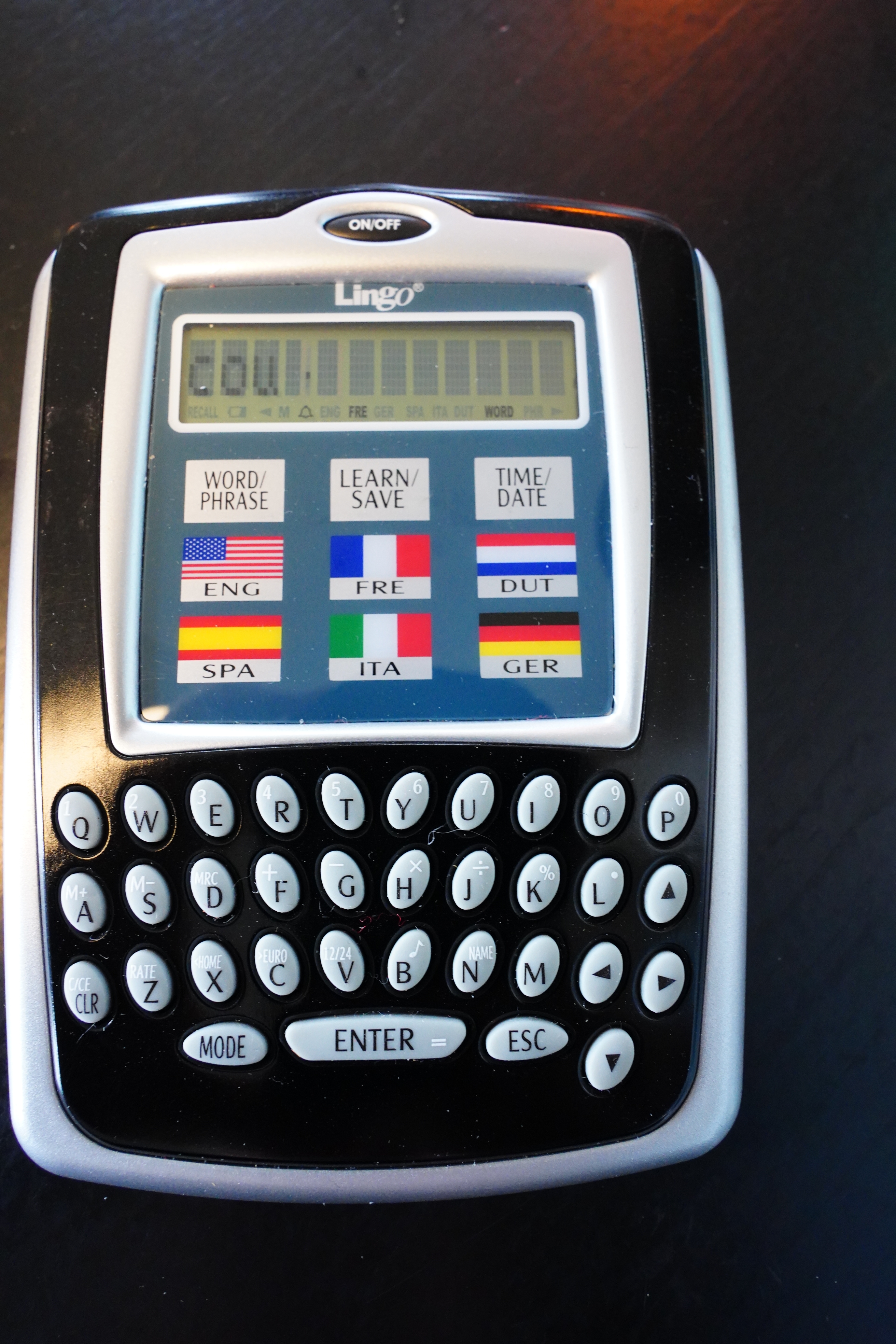
And then “enter”.
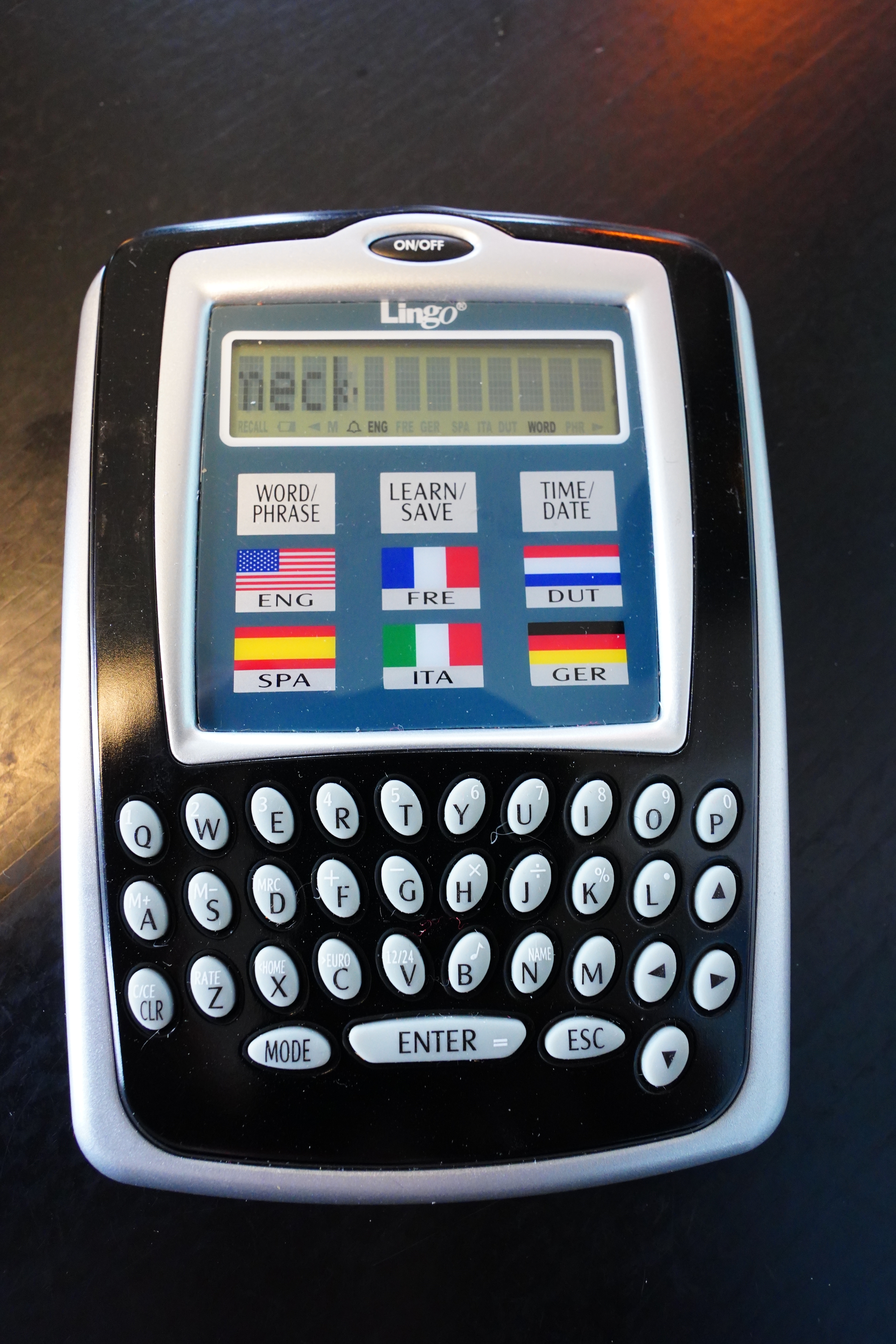
And then the English flag. “Neck”! I knew it!
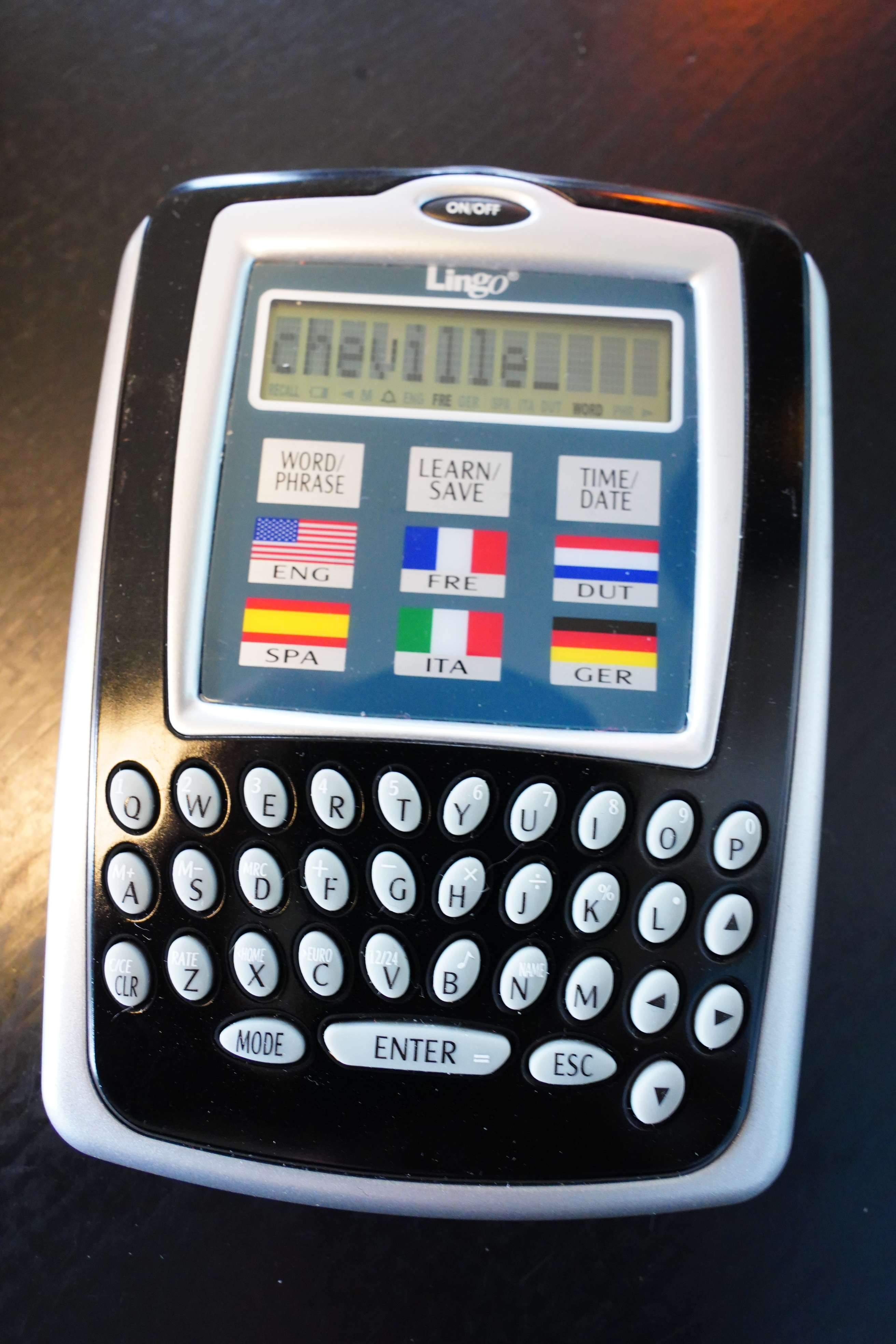
So what if you type a way more obscure word like “cheville” (“ankle”)?
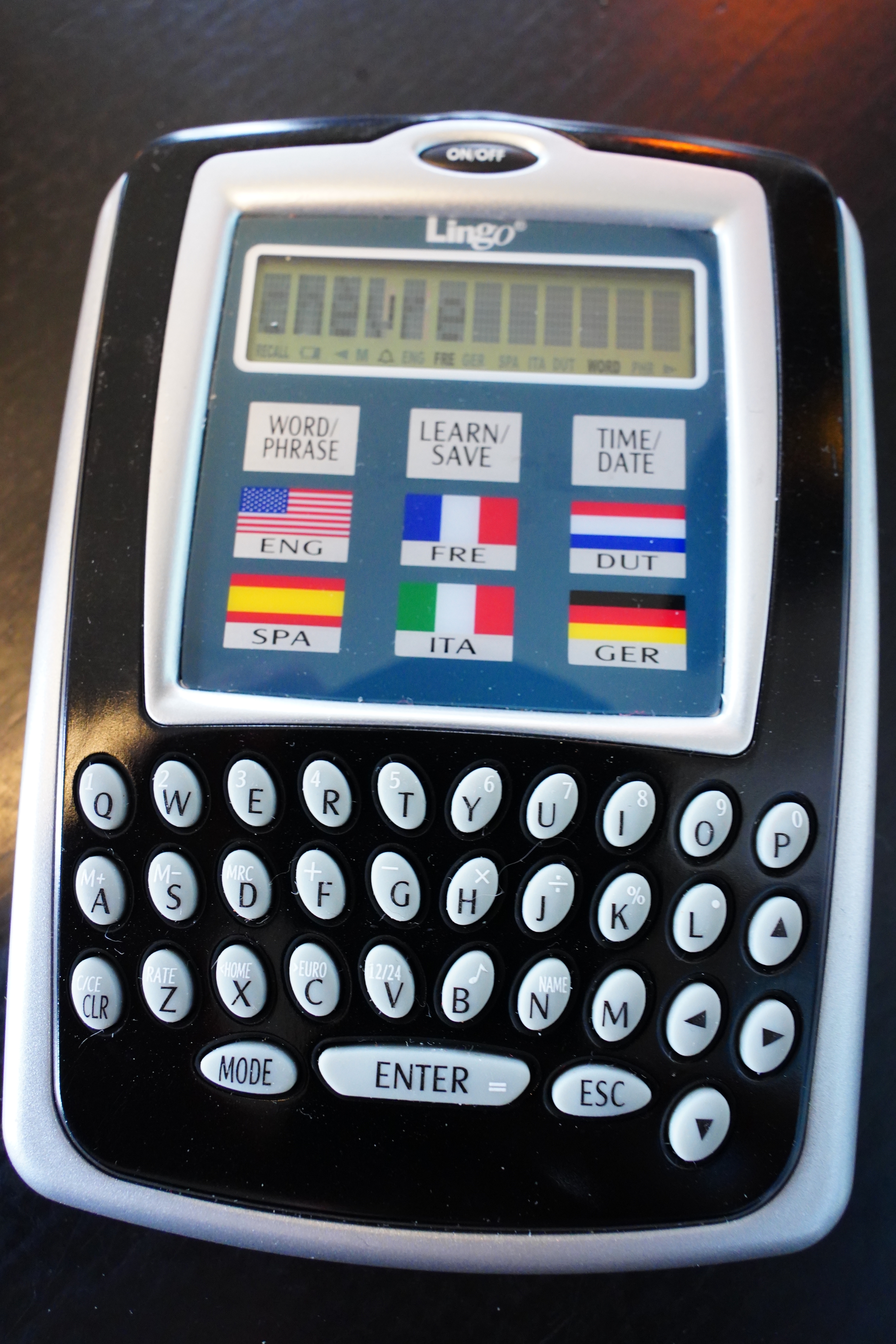
It’s not in the dictionary, so it selects “chèvre” instead. *sigh*
Video demonstration:
You can configure the “beep” away, which is nice, but otherwise not a whole lot of confing going on.
Oh, and why is the keyboard so messy with all the numbers and symbols over the letters?
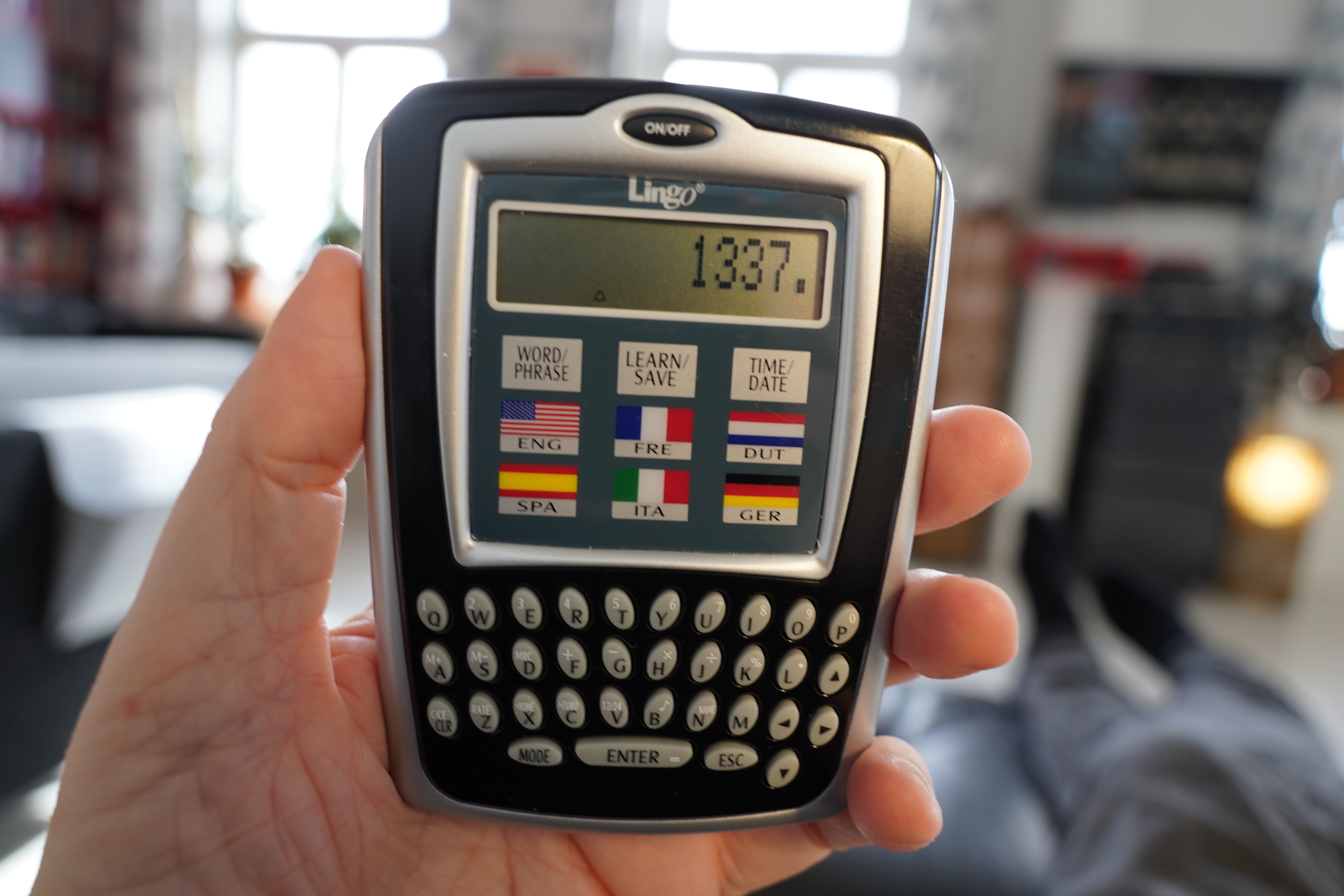
Yes, because it’s also a calculator. How useful!
So as I guessed, this is a cruel joke — the hardware is nice, but the UX is… is… Even if it’s (as you can see from the videos) much, much faster to use than a modern phone, let’s just say no users were involved in designing the UX. And the dictionary is so small that it’s just idiotic, anyway.
This is where you go “well, why don’t you use Siri!? It’s the best!” Well, first of all, I don’t have any such listening devices here, and second of all — “nice way to say ‘I don’t know French’ without saying ‘I don’t know French'”.
“Siri, what does ‘ver’ mean? No, not ‘vers’. No, not ‘vert’. No, not ‘verre’. ‘Ver’! ‘Ver!'” (“Worm”, “towards”, “green”, “glass”.)
Anyway, amusing device, but it doesn’t help me with my original problem: Having a frictionless translator thingie by my reading chair.
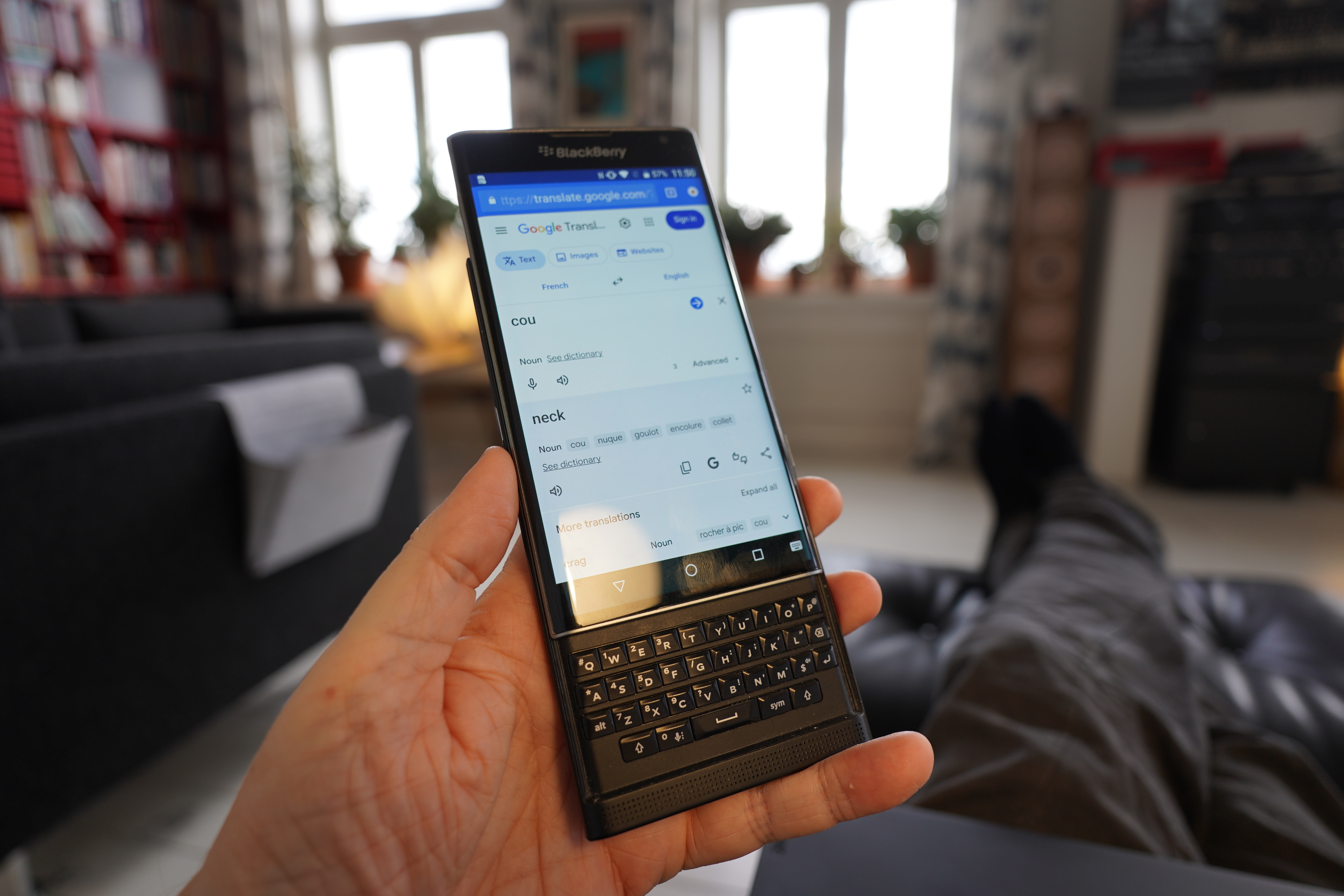
I’ve got an old Blackberry Priv. If confed without a pin, it can be woken up fast and stuff. And the keyboard is nice. Google Translate is possible to use on it, but it’s otherwise so old that I can’t even log in to Google Play to upgrade Google Play so that I can install a better translation app.
But I guess if I applied myself, I could fix that — sideload an app, or write one myself. The bigger problem, though, is that I don’t want yet another device that I need to charge all the time. I tested the Priv, and it seems to hold the charge for about four days before needing recharging, and that’s just too annoying. If I had a device that used magcharge (as a friend suggested), that would help — I could just have the charging thing on the table here, and it could sit on it normally.
But… even more clutter! And wires! And it’s really too big! Gah.
So I’m asking: Has somebody made a nice little device for a single use case like this? Like… I envision an epaper device with a physical keyboard, small and handy — a screen not bigger than, say, four inches, that’s instant on, and has a battery that lasts for months when it’s powered off. And that’s programmable so that I can put some simple app on it, and it has to be powerful enough that it’s not too annoying to write that app for it.
Preferably without too much Android and stuff, because Android has a tendency to do stuff like this at random:
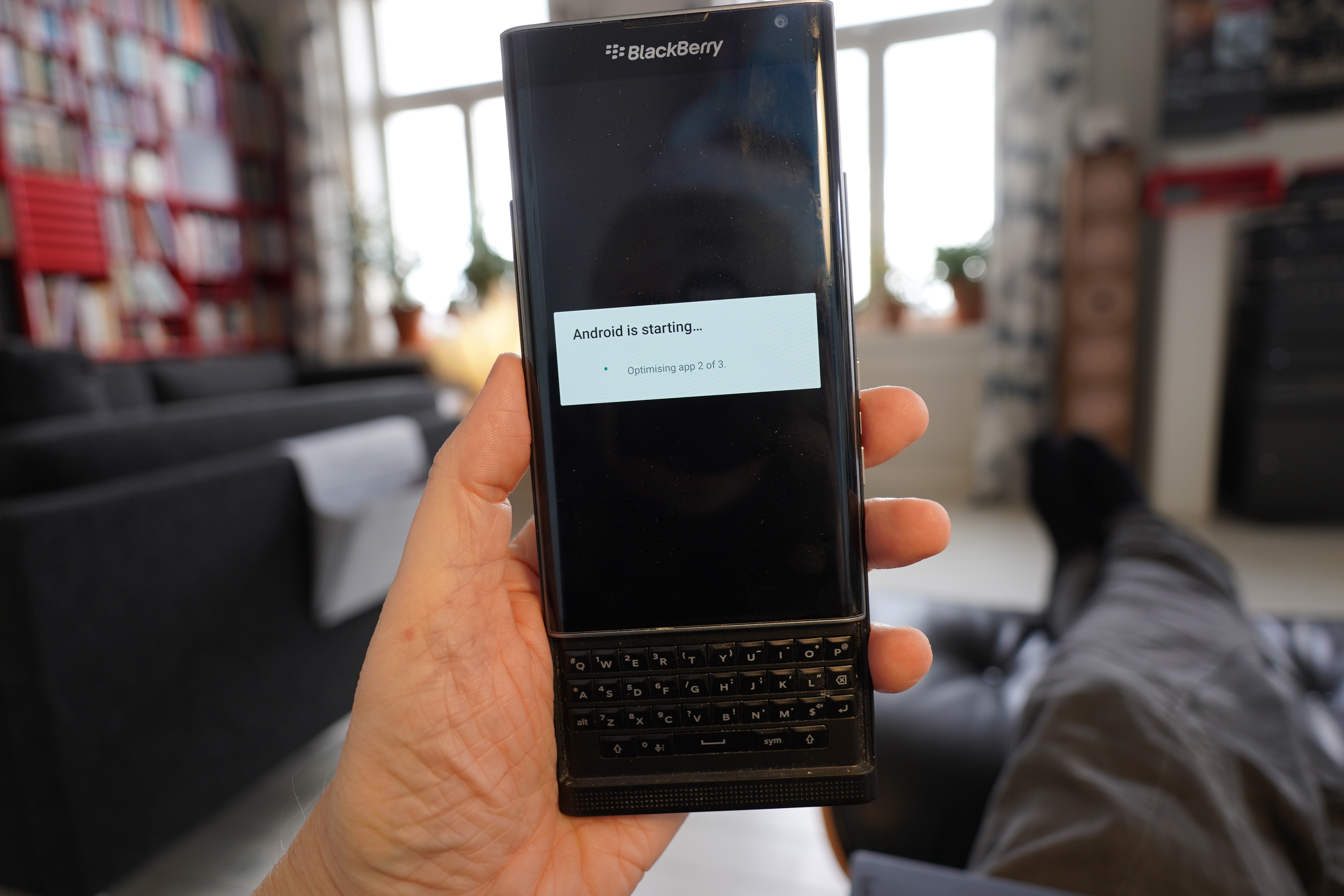
Just a gadget gadget, and not some entire computer that suddenly decides that it’s going to update itself.
Is this too much to ask for!?