

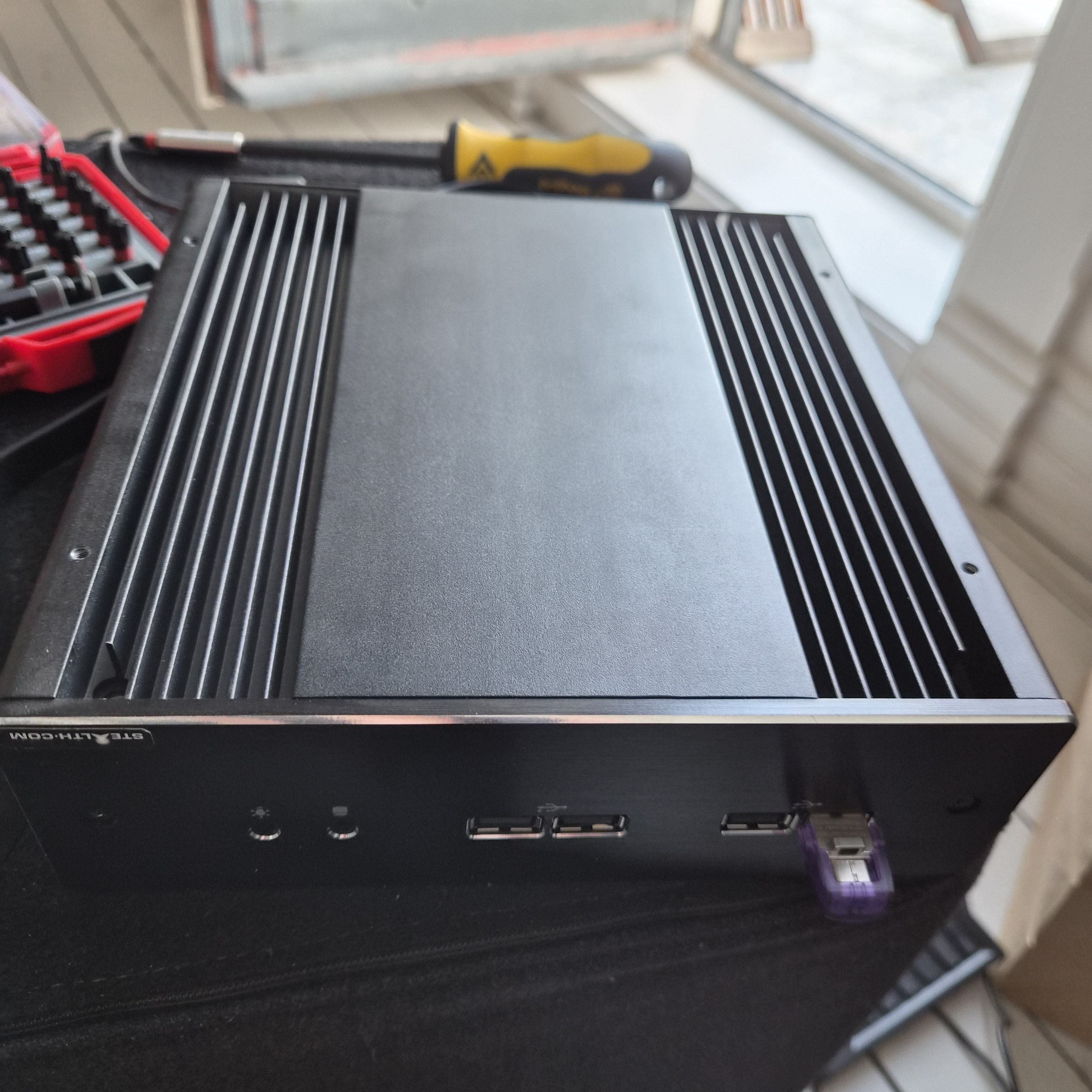
I’ve been pulling things down from the loft storage to see whether to keep, sell, give away or throw away, and I’ve been making a lot of progress on that project. But it means finding things like the above (a fanless little computer from StealthPC), which I have absolutely no recollection of, and then trying to see if it boots or not.
For no particular reason, I’ve been using the Ubuntu Live image to do so, and, sure, it’s slow and cumbersome, but… old habits die hard?
On this one, it booted fine, but then during startup, it just hung forever. So I tried a Debian Live image, and similar thing — it started the desktop, but then hung and was unresponsive.
So I opened up the machine to see whether I could glean something from the innards…
*gasp* No disk! I mean, not that that should make a difference…
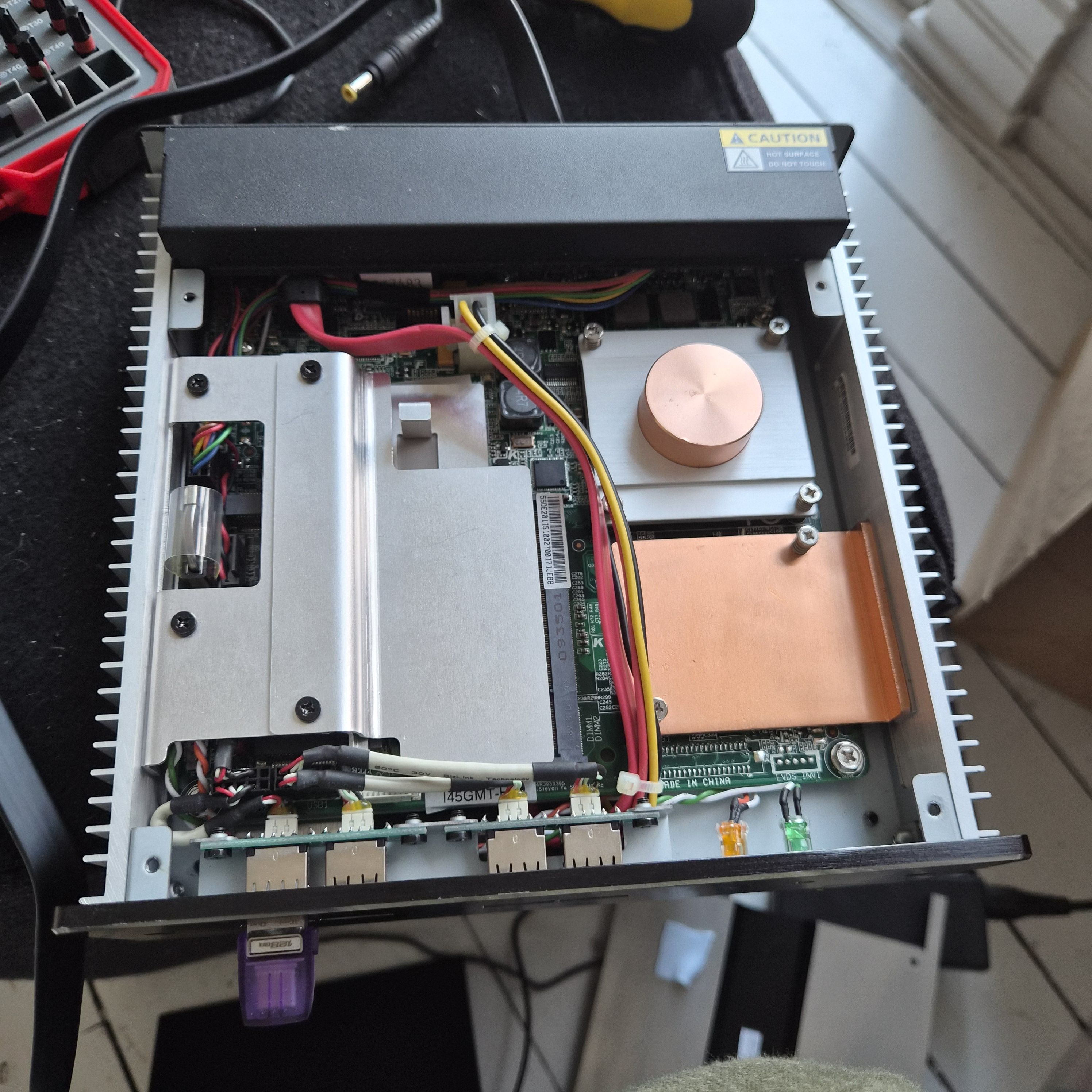
And this is what it looks like on the other side.
Anyway, I’m writing this blog post just to remind myself (and the world) that SystemRescue exists, and is a much, much more sensible thing to use to explore machines like this: It doesn’t start up an entire desktop, for one. And that was apparently the problem with this machine: It only has 2GB RAM! The CPU is a Intel Core 2 Duo P8400, so I guess the machine is from around 2008? Almost twenty years old…
Well, onto the next gadget to triage.